


Pocket Gallery
- By
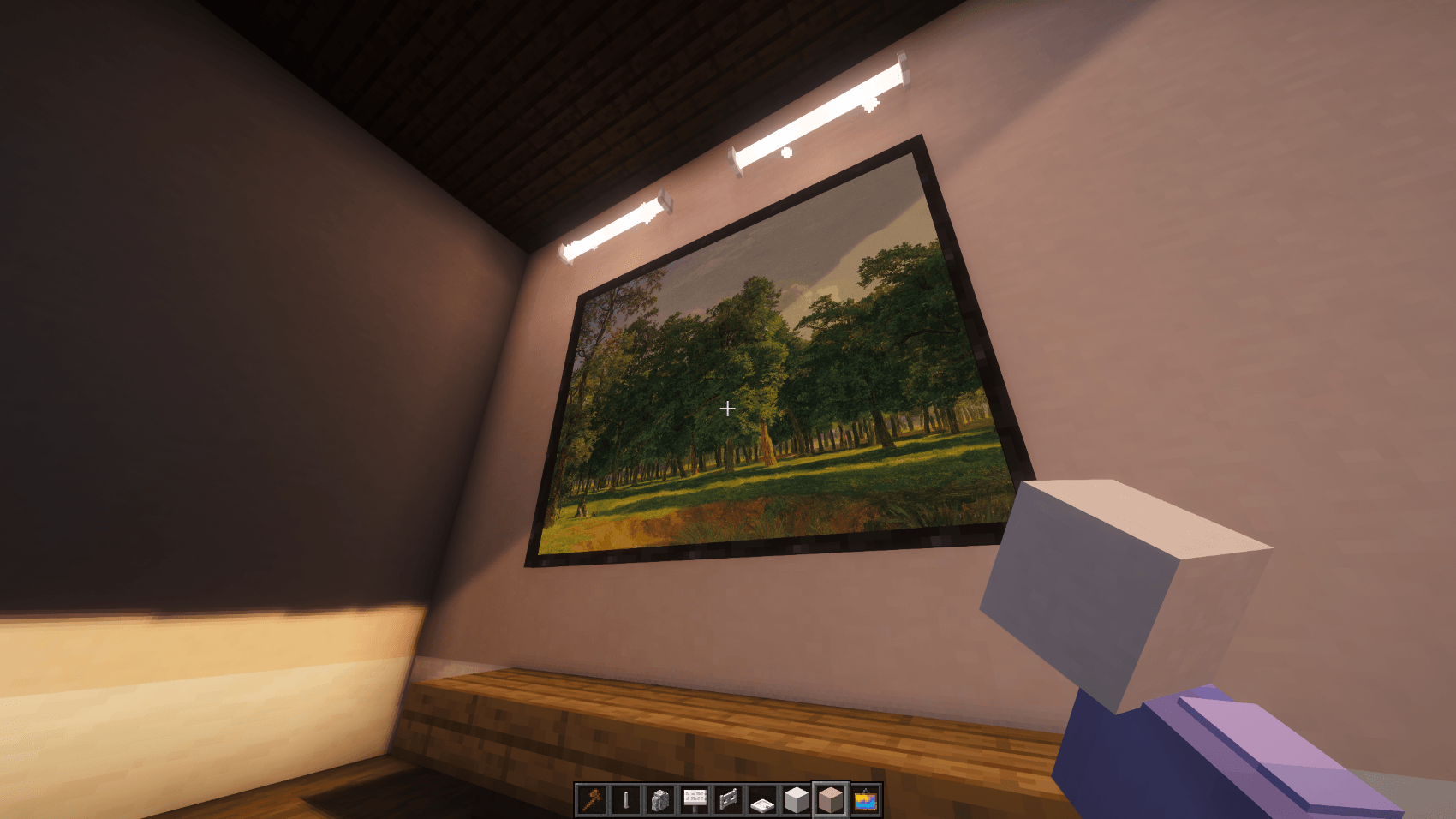
2026-09-28_17.24.03.png
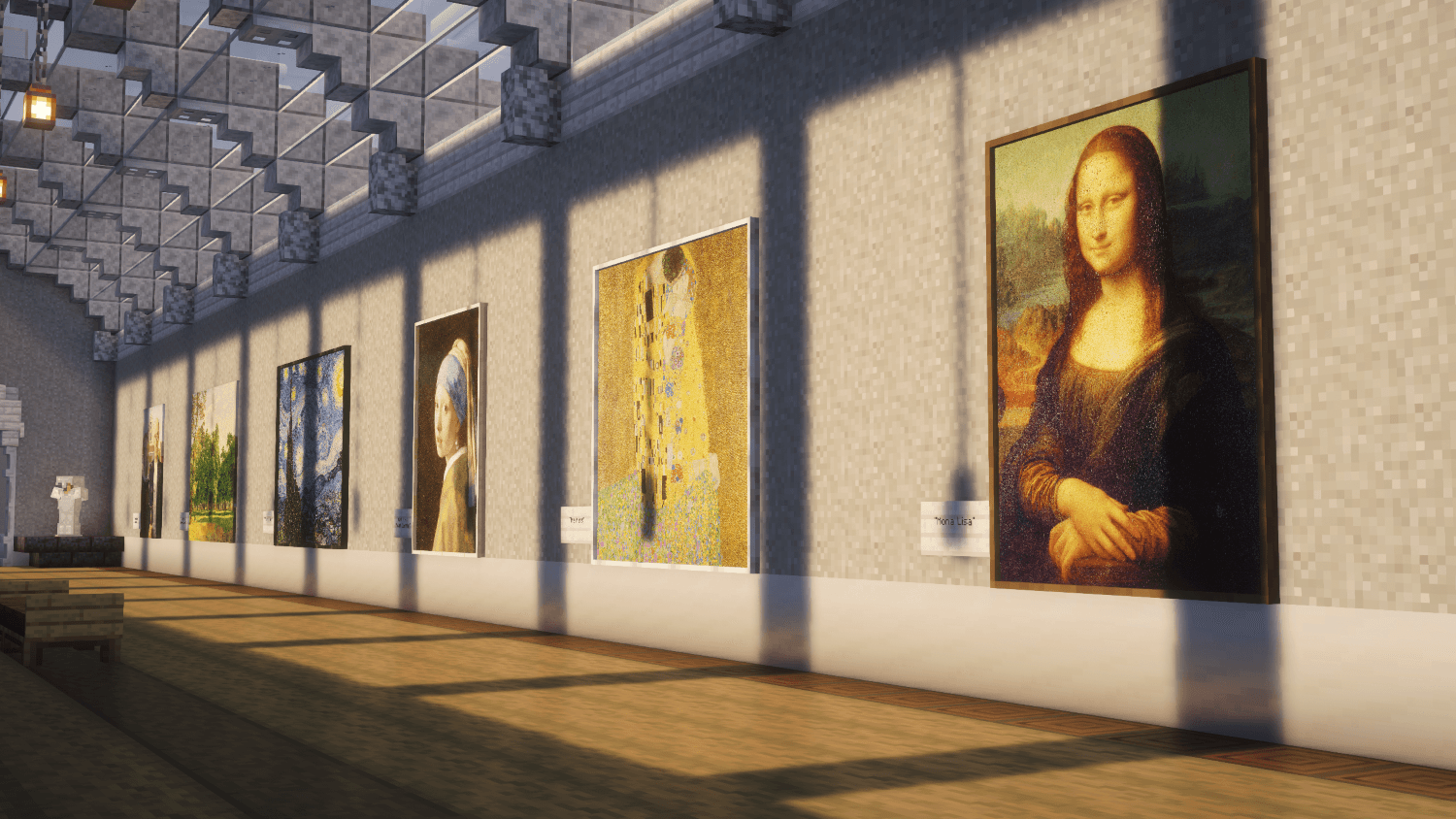
2026-09-28_17.56.12.png
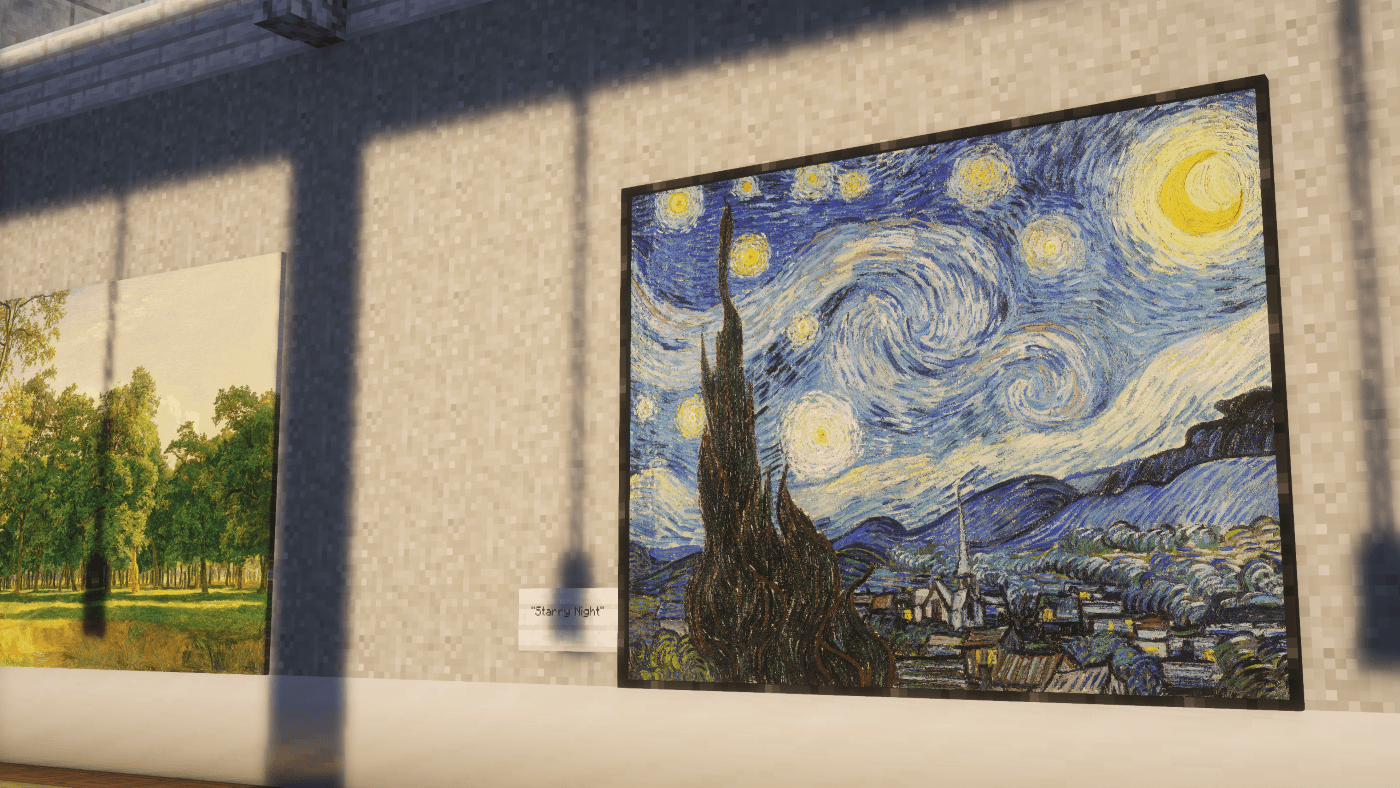
2026-09-28_17.56.55.png
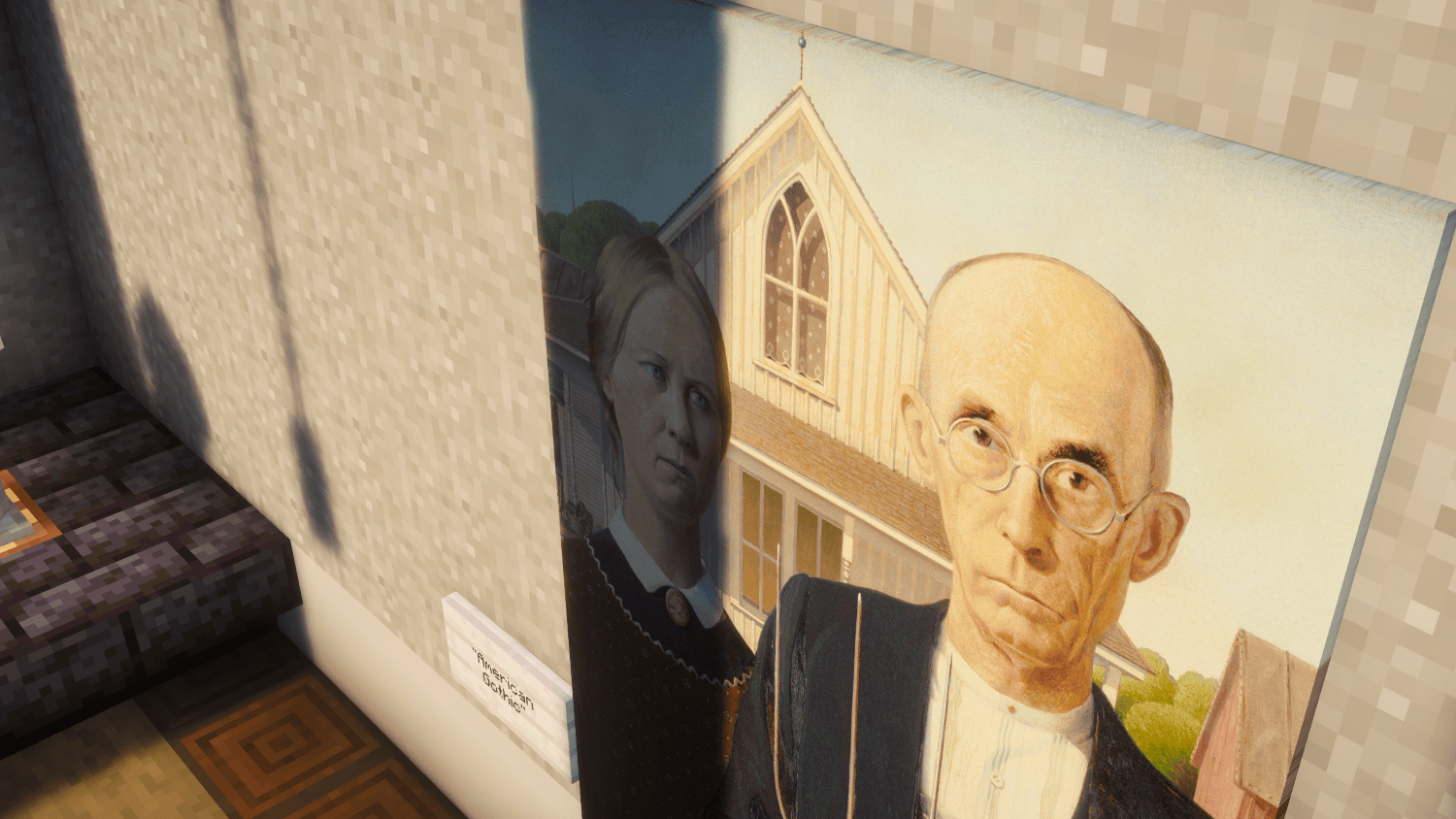
2026-09-28_17.57.14.png
2026-09-28_17.57.52.png
Description
🖼️ Pocket Gallery 🖼️
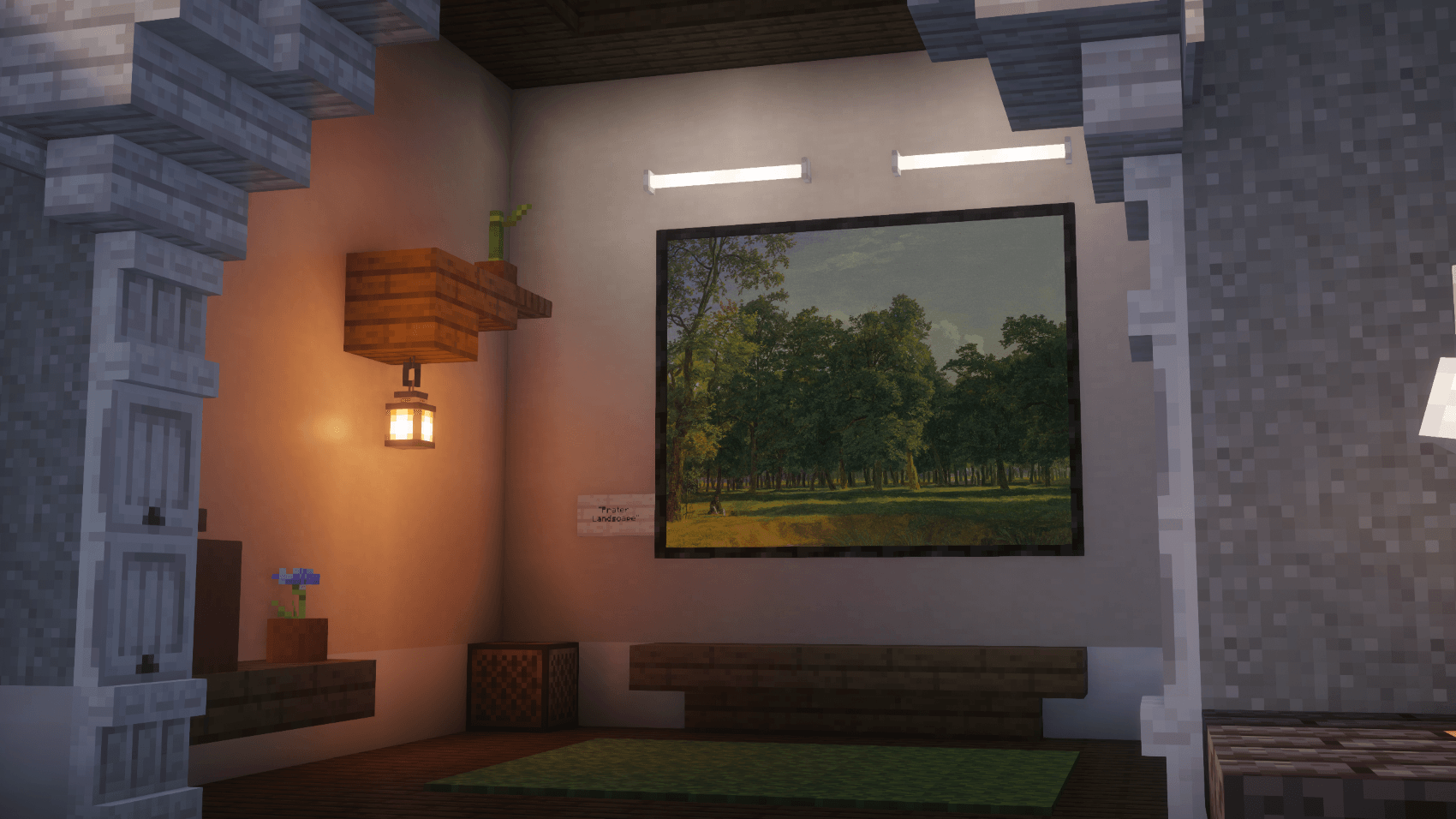
- Bring real art into your Minecraft world! Tired of hunting down images, resizing them, and uploading them one by one? Pocket Gallery puts a full art gallery in your pocket: browse world-famous masterpieces, stunning photography, or your own pictures, and hang them as paintings in just a few clicks.
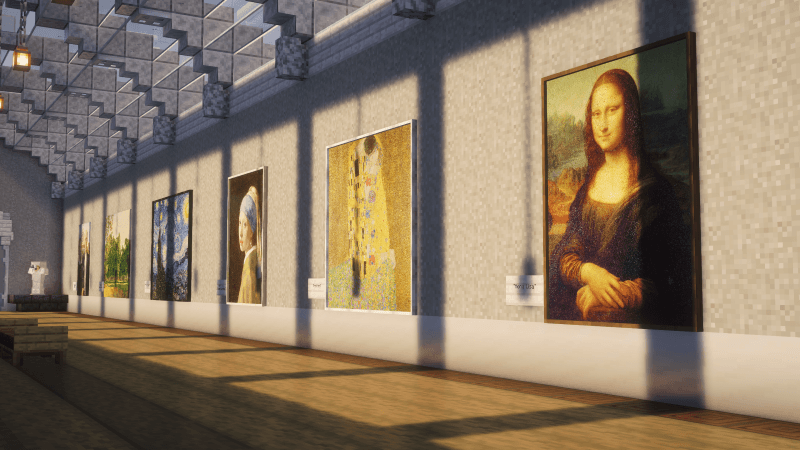
🏛️ Straight from the Musuem
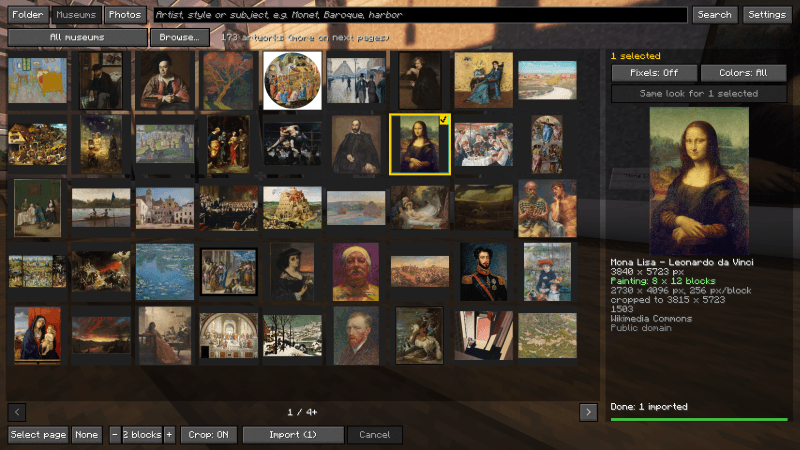
- World-Class Collections: Browse thousands of public-domain paintings from museums such as the Art Institute of Chicago, The Met, and the Cleveland Museum of Art.
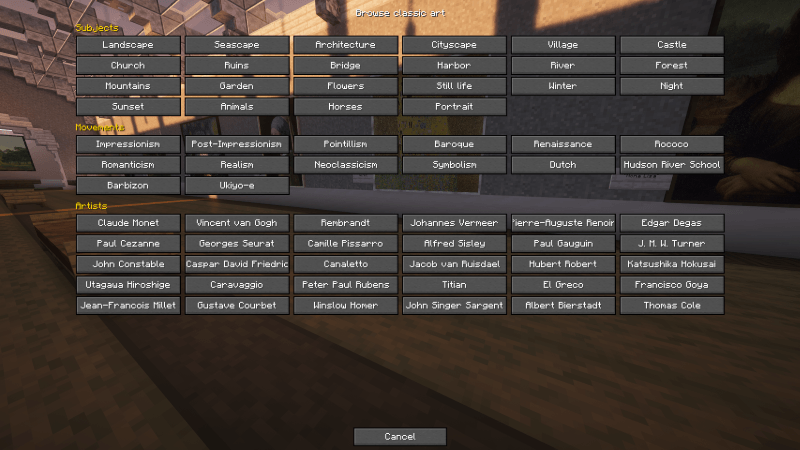
- Browse Your Way: Explore by subject, art movement, or artist. Find Van Gogh, Monet, Rembrandt, and many more in seconds.
- Free to Use: Every museum painting is public domain, so you can decorate your world worry-free.
📷 Real-World Photography
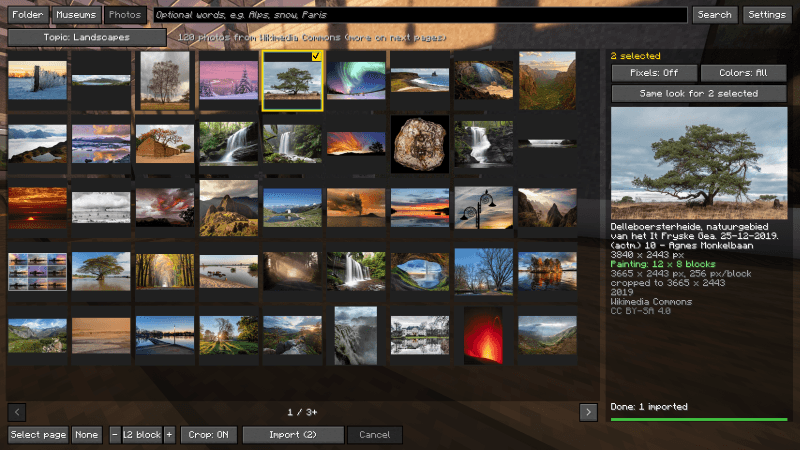
- Featured Photos: Pull high-quality featured pictures from Wikimedia Commons: landscapes, castles, churches, wildlife, and more.
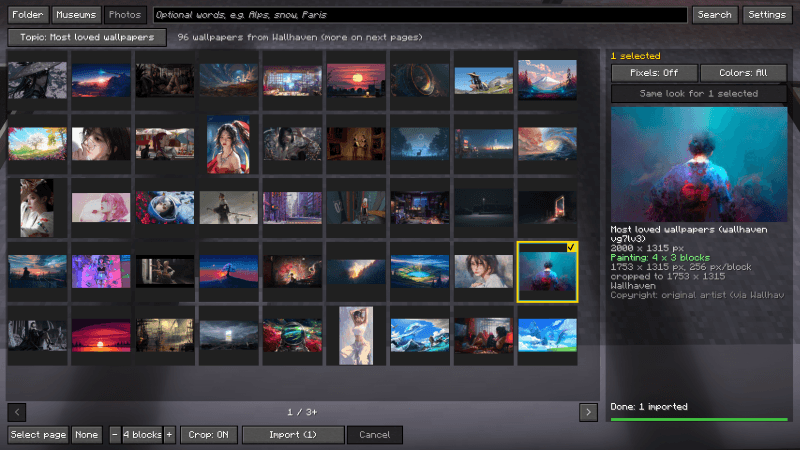
- Digital Wallpapers: Copyright free wallpapers available to decorate in whatever style you want.
📁 Your Own Images
- Just Drop Them In: Put your own PNG, JPG, WebP, BMP, or GIF files into your `paintings` folder, and they show up in the gallery, subfolders included.
- Share Your Memories: Screenshots, family photos, fan art you made, anything you like.
🎨 Pixel Look
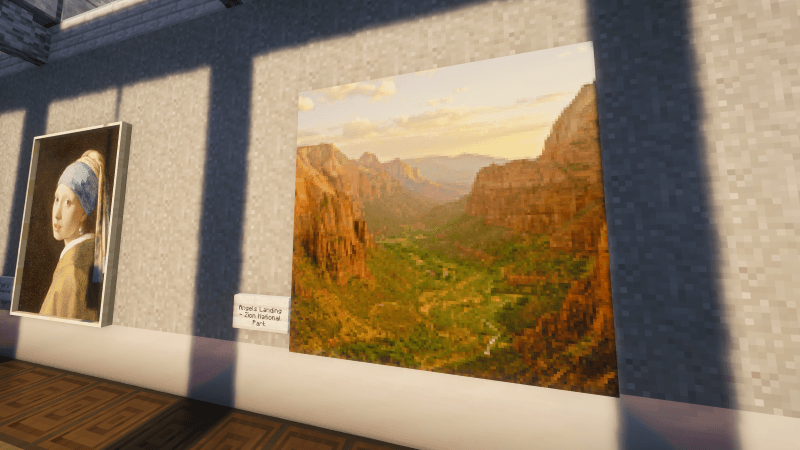
- Make It Fit In: Turn any image into a Minecraft-style texture, from 16x up to 256x pixels per block.
- Retro Palettes: Reduce colors to 64, 32, 16, or 8 for a classic pixel-art feel.
- Live Preview: See exactly how it will look before you hang it.
🎞️ Animated Paintings
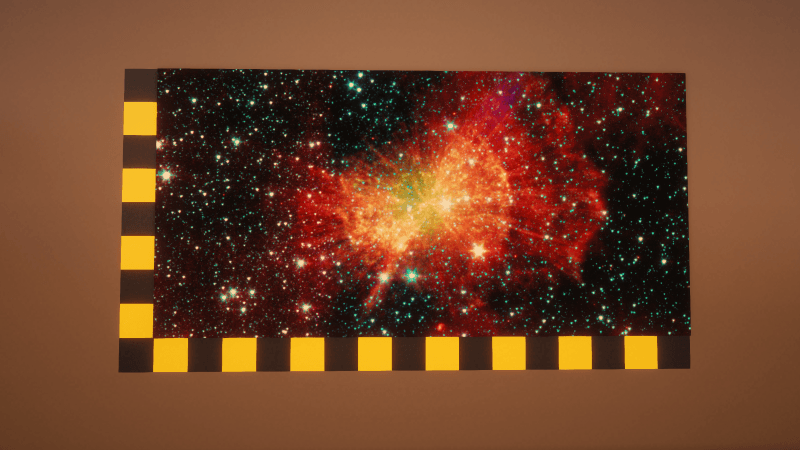
- GIFs: Animated GIFs play right on the wall. Customize duration and speed of GIFs easily from the menu.
📐 Smart & Simple
- Auto Sizing: Paintings size themselves from the image's shape and crop to fit, so there's no math and no stretching.
- Full Quality: Images keep their original detail, up to 4096 pixels per side.
- Bulk Import: Select multiple images at once and they're added one after another automatically.
- Stay Organized: Paintings are tagged by source (Museum, Photo, Folder), and a source filter keeps your collection easy to browse.
- Stunning Size: Customize paintings anywhere from 1x1 to 16x16.
🔗 Requirements
- Immersive Paintings is required and must be installed separately. Pocket Gallery is an add-on that makes getting art into it quick and easy.
- Pocket Gallery is client-side. Immersive Paintings handles sharing, so everyone on a server can see the paintings you hang.
🌐 Good to Know
- Pocket Gallery downloads images from online sources (museum collections and Wikimedia Commons) when you browse them. Downloads are cached so they aren't fetched twice.
- Paintings you hang are uploaded through Immersive Paintings and shown to everyone on the server, so only hang images you have the right to share.
❤️ Credits
A huge thank-you to Luke100000 for Immersive Paintings, which Pocket Gallery is built on. Museum images are courtesy of the Art Institute of Chicago, The Met, and the Cleveland Museum of Art open-access programs, and photos come from Wikimedia Commons and others.
Pocket Gallery Team
