Capabilities
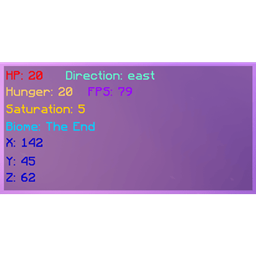
Adds a special compass that can find the player's coordinates and dimension.
The compass can be set up using command /pfc setup <player> <enable(true/false)> <cooldown(integer, in ticks)> (you need to hold the compass in your main hand and be an operator to use this command).
This compass also has a cooldown system. It can be used to, well, apply a cooldown after use. If you don't want cooldown, input 0 in the command.
Example command: /pfc setup BSoD true 200
This command will set the target as BSoD, enable finding and set the cooldown to 200 ticks.
Also you can reset the cooldown for you by using /pfc resetCooldown
You can also disable/enable the cooldown display using the command /pfc showCooldown <true/false>
Also, you can disable/enable the particles using the command /pfc showParticles <targetSide/ownerSide> <true/false>
The compass has 3 states:
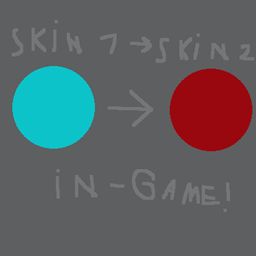
Ready (light blue)
On cooldown (orange)
Disabled (red)
You can disable the compass by sneaking and right-clicking with the compass.
This compass can only find ONE player at a time, and CAN'T be used to find entities!
Changelog
19.09.2025 - v1.0.0
If you notice any bugs, report them in the comments!
The PFC - Player Finding Compass Team