Player Camera Zoom
- By
Smooth camera zoom with scroll controls, entity focus blur, and animated panels showing names and possible drops.
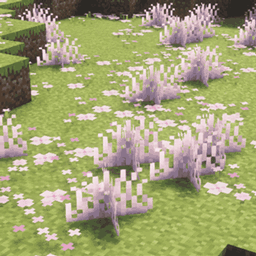
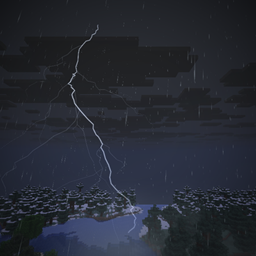
Player Camera Zoom lets you take a closer look at your Minecraft world with smooth zoom, adjustable magnification, and focused entity information.


Features
- Smooth zoom: Hold C to zoom and use the mouse wheel to adjust magnification.
- Responsive camera: Normal mouse movement returns immediately when you release the zoom key.
- Clear view: Your hands and held items stay hidden during zoom.
- Zoom indicator: A compact side scale displays your current magnification.
- Entity focus: The background becomes blurred while the entity you are looking at stays clear.
- Animated information panel: View the entity’s name and possible drops, with item icons and Minecraft-style frames.
- Modded entity identification: Entities added by mods display a colored MOD label.
- Targeting through plants: Look at entities through tall grass and small plants. Solid blocks still obstruct targeting.
- Optional server support: Install the matching build on the server to provide server-side loot information.
Controls
Hold C to zoom. Scroll while holding the key to zoom in or out. You can change the zoom key in Minecraft’s Controls menu.
Player Camera Zoom Team

Owner