Play as a Dragon [Book of Dragons]
- By
Plugin for Book of Dragons that allows you to play as or spawn your own customised dragon.
Description
Play as a Dragon
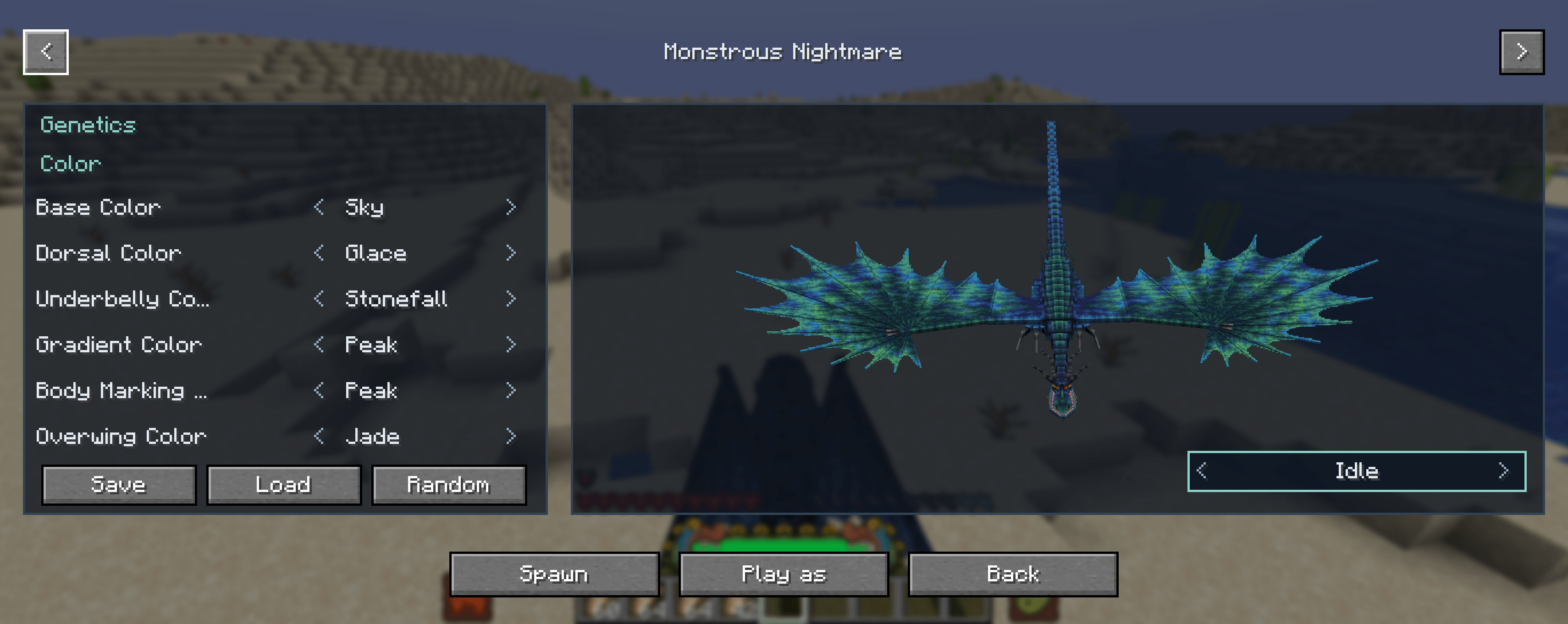
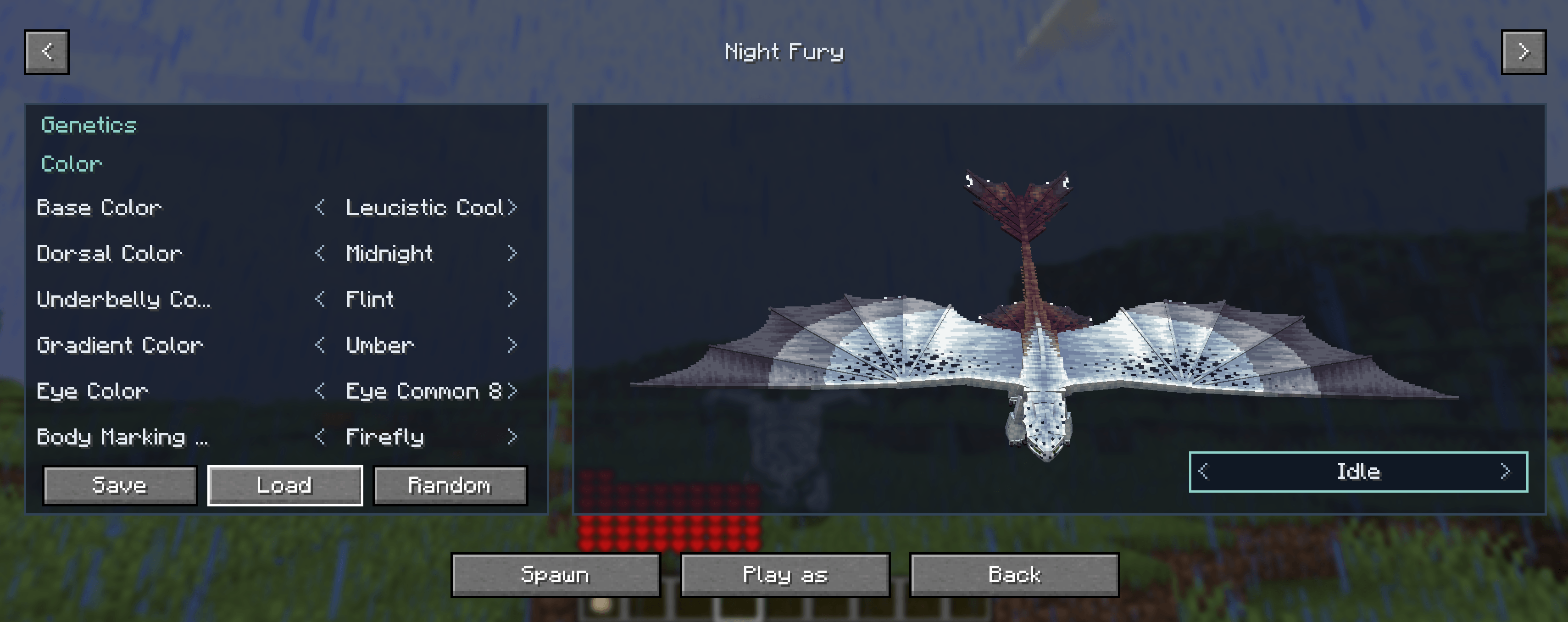
Open a dragon studio from the pause menu. Preview any Book of Dragons dragon, paint its genetics, save the look, spawn it, or play as it with flight and abilities unlocked.
Requires NeoForge 1.21.1, FAUNA Engine, and Book of Dragons.
The menu
- Press Escape and choose Play as a Dragon.
- The top arrows change which dragon is in the preview.
- The genetics list cycles each color, marking, and structure. The same option looks the same when you come back to it.
- Drag with the left mouse button to turn the dragon. Drag with the right mouse button to slide it. Scroll over the preview to zoom.
- Type a name and press Save to keep that dragon and those colors. Press Load and click a preset to bring it back.
Spawn
Spawn is for operators and the singleplayer host. It places the previewed dragon in the world and leaves it there.
Play as
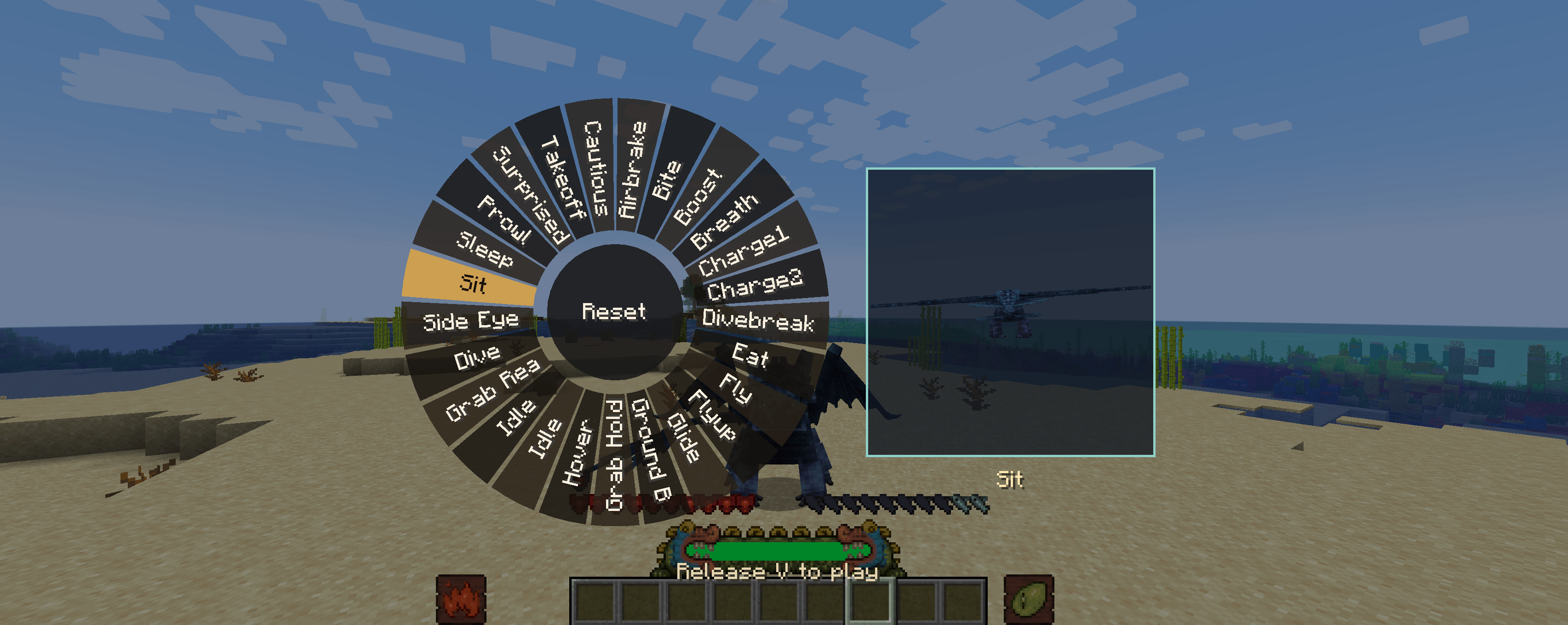
- Play as puts you on that dragon. Flight and its abilities follow your controls.
- The saddle is hidden while you are playing as it.
- Press X to turn the dragon’s shooting and right-click action off, so you can break and use blocks. Press X again to give those actions back to the dragon.
- A bite, including a Speed Stinger’s, does not hit you while you are the one playing as the dragon.
- Getting off, picking a different dragon, leaving the world, or coming back removes the dragon you were playing as. Spawned dragons stay.
DISCLAIMER:
Many features are still in testing and may not be perfect
Play as a Dragon [Book of Dragons] Team