Plan Tablet
- By
java_4SxuOfqaCU.png
java_CEiLr0Su1C.png
java_Ke86sOAwIH.png
Description
Plan Tablet adds a handy tablet to Minecraft 1.20.1 that helps you plan construction, resource extraction, and crafting right in the game. All entries, tasks, drawings, recipe tree and HUD settings are saved in the NBT of the item itself — the contents remain with the specific tablet after leaving the world.
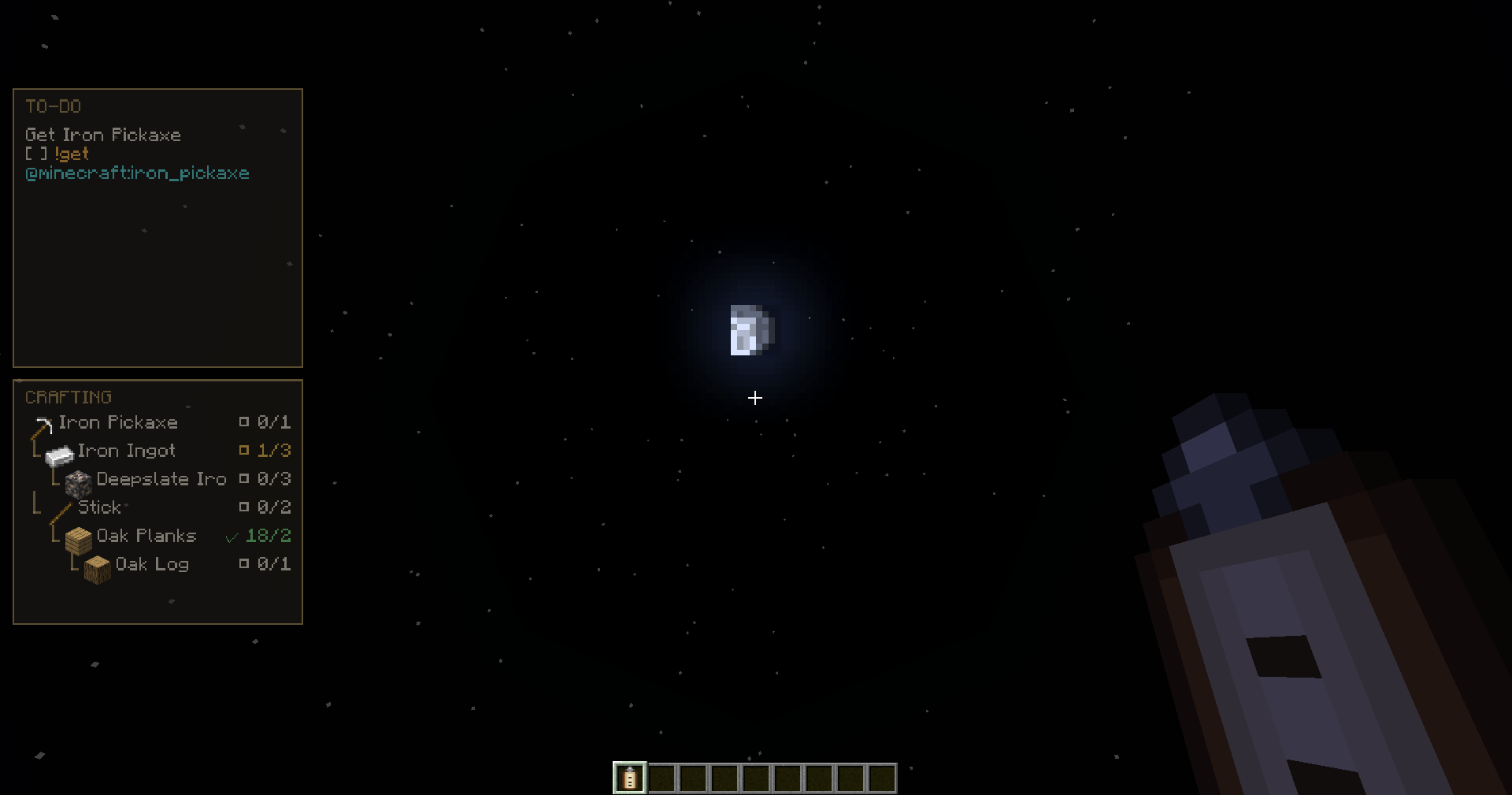
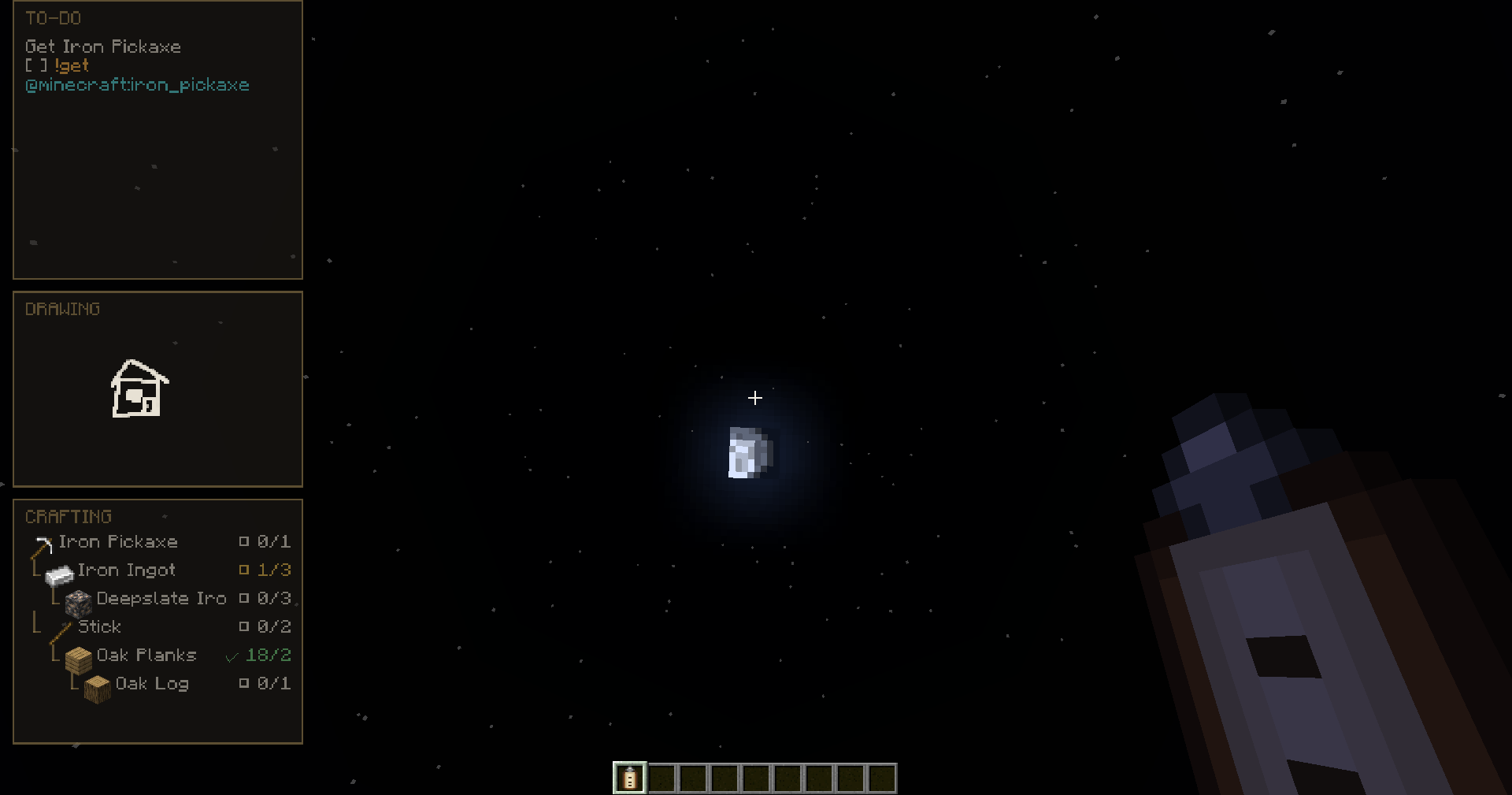
The editor provides notes divided into arbitrary groups, to-do lists, simple drawings, and an interactive crafting tree. The syntax of the plans supports color actions and item references, for example
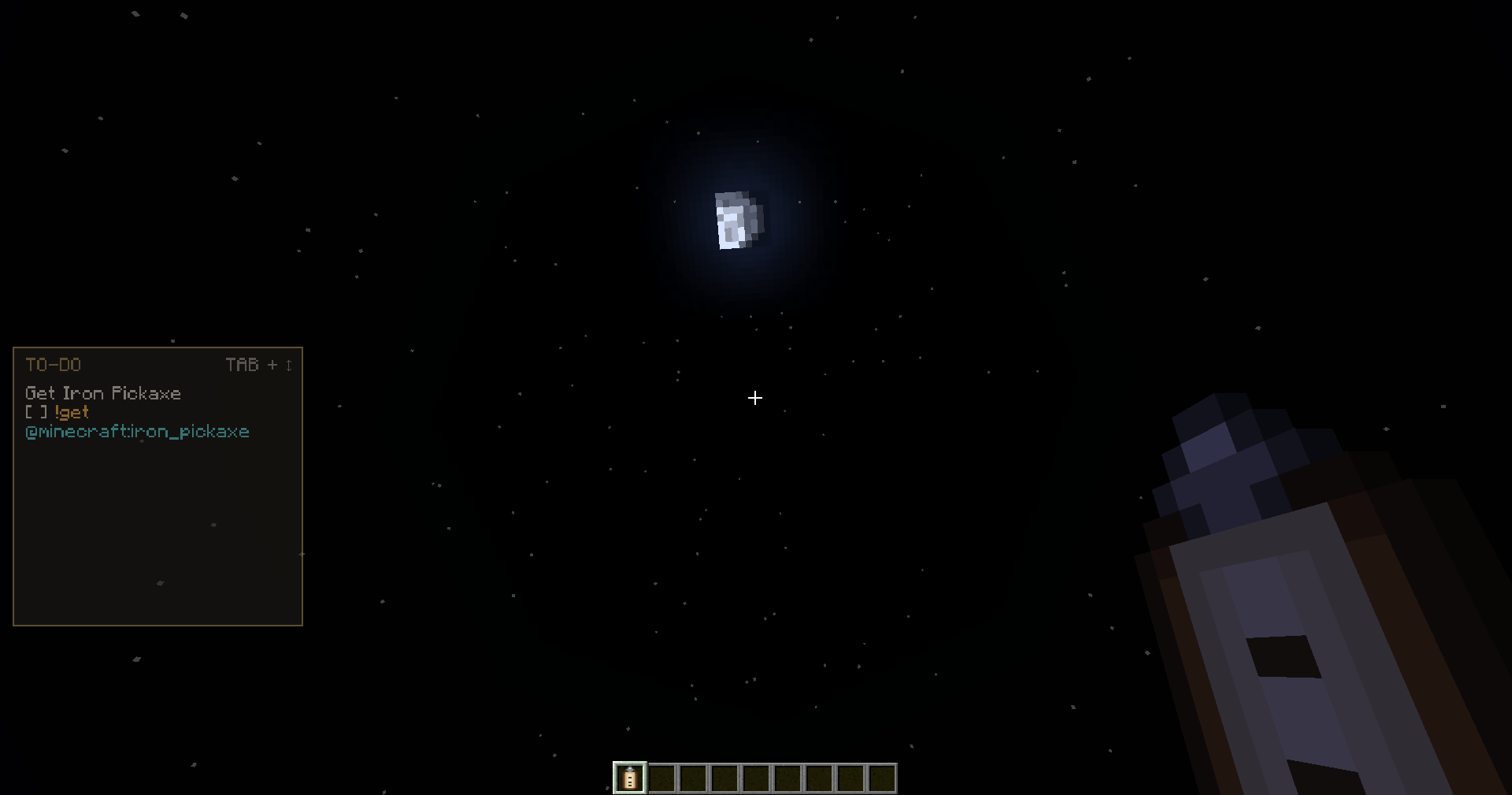
[ ] !get @minecraft:iron_pickaxe. The tasks of obtaining and crafting can be automatically marked as completed when the required number of items appears in the inventory.
The floating HUD displays the contents of the tablet over the game while the item is in hand or in the inventory. You can adjust the scale, transparency, position, width, theme, number of lines, indents, and display mode. The contents are displayed in one switchable window or in separate windows for notes, tasks, drawing, and the crafting tree. In page mode, hold Tab and scroll the mouse wheel to navigate only between filled pages.
If JEI, REI, or EMI is installed, interaction with the item list works directly in the open tablet:
- LMB on an item adds a link to it;
- RMB builds a brief recipe tree;
- Shift + RMB expands the full tree to the source resources;
- the tree shows the quantities and availability of items in the inventory;
- missing materials can be moved to a separate section of the to‑do list with a single click.
Plan Tablet добавляет в Minecraft 1.20.1 удобный планшет, который помогает планировать строительство, добычу ресурсов и крафт прямо в игре. Все записи, задачи, рисунки, дерево рецепта и настройки HUD сохраняются в NBT самого предмета — содержимое остаётся вместе с конкретным планшетом после выхода из мира.
В редакторе доступны заметки, разделённые на произвольные группы списки дел, простые рисунки и интерактивное дерево крафта. Синтаксис планов поддерживает цветные действия и ссылки на предметы, например [ ] !получить @minecraft:iron_pickaxe. Задачи получения и изготовления могут автоматически отмечаться выполненными, когда нужное количество предметов появляется в инвентаре.
Плавающий HUD показывает содержимое планшета поверх игры, пока предмет находится в руке или инвентаре. Можно настроить масштаб, прозрачность, положение, ширину, тему, количество строк, отступы и режим отображения. Содержимое выводится одним переключаемым окном либо отдельными окнами для заметок, задач, рисунка и дерева крафта. В режиме страниц удерживайте Tab и прокручивайте колесо мыши, чтобы переходить только между заполненными страницами.
При установленном JEI, REI или EMI взаимодействие со списком предметов работает прямо в открытом планшете:
- ЛКМ по предмету добавляет ссылку на него;
- ПКМ строит краткое дерево рецепта;
- Shift + ПКМ раскрывает полное дерево до исходных ресурсов;
- дерево показывает количества и наличие предметов в инвентаре;
- недостающие материалы можно одним нажатием перенести в отдельный раздел списка дел.
Plan Tablet Team