


Pixelated Enchants
- By
2.png
3.png
s.png
Ekran görüntüsü 2026-09-04 193938.png
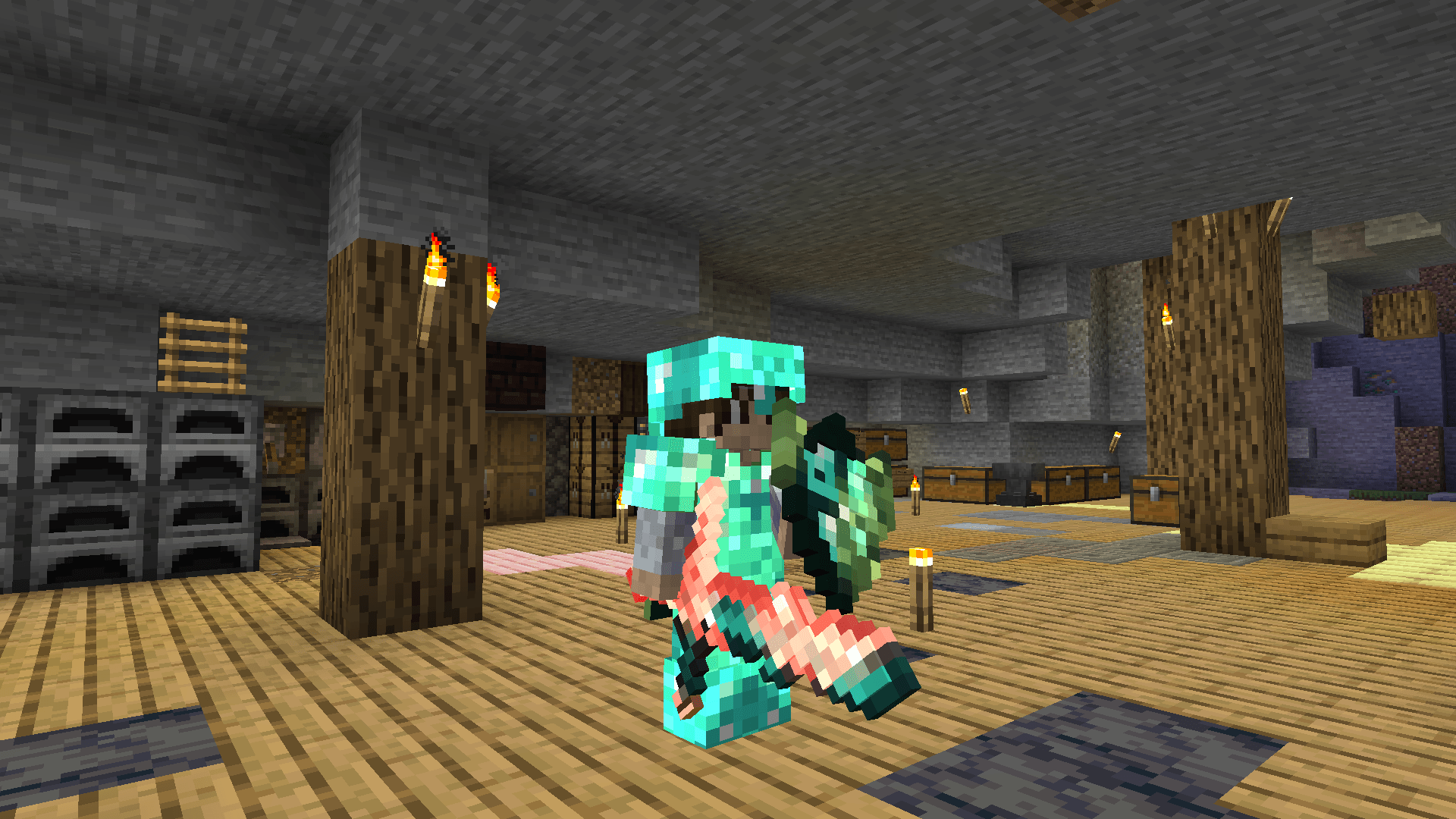
image.png
Description
✨ Pixelated Enchants
Give your enchanted gear a style of its own.
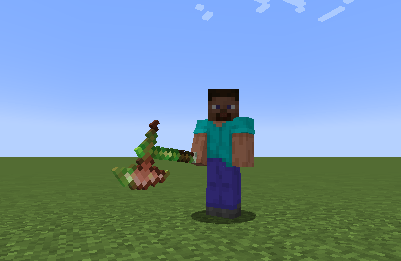
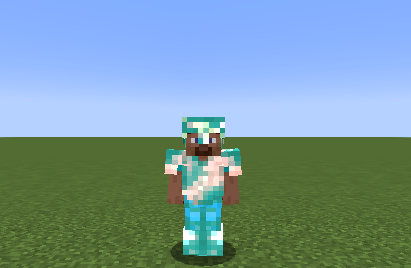
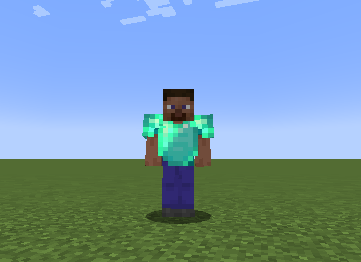
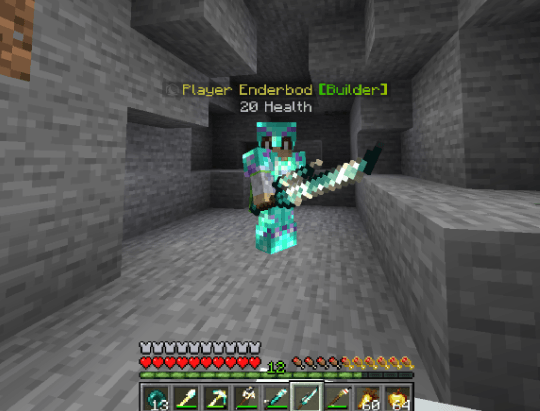
Customize Minecraft’s enchantment glint with colors, animated patterns, and settings for individual items. Create a matching look for your armor, give your favorite weapon its own effect, or share your setup with friends.
🎨 Your Colors, Your Gear
Choose colors for individual enchantments and combine them on items with multiple enchantments.
Want one item to stand out? Give it its own:
- Glint color — pick a custom HEX color.
- Pattern — choose how the effect moves across the item.
- Animation speed — slow it down or speed it up.
- Brightness — adjust the strength of the effect.
Item overrides can distinguish equipment by its name, enchantments, and relevant item data—useful for named weapons and custom server items.
🌊 Choose Your Glint Pattern
Explore 11 patterns:
Diagonal Wave · Horizontal Sweep · Vertical Sweep · Center Ripple · Random Burst · Random Spark · Flow · Full Glow · Solid · Vanilla · Smooth Fusion
Mix colors, patterns, speed, and brightness to create your own combination.
🏹 Beyond Swords and Tools
Customize glints across:
- Held items
- Armor
- Shields
- Tridents
- Arrows, tipped arrows, and spectral arrows
Tipped arrows can use their potion or effect color, bringing that color into their glint.
🌈 Multiple Enchantments, One Effect
Equipment with multiple enchantments can blend their configured colors into a single animated glint.
Create combinations for your enchanted gear, then use per-item overrides wherever you want a different look.
📋 Share Your Style
Export your configuration as a compact ETG style code.
Copy your setup, share it with another player, or import a style you like. You can also preview and apply another player’s style separately without replacing your personal configuration.
⚙️ Installation & Settings
Minecraft Java Edition · Fabric · Client-side
- Install Fabric Loader and Fabric API for your Minecraft version.
- Download the matching Pixelated Enchants file.
- Place the mod JAR in your
modsfolder. - Launch Minecraft and enter a world.
- Press G to open the settings menu.
You can change the menu shortcut in Options → Controls → Key Binds. If G conflicts with another action, assign an unused key.
💬 Show Your Style & Share Feedback
Made a combination you like? Share a screenshot and your style code in the comments!
For bug reports, include:
- Your Minecraft and mod versions
- Other installed rendering mods or shaders
- What happened and how to reproduce it
- A screenshot or relevant log, when available
Follow the project for new releases, and make your next enchanted item your own.
Pixelated Enchants Team
