


PinChat
- By
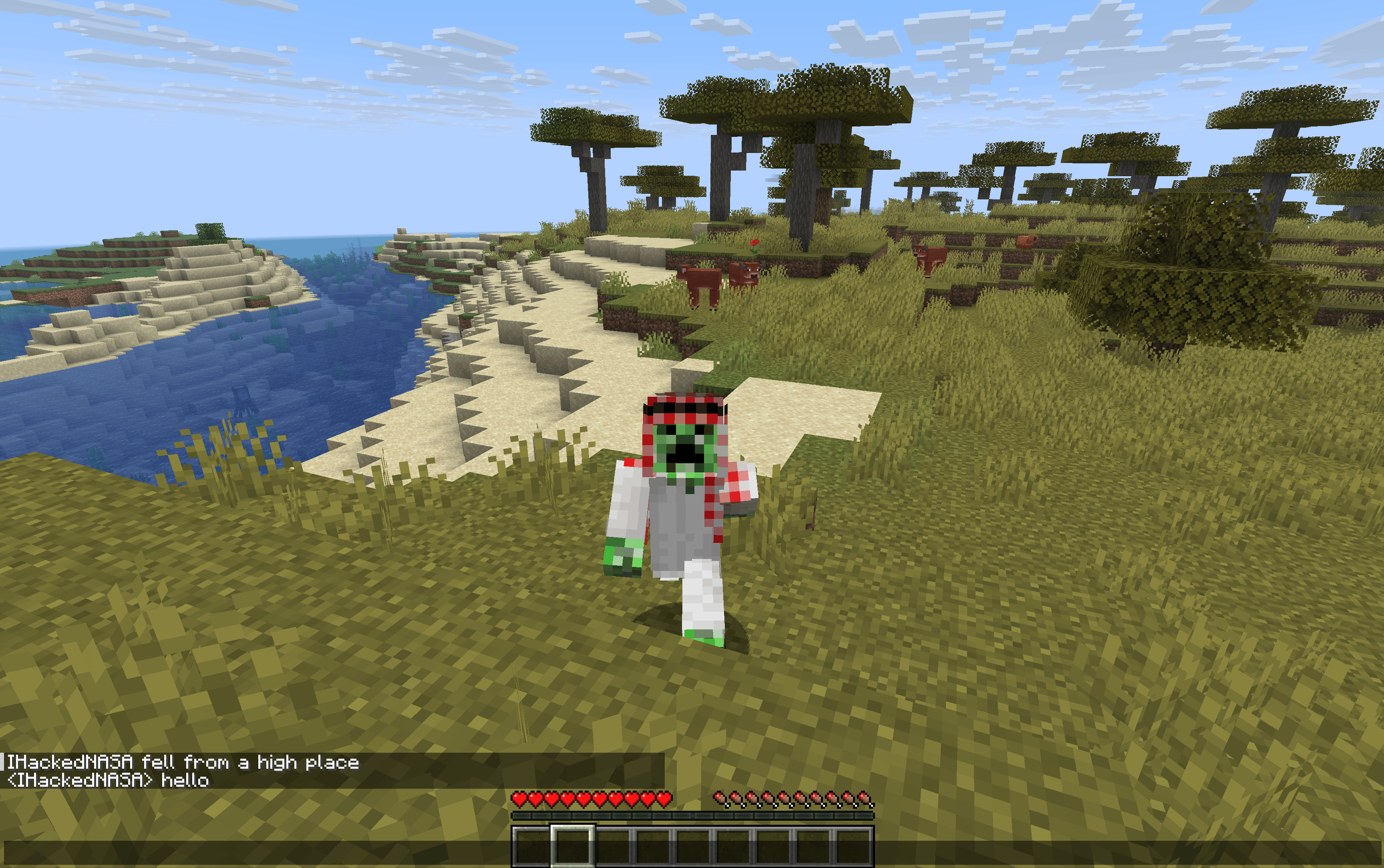
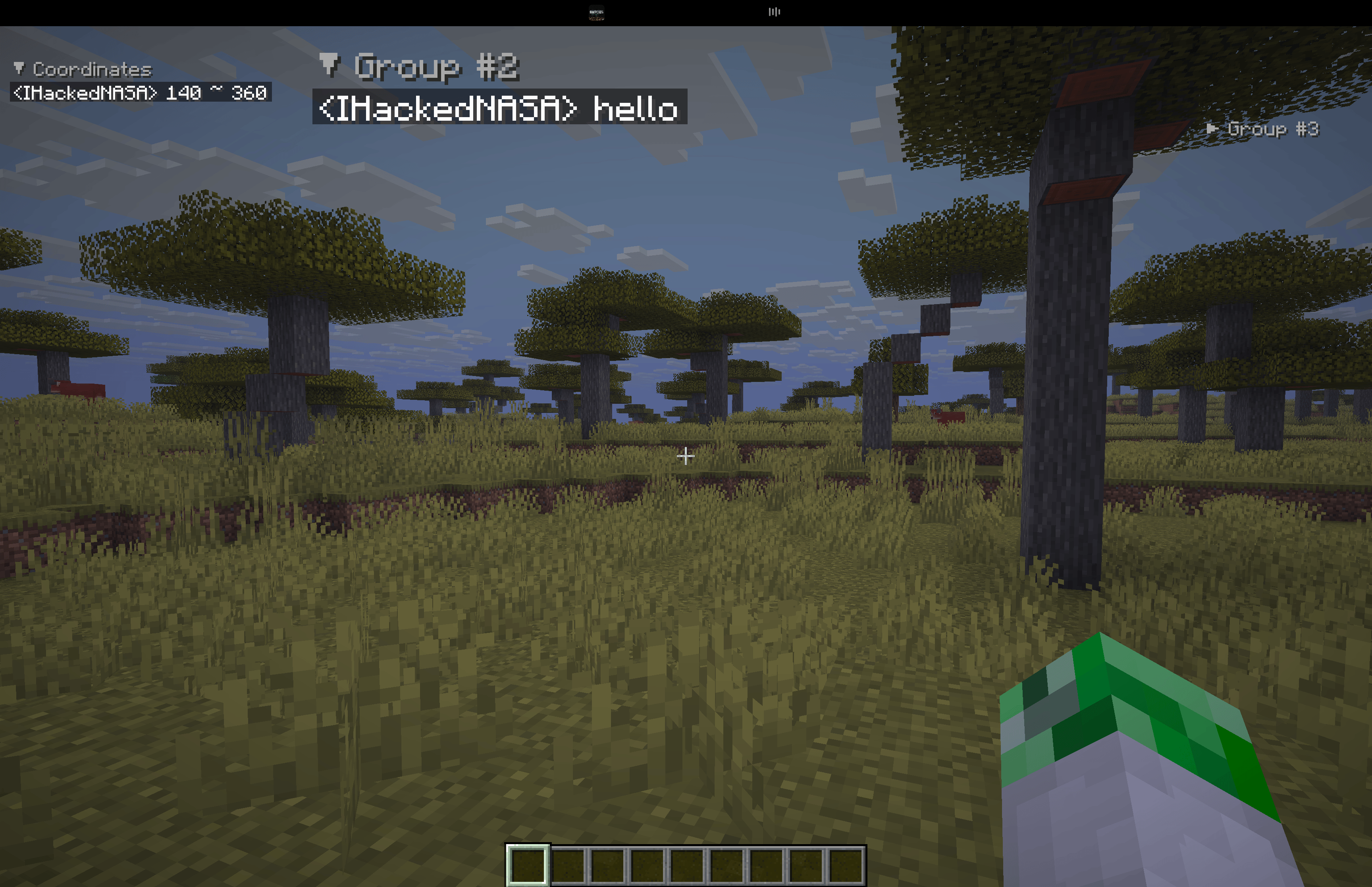
You can open the chat with the U key and still be able to move
Description
PinChat





A Minecraft mod that enhances chat functionality with message pinning, grouping, and a moveable chat screen. Works on both Fabric and Forge mod loaders!
✨ Features
📌 Pin Chat Messages
- Right-click on any chat message to pin/unpin it
- Pinned messages are displayed persistently on your HUD
- Create multiple message groups to organize your pinned messages
- Drag and drop groups anywhere on your screen
- Configurable maximum number of pinned messages
- Adjustable text width for pinned messages
📂 Message Groups
- Organize pinned messages into separate groups
- Each group can be positioned independently on the screen
- Collapse/expand groups with a single click
- Create new groups on the fly when pinning a message
- Rename groups to keep things organized
🎮 Moveable Chat Screen
- Open a special chat mode where you can move while typing (default:
U) - Look around freely with your mouse while the chat is open
- Smooth movement transitions — no abrupt stops when opening/closing chat
- Configurable mouse sensitivity for chat mode
⚙️ Flexible Configuration
PinChat works standalone, but also integrates with popular configuration mods for enhanced settings experience:
| Mod | Integration |
|---|---|
| Cloth Config | ✅ Full GUI integration |
| YACL | ✅ Full GUI integration |
| MaLiLib | ✅ Hotkey configuration |
| ModMenu | ✅ Settings button in mod list |
All dependencies are optional! The mod works perfectly without any of them.
📦 Installation
Requirements
- Minecraft: 1.21.11
- Java: 21 or higher
- Mod Loader: Fabric or Forge (choose one)
For Fabric
- Install Fabric Loader (0.18.1+)
- Download Fabric API
- Download PinChat for Fabric from Releases
- Place all mods in your
.minecraft/modsfolder
For Forge
- Install Forge (1.21.11-61.0.2+)
- Download PinChat for Forge from Releases
- Place the mod in your
.minecraft/modsfolder
Optional Mods (Fabric only)
For enhanced configuration UI, you can optionally install:
- Cloth Config — Config GUI
- YACL — Alternative config GUI
- MaLiLib — Advanced hotkey configuration
- ModMenu — Access settings from mod list
🎮 Usage
Pinning Messages
- Open the chat (
Tor/) - Right-click on any message to open the pin menu
- Select Pin to [Group Name] or Create New Group
- Right-click on a pinned message header to unpin or manage the group
Managing Groups
- Left-click and drag the group header to move it on screen
- Click the collapse button to minimize a group
- Right-click for more options (rename, delete, etc.)
Moveable Chat
- Press
U(or your configured key) to open moveable chat - Type your message while moving and looking around
- Press
Uagain orESCto close
Configuration
Access settings through one of these methods:
- Command:
/pinchat config - ModMenu: Click the settings icon next to PinChat in the mod list
- In-game: Use the keybind if configured
Available Settings
| Setting | Description | Default |
|---|---|---|
| Max Pinned Messages | Maximum number of pinned messages per group | 5 |
| Max Line Width | Maximum width of pinned messages in pixels | 200 |
| Chat Sensitivity | Mouse sensitivity multiplier in moveable chat | 1.0 |
| Pinned Position X/Y | Default position for new groups | 10, 10 |
| Pinned Scale | Text scale for pinned messages | 1.0 |
🛠️ Building from Source
git clone https://github.com/ivanmikhaylov1/pinchat-mod.git
cd pinchat-mod

# Build both Fabric and Forge versions
./gradlew buildAll

# Build only Fabric
./gradlew :fabric:build

# Build only Forge
./gradlew :forge:build

# Run tests
./gradlew :fabric:test
Compiled JARs will be in:
- Fabric:
fabric/build/libs/ - Forge:
forge/build/libs/
📁 Project Structure
pinchat-mod/
├── common/          # Shared code (configuration, data classes)
├── fabric/          # Fabric-specific implementation
├── forge/           # Forge-specific implementation
├── gradle/          # Gradle wrapper files
└── .github/         # GitHub Actions workflows
🤝 Contributing
Contributions are welcome! Please feel free to submit a Pull Request.
- Fork the repository
- Create your feature branch (
git checkout -b feature/AmazingFeature) - Commit your changes (
git commit -m 'Add some AmazingFeature') - Push to the branch (
git push origin feature/AmazingFeature) - Open a Pull Request
📄 License
This project is licensed under the MIT License — see the LICENSE file for details.
🙏 Credits
- Built with Fabric and Forge
- Uses Architectury Loom for multi-platform builds
- Optional integration with Cloth Config, YACL, and MaLiLib
❓ Support
If you encounter any issues or have suggestions:
- Open an Issue
- Make sure to include your Minecraft version, mod loader, and any crash logs
Made with ❤️ by Sfafy
PinChat Team
