Personal Helper Friend
- By
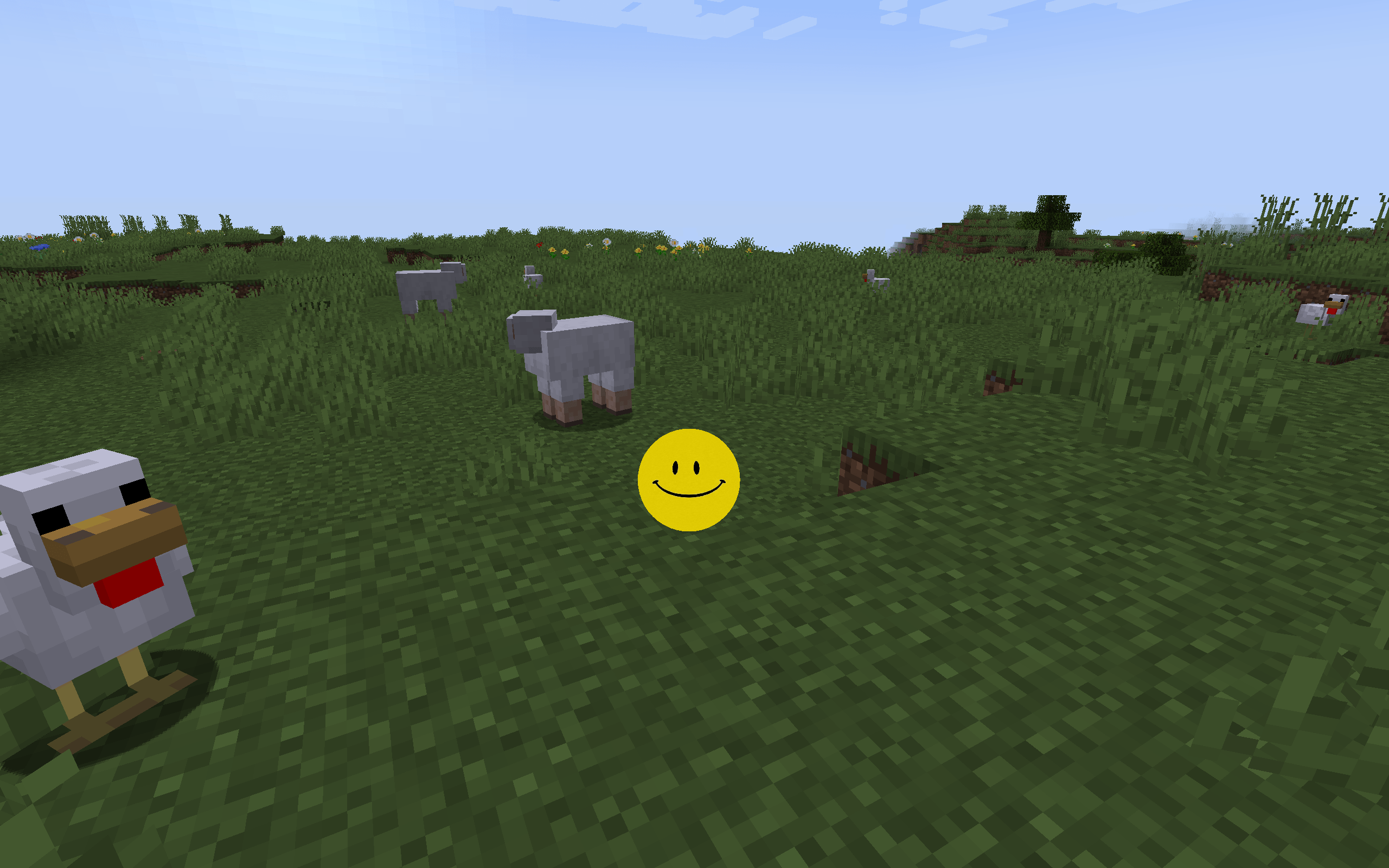
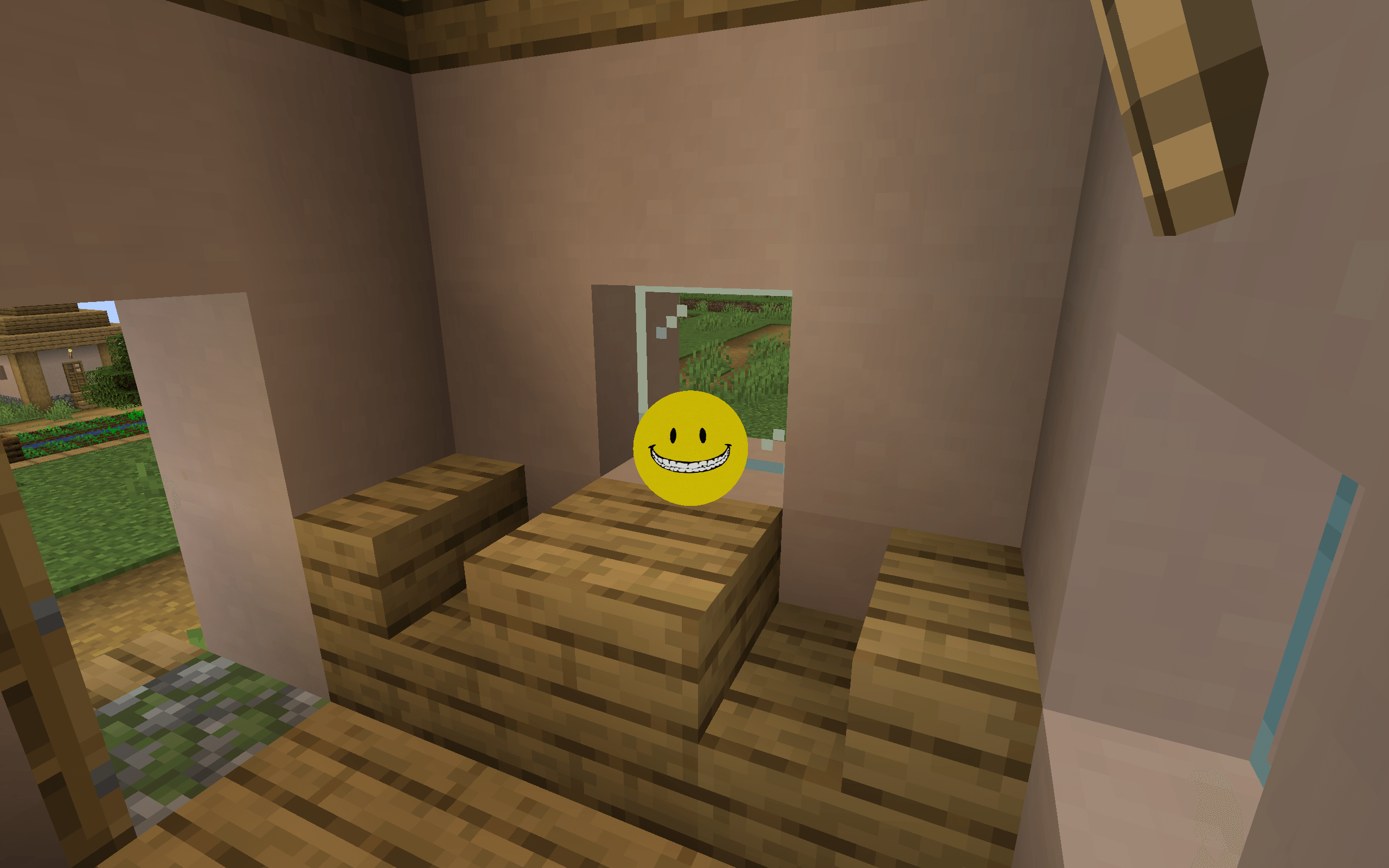
**Personal Helper Friend** is a revolutionary AI-powered companion mod. It adds a living helper to your game who can hear your voice, analyze your surroundings, and speak back to you!
2026-07-01_20.03.08.png
2026-07-01_20.03.38.png
2026-07-01_20.05.39.png
2026-07-01_20.05.58.png
Ready to play?
Create a server, get 25% off your first month

Description
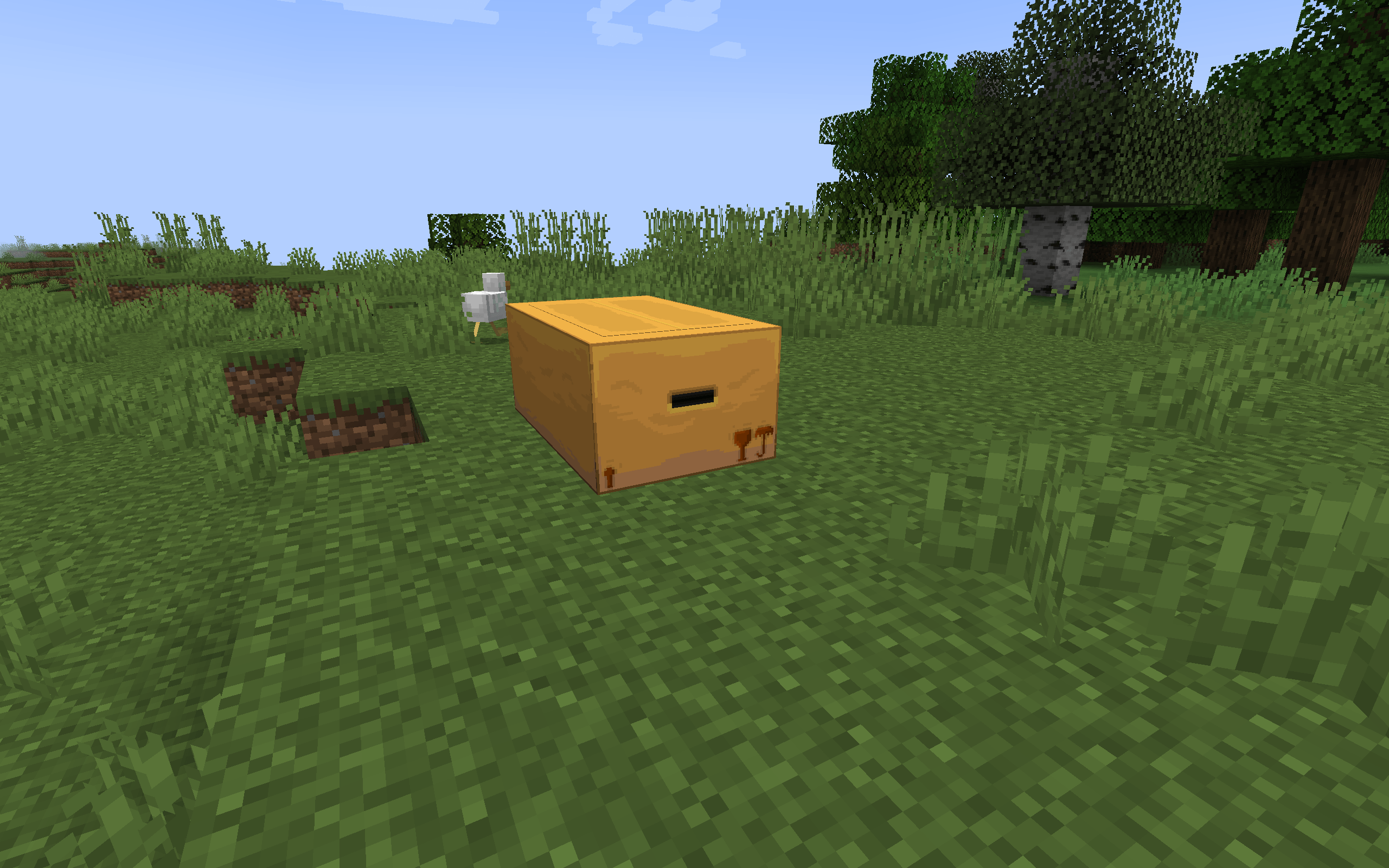
You came across a strange channel featuring a smiley face with an odd, toothy grin; the on-screen text claimed that no better friend could be found in the entire world. Suddenly, a link appeared, leading you to the site where you downloaded this mod, and a mysterious package materialized in your minecraft world—what could be hiding inside?...

----------------------------------------------------------------------------------------------------------------------------------------------------
Chat with your own personal AI helper friend!
Features:
AI-powered chat: Using Gemini, GROQ or even local LLM, you can speak with him on any theme you want!
TTS Support: Using GROQ,ElevenLabs or Local TTS you can make your new friend answer you with his own voice!
Built-in microphone support: There is no need in any additional mods to speak with him (Default button is V)!
Multiplayer support: Your friends can join your amazing adventure alongside your companion!
Environment Awareness: He can tell you a lot of things about world that surrounds you!
----------------------------------------------------------------------------------------------------------------------------------------------------
Tutorials
Installation
- Install NeoForge: follow instructions here
- Install Personal Helper Friend mod: Download and copy personalhelperfriend-*.jar to .minecraft/mods folder.
- Launch Minecraft with Neoforge
- Configure the mod: Upon joining a world for the first time, a setup wizard will automatically guide you through configuring your microphone, API keys, and companion settings. (You can find some of the settings by pressing the O key after finishing setup).
5. You also need TaCZ and PlayerAnimator for additional mechanic with mod(optional)
AI Options
This mod requires an external AI (LLM) to generate responses and a Text-to-Speech (TTS) engine to voice them.
• Text Generation (AI/LLM): You can use Google Gemini (which offers a free API key) or Groq.
• Voice Generation (TTS): You can use cloud APIs such as ElevenLabs (Paid) or Groq(which also offers a free API tier), or set up a Local TTS server which does not require any additional fees (note: the local TTS server must be configured manually by the player).
Features
- Favorite music: To add a favorite track for your companion, place a
music.wavfile in the.minecraft/config/personalhelperfriend/folder. - Additional music: To add more tracks, drop them into the
.minecraft/config/personalhelperfriend/custom_music/folder. - Custom textures: You can create a custom texture pack by adding a new folder inside
.minecraft/config/personalhelperfriend/customtextures/. - Custom personality: To create a custom personality for your friend, add a
.txtfile to.minecraft/config/personalhelperfriend/personalities/describing how they should behave.
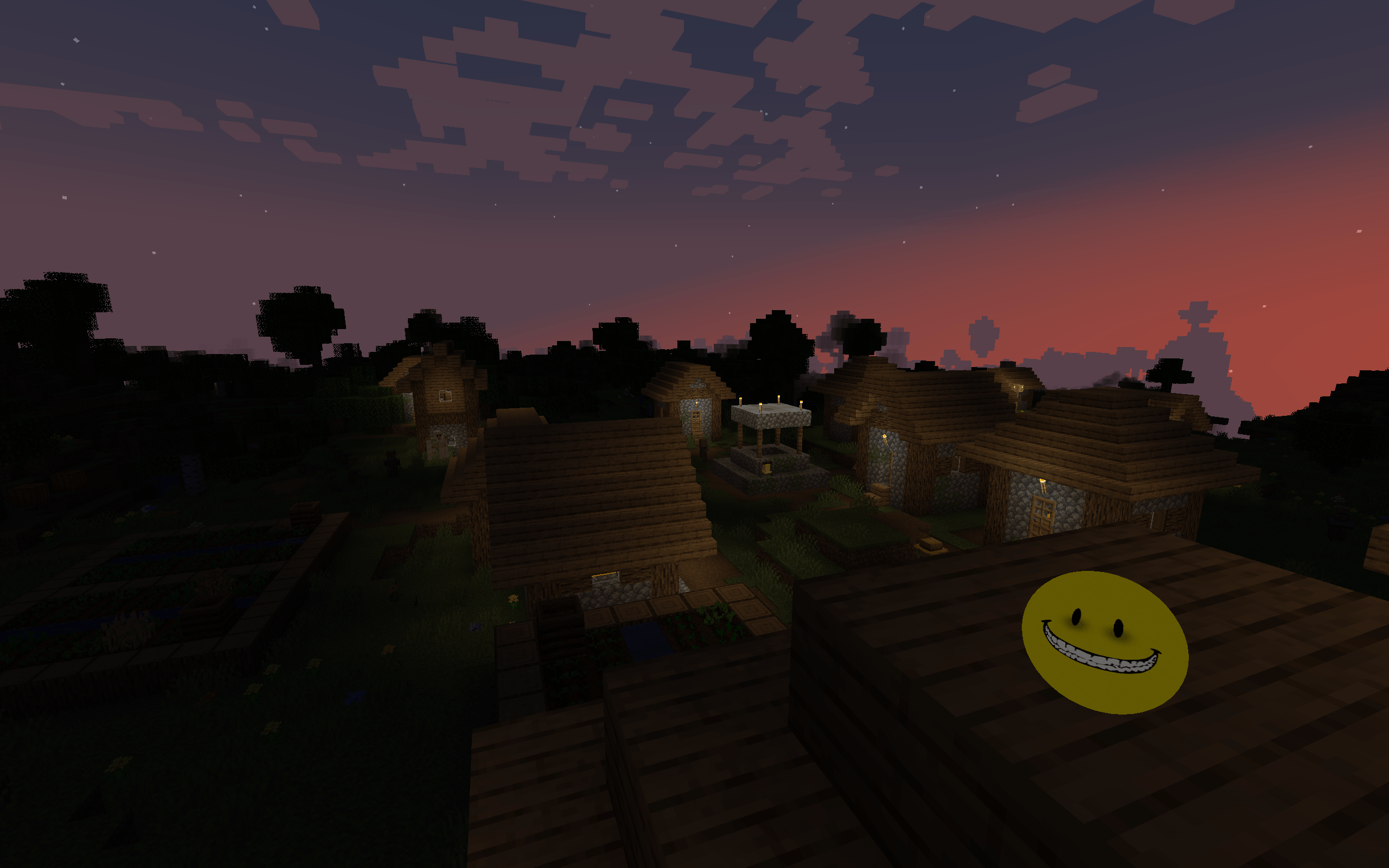
Contains psychological horror elements, screamers.
If you choose the rollback ending, the game will save the restored backup and close the Minecraft client to apply world changes.
Inspired by: The Smiley Archive
If you like this mod and want to support the developer, you can do so on Boosty
Personal Helper Friend Team

Owner