Personal Cloud Storage
- By
Create your own personal cloud storage with endless expansion and seamless item management
Introduction
Each player will have an independent cloud storage space, which can be expanded using special items. Theoretically, there is no capacity limit.
Features
- Automatic Replenishment: Automatically withdraw items from the cloud storage space to ensure that the items in the inventory are always sufficient.
- Automatic Storage When Inventory is Full: When the inventory is full, items will be automatically stored in the cloud storage space.
- Prioritize storing into cloud storage: When items are added into the inventory, they will be prioritized for storage in the cloud storage space.
How to open
- Click the personal cloud storage button in the top right corner of the inventory.
- Use the hotkey (default is 'B').
Commands
/cloudstorage open [player/name/uuid]: Opens the cloud storage space for the specified target./cloudstorage rows [player/name/uuid] [rows]: Sets the number of rows in the cloud storage space for the specified target./cloudstorage pages [player/name/uuid] [pages]: Sets the number of pages in the cloud storage space for the specified target./cloudstorage reload: Reloads the configuration file.
About Configuration
When the Cloth Config API is installed, right-clicking the personal cloud storage button or the personal settings switch will open the configuration screen.
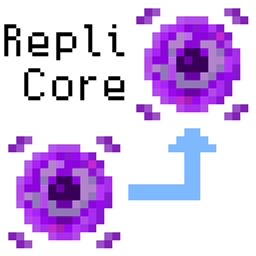
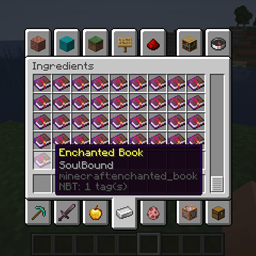
Recipes


Preview

Personal Cloud Storage Team


Owner