


Party Pulse
- By
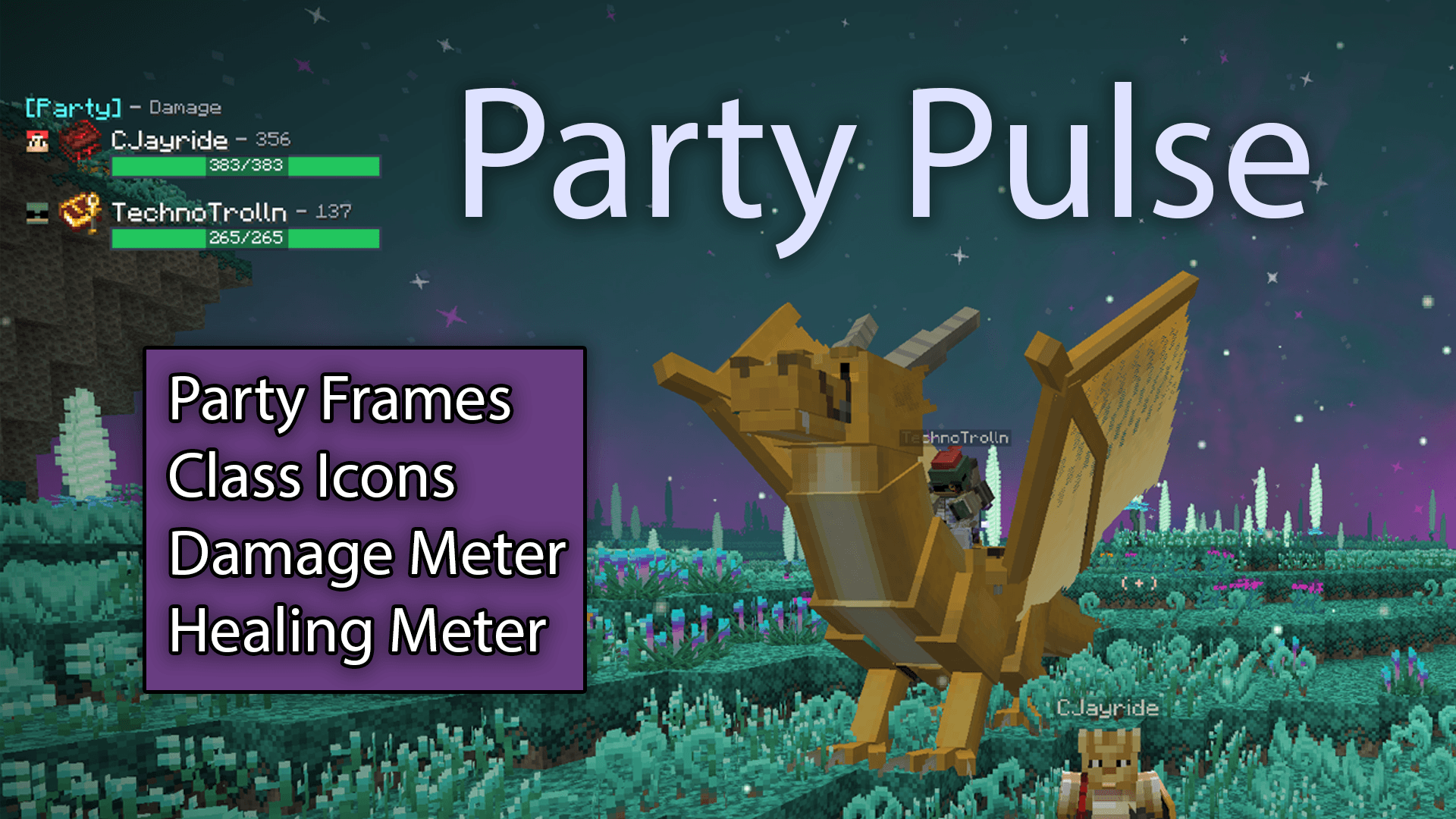
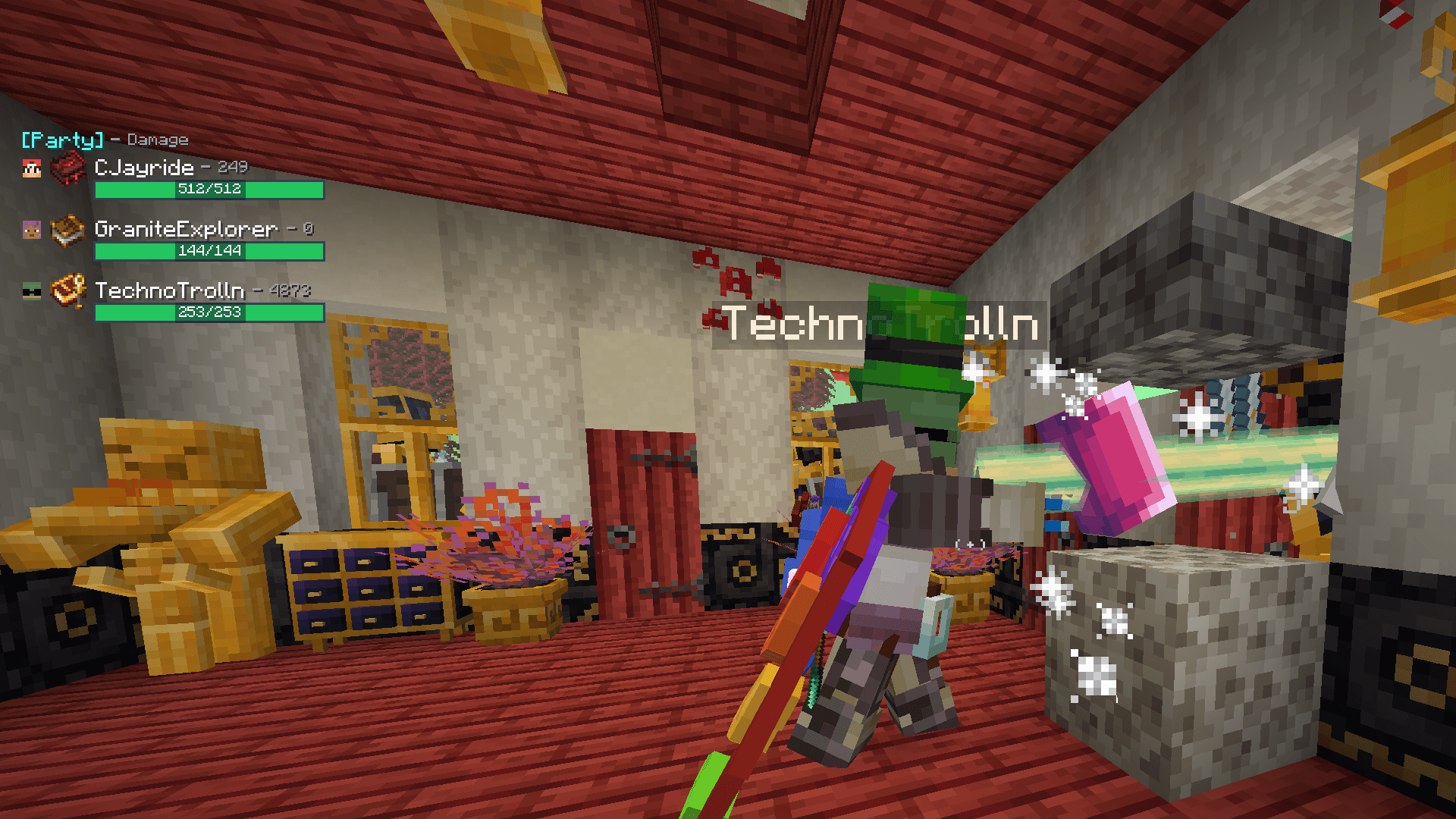
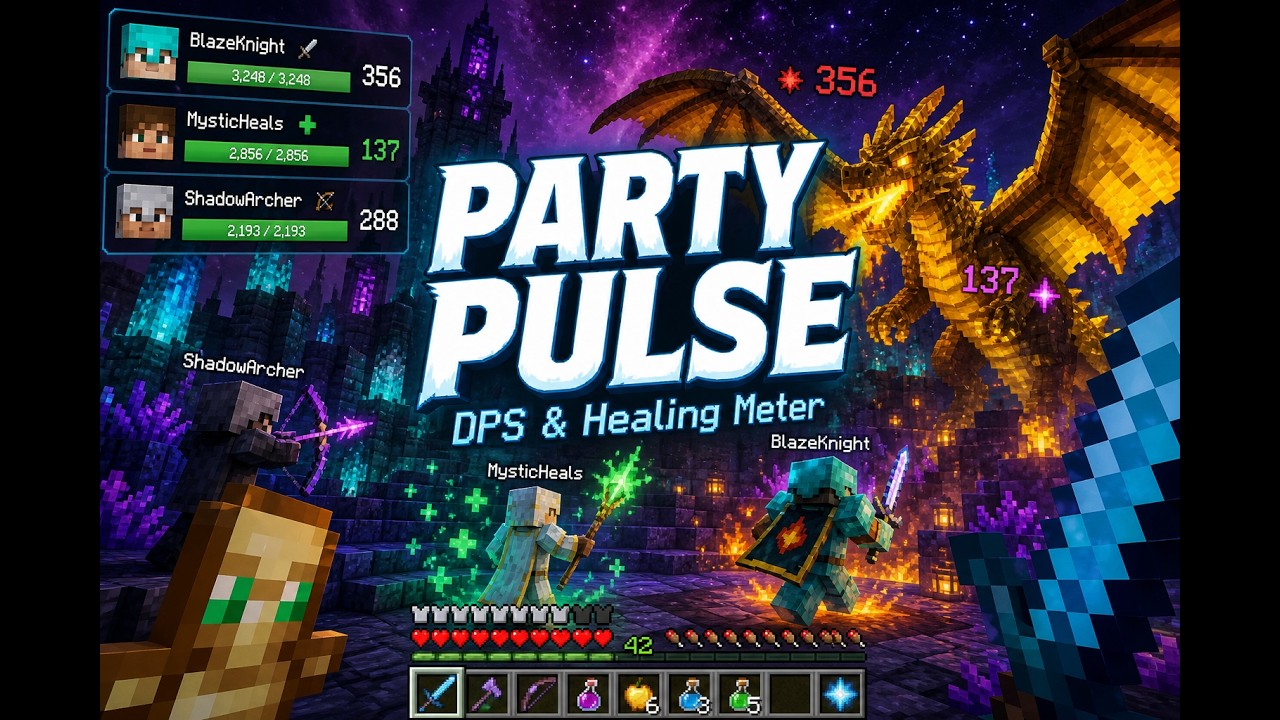
Party frames and combat metrics. Track live party health, Damage Done, DPS, Healing Done, and HPS — with configurable layout, filtering, and hotkeys.
partypulse1.png
partypulse2.png
partypulse4.png
Description
Party Pulse version 1.0.4 -- Updated for Prominence II: Hasturian Era, version 4.0.1hf
Party Pulse
• Party frames with live health
• Damage / DPS / Healing / HPS tracking
• /pulse commands and Ctrl hotkeys
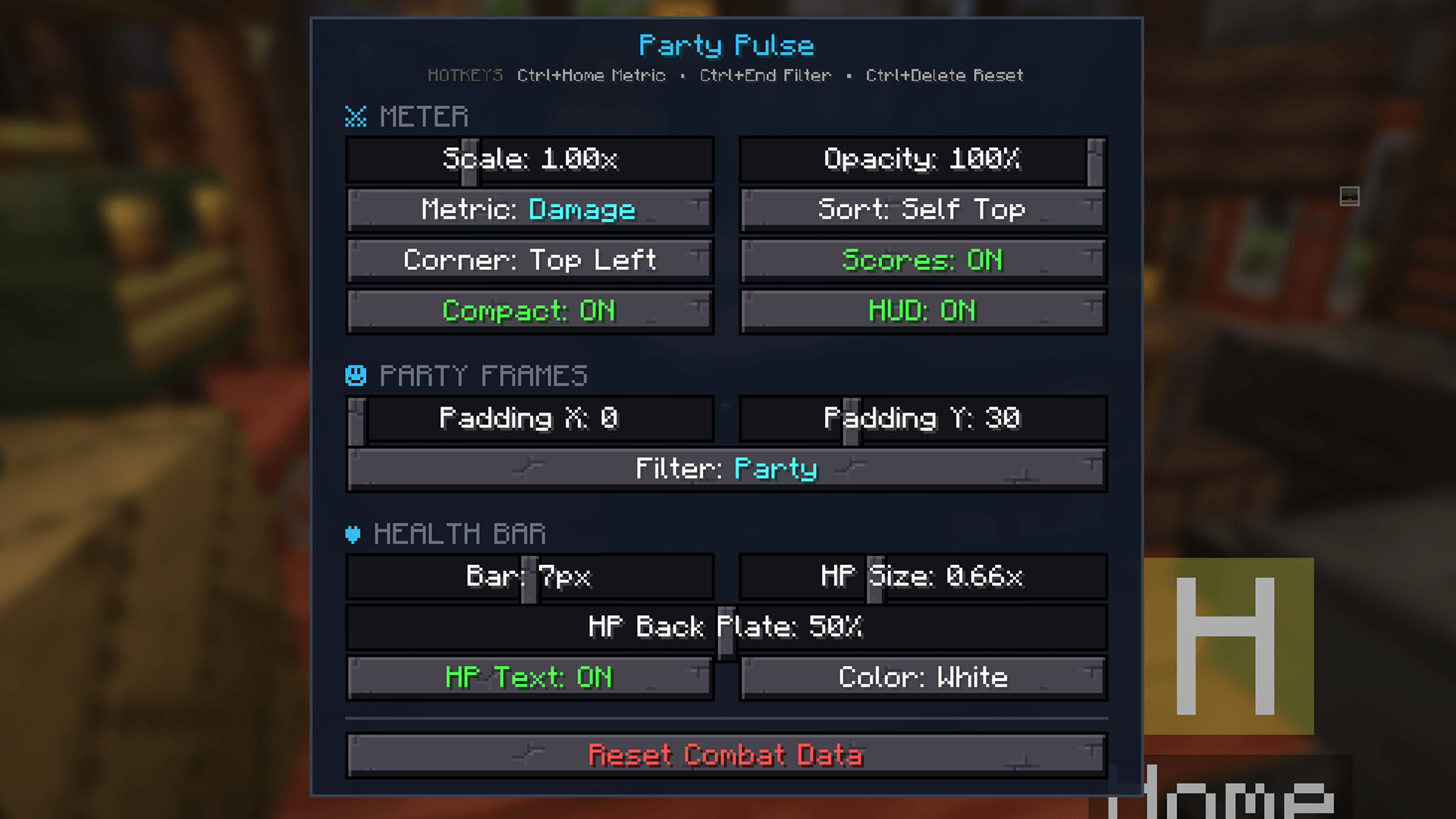
• Configurable HUD via /pulse menu
Built and tested for Prominence II: Hasturian Era. It is intended to be played with that pack (Spell Engine healing, party play, trinket class icons), and should also work in other Fabric 1.20.1 RPG setups that use the same optional mods.
☕ If Party Pulse improves your gaming experience, you can buy me a coffee. ☕
☕ If Party Pulse improves your gaming experience, you can buy me a coffee. ☕
Install on both client and server. Fabric API required.
Optional: Spell Engine, Open Parties and Claims, Trinkets.
Full notes & source: https://github.com/cjayride/party-pulse/releases
Party frames and combat metrics (for Fabric 1.20.1 RPG modpacks.)
----
Track live party health, Damage Done, DPS, Healing Done, and HPS — with configurable layout, filtering, and hotkeys.
Video
Screenshots


Requirements
- Minecraft 1.20.1
- Fabric Loader
- Fabric API
Optional (recommended)
| Mod | What it unlocks |
|---|---|
| Spell Engine | Caster-attributed Healing Done / HPS |
| Open Parties and Claims | Party roster / party frames |
| Trinkets | Spellbook icon next to player names |
Install Party Pulse on the server and on each client that should see the HUD. Combat is measured server-side, so other players do not need the mod for their damage to appear on your meter.
Install
- Install Fabric for 1.20.1 and Fabric API.
- Drop
party-pulse-<version>.jarinto themodsfolder (client + server). - Launch the game. Open settings with
/pulse menu.
Features
- Party frames with live health / max health
- Damage Done and DPS tracking (post-mitigation, including friendly fire)
- Healing Done and HPS when Spell Engine is present
- Cycle metrics: Damage → DPS → Healing → HPS
- Party vs Nearby filter (Nearby uses a 128-block range)
- Combat metrics only show for players within 128 blocks in your dimension; health frames still update everywhere for party members
- Configurable corner, scale, opacity, bar height, HP text, sorting
Commands & hotkeys
All chat commands use the /pulse prefix. Keybinds require Ctrl plus the bound key (defaults below). Rebind under Controls → Party Pulse.
Keybinds
| Hotkey | Action |
|---|---|
Ctrl + Home |
Cycle metric: Damage → DPS → Healing → HPS |
Ctrl + End |
Toggle filter: Party ↔ Nearby |
Ctrl + Delete |
Reset combat session totals to 0 |
Chat commands
| Command | Action |
|---|---|
/pulse menu |
Open the settings screen |
/pulse toggle |
Show or hide the entire HUD |
/pulse mode |
Cycle Damage → DPS → Healing → HPS |
/pulse filter |
Toggle Party ↔ Nearby |
/pulse corner |
Move the HUD clockwise around screen corners |
/pulse numbersonly |
Hide combat score numbers (frames + health only) |
/pulse sorting |
Cycle sort: Ranked → A-Z → Self Top |
/pulse values |
Toggle compact numbers (12.3K vs 12345) |
/pulse hptext |
Toggle health number text on the bar |
/pulse reset |
Reset combat session totals to 0 |
Settings menu only
These are available in /pulse menu (no chat command):
- Meter Scale and Opacity
- Party frame Padding X / Y
- Health bar height, HP text size, back plate opacity, and HP color
☕ If Party Pulse improves your gaming experience, you can buy me a coffee. ☕
The Party Pulse Team
