Description
About
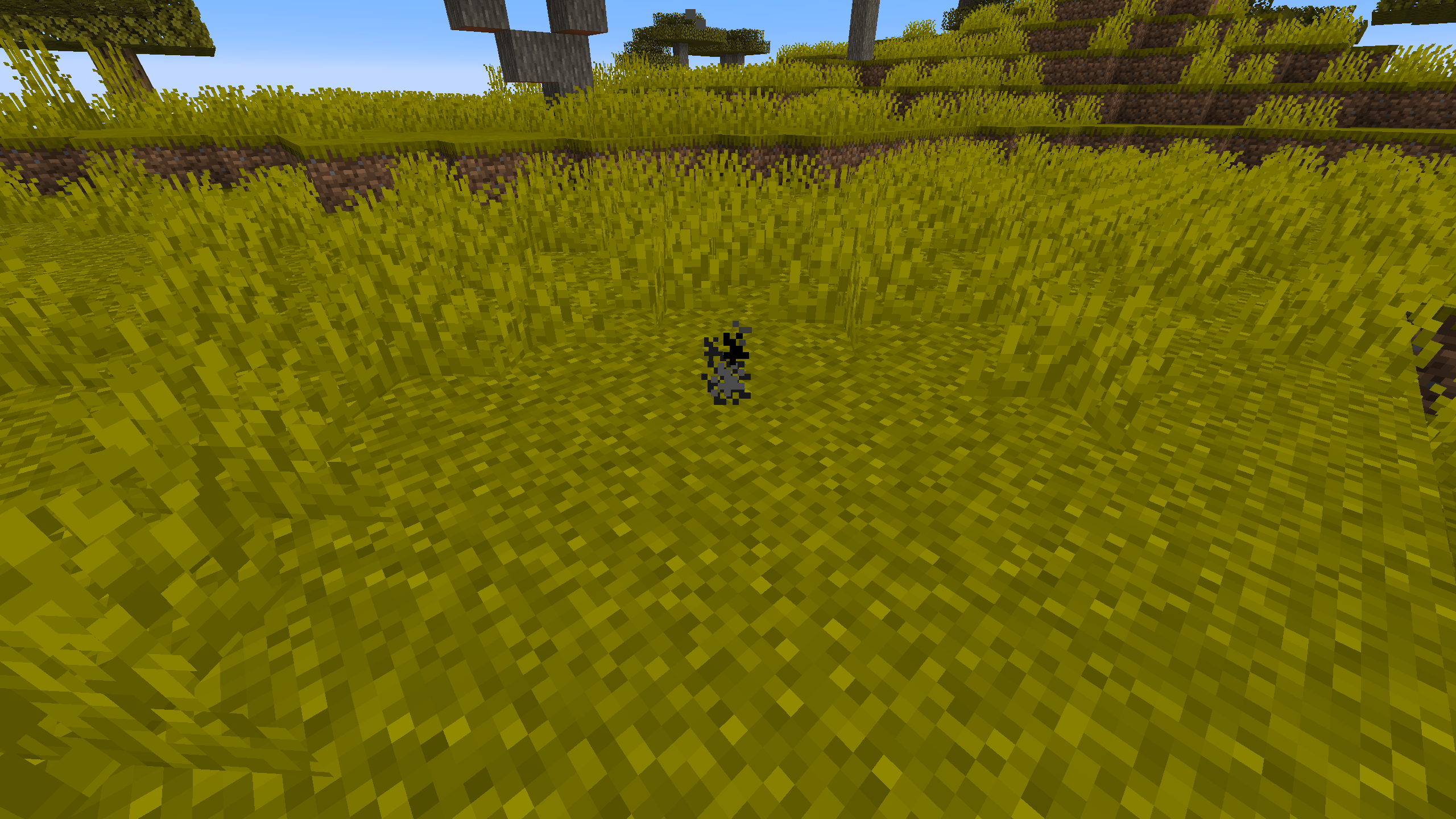
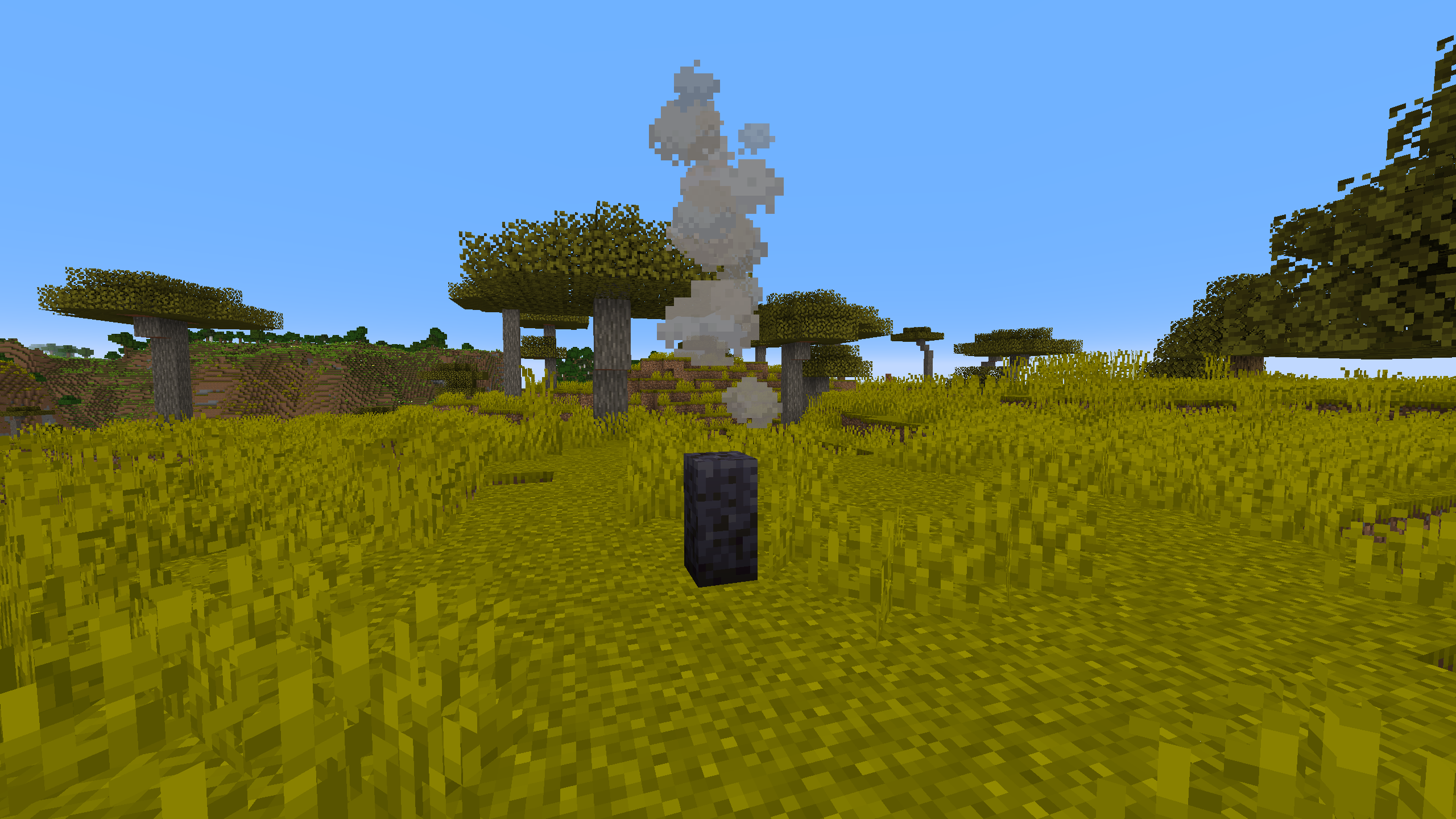
ParticleGenerator is a Minecraft mod created mainly for builders and mapmakers. It adds Particle Generator block into the game.
Particle Generator block is highly customisable and using it is much more convenient and efficient than using command blocks. It allows you to generate multiple particles from one block and set generated particles position and speed randomization.
Usage
Commands
/pgen show - Shows edges of Particle Generators
/pgen hide - Hides edges of Particle Generators
/pgen info - Displays information about mod
/pgen help - Displays the help message
Particle Generator block states
position=[center(default)/top/bottom] - determines position of particles generation
Particle Generator NBT tags
>Particles:[{...}] - list of compounds:
>>id:"" - particle id
>>Motion:[x,y,z] - particle velocities [blocks/tick] (in most cases)
>>MotionRand:[x,y,z] - randomization of "Motion" values
>>PositionOffset:[x,y,z] - offset of particle positions
>>PositionRand:[x,y,z] - randomization of particle positions
>>Interval:int - interval between particles [ticks]
>>Probability:double - probability of particle spawning
>>ParticleCount:int - number of particles when spawned
>>ParticleMaxCount:int - maximum number of particles
>>SignalMin:int - minimal redstone signal to activate particle
>>SignalMax:int - maximal redstone signal to activate particle
>>AdditionalTags:{} - additional tags (like block id)
>UseAnimateTick:bool - spawn particles on animateTick
*For position and motion, random value is in range from val-(rand/2) to val+(rand/2).
*For particle count, random value is in range from ParticleCount to ParticleMaxCount.
*By default UseAnimateTick tag is set to false. That means particles will try to spawn every tick and their spawn rate can be manipulated using Interval and Propability tags. When set to true particles will try to spawn when animateTick method is called. This will allow you to recreate particle spawn rate of for example torches and many other blocks that uses animateTick to spawn particles.
*If you want to spawn particles that require additional block or item ID (like block particle) add tag AdditionalTags:{id:"some_block_id"} .
Useful Minecraft BlockItem NBT tags (pre-1.20.5)
>BlockStateTag:{} - specifies block states
>BlockEntityTag:{} - specifies block NBT tags
Useful Minecraft BlockItem data components (1.20.5+)
>block_state:{...} - specifies block states
>block_entity_data:{id:"pgen:particle_generator",...} - specifies block NBT tags
Tips
You can find list of particles with its IDs on https://minecraft.wiki/w/Particles_(Java_Edition)
If you want to copy Particle Generator block (with NBT data) hold control key when pressing MMB.
Examples
Simple smoke Particle Generator
Using a /setblock: /setblock ~ ~ ~ pgen:particle_generator{Particles:[{id:"smoke"}],UseAnimateTick:true}
Using a /give: /give @p pgen:particle_generator{BlockEntityTag:{Particles:[{id:"smoke"}],UseAnimateTick:true}}
Particle Generator like campfire
Using a /setblock: /setblock ~ ~ ~ pgen:particle_generator[position=bottom]{Particles:[{id:"campfire_cosy_smoke",Motion:[0.0,0.07,0.0],PositionRand:[0.67,0.0,0.67],ParticleCount:2,ParticleMaxCount:3,Probability:0.11}]}
Using a /give: /give @p pgen:particle_generator{BlockStateTag:{position:"bottom"},BlockEntityTag:{Particles:[{id:"campfire_cosy_smoke",Motion:[0.0,0.07,0.0],PositionRand:[0.67,0.0,0.67],ParticleCount:2,ParticleMaxCount:3,Probability:0.11}]}}
You can easily get these commands by using /pgen help and use them as a template.
ParticleGenerator Team


Owner