PackSwitchSB
- By
A client-side tool to disable forced server resource packs, mix textures from multiple packs, and resize held items.
Three tools in one small client-side mod:
- 🚫 Disable any forced server pack, like the Hypixel SkyBlock texture pack.
- 🎨 Mix textures from multiple packs, item by item, or turn off single textures and a pack's UI.
- 🗡️ Change your held items: make them smaller or bigger and change your swing speed.
No Fabric API needed. Nothing to install on the server. Works on Hypixel and any other server.
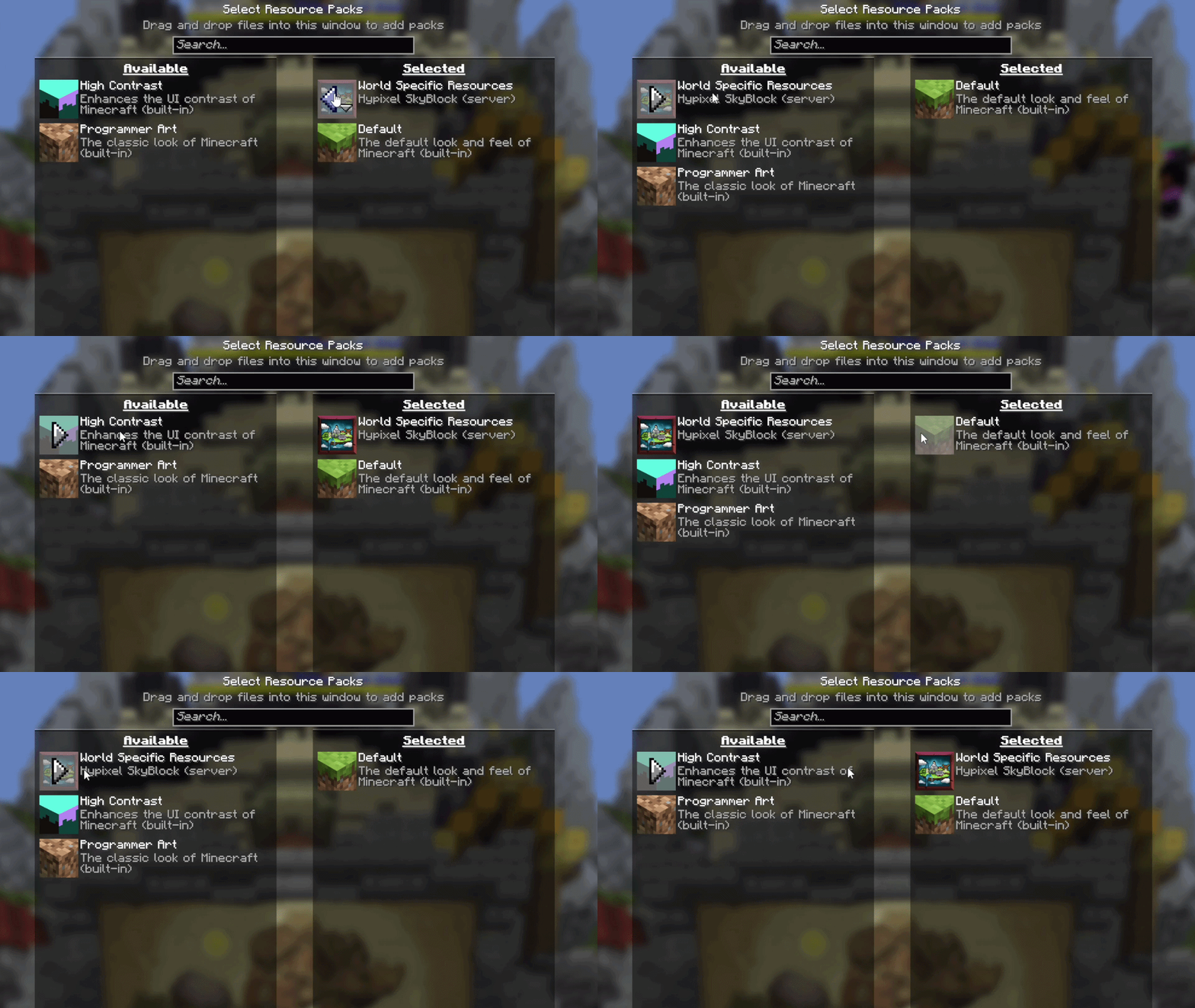
🚫 Disable or remove forced server resource packs
Hypixel SkyBlock, or any other server, forcing a texture pack on you? NoForcedPacks puts it in your normal Options → Resource Packs list. Move it off and it stays off, across rejoins and restarts. Your own packs are never touched.
🎨 Mix and combine textures from multiple packs
Why choose one pack when you can take the best parts of all of them? Open Individual Textures and, item by item:
- Pick which pack's texture you see. Hypixel's sword with FurSky's armor and another pack's pickaxe? Do it. Every loaded pack that textures that item is an option.
- Pick between variants. If a pack ships several looks for one item, choose one. Starred versions keep their own look.
- Turn a single texture off. Set any item to Vanilla and leave the rest of the pack alone.
- Turn off just a pack's UI. UI off for… hides a pack's HUD, inventory and menu backgrounds, tooltips, title screen and SkyBlock menu icons, while its item and armor textures stay.
- Search by name. Type
Aspect of the Voidand jump straight to it. Filter by pack, or Rescan after the server sends a new one.
Your worn armor follows your choice too (dye colors kept), and tooltips from a turned-off pack fall back to vanilla instead of magenta boxes.
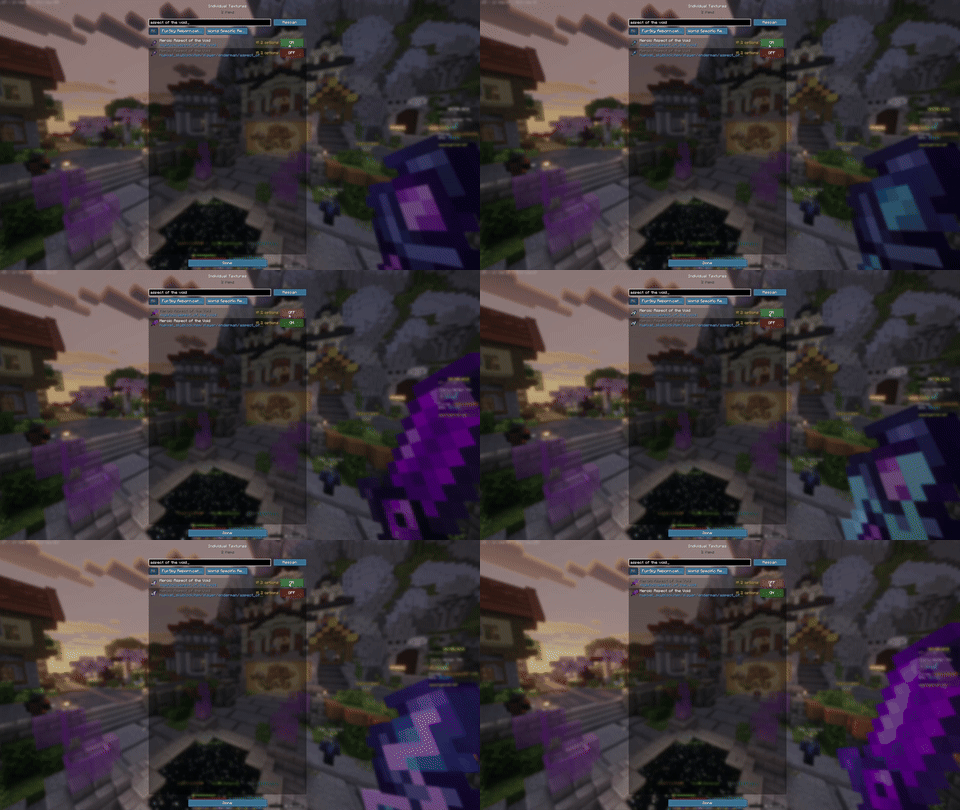
🗡️ Smaller held items and custom swing speed
Open Held items at the bottom of the Individual Textures screen:
- Item size, 10% to 200%. Shrink the item in your hand so it stops blocking your view, or make it huge.
- Swing speed, 5% to 200%. Slow your swing animation right down or speed it up.
- Test swing lets you try it without hitting anything, and your hand stays visible while you adjust.
It only changes what you see. Attacks, mining and what the server gets are exactly the same, and other players see you as usual.
🔧 How to use
- Install Fabric Loader and drop mod into your
modsfolder. That's it, no Fabric API. - Join a server. Its pack loads as normal.
- Whole pack off: Options → Resource Packs, move the server pack to the left.
- Textures, UI and held items: open Individual Textures from
- the TXT Packs button in the pause menu,
- the Individual textures button on the Resource Packs screen, or
- a key of your choice (Options → Controls → Key Binds, unbound by default so it never clashes with other mods).
Everything you choose is saved across reconnects and restarts.
PackSwitchSB Team