Screenshot 2026-08-06 165240.png
Screenshot 2026-08-06 164750.png
Screenshot 2026-08-06 164810.png
Screenshot 2026-08-06 164841.png
Screenshot 2026-08-06 164929.png
Description
PackSmith lets you take control of resource pack conflicts.
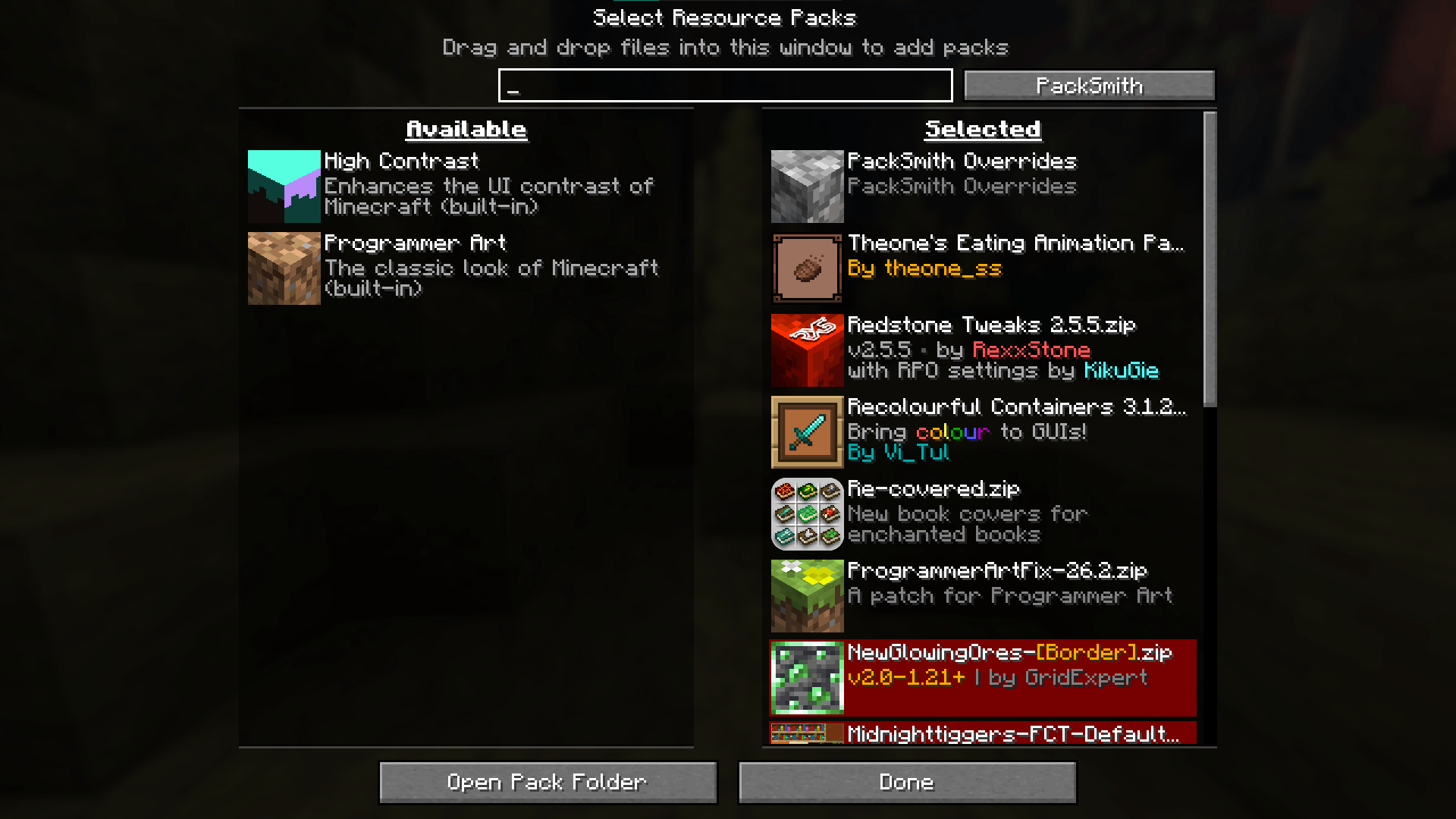
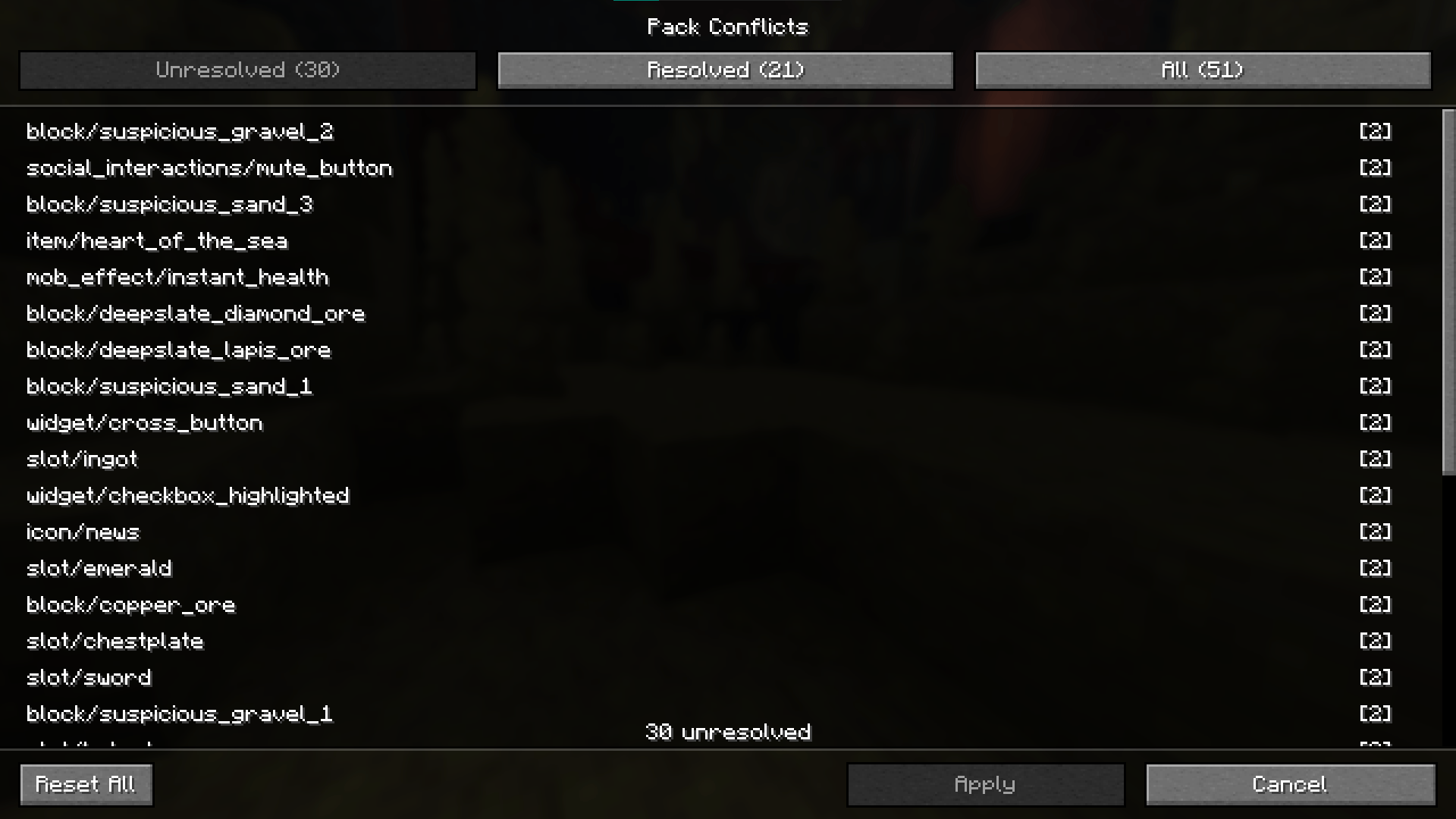
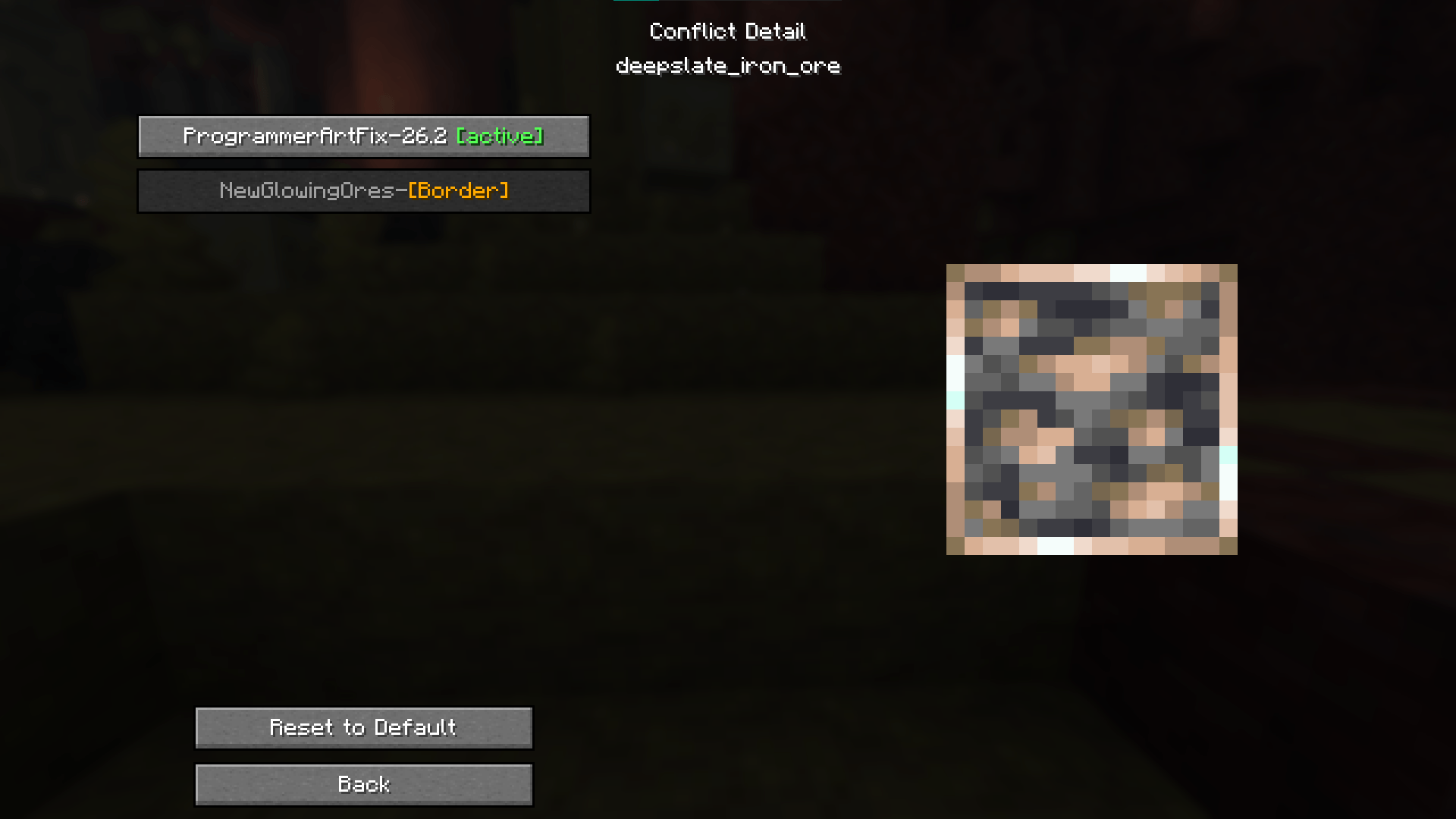
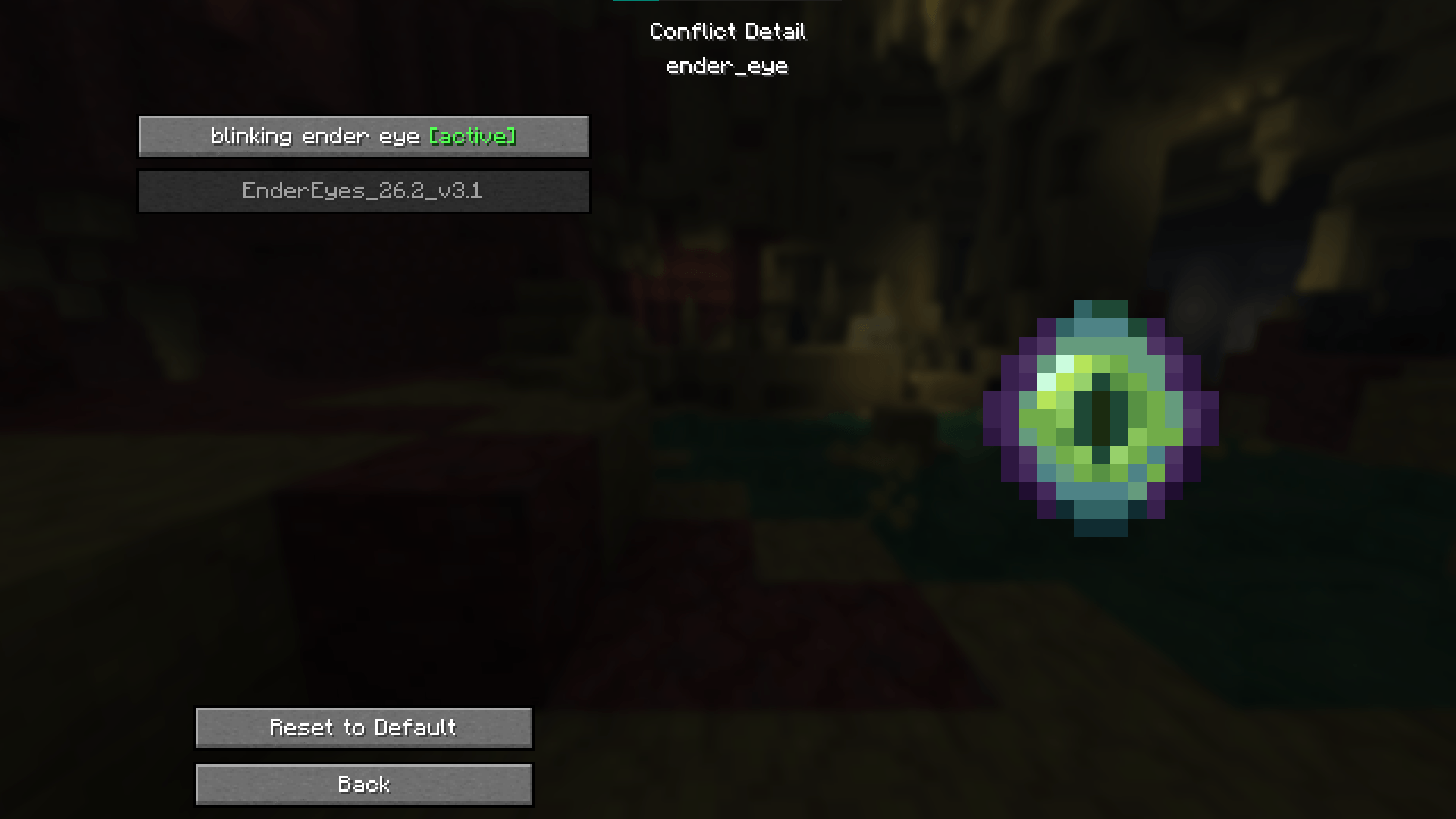
When multiple resource packs override the same file, Minecraft silently picks the highest-priority one. PackSmith shows you every conflict, lets you see exactly which packs are clashing, preview the texture from each one, and choose which pack wins — per file.
## Features
- Scans all active resource packs for texture conflicts
- Browse conflicts by status: Unresolved, Resolved, or All
- Live texture preview with animation support for each pack option
- Apply overrides per file — your choices persist across restarts
- Reset individual overrides or all at once
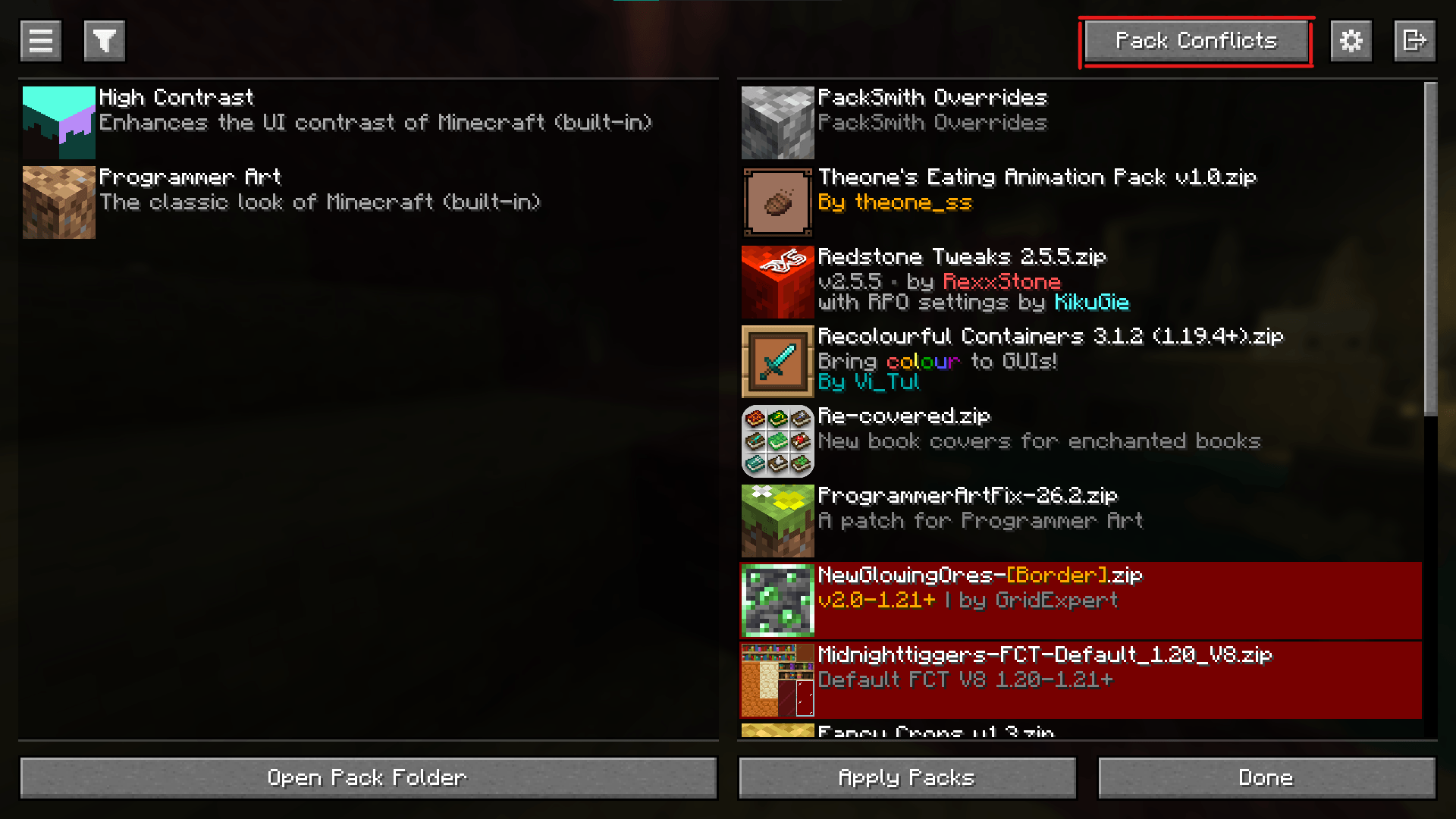
- Integrates with the vanilla resource pack screen (button in the header)
- Optional integration with Packed Packs mod
## How to use
1. Open the resource pack screen and click the PackSmith button, or press K in-game
2. Browse the conflict list and click any entry to open the detail screen
3. Select which pack's version you want for that file
4. Click Apply — PackSmith writes your choices and reloads resource packs automatically
## Notes
- Client-side only — safe to add to any instance
- Overrides are saved to `packsmith-overrides/` in your game directory
- A harmless log warning ("Error reading pack metadata, attempting fallback type") may appear on reload — this is expected and does not affect functionality
The PackSmith Team