


Oritech Extensions
- By
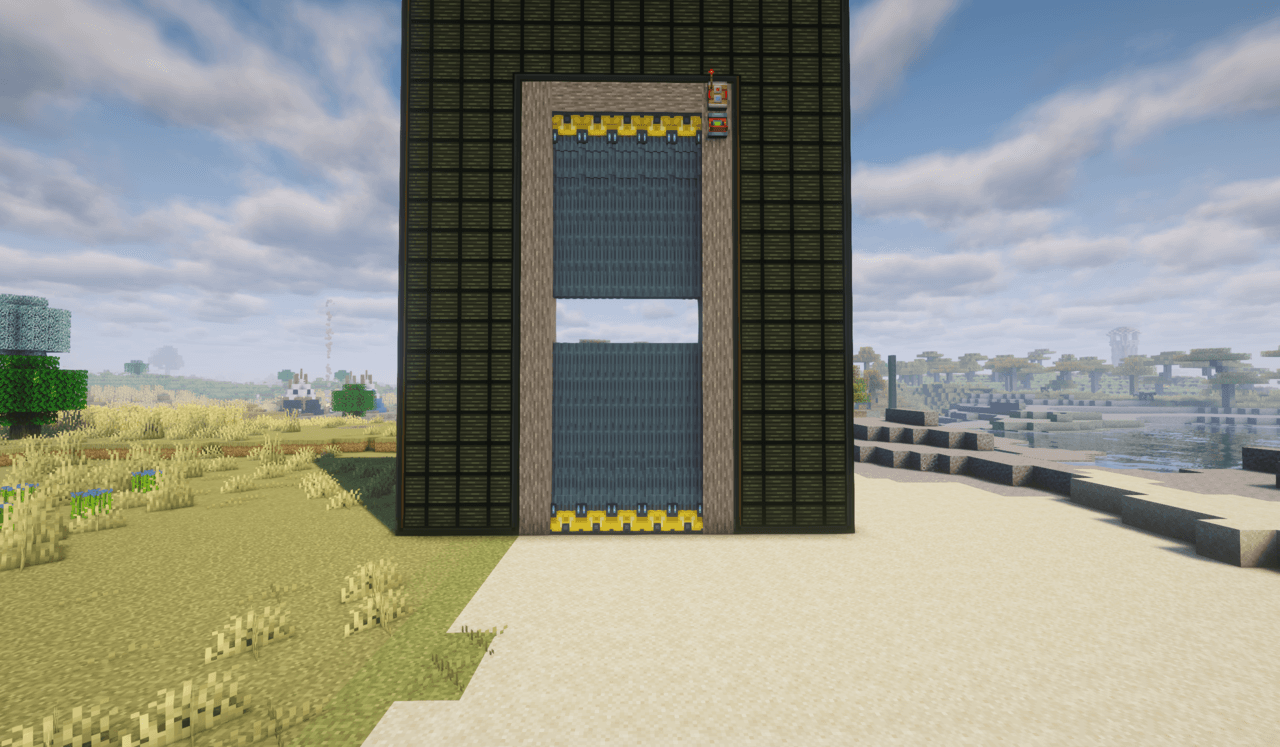
Open vertical hangar doors
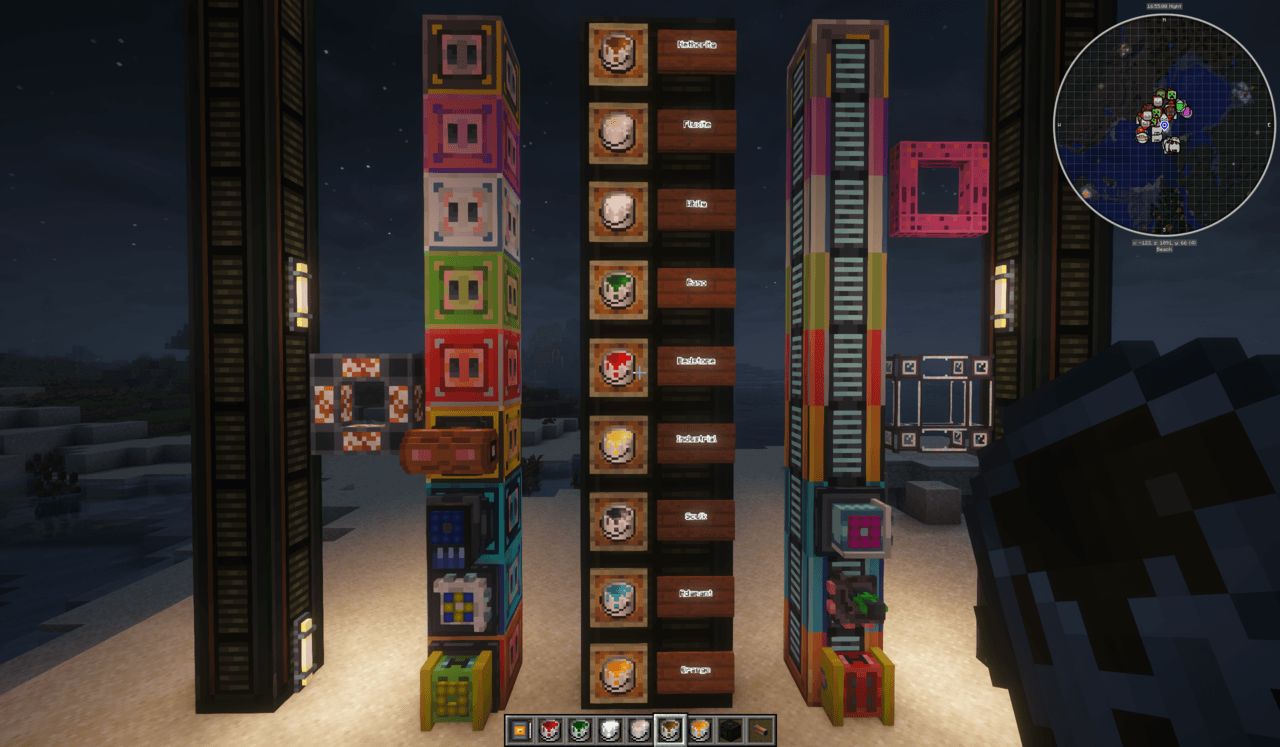
Colored Addons, extenders and pipes
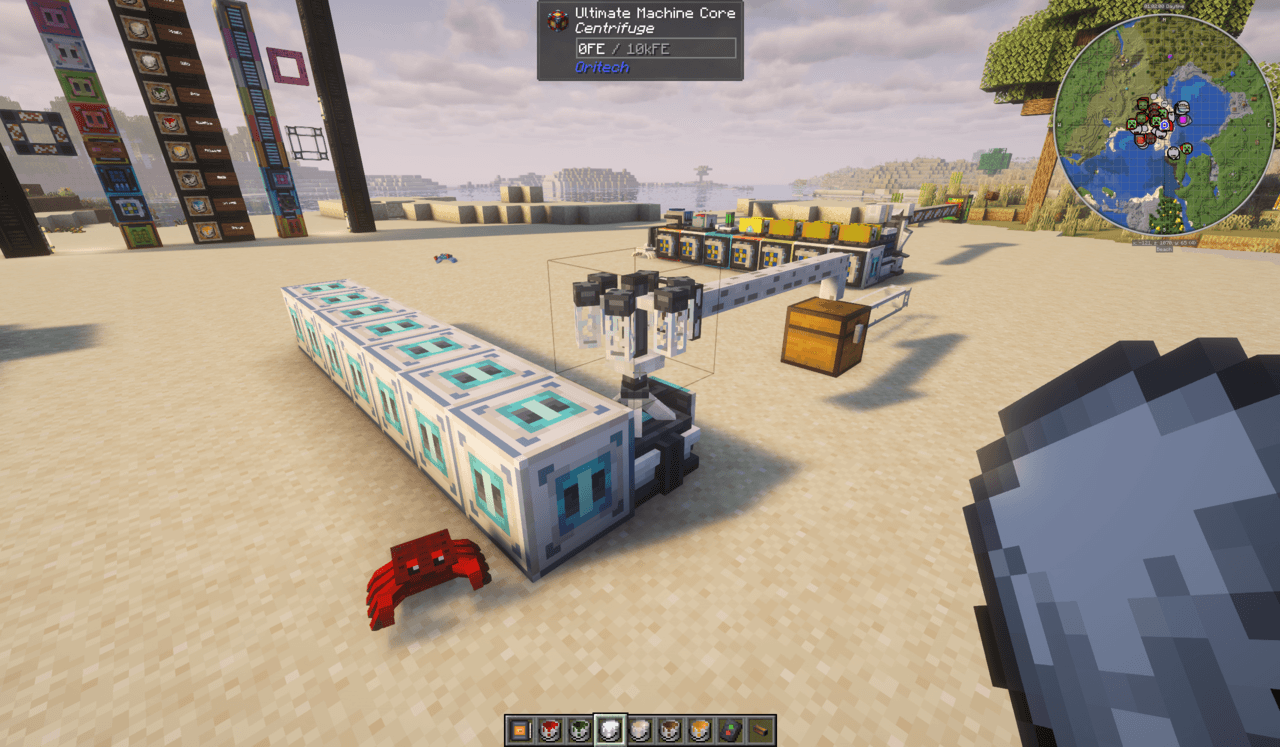
White extenders and cables... aw, and the crab
Description
Oritech Extensions
Small add-ons for Oritech on NeoForge 1.21.1 (built for All the Mods 10).
Hangar Door Extension
Oritech's Industrial Hangar Door is 3 blocks long. The Industrial Hangar Door Extension makes it longer.
- Place an extension on the tip of a hangar door. Each extension adds 1 block. You can keep adding extensions on the end of the last one.
- The door is 16 blocks long at most by default (Oritech's 3 + 13 extensions). You can change this in the config.
- Extensions copy the door's direction, rotation and open/closed state, and they open and close with it. That includes doors linked to their neighbours.
- When the door opens, the extensions slide back into the door's housing, timed to Oritech's own animation. When it closes, they slide back out.
- They use Oritech's hangar door texture and match the door's painted colour.
- Break the door, or any extension, and every extension past it drops as an item.
Recipe: 1 Industrial Hangar Door → 3 Hangar Door Extensions (shapeless).
Config
config/oritech_extensions-common.toml, or Mods → Oritech Extensions → Config in game:
| Key | Default | Range | Meaning |
|---|---|---|---|
maxHangarDoorLength |
16 | 4–32 | Total door length in blocks, including Oritech's 3 |
A ceiling door and a floor door that meet in the middle cover twice the configured length. For example, set 20 to close a 40-block opening.
Paintable machine addons
Oritech's machine paints (Color Cartridges) normally only work on its big machines. With this mod they also work on machine addon blocks: Oritech's own addons and those from mods built on them, such as Oritech Things' tiered addons.
- Right-click or shift-right-click an addon with a paint. It uses one cartridge (none in creative), the same as painting a machine.
- Orange Machine Paint returns the block to its normal look.
- A painted addon keeps its colour when you break it and place it again. The item tooltip shows the paint.
- Painted textures are generated from the original textures when the game loads, using the colour swap Oritech uses for its own paints. Nothing from the other mods is copied into this one.
| Addon | Paints cleanly? |
|---|---|
| Oritech: Speed, Efficiency, Ultimate, Processing, Capacitor, Fluid, Yield, Hunter, Silk Touch, Burst, Crop Filter, Quarry, Steam Boiler, Inventory Proxy, Capacitor Addon Extender | Yes |
| Oritech: Extender, Acceptor | Partly. They keep some of their own orange shades |
| Oritech Things: Speed, Efficiency, Efficient Speed, Processing, Capacitor (all tiers), Cross Dimensional | Yes |
| Oritech Things: Acceptor (all tiers) | Barely changes. It uses its own oranges |
The list of recoloured textures is in src/main/resources/assets/minecraft/atlases/blocks.json. The palettes come from tools/paint/generate_palettes.py.
Oritech Things is © its authors, licensed CC-BY 4.0. This mod only reads its textures at runtime to recolour them.
Oritech Extensions Team
