

Ore Tuner
- By
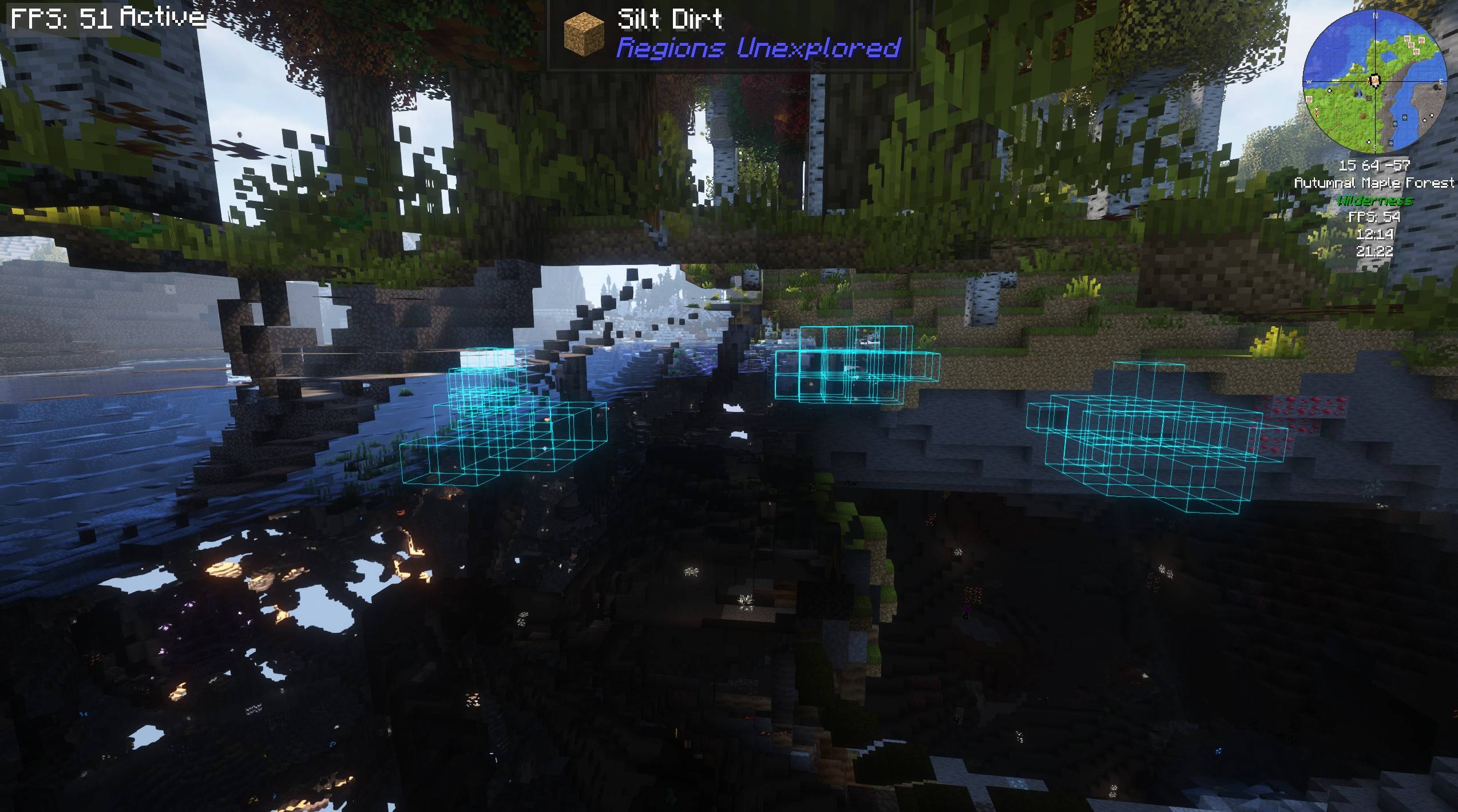
Screenshot 2026-06-18 212258.jpg
Screenshot 2026-06-18 212022.jpg
Screenshot 2026-06-18 211935.jpg
Screenshot 2026-06-18 212048.jpg
Screenshot 2026-06-18 212329.jpg
Description
Ore Tuner
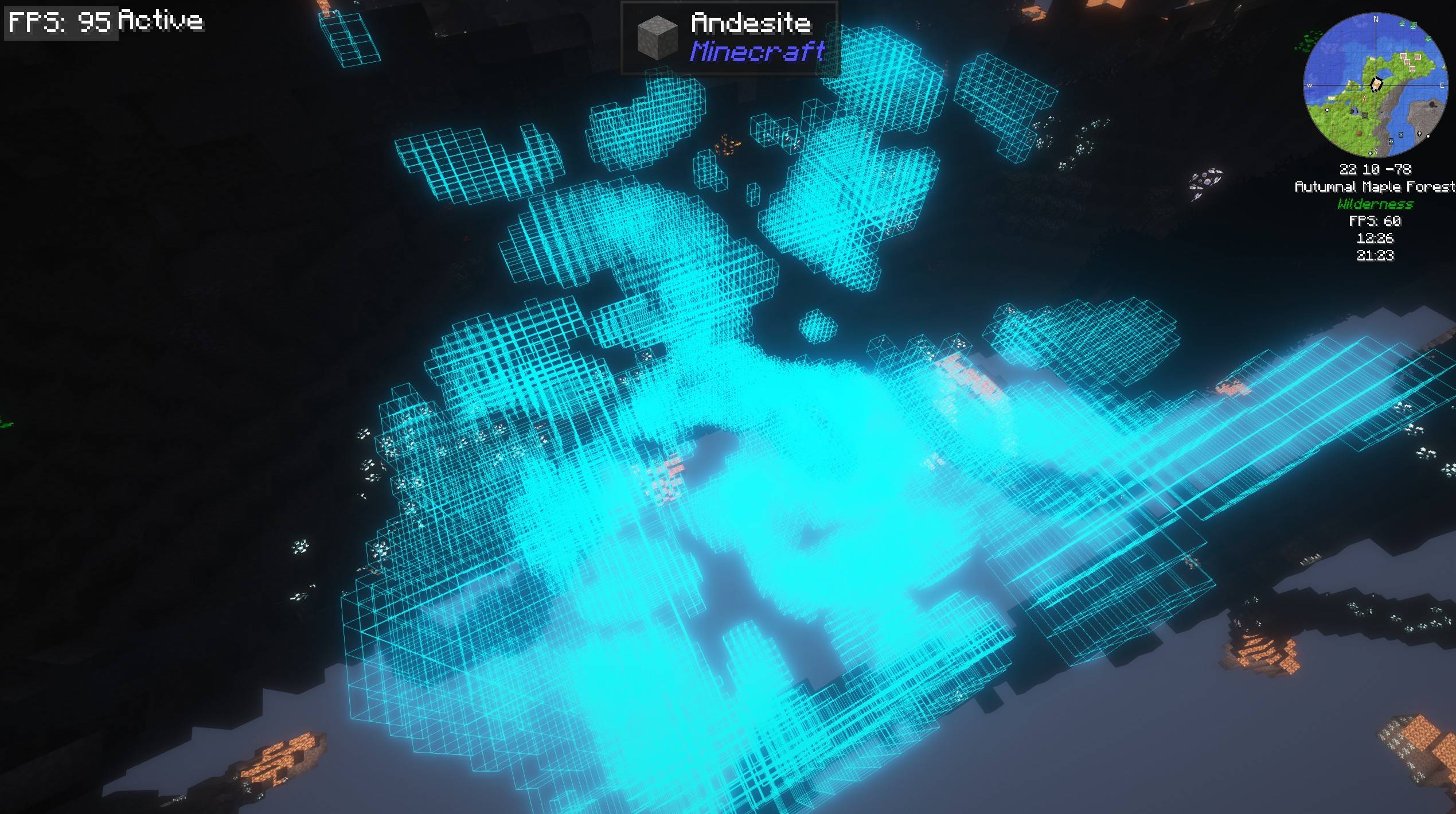
Ever wanted diamonds in huge veins, iron everywhere, or a world with no coal at all — without hunting through config files or writing a datapack? Ore Tuner puts ore generation in your hands, right where you make the world.
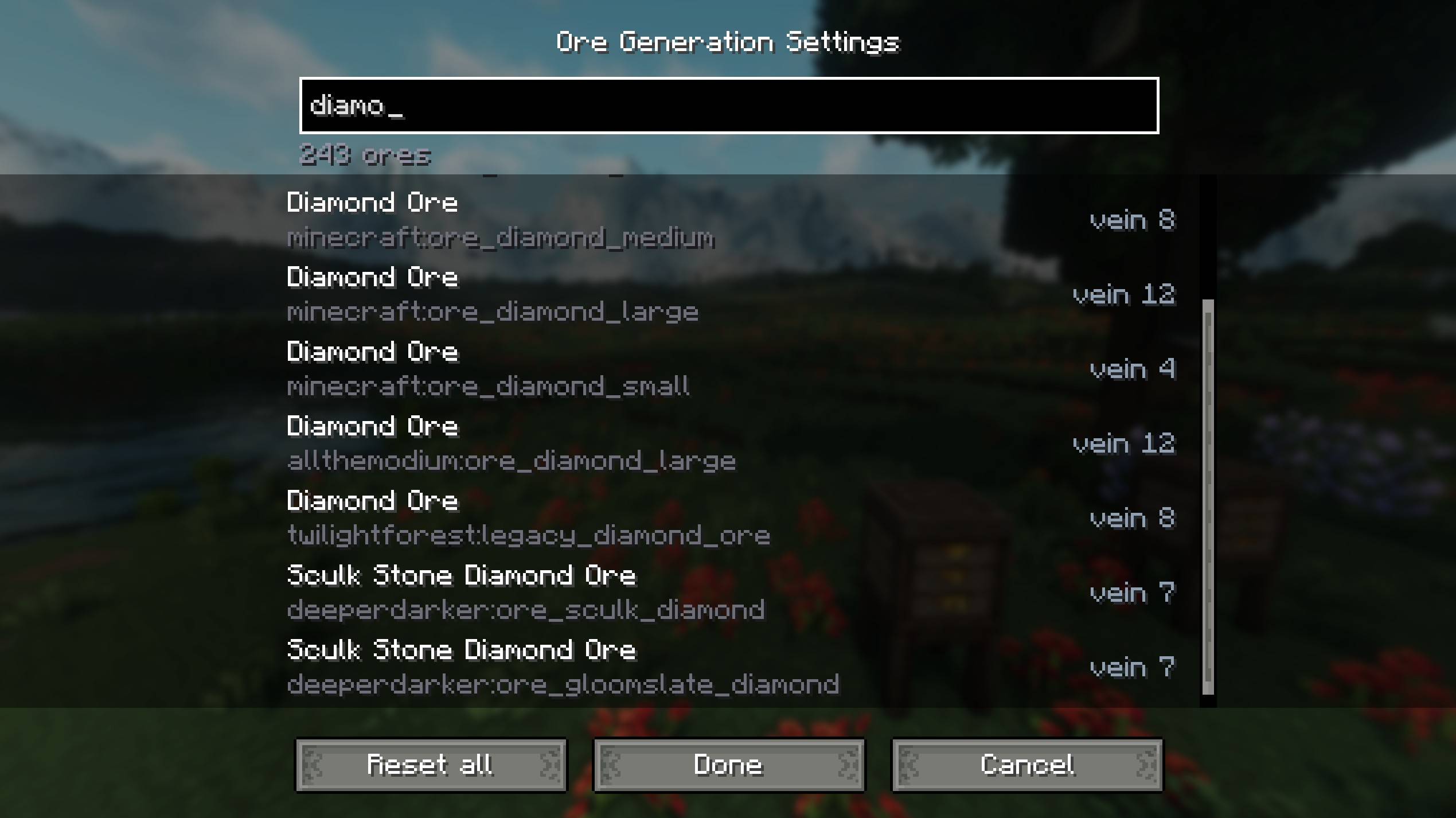
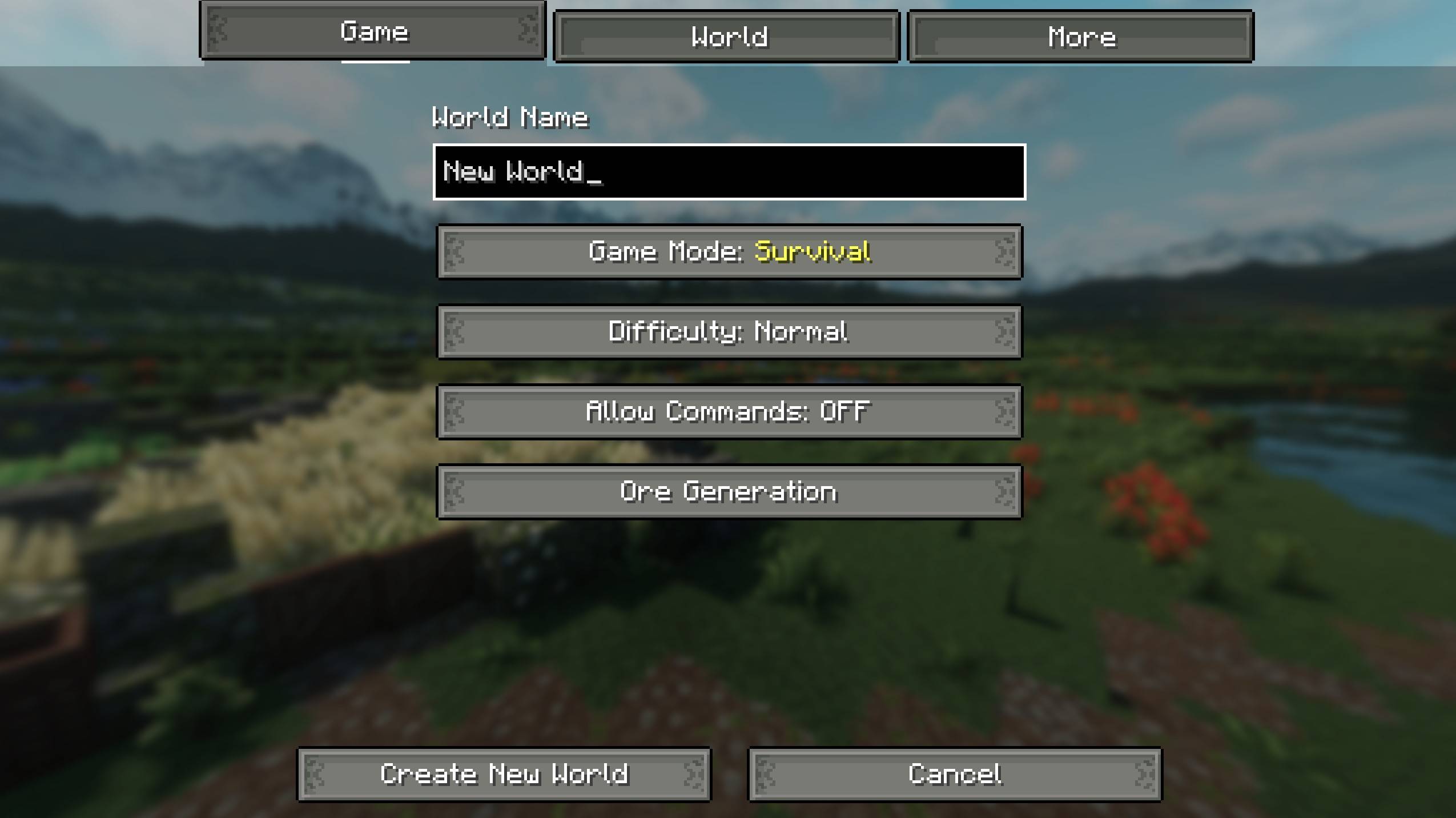
Click the new Ore Generation button on the Create New World screen and you get a searchable list of every ore in your game — vanilla and modded. For each one you can dial in:
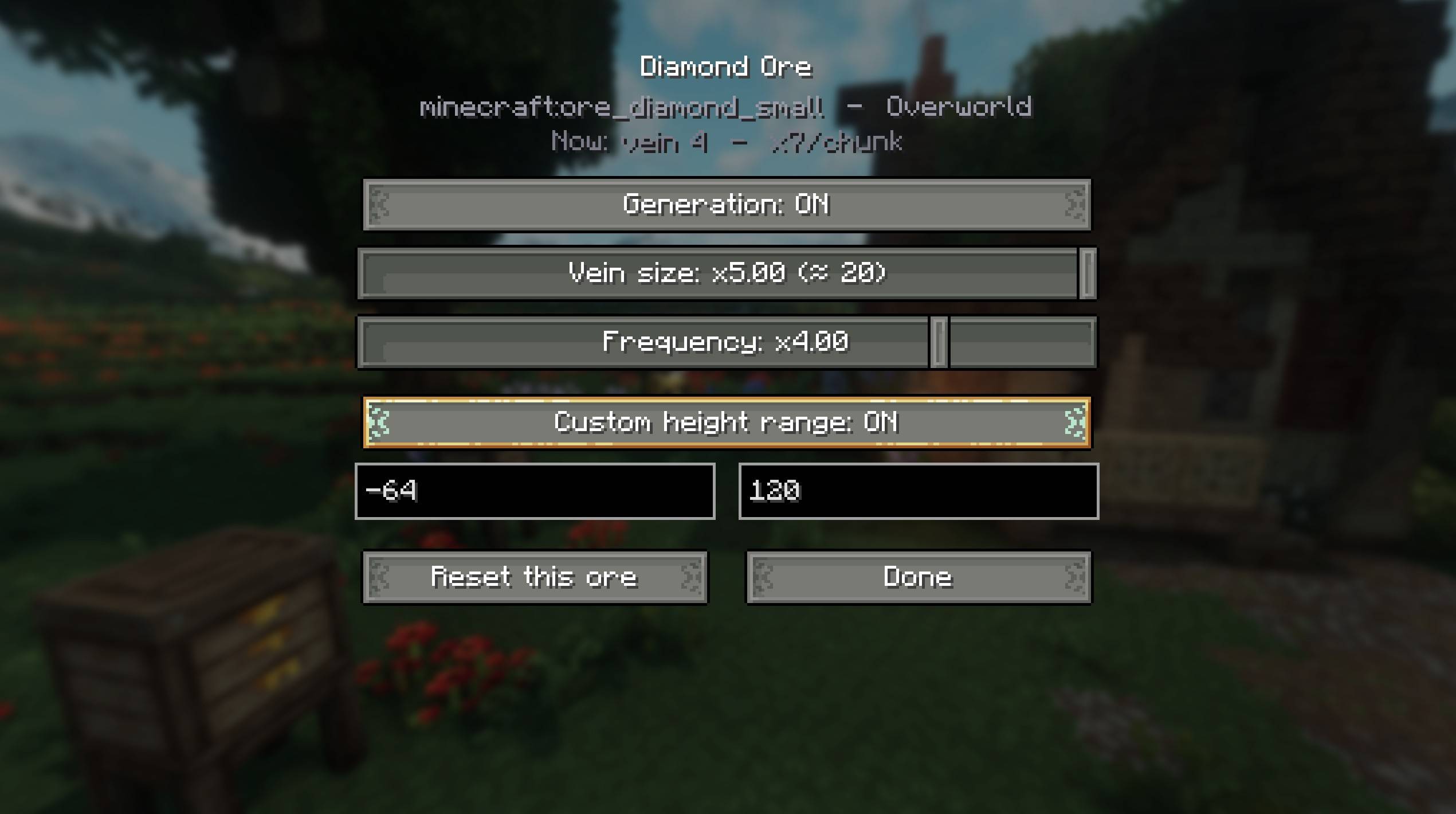
- 🪨 Vein size — how many blocks each vein contains
- 🎲 Frequency — how many veins generate per chunk
- 📏 Height range — the min/max Y the ore spawns at
- 🔀 Enable / disable — turn any ore's generation off entirely
Per-world, not global
Your settings are baked into the world you're creating and saved with it. Other worlds are untouched, and your global game files are never modified — so every world can have its own ore balance.
Works with modded ores automatically
Ore Tuner reads the ores from your game's world-generation data, so it picks up ores from other mods on its own — no per-mod patches or compatibility add-ons needed.
How it works
When you finish editing, Ore Tuner writes a small per-world datapack describing your changes and applies it before the world generates, so your tweaks take effect from the very first chunk. Everything is done through the game's own data system — no edits to vanilla generation.
Make an Ore-Tuned world for your server
Part A — Create & configure the world (singleplayer)
- Launch your Minecraft client (the one with
oretuner-0.1.0.jarinstalled). - Singleplayer → Create New World.
- Set it up as you want it on the server — name, seed, world type, game rules all travel with the save, so set them now.
- Open the Game tab → Ore Generation (under "Allow Commands") → tune your ores → Done.
- You'll see a brief "working…" flash — that's the datapack being applied. Let it finish.
- Click Create New World. Once you're in, press Esc → Save and Quit to Title.
Part B — Find the save and confirm the datapack
- Open the save folder:
Minecraft Install\saves\<Your World Name>
- Confirm the datapack is inside:
If that folder exists, the ore settings are baked in. ✅
<Your World Name>\datapacks\oretuner_oregen\pack.mcmeta
<Your World Name>\datapacks\oretuner_oregen\data\...\worldgen\...
Part C — Put it on the server
- Stop the server if it's running.
- Back up the server's current world folder (rename it, e.g.
world→world_old). - Check the server's
server.propertiesfor the world name:level-name=world
- Either rename your world to "world" or change the level name in the server config to match your worlds name
- You do not need to add
oretuner-0.1.0.jarto the server'smods/folder. (Just make sure the server runs the same modpack/vanilla version as the world.)
Part D — Start & verify
- Start the server.
- In the server console (or in-game as op), run:
You should see
/datapack list
file/oretuner_oregenin the enabled list. - Explore into fresh chunks — new ore generation will follow your settings.
Requirements: Minecraft 1.21.1 · NeoForge
The Ore Tuner Team
