Ore Height Indicator
- By
A compact in-game ore height guide that reads the world's active generation data and adapts to biomes, datapacks, and modpacks.
00_curseforge-banner.png
01-hud-overview.png
02-open-settings.png
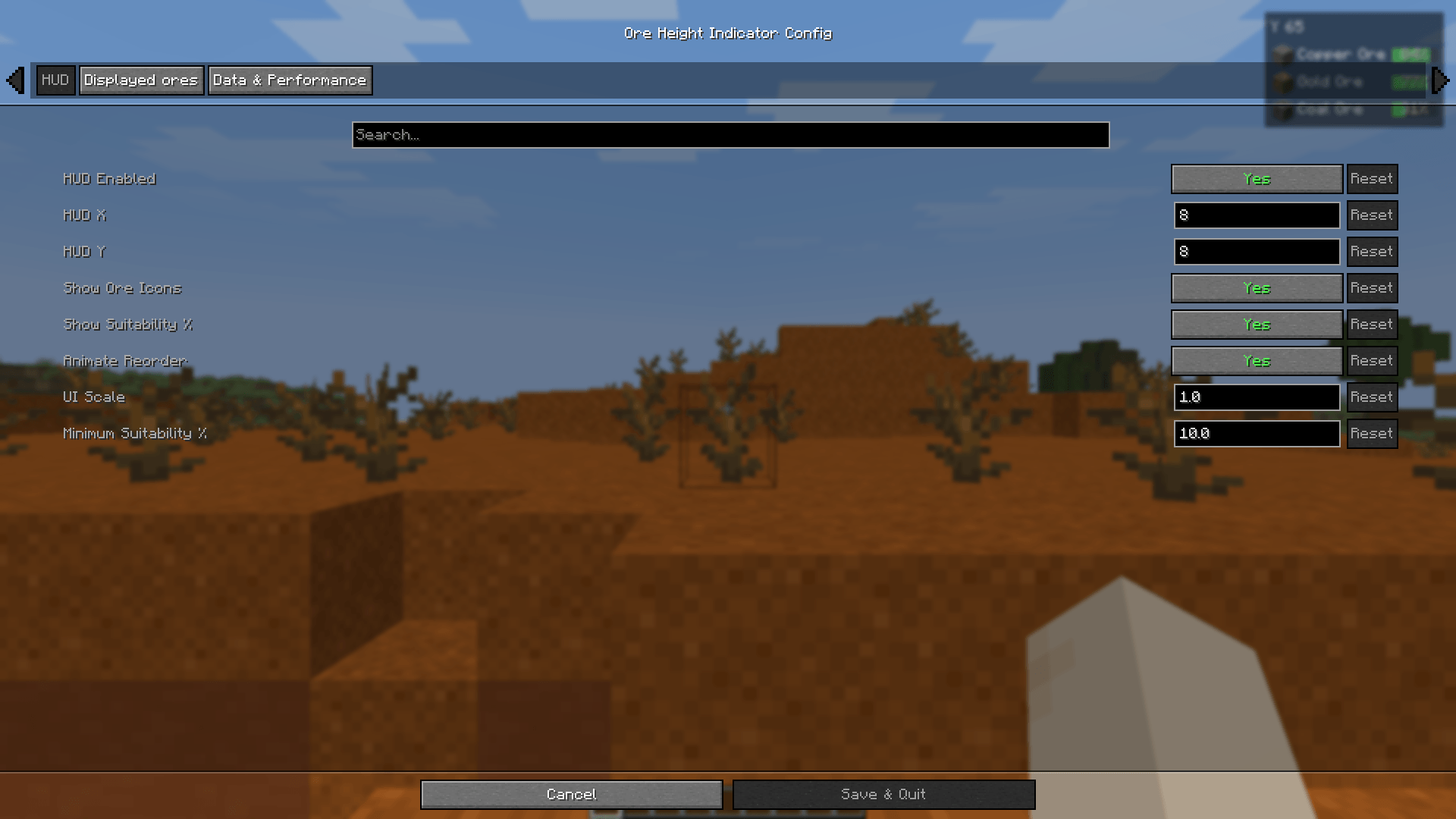
03-hud-settings.png
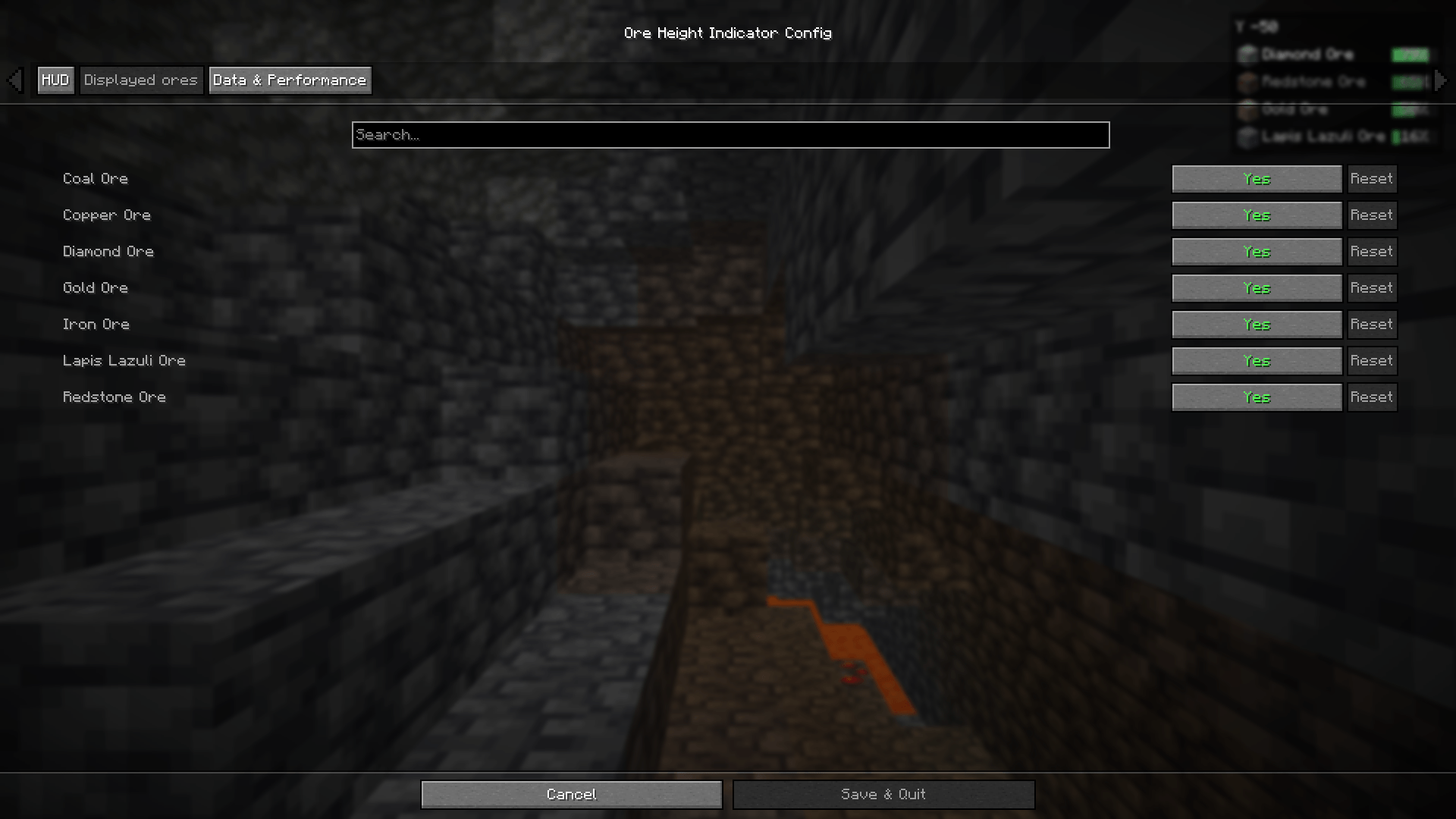
04-displayed-ores.png
Description
Ore Height Indicator
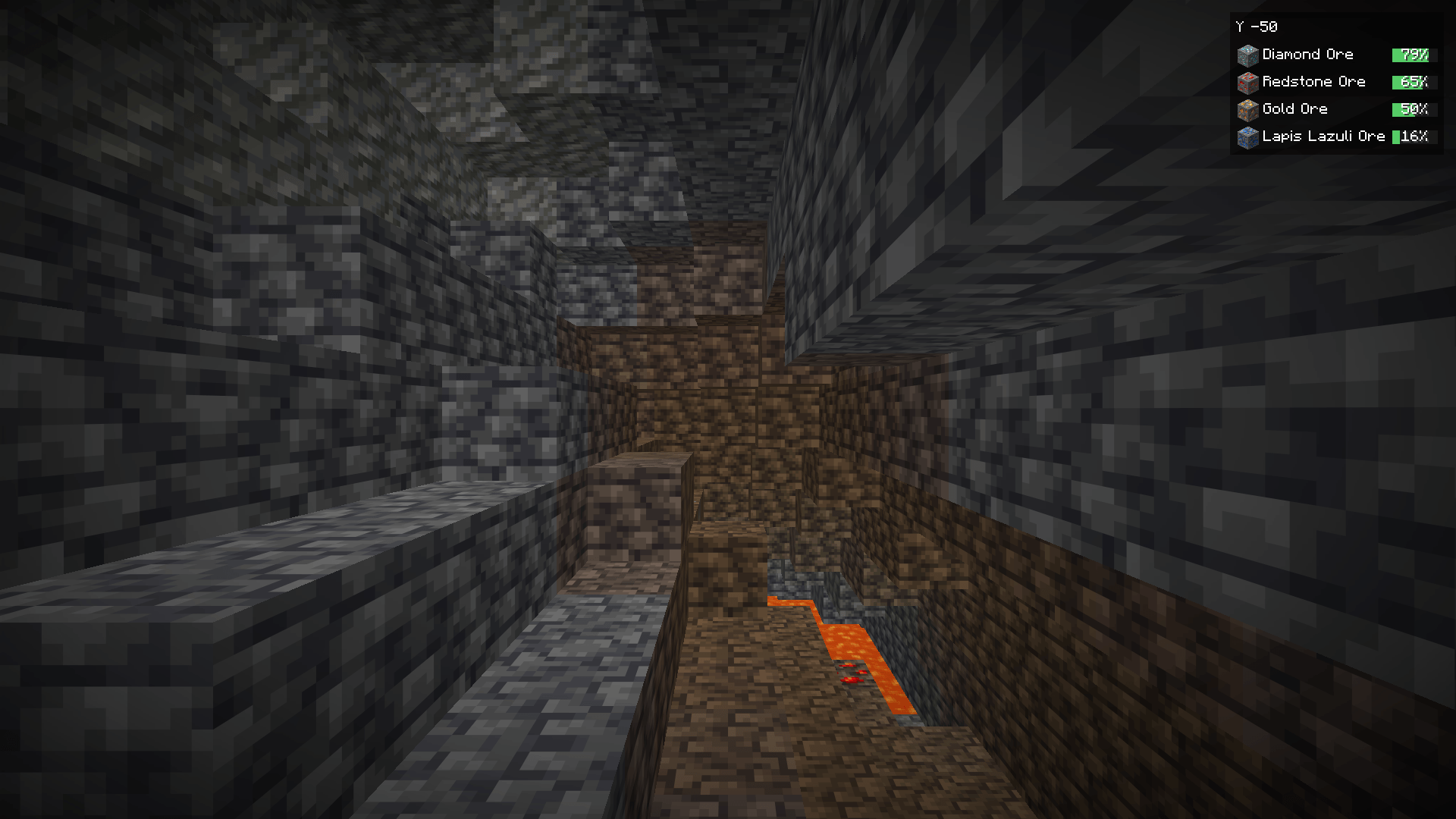
Ore Height Indicator is a client-side Fabric mod that adds a compact ore guide to the top-right corner of the screen. It shows your current Y level and ranks the ores that best match your current height and biome.
A simple mining guide
Each HUD row contains the ore icon, its localized name and a small suitability bar. By default, the HUD displays up to four ores.
The bar shows how well your current height matches an ore's active distribution. It is not a block probability or a percentage of blocks around the player.
Worldgen-aware data
Ore Height Indicator does not rely on a fixed online chart.
In singleplayer, the mod reads the active world generation data from the integrated server. This includes vanilla generation, enabled datapacks and modded ore features that use Minecraft's standard ore generation format.
When no integrated server is available, the mod reads the world generation files installed on the client. This keeps the fallback matched to the installed Minecraft version and modpack.
Private datapacks used by a multiplayer server are not sent to clients and therefore cannot be detected by a client-only mod.
Configuration
Press H to show or hide the HUD.
The configuration allows you to change:
- HUD position
- Interface scale
- Number of displayed ores
- Ore icons
- Reordering animations
- Update interval
- Minimum height relevance
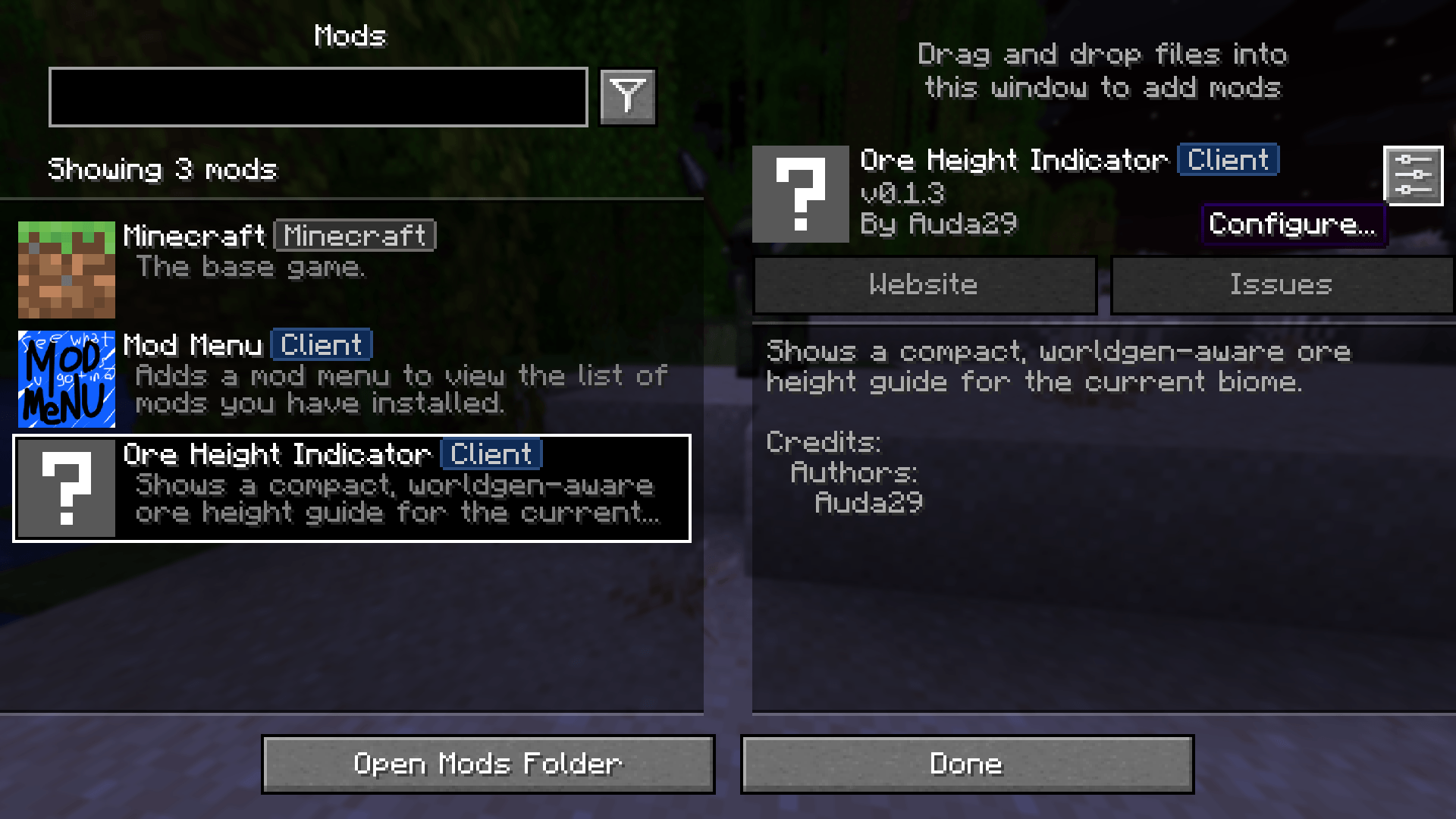
Mod Menu and Cloth Config provide an in-game settings screen when both are installed. The JSON configuration file works without them.
Requirements
- Minecraft 1.21.11
- Fabric Loader 0.16.0 or newer
- Fabric API
- Java 21
Mod Menu and Cloth Config are optional.
The project logo is AI-generated artwork and is not an in-game screenshot.
Ore Height Indicator Team