Ore Finder | By Omega Plugins
- By
Ore Finder is a client-side ore radar for Fabric that highlights ores through terrain and guides you straight to them — with color-coded direction lines, dig-distance readouts, and surface markers. No server-side install required.
Trackable Ores All 11 ore targets are built in, each with its own color and auto-matching of Deepslate variants:
- Overworld: Coal, Iron, Copper, Gold, Diamond, Emerald, Redstone, Lapis Lazuli
- Nether: Nether Quartz, Nether Gold, Ancient Debris
Find one diamond ore and its deepslate twin is matched automatically — no double-configuring, no missed blocks.
Visual Guidance
- Color-coded ore lines — every tracked ore is drawn through the terrain in its own color, so you can tell targets apart at a glance.
- Dig lines + HUD text — a clear vertical line and a "Dig ▼ X blocks" readout tell you exactly how far down to mine.
- Surface X markers — an X marks the surface block above your target, so you know where to start digging.
- Above/below alerts — know instantly whether the nearest ore is above or below you.
- Live distance — distances update in real time as you move.
Built for Performance Ore Finder is engineered to stay lag-free even at maximum settings:
- Y-range section pre-filtering — chunk sections outside the selected ores' natural spawn ranges are skipped entirely (e.g. diamond only scans Y -64 to 32), cutting block lookups by over half.
- Incremental batched scanning — searches are spread across ticks with an adaptive chunk budget, so the game never stutters, even on a full 200-block sweep.
- Tick-budgeted rendering — screen-space drawing is capped and near-camera geometry is culled, keeping your framerate smooth even while standing on a marker.
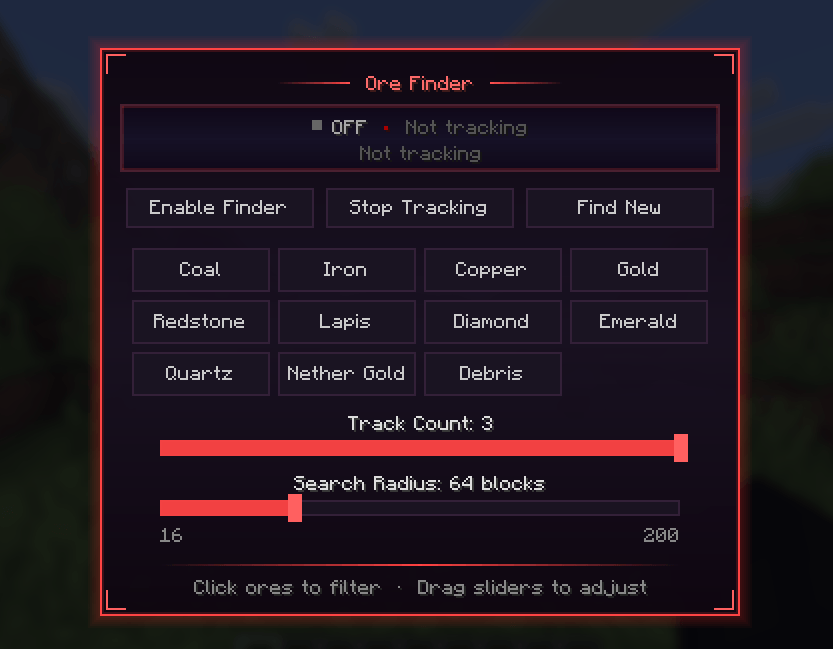
Configuration Open the in-game settings screen and tune everything live:
- Search radius — up to 200 blocks
- Maximum tracked ores at once
- Per-ore enable/disable and colors
- Toggle every HUD element independently
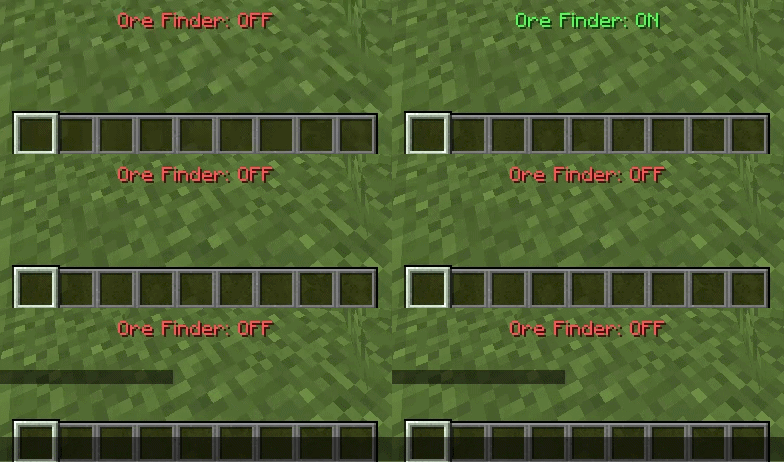
Dedicated keybinds (default M/N/B) let you toggle tracking and open settings without leaving your inventory.
Client-Side Only Ore Finder is purely visual and runs entirely on your client — use it on vanilla servers, realms, modded servers, or single-player. Nothing is installed server-side and nothing is modified beyond what you see.
Requirements
- Minecraft 1.21.11
- Fabric Loader
- Fabric API
Installation
- Install Fabric Loader for Minecraft 1.21.11.
- Drop Fabric API and Ore Finder into your mods folder.
- Launch the game and press M to configure your first scan.
Images/Videos
UI for settings "M"
Toggle tracker on/off "N"
Using ore finder
Ore Finder | By Omega Plugins Team