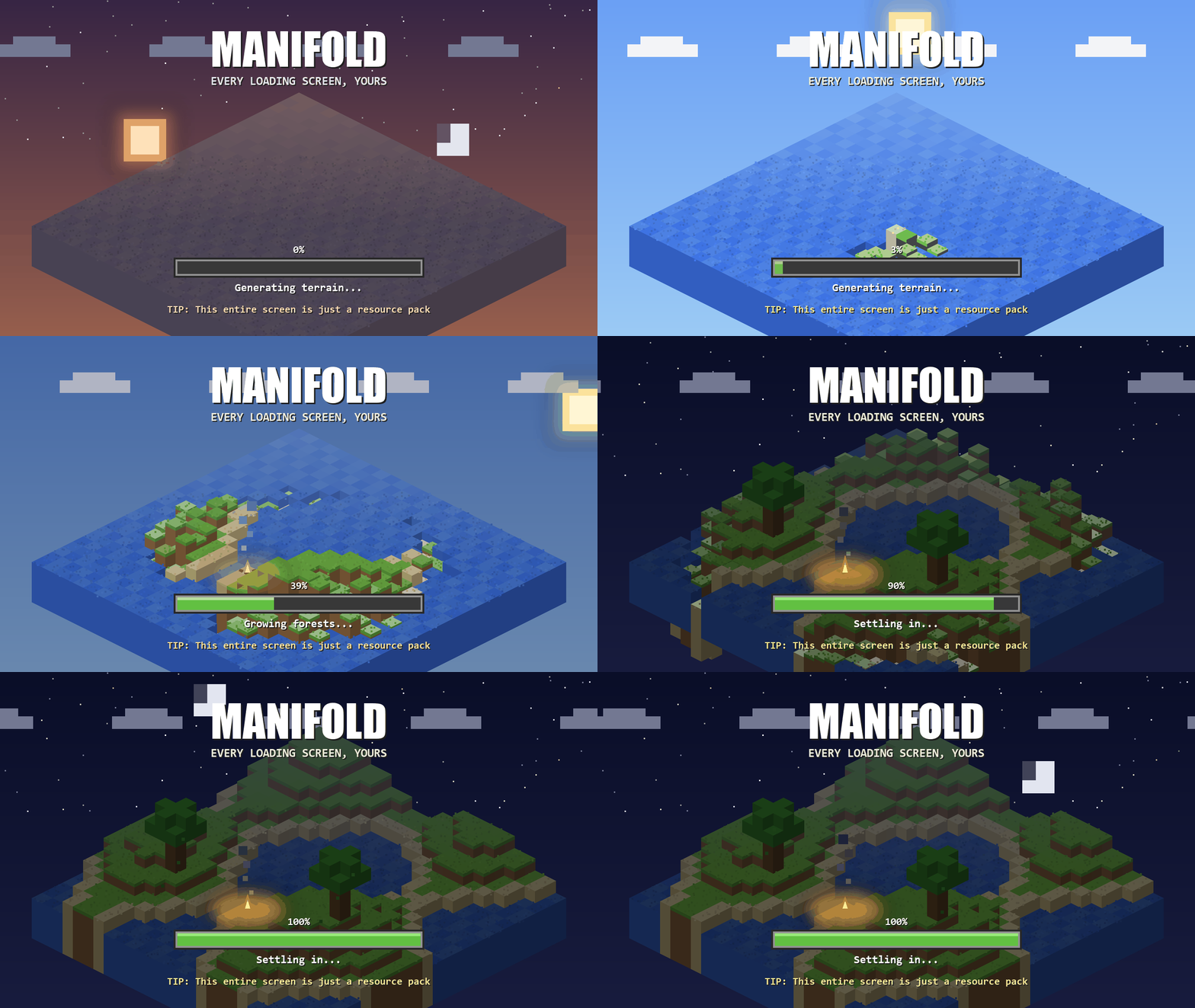
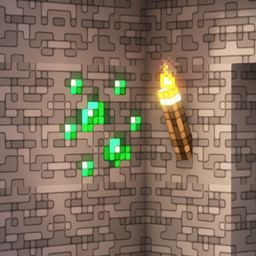
Customizable texturepack-driven loading screens for Minecraft: Java Edition
Optimum Loading Screens turns Minecraft's loading screens into a resource-pack format. Any pack that ships a manifold.json takes over the boot screen, world loading, world upgrades, server connects, and every other loading or waiting screen.
No config files, no menus: install the mod, use a texturepack which contains a loading screen, done.
What packs can do
- Full-screen custom art for every loading screen, with a solid-colour fallback
- Animated backgrounds using vanilla's own
.mcmeta frame-strip convention
- Animated progress bars from PNG frames, with automatic masking to the real progress
- Live percent readout drawn from pack-styled digit images
- Progress-keyed status lines ("Compiling atmospheric shaders…") as styled images
- Rotating tips with per-session shuffle
Screens without measurable progress (connecting to a server, waiting on a response) get a sweeping bar instead of a fake percentage, automatically. No need to configure.
Default Themes
Three official themes are available: Neo-Glitch, Cinematic Dawn, and Badlands Edition (fully animated: a minecart rolling into a badlands sunset).
Making your own theme needs no code; it's a folder with a JSON file and some PNGs. The complete guide: PACK_AUTHORS.md.
Notes
- Fabric API is not required. Client-side only; safe to leave installed on servers (it simply doesn't load).
- Conflicts(mods that should be avoided): Mods that fight for the same screens (Puzzle's splash module, Remove Reloading Screen).
Credits
Inspired by icehunter. Provenance record: attribution.