


On-Screen Keyboard
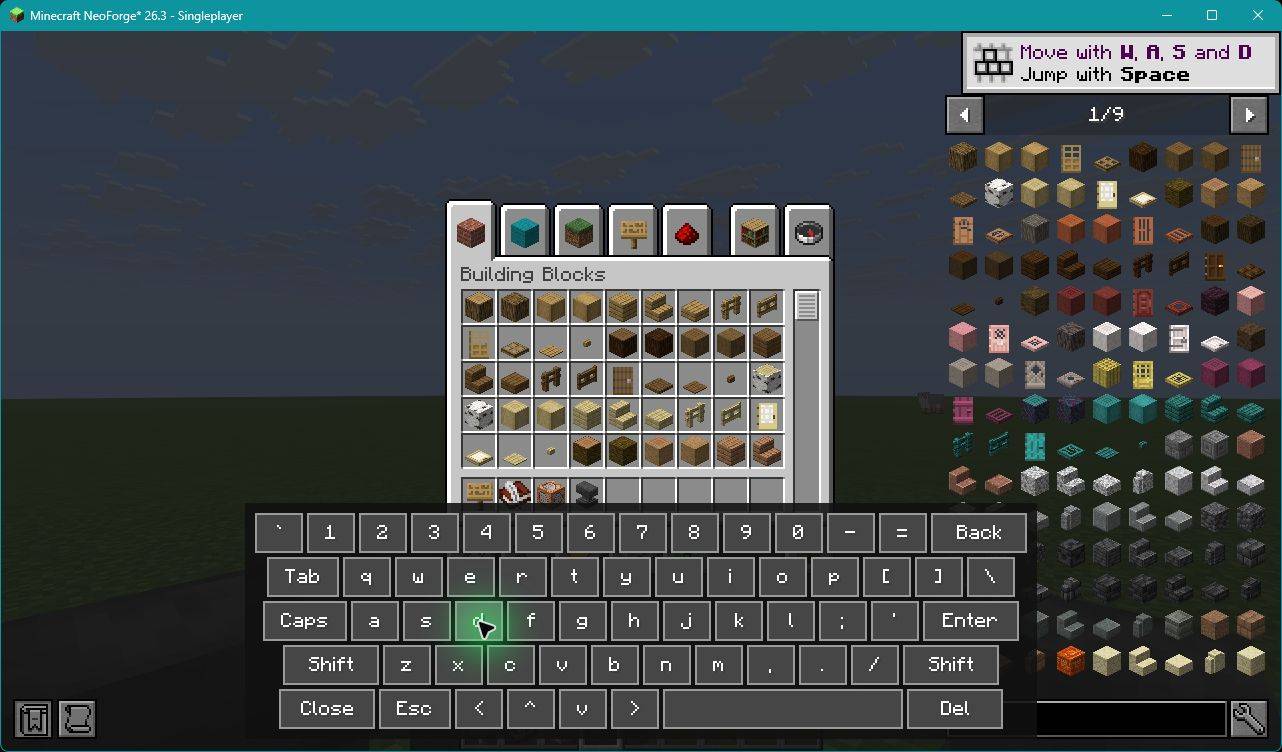
0022-NEOFORGE_26.3-jei-osk-d.jpg
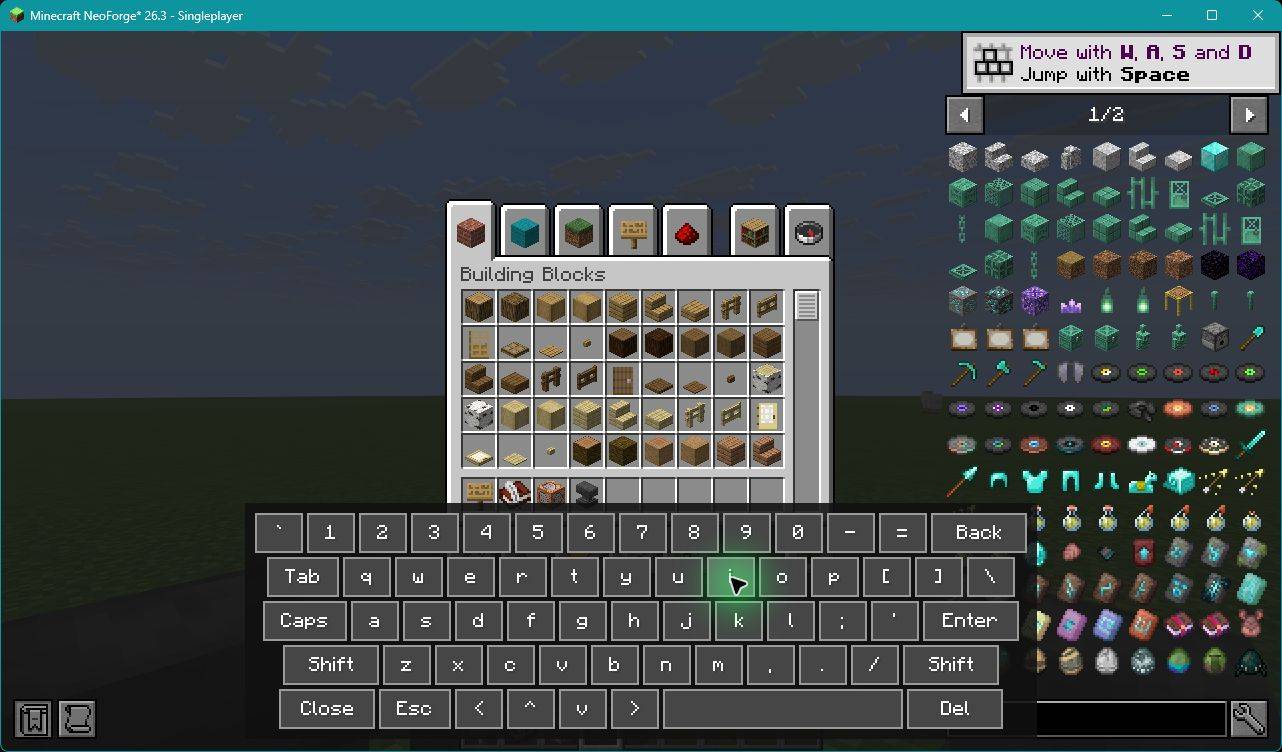
0023-NEOFORGE_26.3-jei-osk-i.jpg
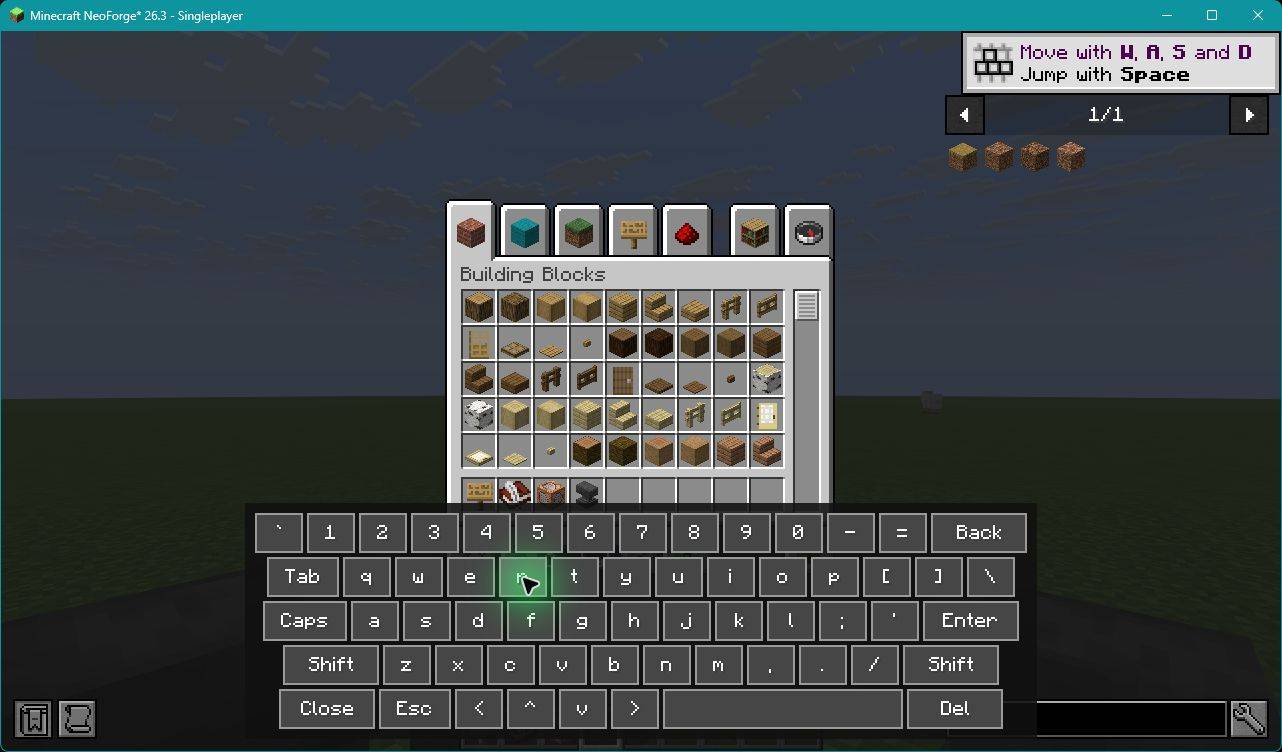
0024-NEOFORGE_26.3-jei-osk-r.jpg
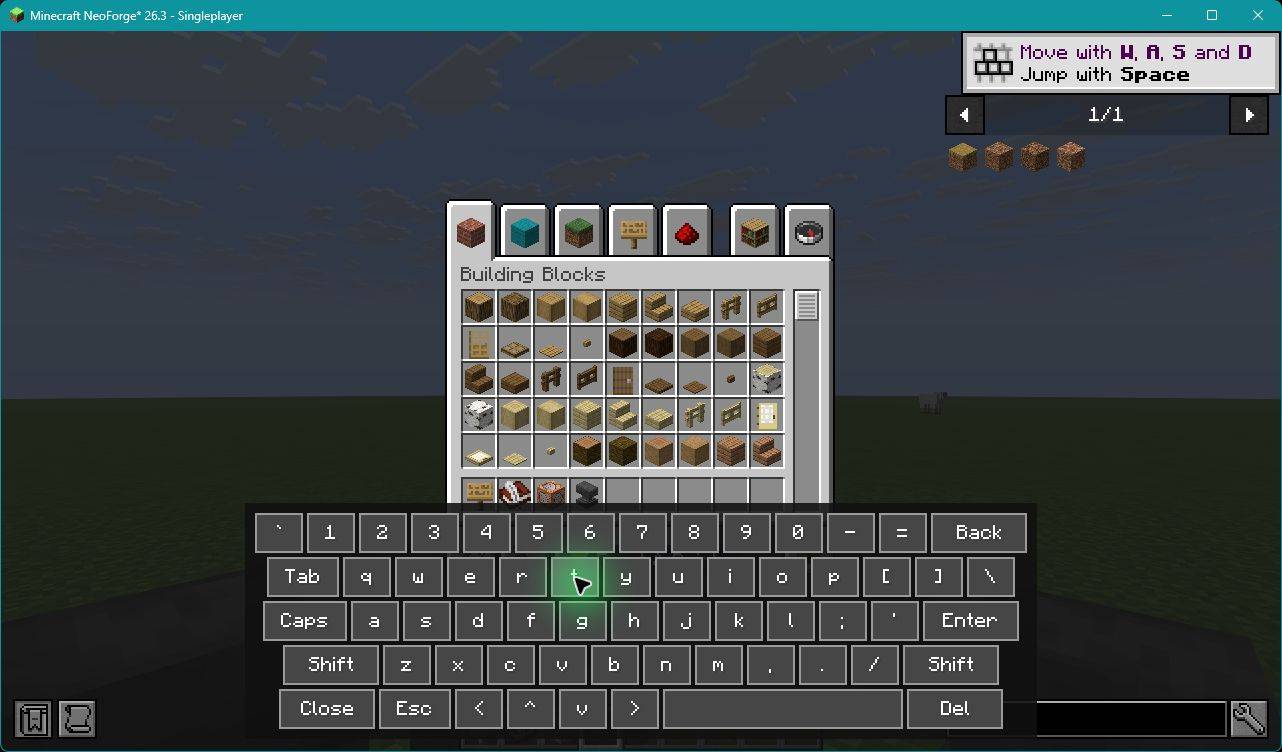
0025-NEOFORGE_26.3-jei-osk-t.jpg
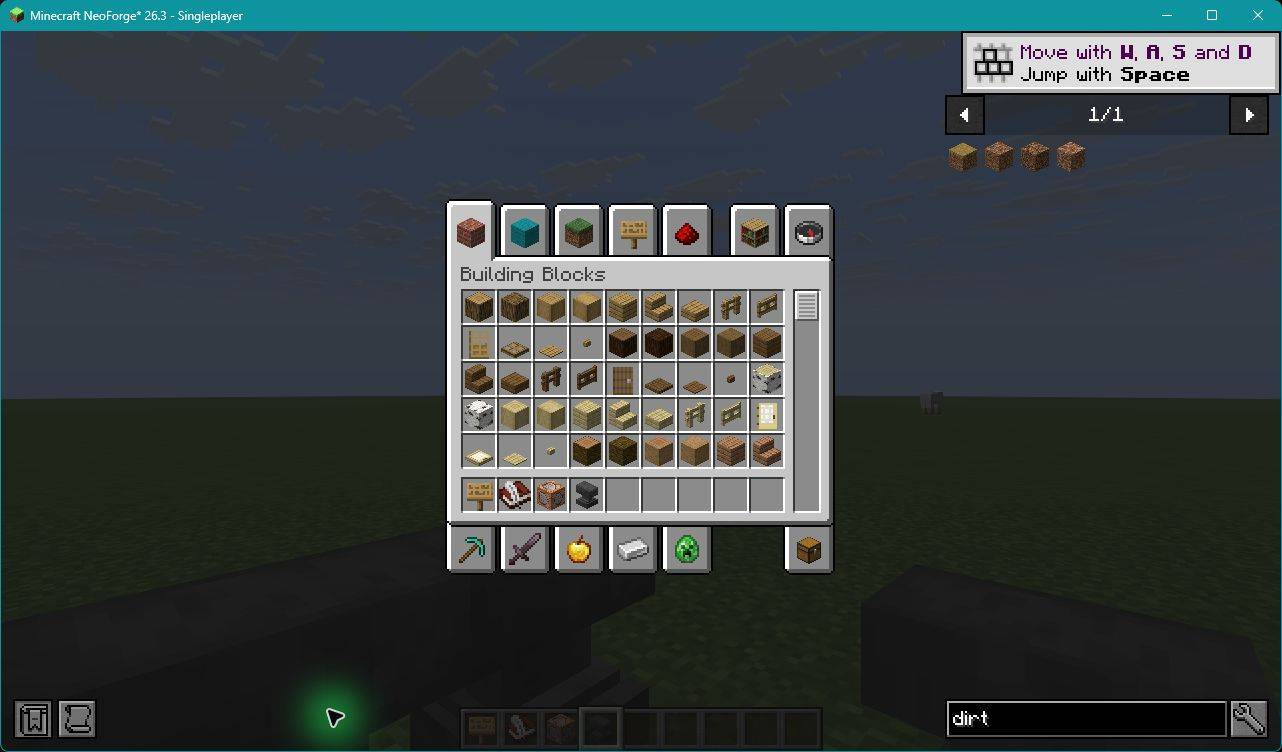
0026-NEOFORGE_26.3-close-osk-confirm-jei-text.jpg
Description
On-Screen Keyboard
Type in Minecraft using a clickable keyboard that stays right inside the game.
On-Screen Keyboard adds a client-side keyboard overlay for Minecraft Java Edition. Use it to write chat messages, edit signs and books, rename items in an anvil, and search JEI without clicking away from the text you are editing.
Press F10 to open the keyboard, then click its keys. The overlay keeps the active text field available while you type, making it useful for playing with a mouse, a virtual cursor, or custom navigation bindings.
Features
- Clickable US QWERTY keyboard with letters, numbers, punctuation, and a space bar.
- Editing controls including Backspace, Delete, arrow keys, Tab, Enter, and Escape.
- One-shot Shift and Caps Lock for uppercase letters and shifted symbols.
- Focus-preserving overlay that sits over the current screen while you continue editing its text.
- Bindable navigation with a highlighted selection and separate Up, Down, Left, Right, and Activate actions.
- Separate Shift and Caps Lock bindings for custom input setups.
- JEI search support on the tested matching releases.
- Client-side installation with separate builds for supported Minecraft versions and mod loaders.
How to use
- Install the file that matches your Minecraft version and mod loader.
- Open a supported editor, or press F10 during gameplay to open chat with the keyboard.
- Click the keyboard's keys to type into the active text target.
- Use Enter to submit chat or move to another line in supported editors. Use the editor's normal Done button to save books and signs.
- Use Close to hide the keyboard and continue using the current screen.
You can change the toggle key in Minecraft's Controls menu.
The additional OSK Up, Down, Left, Right, Activate, Shift, and Caps Lock actions start unbound. Assign them in Controls, or through a compatible controller mod's binding system, to build your own navigation setup. Physical controller combinations are still part of beta testing.
Supported versions
- Fabric: Minecraft 1.20.1, 1.21.1, 26.2, and 26.3.
- Forge: Minecraft 1.20.1, 1.21.1, 26.2, and 26.3.
- NeoForge: Minecraft 1.21.1, 26.2, and 26.3.
A separate NeoForged legacy Forge build for 1.20.1 is NO LONGER available; it uses Forge 47.4.10.
Each download targets a specific version and loader. Install one matching OSK JAR, rather than combining the different builds.
Requirements and compatibility
Fabric builds require Fabric API. Forge and NeoForge builds use their corresponding loaders. Check the selected file's requirements for the tested loader version.
JEI and controller mods are optional. You do not need to install a controller mod to use the clickable keyboard.
The current beta has verified JEI search input and keyboard toggling on:
- Fabric 1.20.1, 1.21.1, 26.2, and 26.3.
- Forge 1.20.1 and 1.21.1, including the 1.20.1 legacy Forge target.
- NeoForge 1.21.1, 26.2, and 26.3.
JEI compatibility for Forge 26.2 and 26.3 is awaiting a matching release and testing. REI, EMI, and individual controller-mod combinations are also awaiting dedicated validation.
Beta status
All twelve current builds have passed build/package validation and the core singleplayer visual checks for chat, mapped navigation and activation, anvil renaming, multiline books, saved signs, and overlay rendering. JEI checks passed wherever a matching release was available.
Multiplayer, physical controller setups, and the full range of display sizes and GUI scales are still being tested. The NeoForge 26.3 validation used 26.3.0.23-beta.
If you encounter a problem, include your Minecraft version, loader and loader version, OSK version, relevant GUI/controller mods, and the steps needed to reproduce it. A screenshot and relevant section of latest.log are helpful.
Modpacks and license
Modpack inclusion is welcome. On-Screen Keyboard is licensed under the MIT License. You may use, modify, and redistribute it, including in modpacks, while retaining the copyright and license notices.
Copyright © 2026 Sarenian71.
On-Screen Keyboard Team
