Obstickless' MobDrop
- By
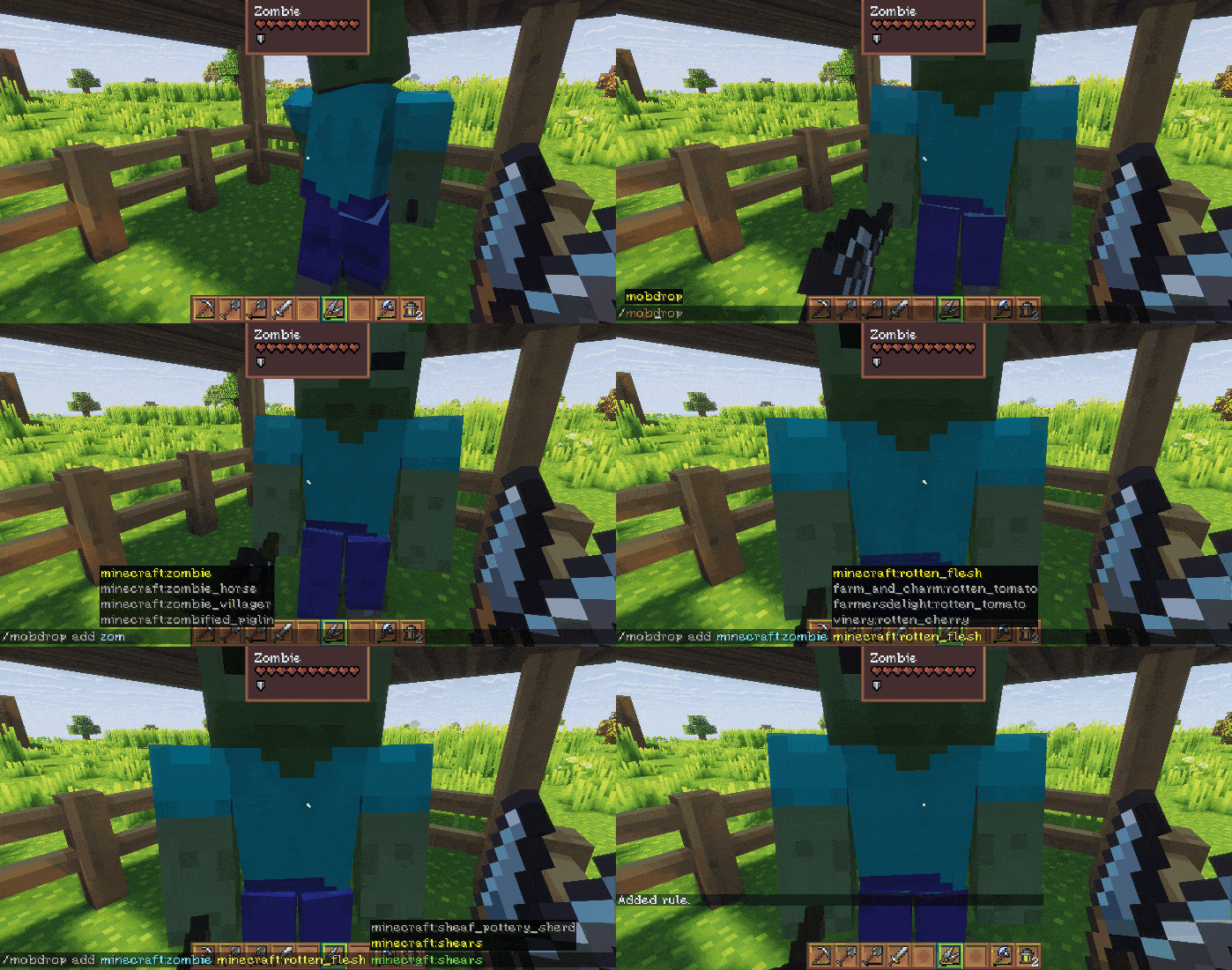
Example command ingame
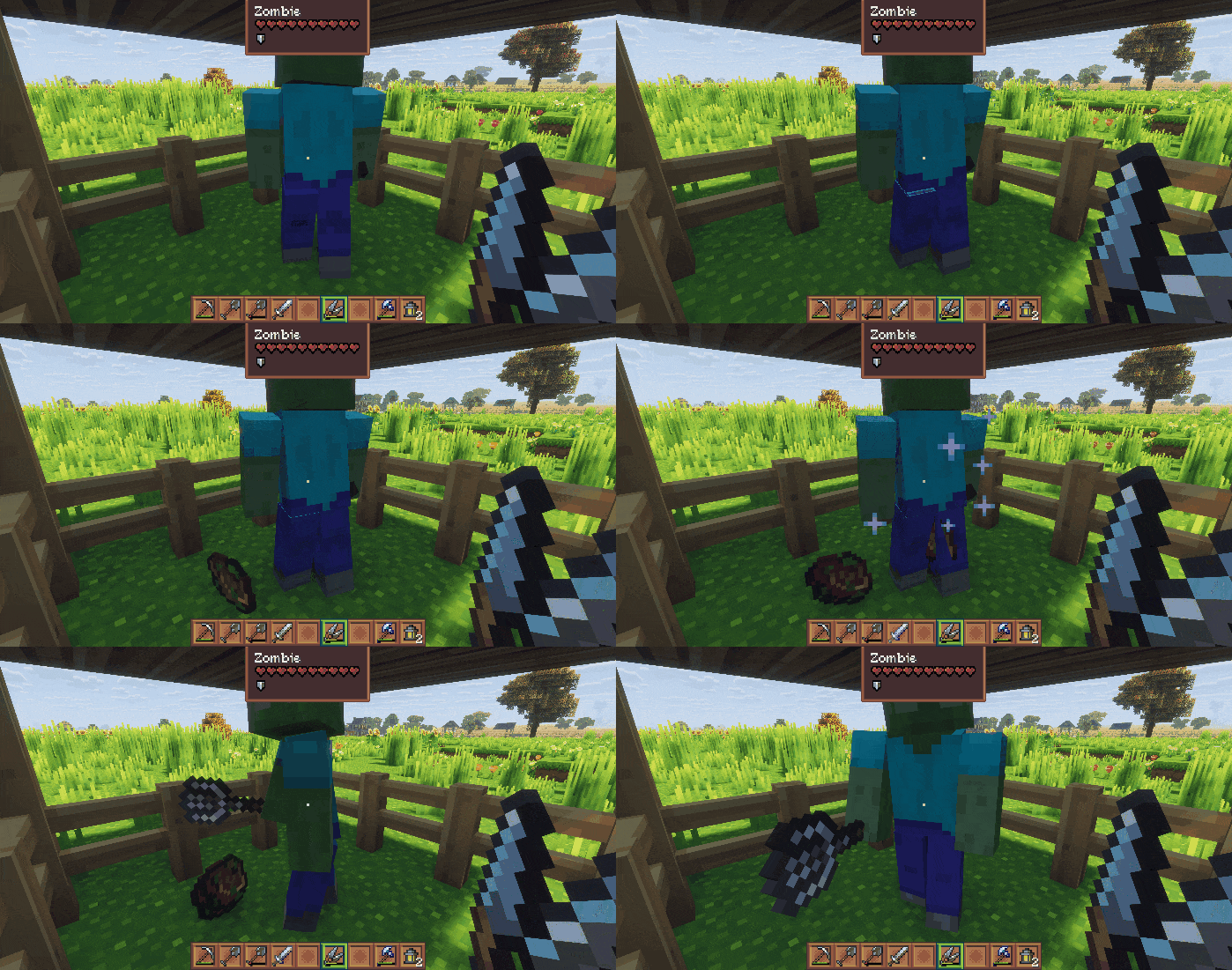
Example drop ingame
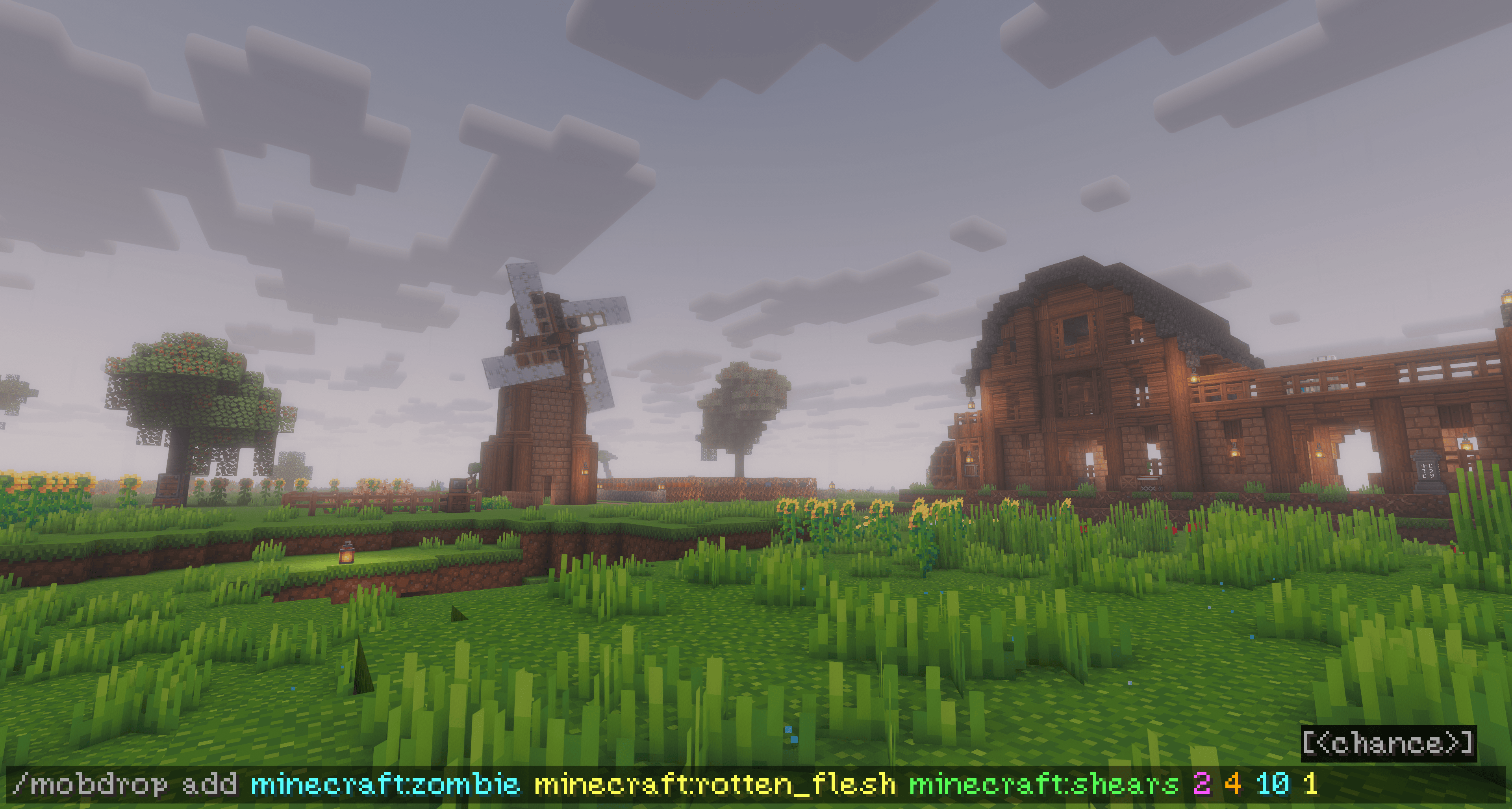
Example command ingame
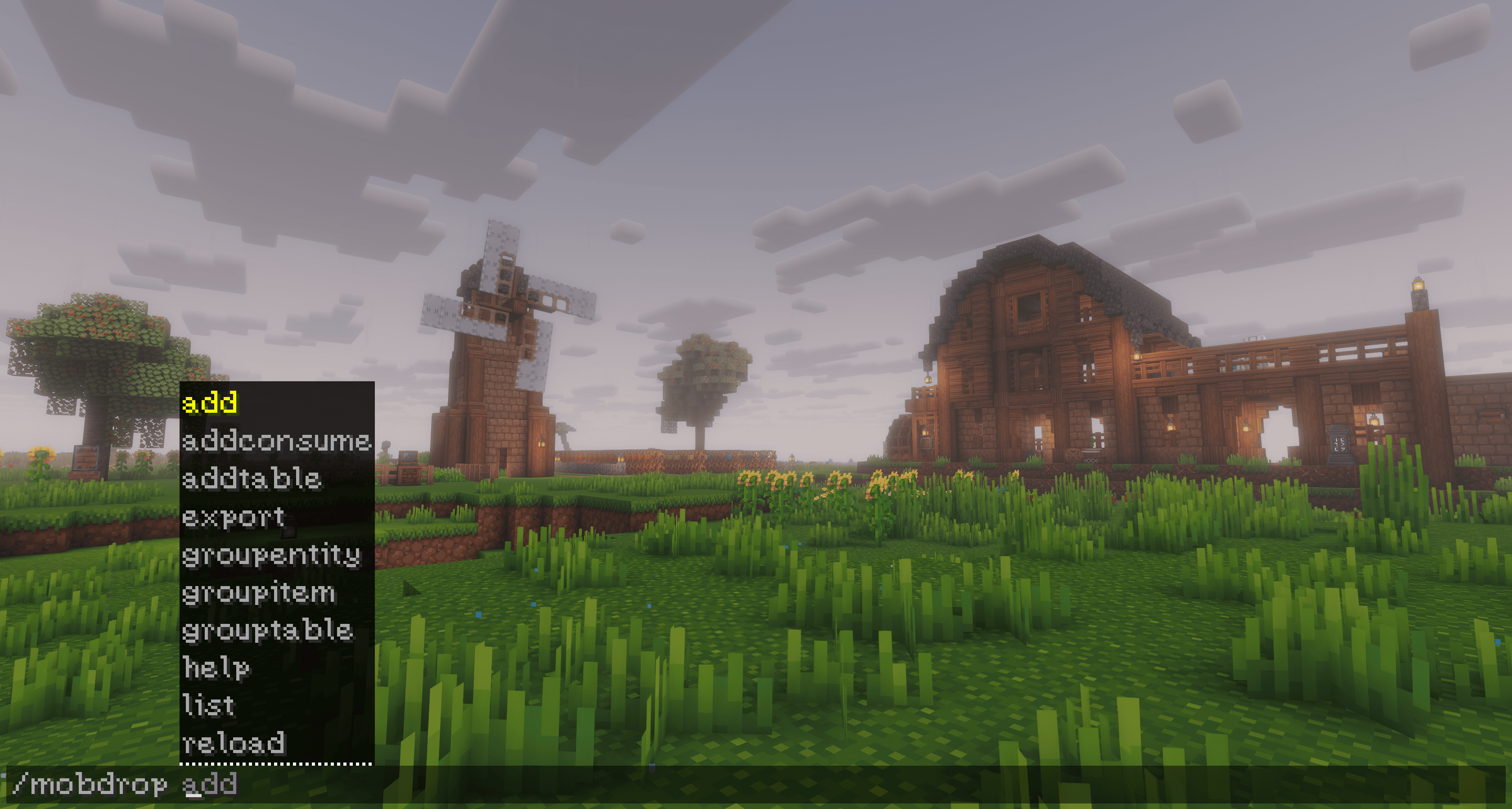
Autofill commands for easy use
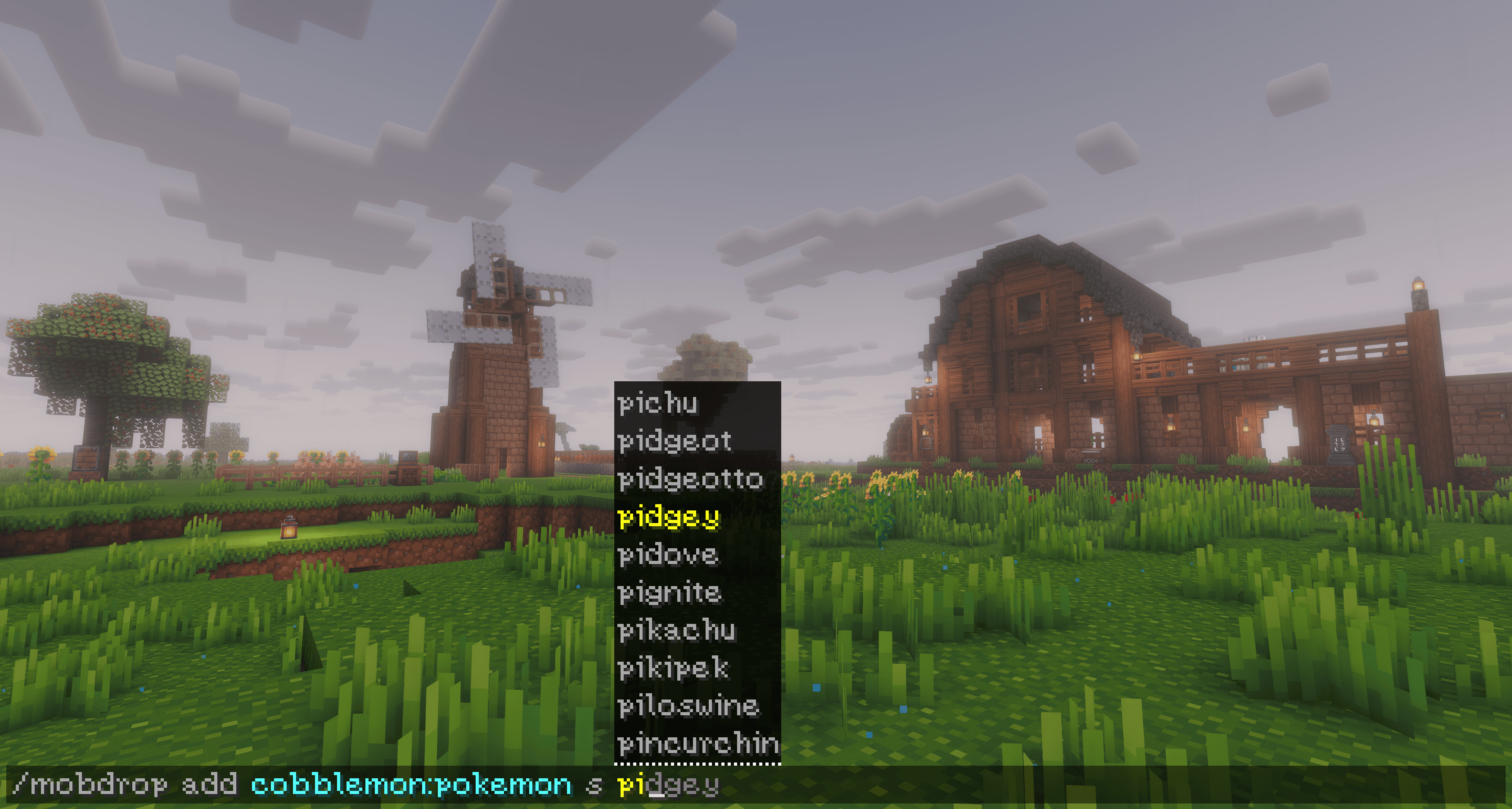
Cobblemon compatible
Description
Do you ever feel limited by the items you get from mobs? Or did your favorite modpack feel like mods were not connected enough?
Obstickless' MobDrop
is a powerful and flexible server-side mod that lets you completely customize what mobs drop/harvest for any entity, set interactions with tools, create entity and item groups, loottables or set consumeable items on use — without datapacks, without loot table editing (and without touching JSON files, if you don’t want to). Perfect to create and tweak your favorite modpack.
✔ Works with modded mobs and items
✔ Lightweight & server-friendly
✔ Fully configurable in-game
✔ No datapacks required
Take control of mob interactions your way.

Quick overview
The mod uses ingame commands to set mobdrops on the fly.
All commands require permission level 2 (OP).
Main command:
/mobdrop/mobdrop add ...
/mobdrop addconsume ...
/mobdrop addtable ...
/mobdrop export
/mobdrop groupentity ...
/mobdrop groupitem ...
/mobdrop grouptable ...
/mobdrop help
/mobdrop list ...
/mobdrop reload
/mobdrop remove
The basic commands are
/mobdrop add <entity> [s <species>] <item> <tool> [min] [max] [cooldown] [chance]/mobdrop addconsume <entity> [s <species>] <item> <tool> [min] [max] [cooldown] [chance]/mobdrop addtable <entity> [s <species>] <tablegroup>Species
If using cobblemon, pokemon are stored under the same entity. Use cobblemon:pokemon as <entity>, then use s <species> for the desired pokemon. If you are not using cobblemon, then proceed without species :)
Example
/mobdrop add cobblemon:pokemon s pidgey
Examples
/mobdrop add minecraft:zombie minecraft:diamondZombies now drop diamonds when interacted, with default droprates.
/mobdrop add minecraft:cow minecraft:leather minecraft:shearsCows drop leather only when right-clicked with shears.
/mobdrop add minecraft:cow minecraft:leather minecraft:shears 2 4 10 0.5Cows drop 2 to 4 leather when right-clicked with shears once every 10 minutes, with a chance of 50% of succeeding.
If you want the tool to be consumed:
/mobdrop addconsume minecraft:cow minecraft:beef minecraft:appleThe apple gets consumed when interacted.
If you've set up a loot table group:
/mobdrop addtable minecraft:cow nameOfTableCows will use the droprules of the loot table you created.
Advanced Drop Configuration
In add, <tool> can be replaced by
auto: entities will drop automatically, like how chickens lay eggs.
healing: entities will drop when gaining health, for example villagers can drop emerals when they gain health
damage: entities will drop when receiving damage, for example skeletons can drop bones when damaged
death: entities will drop when dying
deathoverride: entities will drop when dying, this overrides the default drop from the game
Damage, death and deathoverride can have an additional <tool> (optional) for precise rules. For example slimes drop slimeballs when damaged by an iron shovel. When using deathoverride <tool>, it will only override the default drop with that specific item. Very useful for custom scenarios and modpacks.
In addconsume, <item> can be replaced by
health: when the entity consumes the <tool>, it gains health (min -max hearts)
cooldown: when the entity consumes the <tool>, it reduces cooldown (min - max minutes)
min: the minimum amount of items dropped
max: the maximum amount of items dropped
cooldown: the ingame time in minutes of how often this can happen, each entity tracks its own cooldown separately.
chance: a range between 0 (0%) and 1 (100%), deciding the chance of it happening
When are not stated, they will take default values. Dropping between 1 - 3 items, every 5 ingame minutes with a 100% chance.
Remove
/mobdrop remove <entity> [s <species>] <item> [tool]To remove a rule.

Groups allow reusable collections of entities or items or loot tables. When adding a rule, can be replaced by an entity group, or can be replaced by an item group. Table groups are used in the addtable command.
Whenever you add or remove anything in a group, your rules are immediately updated as well.
Three types of groups are available
/mobdrop groupentity ...and every group has
... create <name>To create your group, you can decide the name.
... delete <name>To delete your group.
... list <name>To list what is inside of the group.
Groupentity
/mobdrop groupentity add <name> <entity> [s <species>]/mobdrop groupentity remove<name> <entity> [s <species>]
To add or remove entities.
Groupitem
/mobdrop groupitem add <name> <item>/mobdrop groupitem remove <name> <item>
To add or remove items.
Grouptable
/mobdrop grouptable add <name> <item> <tool> [min] [max] [cooldown] [chance]/mobdrop grouptable addconsume <name> <item> <tool> [min] [max] [cooldown] [chance]/mobdrop grouptable remove <name> <item> [tool]
This command lets you create a loottable, a group of items that have individual <tool> <min> <max> <cooldown> <chance> values. You can add add-rules and addconsume-rules, with advanced drop configurations.

Additional commands and explanation
JSON
All of your rules are saved under config/obsticklessmobdrop.json
If you are familiar with json-files, you can make any adjustments to rules in there, on the fly as well.
Because they save in a json file, all your worlds created will have these rules applied. This was intended for modpack development ;)
/mobdrop reloadTo reload your rules after editing the json.
/mobdrop exportTo export your rules in a separate json.
List
/mobdrop list <entity> [s <species>]To list existing rules.
Help
/mobdrop helpTo get a list of commands.
Obstickless' MobDrop Team