NostalgicWave
- By
cover.png
custom-track-toast.png
now-playing-toast.png
key-binds.png

Description
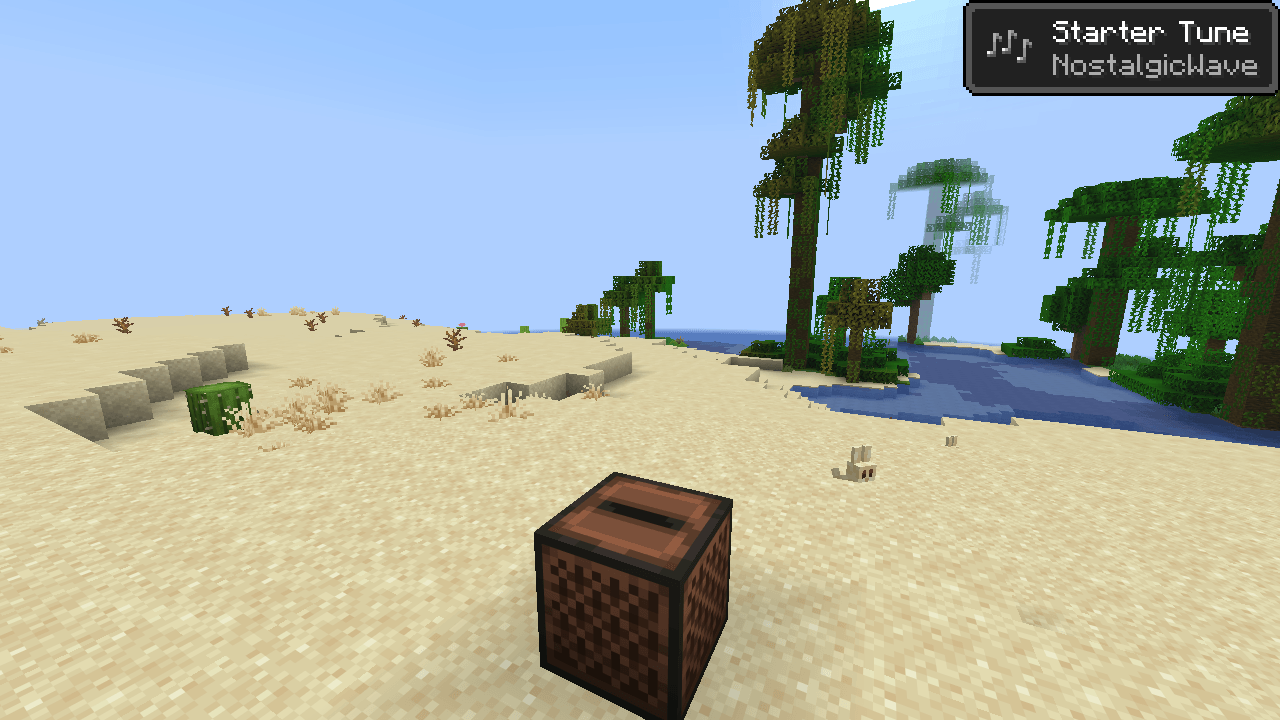
NostalgicWave brings back how Minecraft's music used to feel. No track tied to a biome. Long quiet stretches, and then a song you love, out of nowhere.
It also hands you the controls: choose what plays, where, and how often. Or add music of your own. Client-side. Works in singleplayer and on any server, and the server does not need it.
Features
Nostalgic mode, on by default. Any overworld track can play in any biome, the way it did before 1.18. The Nether and the End keep their own music, unless you turn that off too.
Favour what you like. C418, Volume Alpha, Volume Beta, both albums, or your own music. Hear it more often, or hear nothing else.
Playlists per game mode. For the title screen, survival, creative, adventure and spectator, set each track to one of three rules:
- Default: plays where it normally would
- Anywhere: plays in every biome and dimension
- Never: does not play
Every track has a Play button, to hear it right now.
Your own pause between tracks. Anything from no pause at all up to 30 minutes. Or leave it to the game.
Repeat one track for as long as you want it.
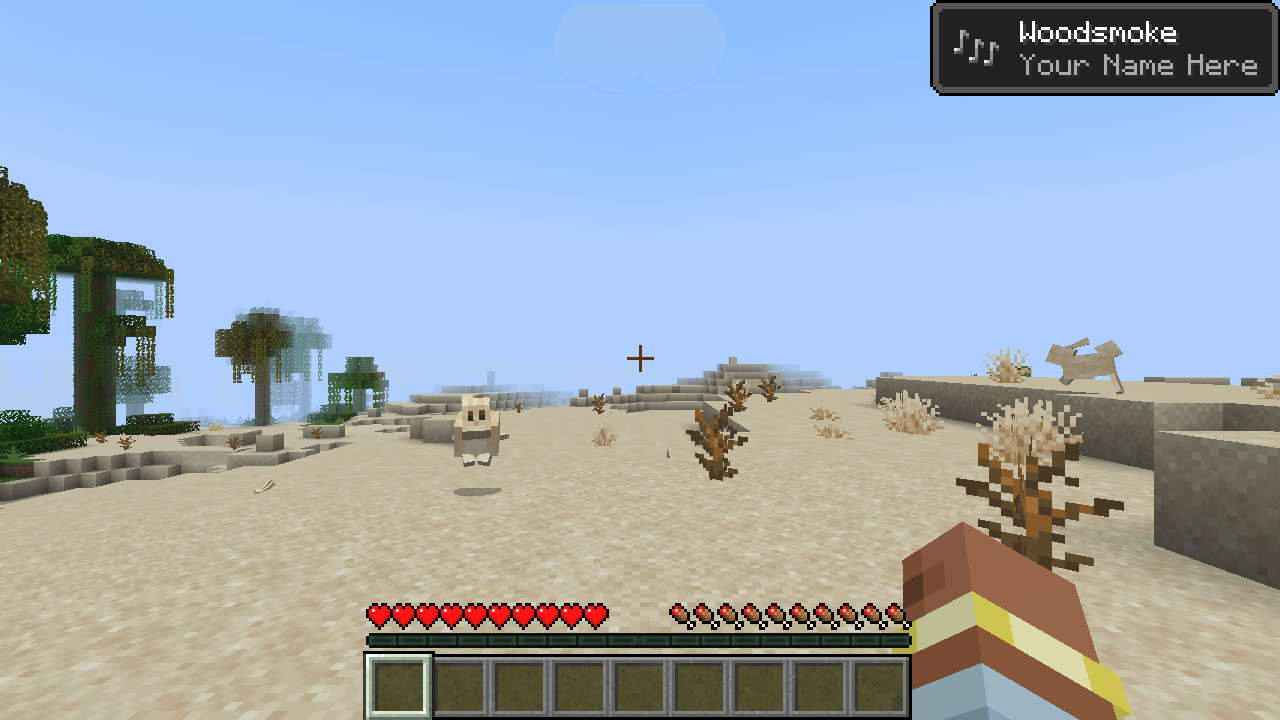
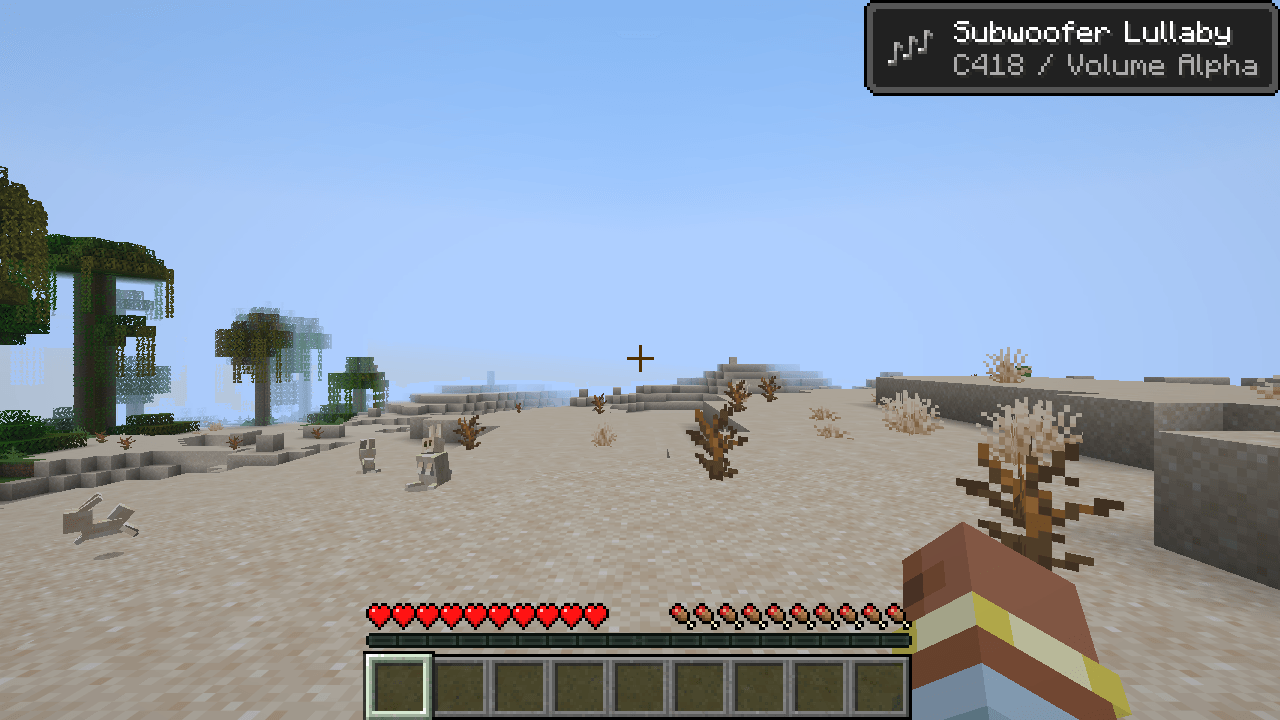
Now playing toast. The title, the artist and the album, when a track starts.
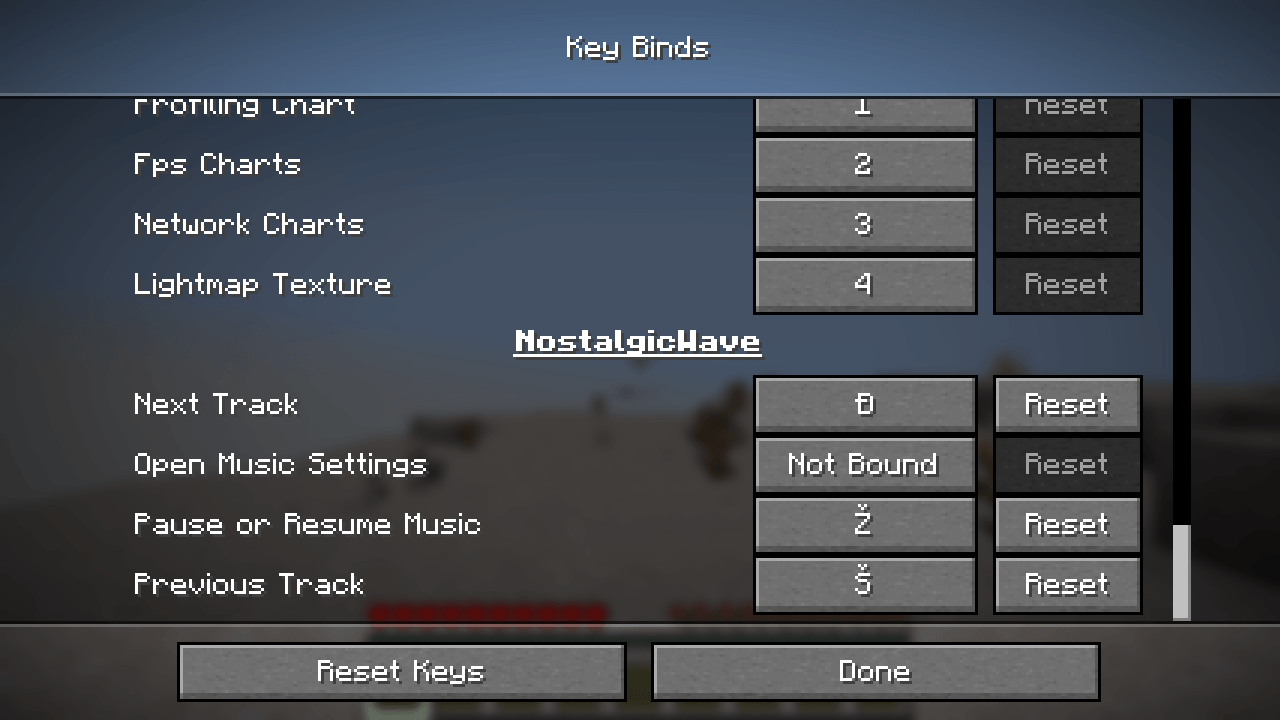
Music keys. Pause, next track, previous track. None is bound until you bind it, under Key Binds, NostalgicWave.
Changes apply at once. Close the settings and a track you have just switched off stops, and one that fits starts.
Your own music
- Open the settings and press Open Custom Music Folder. It is
config/nostalgicwave/music. - Drop
.oggfiles into it. - Press F3 + T, or restart the game.
That is all. Each file is now a track that plays in the game and shows up under Custom Music in the playlists.
Want a track to play only in some places? Add a .json file next to the music:
{
  "tracks": [
    {
      "file": "campfire.ogg",
      "title": "Campfire",
      "artist": "Your Name",
      "volume": 0.8,
      "when": {
        "biomes": ["forest", "#is_taiga"],
        "dimensions": ["overworld"],
        "modes": ["survival", "adventure"],
        "time": "night"
      }
    }
  ]
}
Only file is required. Biomes and dimensions from other mods work too. The README.txt in the folder explains every field.
The folder comes with one short example track, switched off. Press Play on it in the playlists to hear it, or delete it.
The files must be Ogg Vorbis. MP3, WAV and FLAC do not play, because Minecraft cannot read them.
For modpack authors
Ship config/nostalgicwave/music with your tracks and manifests, and config/nostalgicwave.json to set the starting options. A track with "enabled": false is offered to the player without being forced on them.
Your conditions are the default, and the player's settings come on top. Nostalgic mode ignores the biomes condition, as it does for the game's own music. Ship the settings file with "nostalgicMode": false if your pack relies on music per biome.
You may include this mod in any modpack.
Where the settings are
- Options, Music & Sounds, then the NostalgicWave Music… button at the bottom of the list
- Mod Menu on Fabric
- The Config button in the mod list on NeoForge
- A key, once you bind one
Requirements
| Fabric | NeoForge | |
|---|---|---|
| Minecraft | 26.3 | 26.3 |
| Loader | Fabric Loader 0.19.5 or newer | NeoForge 26.3.0.37-beta or newer |
| Needs | Fabric API | nothing else |
| Optional | Mod Menu | |
| Java | 25 | 25 |
Questions
Does it add music? One short example track, switched off. Everything else you hear is the music already in your game, plus whatever you add.
Does it work with music from other mods and resource packs? Yes. Their tracks are listed in the playlists and follow the same rules.
Does it change jukeboxes or music discs? No. Only background music.
Do I need it on the server? No. It is client-side only.
I turned on the game's own Music Toast. Why is there only one toast? The mod hides its toast while the game shows its own, so you never get two for one track.
A track of mine does not play. Check that it is a real .ogg file: renaming an MP3 is not enough. Then look in logs/latest.log for a line that names your file.
💬 Support
Need help or want to report an issue?
**Support: https://discord.gg/veUKtz2cg4**
⭐Kinetic Hosting
NostalgicWave Team