Nocturne Client
- By
A sleek client-side Fabric mod with a dark ClickGUI, customizable HUD, themes, visual effects, and music controls.
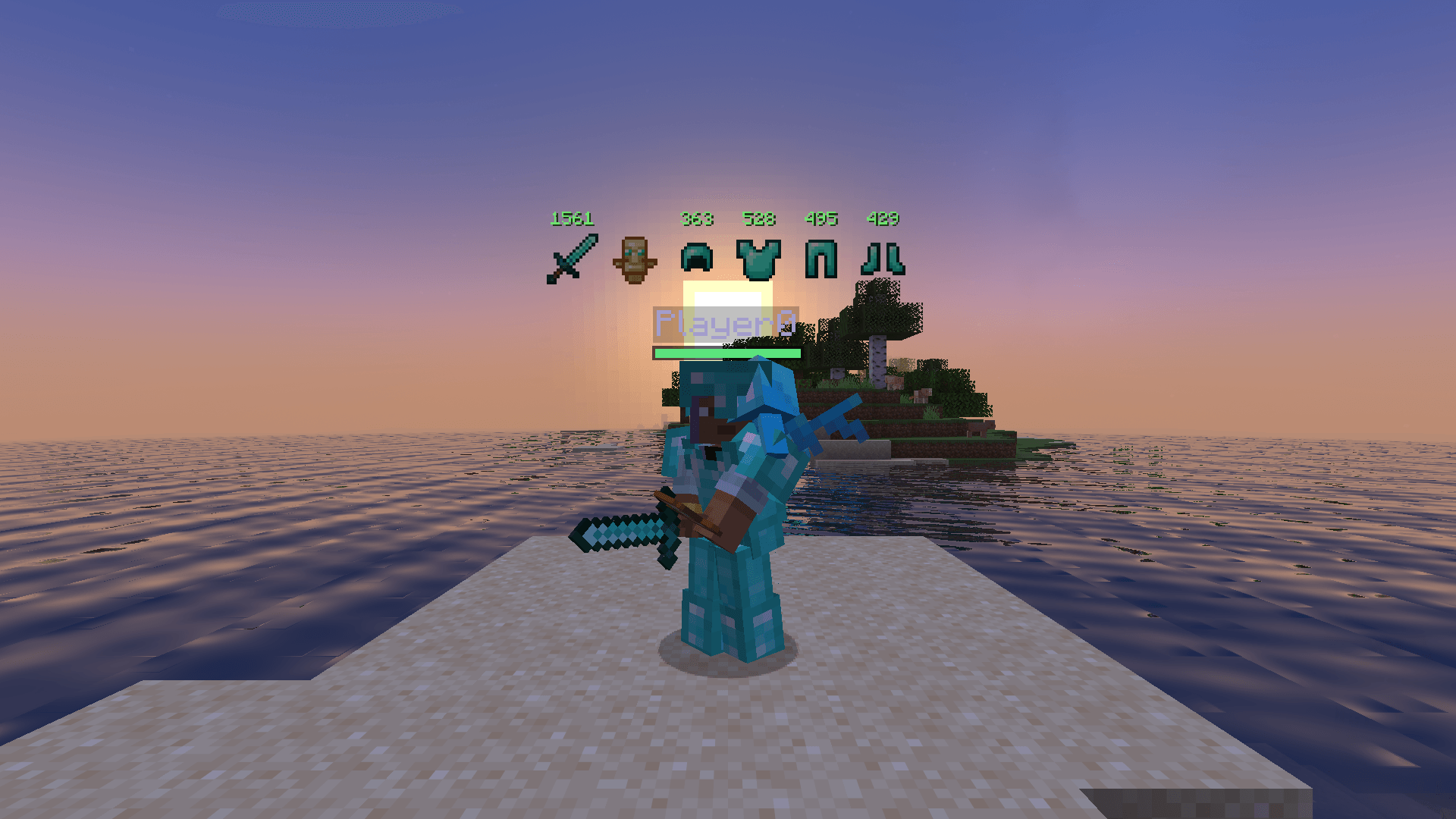
A pet on your shoulder and nametags showing armor durability.
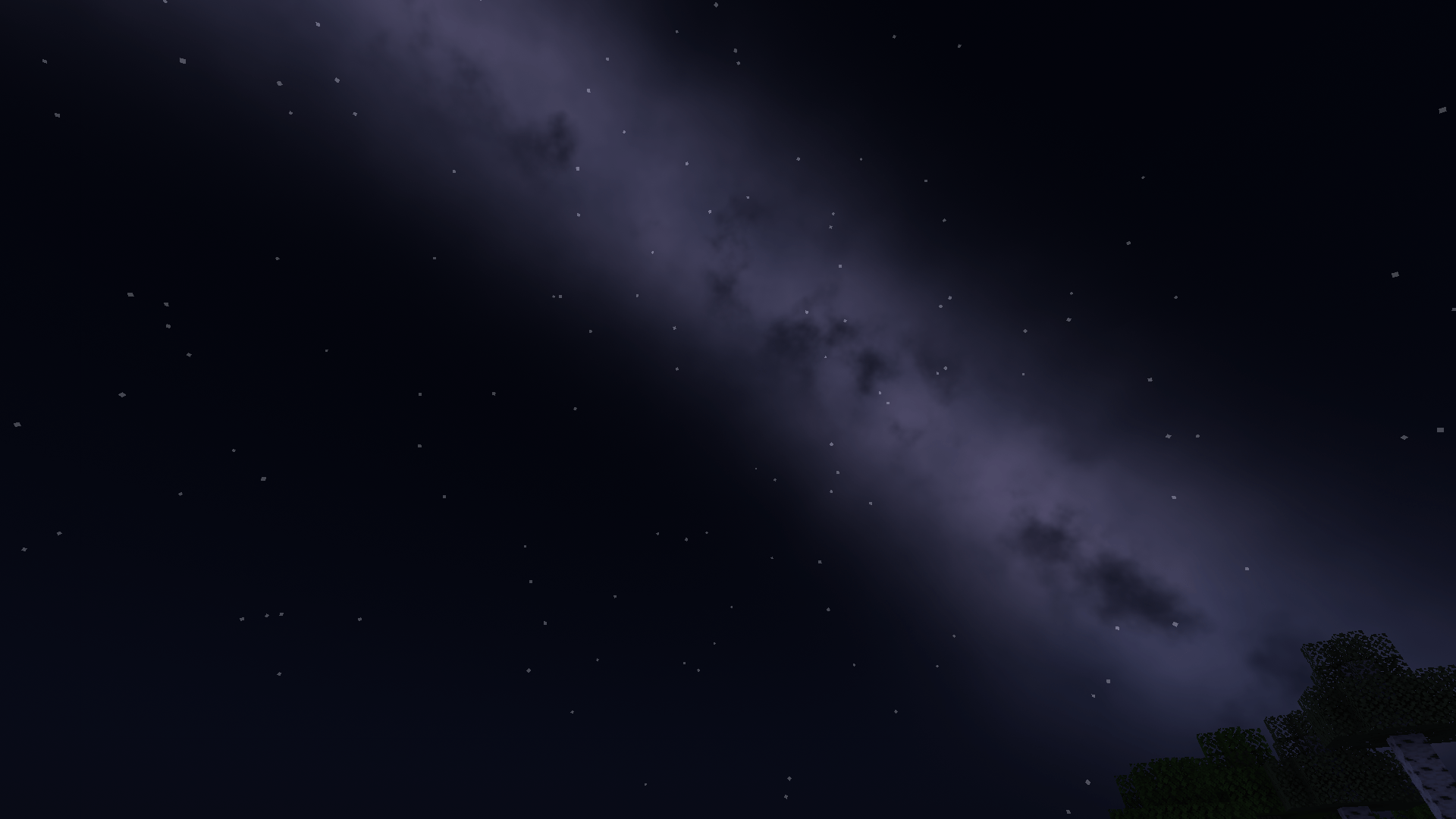
A faint Milky Way across the night sky.
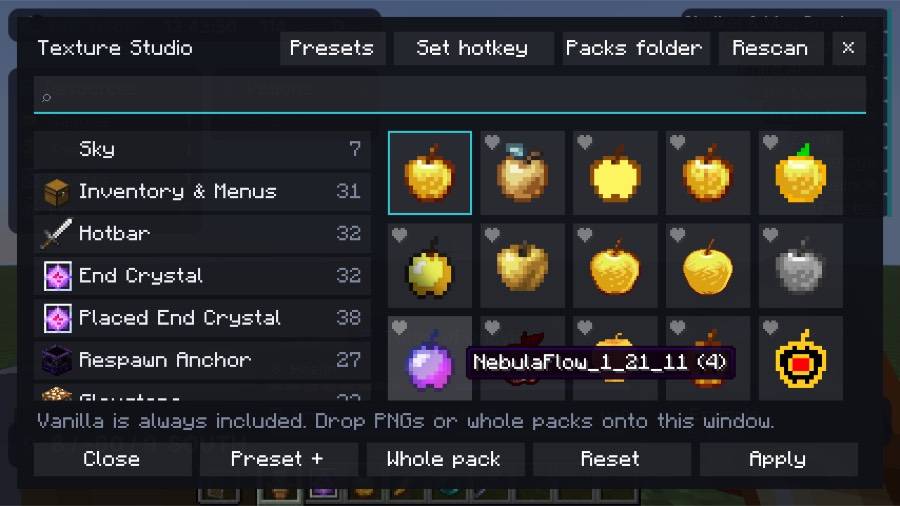
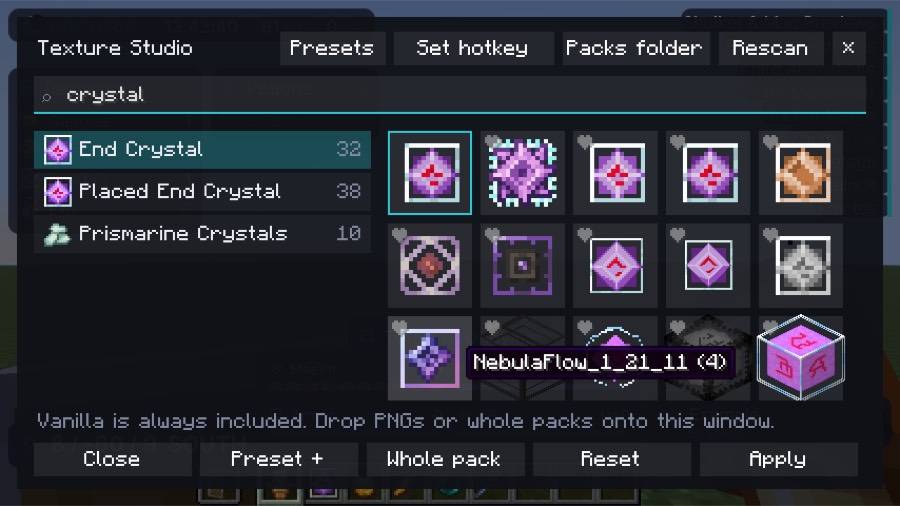
Choose your fav texture for each item out of the most used pacs.
Description
Nocturne
A cleaner, better-looking Minecraft, all from one menu. Nocturne is a client-side Fabric mod with a dark ClickGUI, a customizable HUD, visual effects, shaders, and quality-of-life tools. Turn on only what you want.
Press Right Shift to open the menu.
Most useful features
Customizable HUD
- Drag widgets into place with the HUD editor
- FPS, ping, TPS, coordinates, speed, clock, CPS, and compass
- Armor, potion effects, keystrokes, inventory, and held item
Useful everyday tools
- Zoom: hold a key to zoom in
- Freelook: look around without turning your character
- Waypoints: beams, labels, and distances, saved per world
- Shulker & Map Previews: see inside shulker boxes and view maps in their tooltips
- Item Highlighter: mark the items you choose in your inventory and containers
- Armor Alert: get a warning before your armor or tool breaks
- Multiple Keybinds: switch between keybind layouts with one key
- Calculator: open it with one key, with results also shown in stacks of 64
- Chat Timestamps: see when each message arrived
Performance and clarity
- FPS Boost: performance options in one place
- Fullbright: see in the dark without night vision
- Low Fire and Clear Overlays: lower fire and remove pumpkin, underwater, and frost overlays
- No Hurt Cam: stop the screen shaking when you take damage
- Custom Crosshair and Block Outline: adjust their style and color
Shaders and textures
- Sky Shader and Water Shader: real shaders for the sky, water, and rain
- Color Grade: adjust vibrance, contrast, and warmth
- Texture Packs: one-click PvP, Cinematic, Clean, or vanilla looks
- Texture Studio: mix textures from different packs, item by item
- Item Size: smaller held items and a lower shield
Visual effects
- Cinematic Mining: smooth progress overlay and impact effects
- Movement Effects: jump circles, trails, landing rings, and speed lines
- Hit Effects and Damage Numbers: sparks, crit bursts, and floating numbers
- Ambient Particles and Vignette: add atmosphere to your screen
Music controls
See what's playing and control it in game. Works with Spotify, YouTube Music, browsers, and other media players.
Personalization
- Nametags: change size and background, and show health and ping
- Customizable Names: change how your own name looks, only on your screen
- Emotes and Pets: an emote wheel and a small animal that follows you
- Profiles: save, switch, import, and export your setups
- UI Sounds: built-in sound packs, or add your own
Requirements
- Fabric Loader 0.17.0 or newer
- Fabric API
- Java 21
- Download the file that matches your Minecraft version
Good to know
- Client-side: install it on your own game. Servers don't need it.
- Server rules: some servers restrict client mods or features such as Fullbright and Freelook, so check the rules first.
- Optional downloads: Nocturne can offer to download Simple Voice Chat from Modrinth on the title screen, and only does so if you accept. Texture Studio can also download resource packs from Modrinth.
- Sodium: Water Shader includes support for Sodium, which is optional.
License
MIT
Nocturne Client Team