Noctara Holograms
- By
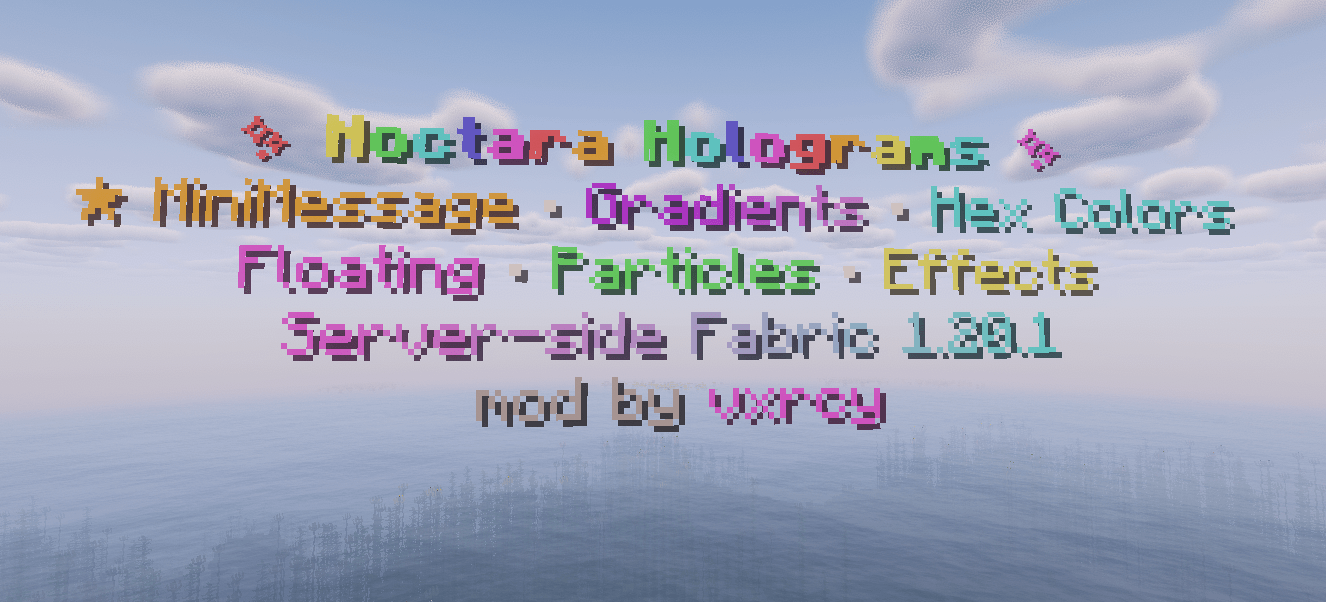
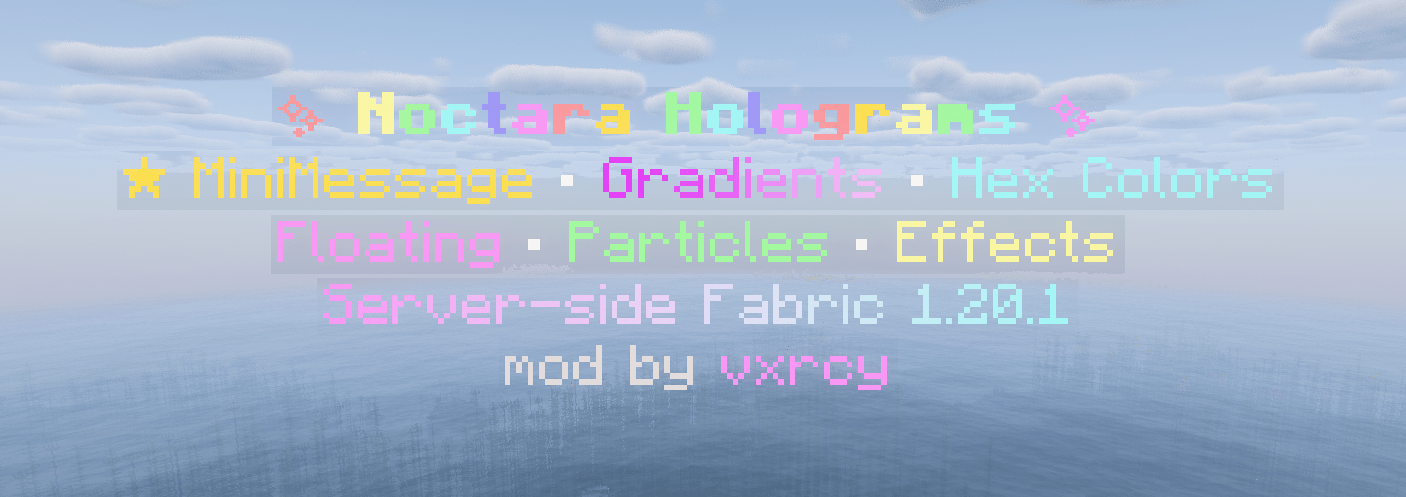
Noctara Holograms is a Fabric 1.20.1 hologram mod made by vxrcy for Noctara SMP.
2026-06-29_02.58.05.png
2026-06-29_03.04.18.png
helpppp.PNG
Description
Noctara Holograms
Noctara Holograms is a Fabric 1.20.1 hologram mod made by vxrcy for Noctara SMP. It adds editable floating holograms, item holograms, scoreboard leaderboards, particles, floating animation, typewriter text effects, text display controls, and style syncing for server owners.
Requires Fabric 1.20.1 and Java 17.
Features
- Create floating holograms with multiple editable lines
- Create item holograms
- Create scoreboard leaderboard holograms
- Edit, insert, remove, and list hologram lines
- Armor stand and text display render modes
- Floating/bobbing animation
- Typewriter text reveal animation
- Particle effects and particle presets
- Per-line X/Y/Z offsets
- Text display scale, alignment, rotation, billboard, and background controls
- Copy/sync hologram styling without copying text
- Placeholder support
- Server-side management commands
Main Commands
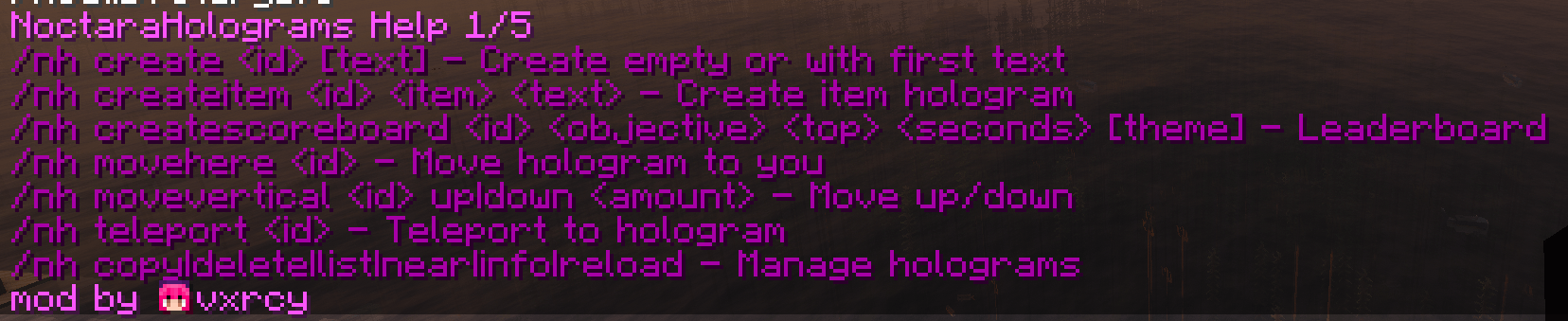
/nh help [page]
Shows the command help menu.
/nh create <id> [text]
Creates a hologram. If no text is provided, it creates an empty hologram so you can add lines one at a time.
/nh createitem <id> <item> <text>
Creates a hologram with an item display.
/nh createscoreboard <id> <objective> <top> <seconds> [theme]
Creates a scoreboard leaderboard hologram.
/nh delete <id>
Deletes a hologram.
/nh copy <source> <newid>
Duplicates a hologram.
/nh list [page]
Lists all holograms.
/nh near [page]
Lists nearby holograms.
/nh info <id>
Shows info about a hologram.
/nh reload
Reloads holograms from config.
Line Editing
/nh lines <id>
Shows numbered lines for editing.
/nh addline <id> <text>
Adds a new line.
/nh edit <id> <line> <text>
Changes the text on a specific line.
/nh setline <id> <line> <text>
Same as edit.
/nh insertline <id> <line> <text>
Inserts a line at a specific position.
/nh removeline <id> <line>
Removes a line.
/nh lineoffset <id> <line> <x> <y> <z>
Moves one line independently.
/nh lineoffset <id> reset <line>
Resets a line offset.
/nh lineoffset <id> info
Shows line offsets.
Animations
/nh float <id> on|off|toggle [amount]
Turns floating animation on/off.
/nh float <id> speed <speed>
Changes float speed.
/nh float <id> amplitude <amount>
Changes float height.
/nh float <id> phase <offset>
Offsets the float timing.
/nh float <id> mode sine|bounce|linear
Changes float motion style.
/nh float <id> info
Shows float settings.
/nh typewriter <id> on|off|toggle [ticks]
Turns the typewriter reveal loop on/off.
/nh typewriter <id> info
Shows typewriter settings.
/nh animateline <id> <line> <seconds> <frame1|frame2|frame3>
Cycles one line through text frames.
Particles
/nh particles <id> on|off|toggle
Turns particles on/off.
/nh particles <id> type <particle>
Sets particle type.
/nh particles <id> count <amount>
Sets particle count.
/nh particles <id> interval <ticks>
Sets how often particles spawn.
/nh particles <id> speed <speed>
Sets particle speed.
/nh particles <id> offset <x> <y> <z>
Moves particle position.
/nh particles <id> shape center|line|ring|halo|box|sparkle
Sets particle shape.
/nh particles <id> radius <radius>
Sets particle radius.
/nh particles <id> height <height>
Sets particle height.
/nh particles <id> color <hex>
Sets dust particle color.
/nh particles <id> preset magic|mystic|ender|fairy|fire|portal|dragon|off
Applies a particle preset or disables particles.
/nh particles <id> info
Shows particle settings.
Text Display Controls
/nh rendermode <id> armorstand|textdisplay
Switches render style.
/nh rendermode <id> info
Shows render mode.
/nh scale <id> <size>
Changes text display size.
/nh scale <id> info
Shows scale.
/nh align <id> left|center|right
Sets text alignment.
/nh billboard <id> center|fixed|vertical|horizontal
Changes how text display faces players.
/nh rotation <id> <yaw> <pitch>
Sets text display rotation.
/nh rotation <id> facehere
Matches the hologram rotation to where you are looking.
/nh rotation <id> info
Shows rotation.
/nh background <id> on|off|toggle
Toggles text display background.
/nh background <id> opacity <percent>
Sets background opacity.
/nh background <id> color <hex>
Sets background color.
/nh background <id> shadow on|off
Toggles text shadow.
/nh background <id> see-through on|off
Toggles see-through rendering.
/nh background <id> info
Shows background settings.
Movement
/nh movehere <id>
Moves a hologram to your position.
/nh movevertical <id> up|down <amount>
Moves a hologram up or down.
/nh teleport <id>
Teleports you to a hologram.
/nh viewdistance <id> <blocks>
Sets hologram view distance. Use 0 to disable.
Style Copying
/nh copystyle <from> <to>
Copies style/settings from one hologram to another without copying text.
/nh style copy <from> <to>
Same as copystyle.
/nh sync <from> <to>
Copies full style by default without changing text.
/nh sync <from> <to> float|particles|background|display|effects
Copies only one style section.
Lighting
/nh backlight <id> on|off|toggle [height]
Adds or removes a light column behind a hologram.
Placeholders
Supported placeholders include:
%server:online%%server:max%%server:tps%%server:uptime%%server:memory%%server:time%%world:time%%player:name%%player:ping%
Also supports older placeholders:
%players%%maxplayers%%tps%%uptime%%memory%%server_time%
Permissions
NoctaraHolograms commands require operator permission level 2 or higher.
That means anyone with normal Minecraft OP level 2, 3, or 4 can use the commands. Regular players without OP cannot create, edit, move, delete, or manage holograms.
Formatting
Supports common color and style formatting, including legacy & codes, hex colors, and MiniMessage-style tags such as:
<gold>Gold Text</gold><aqua>Aqua Text</aqua><gradient:#a600ff:#d078ff>Purple Gradient</gradient><rainbow>Rainbow Text</rainbow><bold>Bold Text</bold>
Multiple formatting sections can be used on the same line.
Credits
Made by vxrcy for Noctara SMP.
Noctara Holograms Team