Nickname Manager
- By
Hides player nametags and shows them only when you look at a player or right-click them. Works client-only or with server.
Description
Nickname Manager
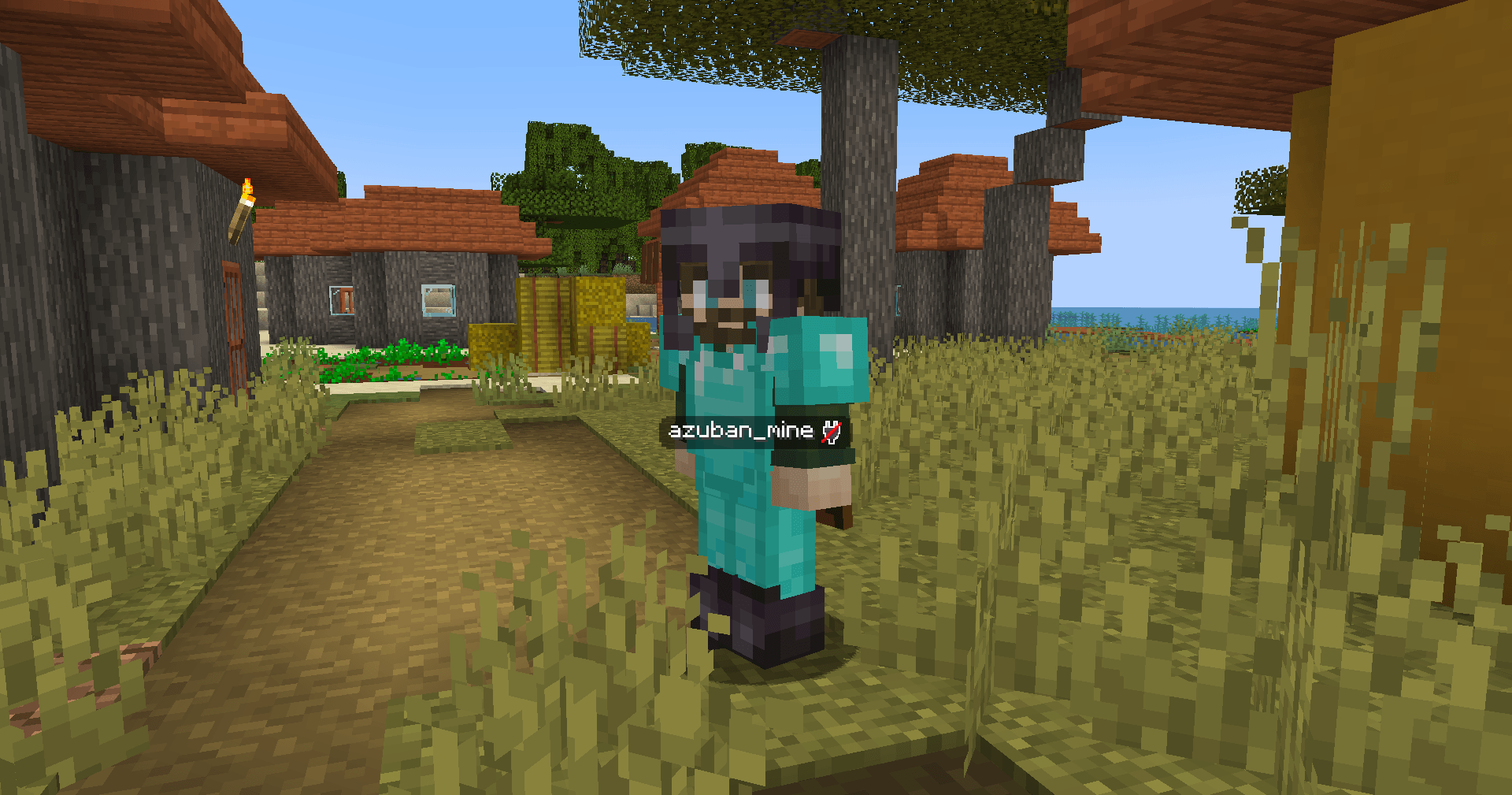
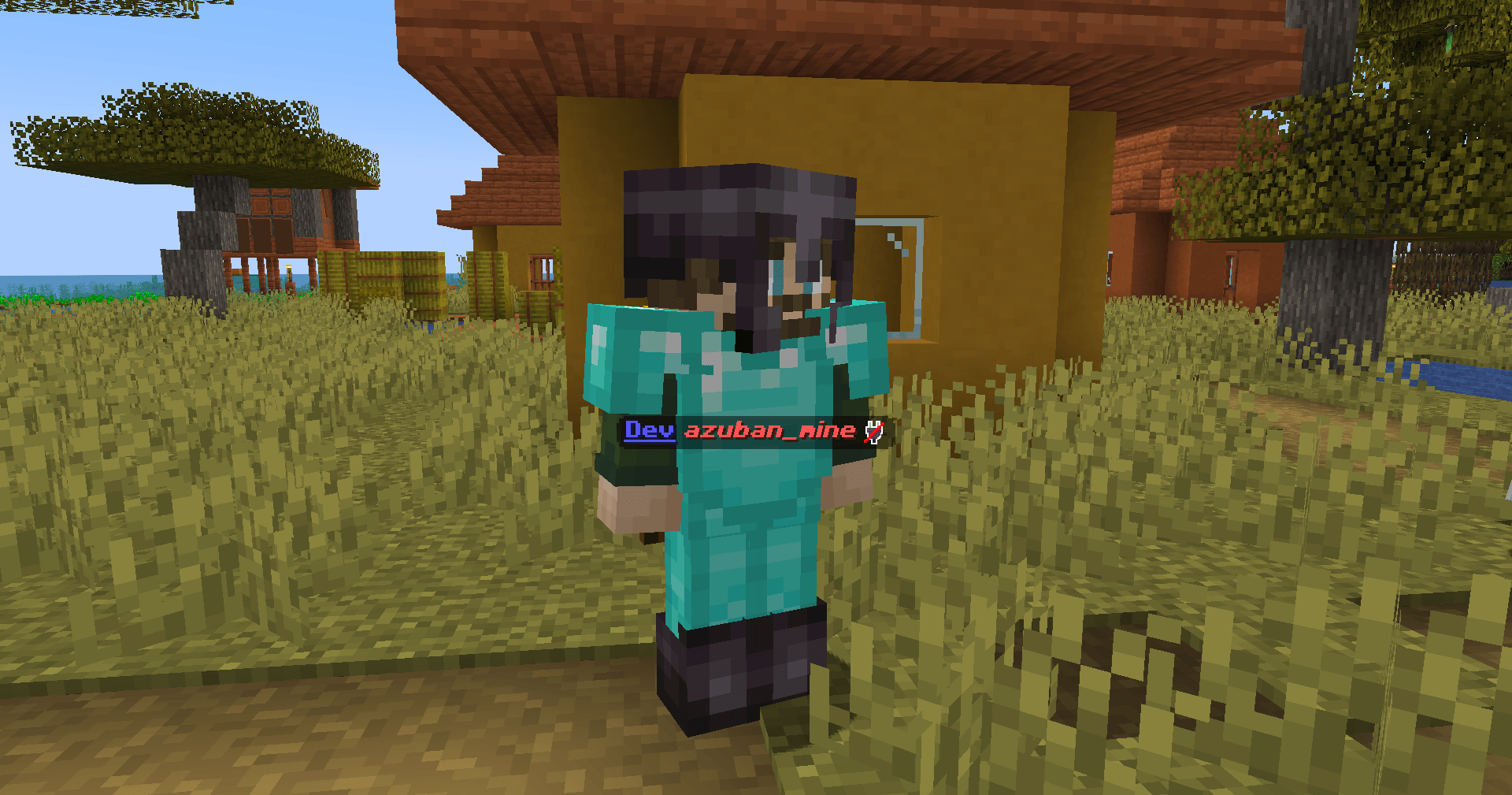
Hides vanilla player nametags and replaces them with a custom system. You see a player's name only when you look at them or right-click them.
How it works
The mod hides all player nametags by default. When you look at another player (or right-click them, depending on the mode), their name appears on your HUD — either under the crosshair or above the hotbar.
Admins can set custom styles per player: color, bold, italic, prefix, suffix, and other formatting. Styles support hex colors and MiniMessage-like tags.
Modes
The mod can run in two ways:
- Client-only — install only on the client. No server mod needed. You configure everything locally with
/nickclientcommands. - Server + Client — install on both. The server controls all settings and syncs them to players on join. Client settings are overridden. Server admins use
/nickmanagercommands.
If the server has the mod but a player doesn't — the player can still join, they just see vanilla nametags.
Features
- Hide all player nametags
- Show names on look-at or right-click
- Two display modes: under crosshair (ON_ENTITY) or above hotbar (ACTIONBAR)
- Configurable look-at distance (1–64 blocks)
- Per-player styles: color, bold, italic, underline, strikethrough, obfuscated, prefix, suffix
- MiniMessage-like formatting in prefixes/suffixes (e.g.
<gold>[Admin]</gold>) - Legacy
&color codes supported - Player exclusion list (hide specific players' names permanently)
- Invisible players' names are not shown
- Players wearing carved pumpkins get obfuscated names
- Simple Voice Chat compatibility — shows SVC voice icons next to names
- API for other mods (events, style access, config queries)
Commands
Client-only mode (/nickclient):
/nickclient toggle— enable/disable/nickclient mode <ON_ENTITY|ACTIONBAR>— display mode/nickclient trigger <LOOK_AT|RIGHT_CLICK>— trigger mode/nickclient distance <1-64>— look-at distance/nickclient status— show current settings/nickclient reload— reload config from file
Server mode (/nickmanager, requires OP 2):
/nickmanager toggle— enable/disable/nickmanager mode/trigger/distance— same as above/nickmanager reload— reload server config/nickmanager exclude add/remove/list <player>— manage exclusion list/nickmanager style <player> <property> <value>— set player style/nickmanager status— show server config
My other projects



Nickname Manager Team