Nebula UI
- By
Automatically re-themes every GUI, vanilla and modded, into a sleek dark interface with 5 themes, readable labels, matching tooltips and smooth animations.
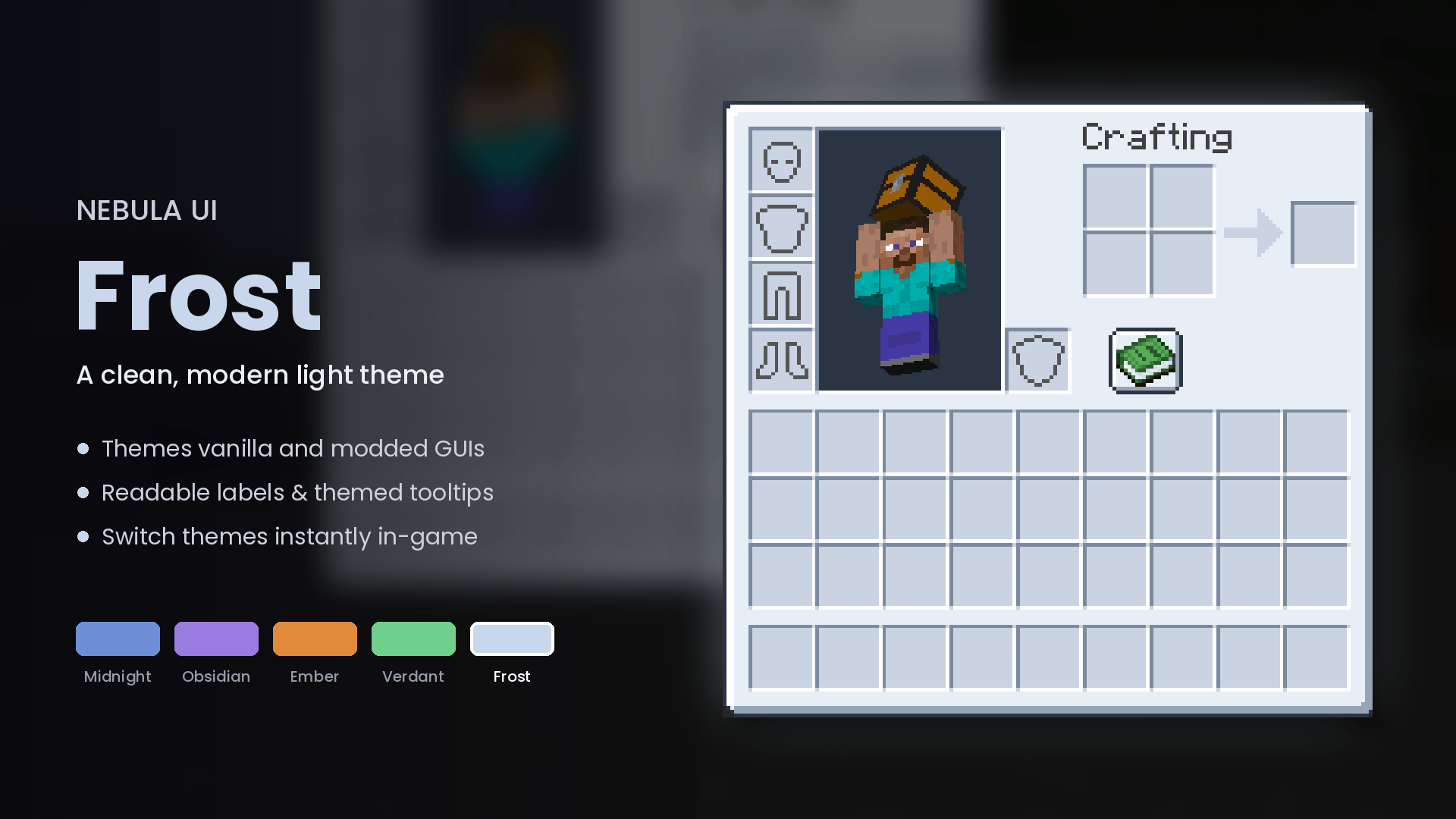
nebula_frost.png
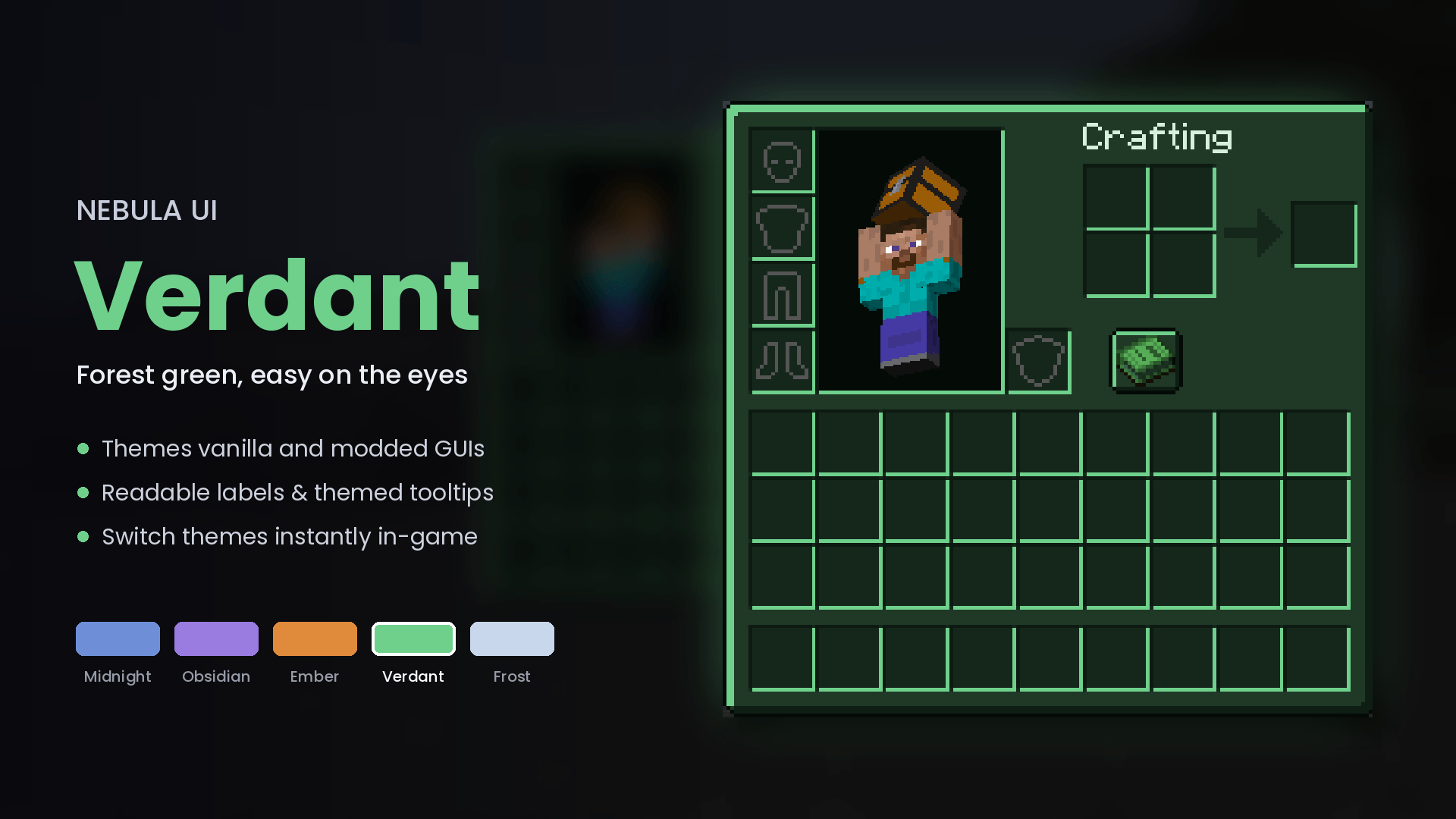
nebula_verdant.png
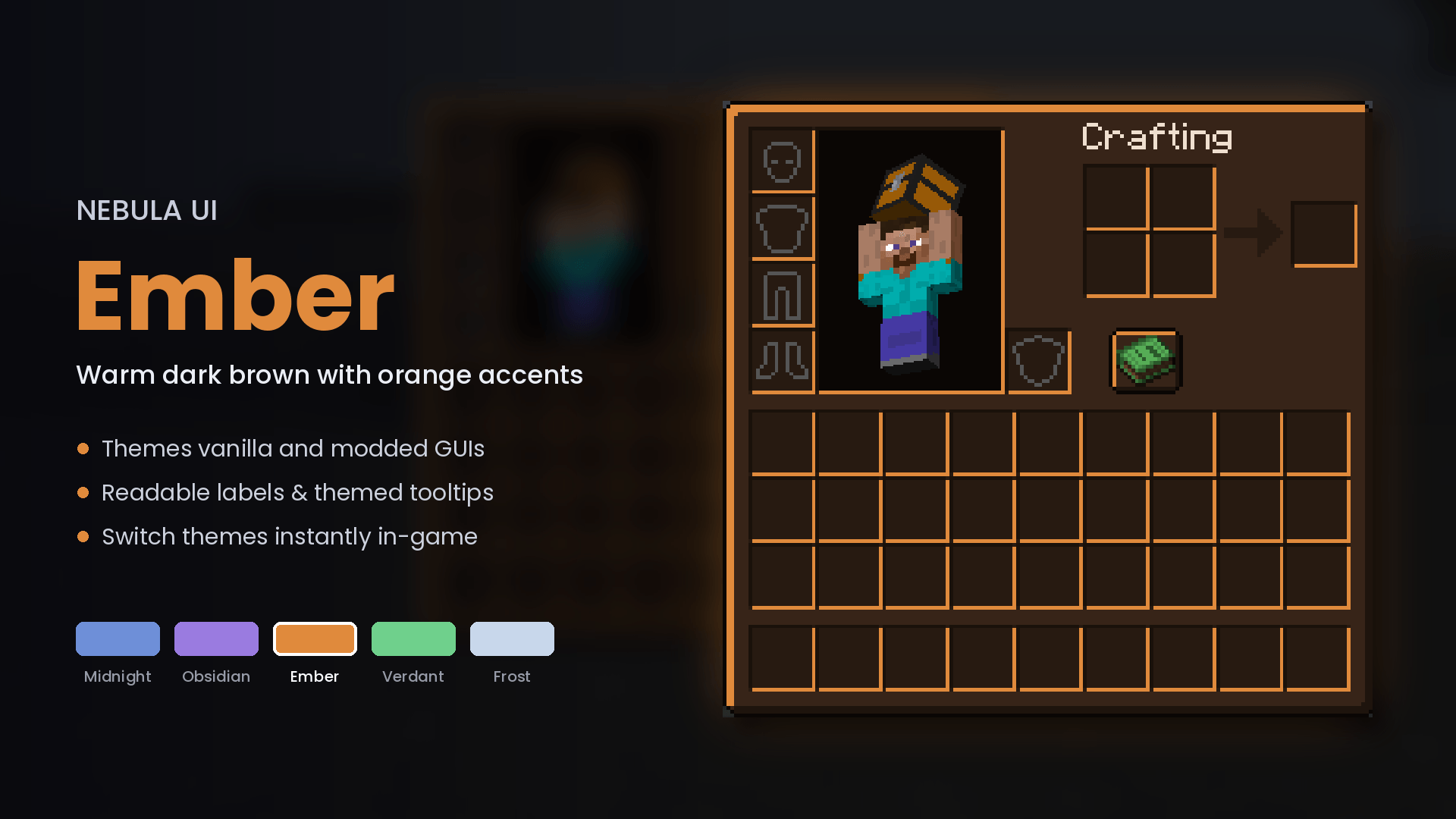
nebula_ember.png
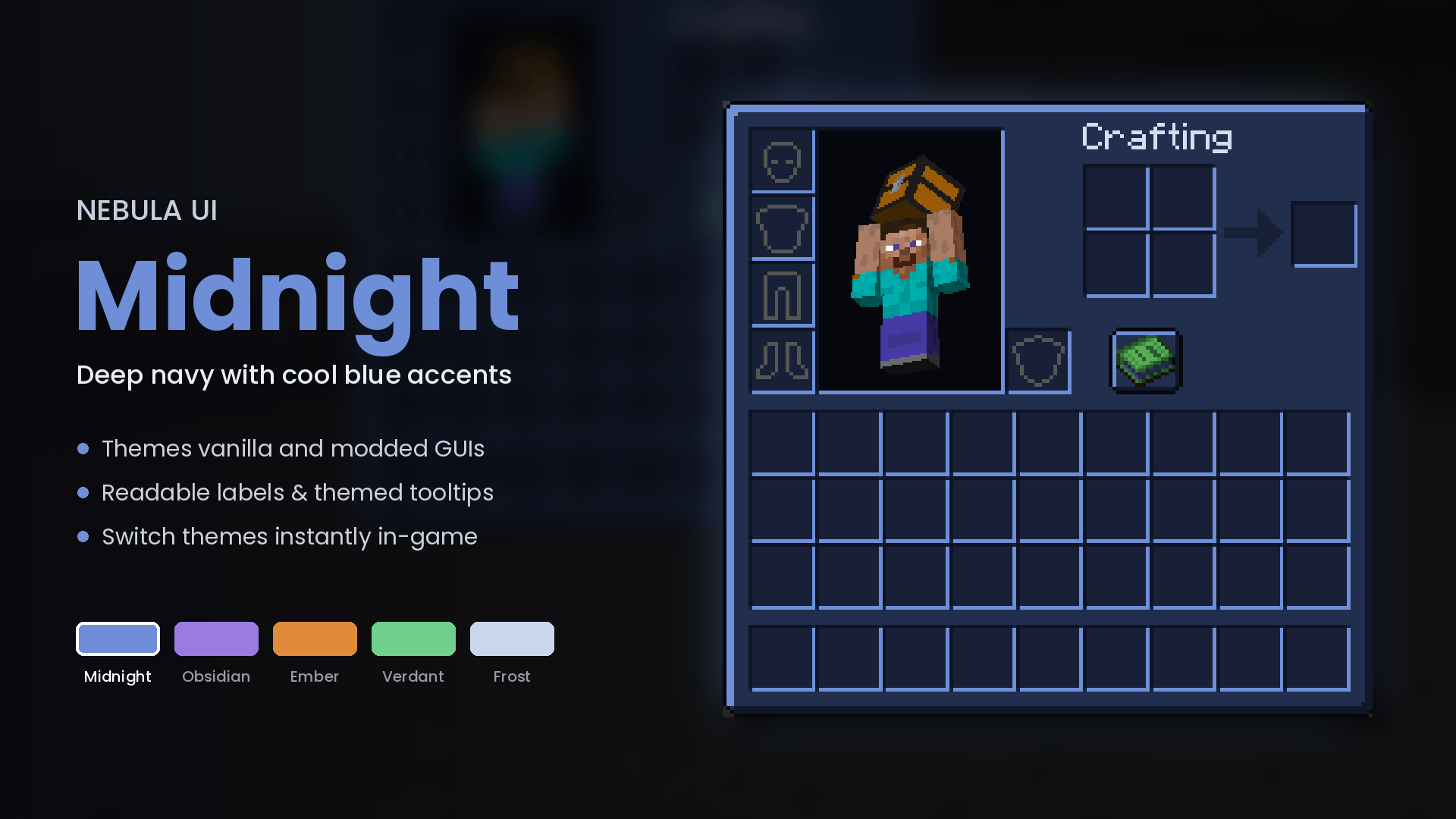
nebula_midnight.png
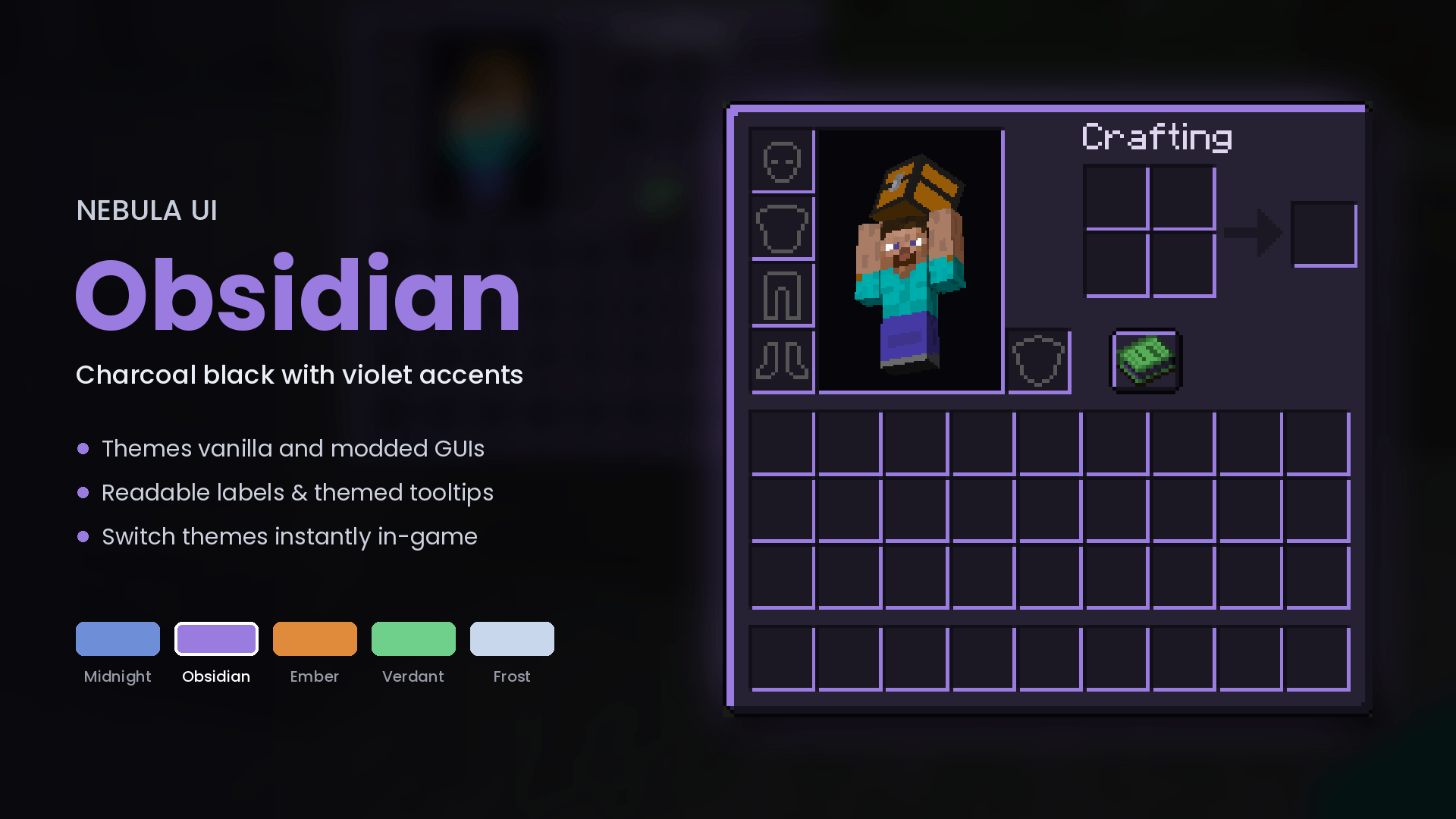
nebula_obsidian.png
Description
Nebula UI
A dark, modern theme for every screen in Minecraft, including other mods' screens.
Dark resource packs have to hand-draw a texture for every mod they support, so most modded screens stay bright. Nebula UI recolors GUI textures as the game loads, so every mod you install gets themed automatically, with no extra packs.
Features
- Five themes: Midnight (navy and blue), Obsidian (charcoal and violet), Ember (dark with orange), Verdant (forest green) and Frost (a clean light theme).
- Themes every mod: any GUI texture from any mod is recolored on the fly, and nothing is written to disk.
- Keeps your art intact: only the grey parts change (panels, slots, borders and buttons). Item icons, arrows, progress bars and other coloured art stay exactly as they are. Animated textures keep working.
- Readable labels: text like "Inventory", "Chest" and most mod titles is normally dark grey and would disappear on a dark panel. On dark themes it switches to a bright label colour.
- Themed tooltips: tooltip backgrounds and borders match your theme.
- Smooth open animation: inventories and containers slide and scale in.
- Instant theme switching: change themes in Mods → Nebula UI → Config, or bind "Cycle UI Theme" in Controls. The change applies right away, with no restart.
- Fully configurable: turn off theming for other mods, label fixes, tooltips or animations, and exclude any mod or texture you want left alone.
- HUD left alone: hearts, hunger, armor, XP, boss bars, the title logo and advancement backgrounds stay as they are.
- Client-side only: it doesn't need to be installed on a server, and you can join any server with it.
- Fully custom: the only requirement is NeoForge.
Requirements
Minecraft 1.21.1 with NeoForge.
Nebula UI Team