Nebula Storage
- By
Nebula Storage
Turn your storage network into a connected workshop.
Nebula Storage combines searchable storage, machine-driven autocrafting and workshop monitoring for Minecraft 1.21.1 on NeoForge. Start with a small network, connect your equipment and expand your server hardware as your base grows.
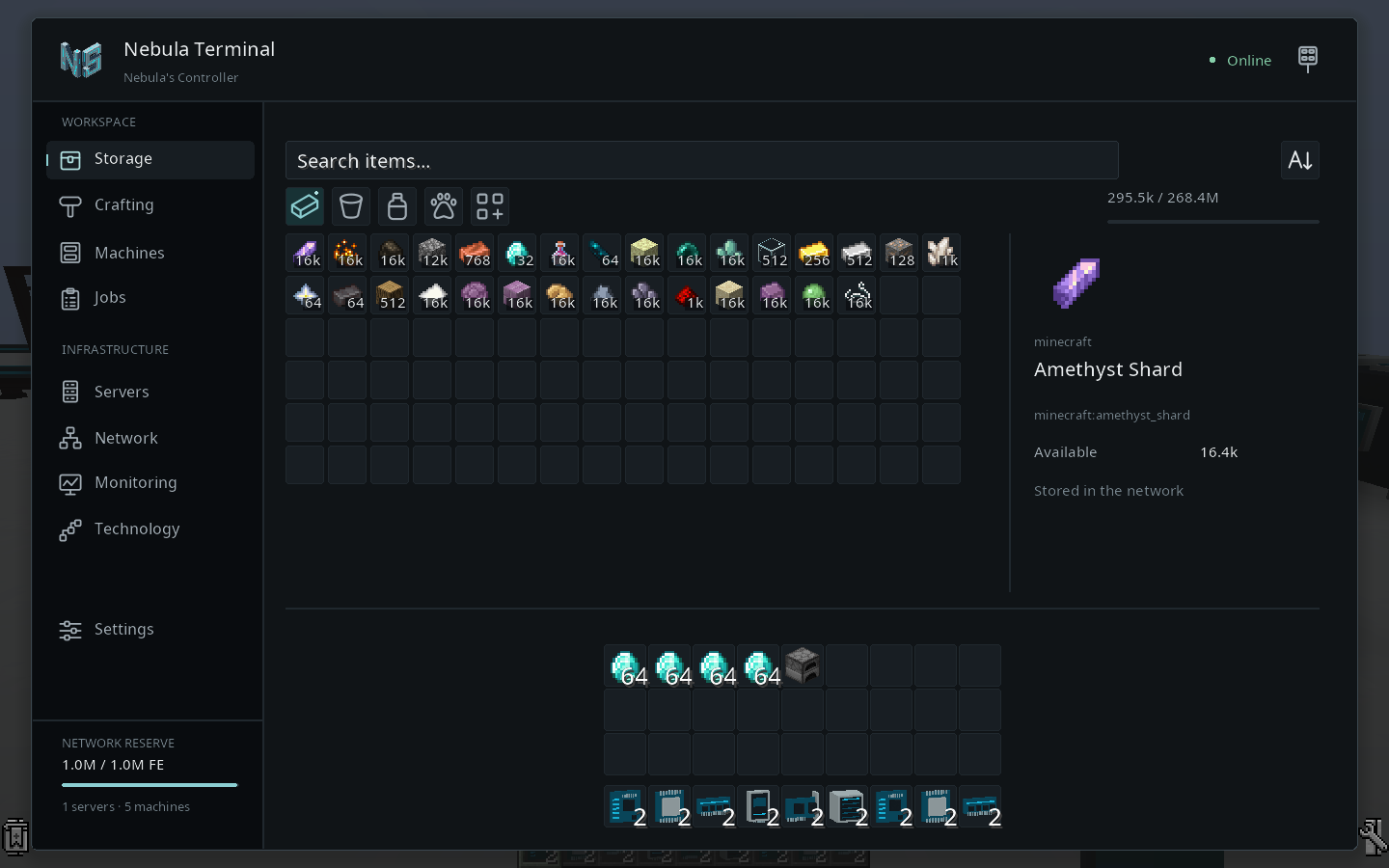
Your resources, one terminal
Browse and search your network's resources from the Nebula Terminal. Connect inventories with Importers, Exporters and External Storage, then manage your storage and production from the same interface.
Autocrafting with the machines you build
Nebula discovers supported recipes from installed or connected machines and coordinates the production chain using your available equipment and ingredients.
- No recipe patterns to encode and no channels to allocate.
- A clear crafting preview: review planned outputs and intermediate items in a five-column grid, with icons, names and quantities.
- Machine-based production: your equipment, energy and ingredients determine what the network can craft.
- Crafting-table recipes: install a real crafting table in a Server or connect one through an External Interface.
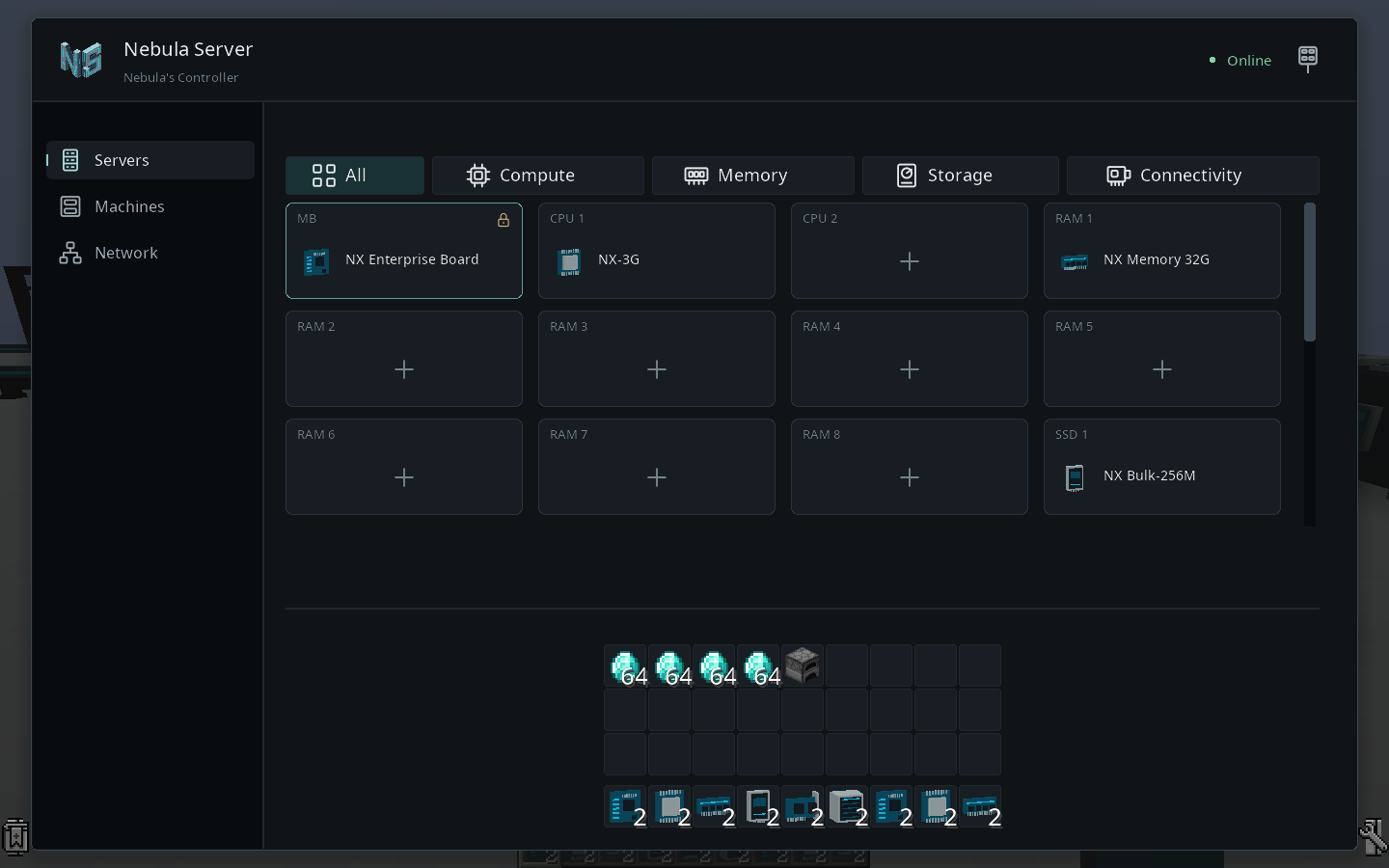
Build and upgrade your servers
Configure your servers with motherboards, CPUs, RAM, storage drives, network cards and power supplies. Upgrade your components or add servers as your network grows. Hardware capacity and available power affect what your network can run.
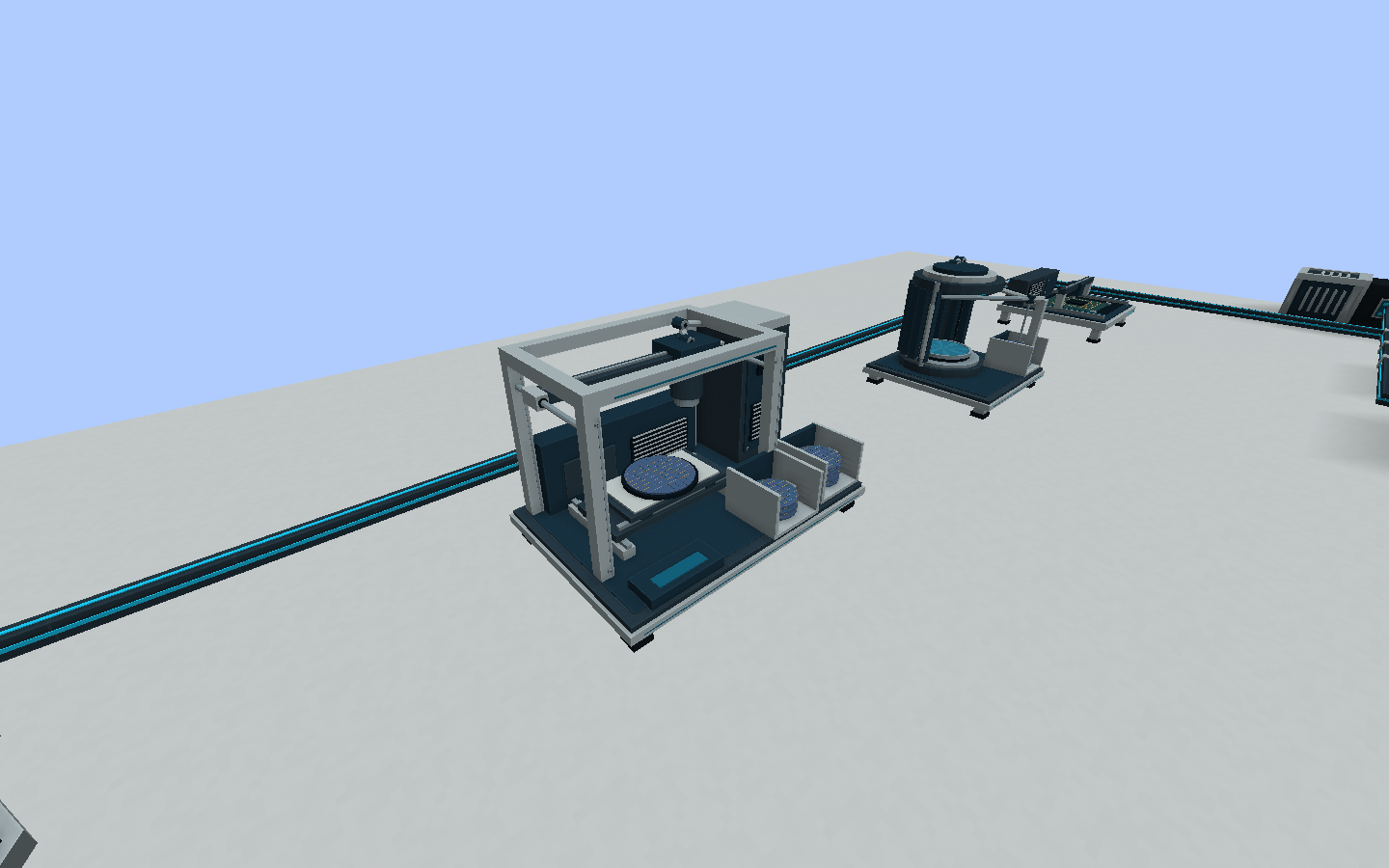
Industrial machines for your production chains
Build a connected workshop with Nebula's industrial machines. The Lithography Unit is part of the semiconductor manufacturing chain, alongside the Wafer Processor, Assembler and Fabricator.
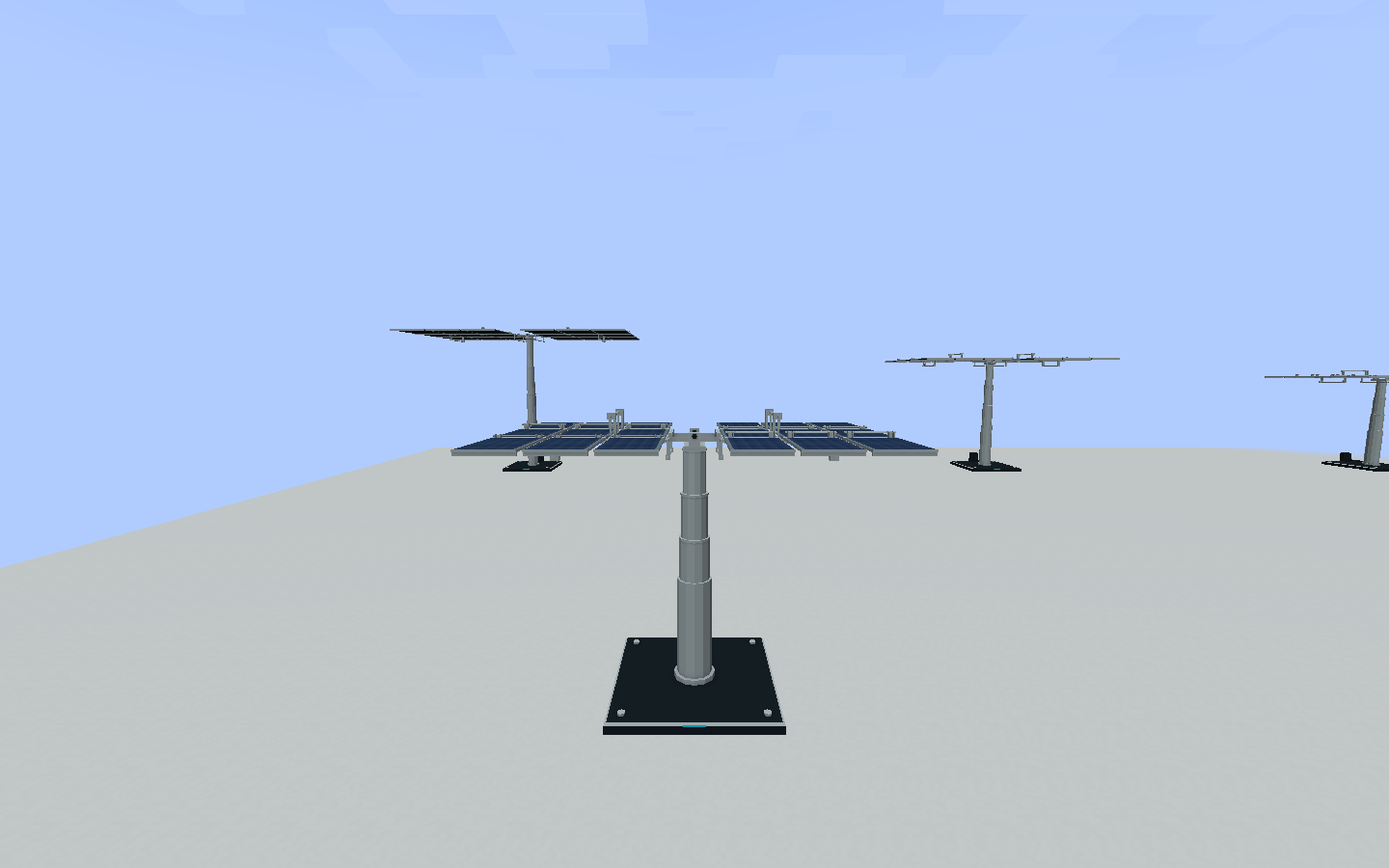
Power your network with solar arrays
Progress from compact solar generation to large deployable solar arrays. Seven generations provide an upgrade path, with astral collection on later tiers.
More for your workshop
- Wireless access: use portable terminals and paired WiFi cards within their supported range.
- Custom monitoring: arrange resource counts, gauges, graphs and crafting-job information on monitoring panels.
- Industrial production: build four Nebula machines with configurable manufacturing recipes.
- Solar power: progress through seven solar generations, including later tiers with astral collection.
- Creature storage: capture and manage supported creatures while preserving their individual data.
- Shared networks: assign player access roles for multiplayer workshops.
- In-game guides: learn the basics with Ponder guides.
Installation
Requires Minecraft 1.21.1, NeoForge 21.1.194 or a later 21.1 version, and Java 21.
- Back up your world before installing or updating.
- Place the Nebula Storage JAR in your
modsfolder. Remove any older Nexus Storage or Nebula Storage JAR when updating. - For multiplayer, install the same Nebula Storage version on the server and every client.
- Build a Controller, Server and Terminal, install your server hardware and supply FE through the Controller's power socket.
No separate KotlinForForge installation is required. The Kotlin standard library is bundled. Nebula uses an existing compatible Ponder installation when available and supplies its bundled fallback otherwise. Keep KotlinForForge if other mods in your pack need it.
Compatibility and alpha status
JEI and EMI integrations are optional. Supported mod integrations still require their machines, energy and native prerequisites; not every recipe from every mod is supported.
Startup testing has covered specific versions of ATM10, Craftoria, FTB Direwolf20 and FTB Evolution. This does not guarantee every modpack configuration or production chain.
Nebula Storage is currently a public alpha. Features, recipes and balancing may change. Keep world backups and report issues with your mod version, Minecraft and NeoForge versions, modpack version, reproduction steps and relevant logs.
Documentation and project information
Official website · Getting started · Player documentation · Integration details
Licensed under MIT. Bundled third-party libraries retain their own licenses and notices.
Nebula Storage Team