


NCL Skins
- By

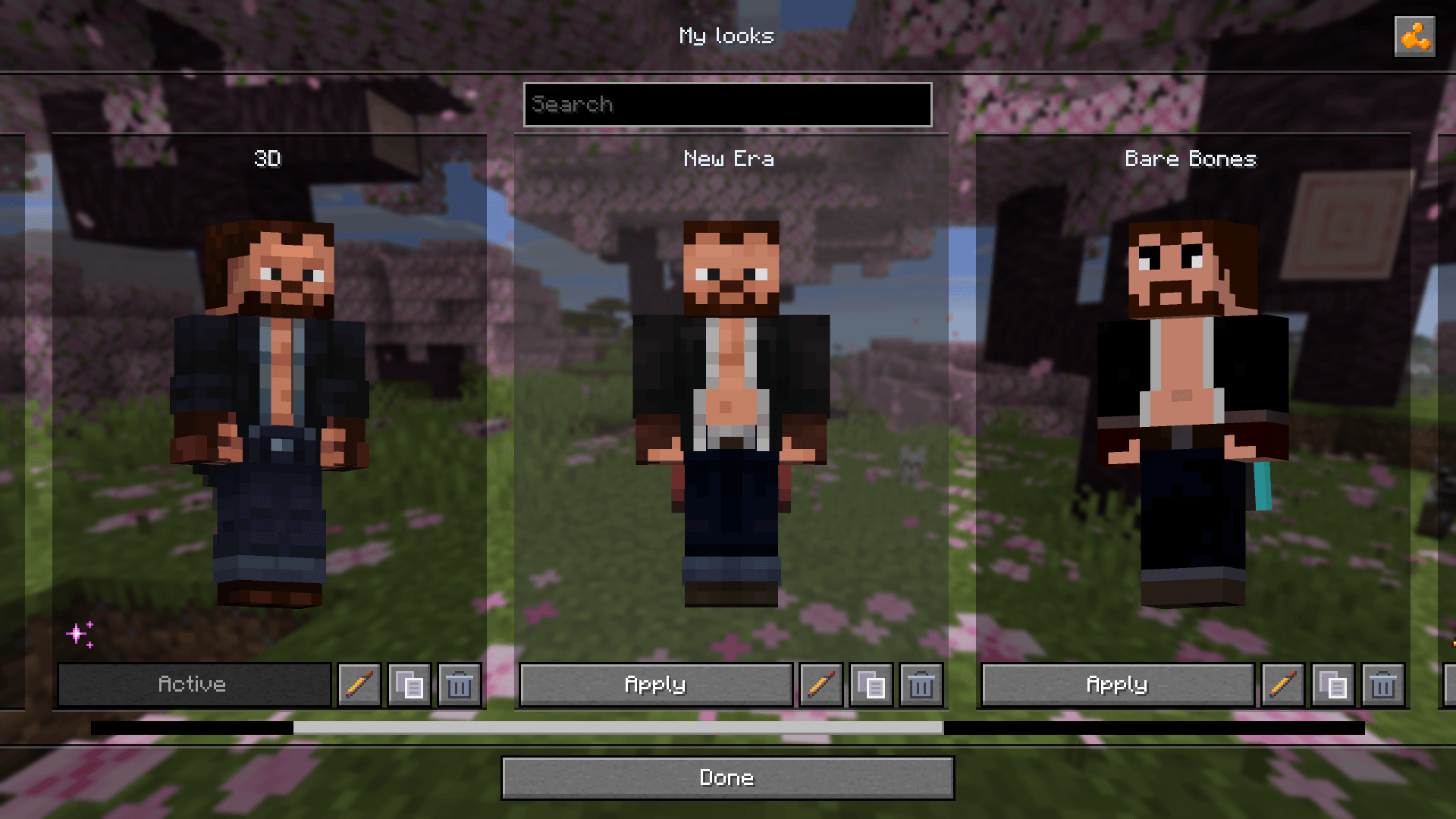
Save your skin, model, cape, and outer layers as complete looks, then switch between them with a single click
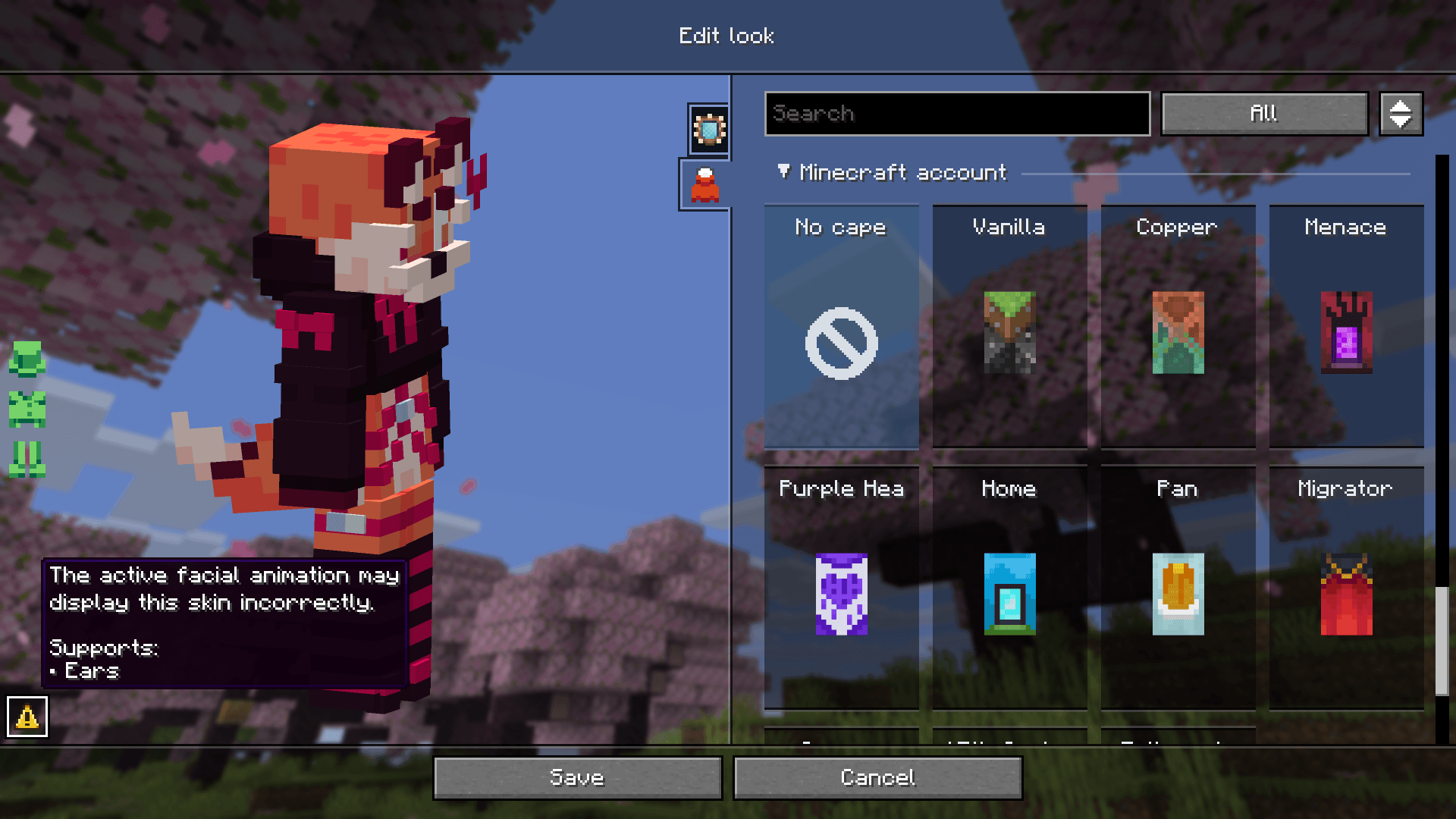
Badges show support for Ears, Fresh Moves, and Just Expressions and warn you about conflicts with active mods and resource packs
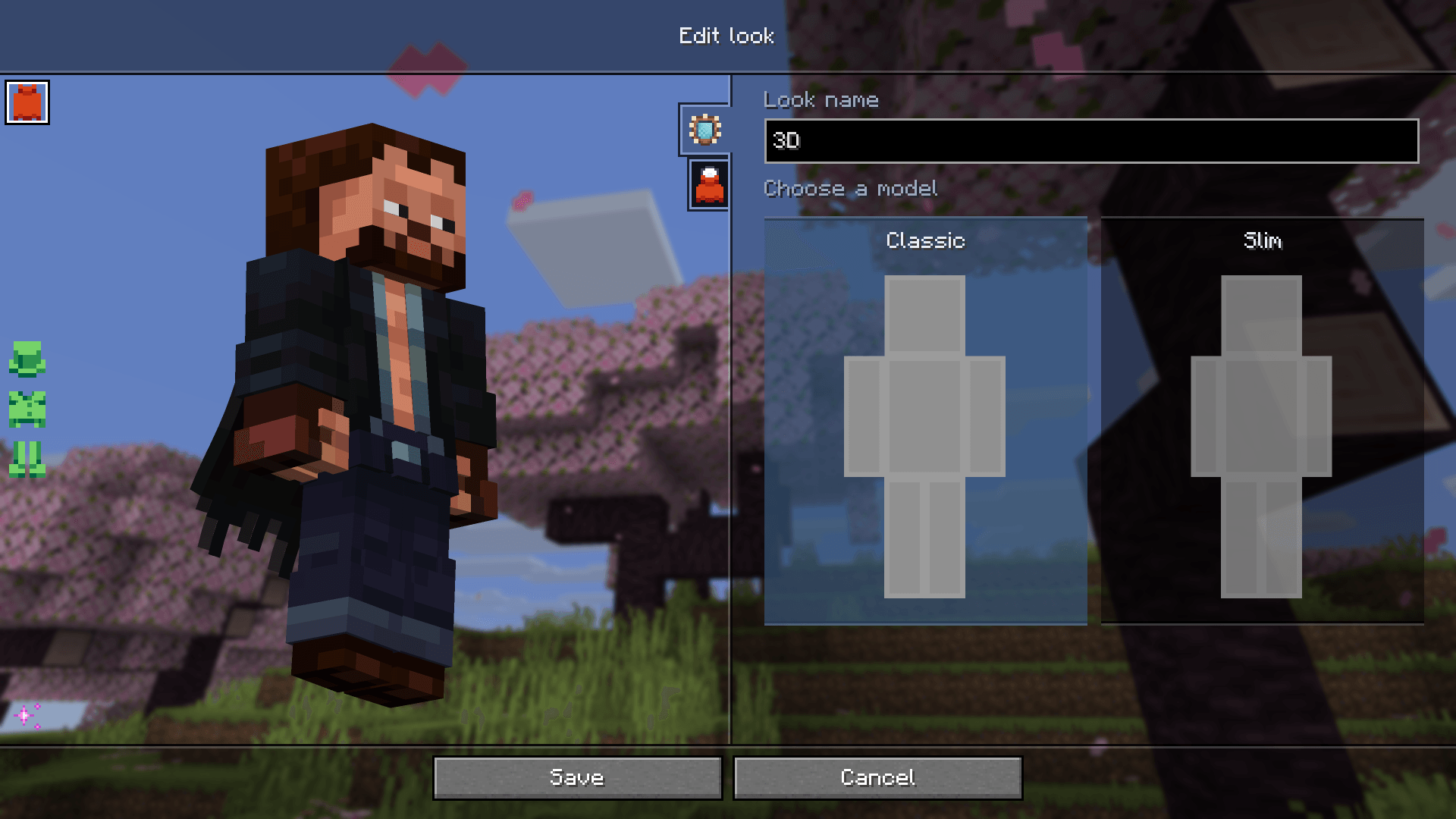
Choose your model from visual cards and customize your appearance across dedicated tabs, with a live preview right in the game
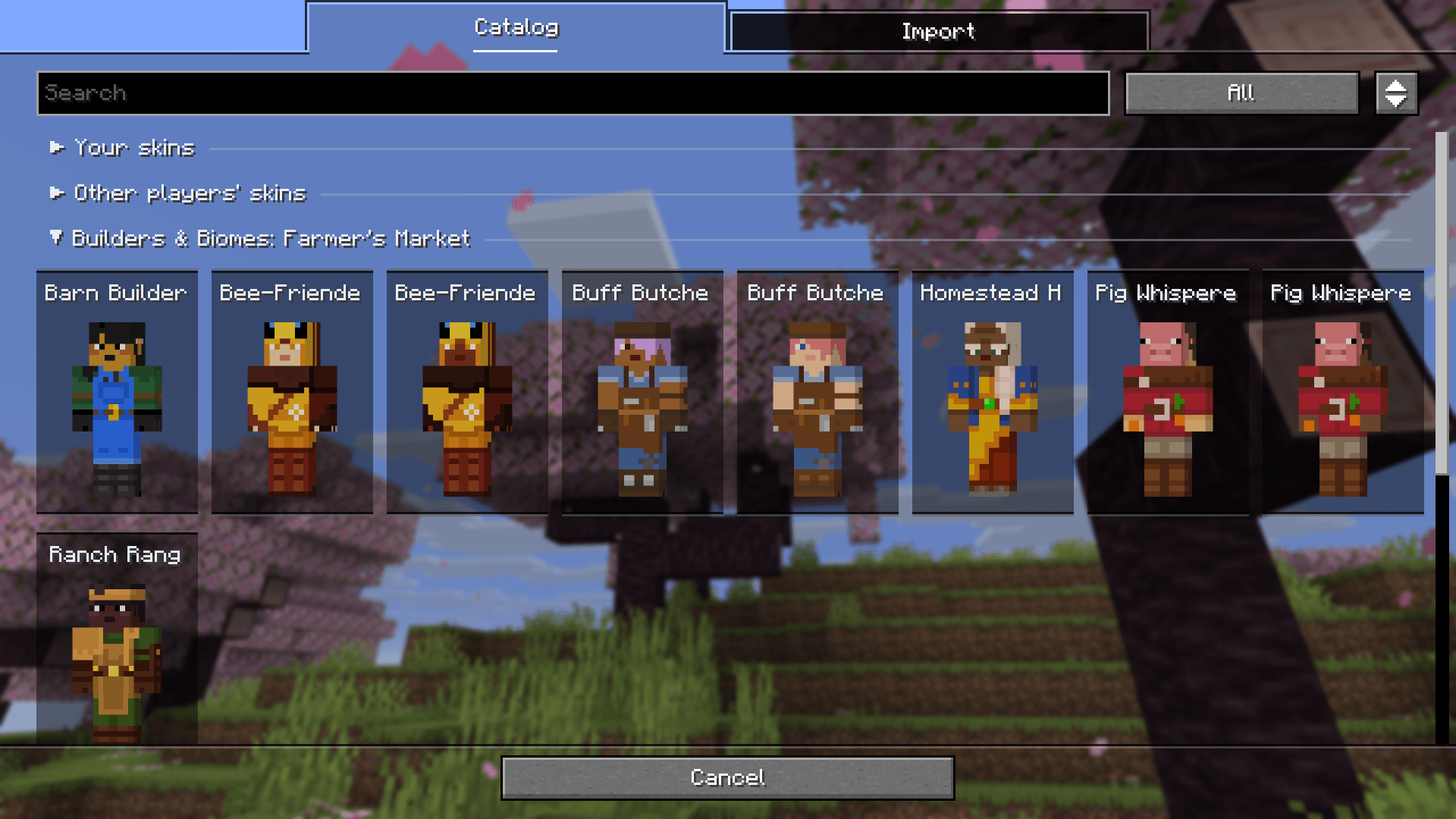
Browse standard Minecraft characters, Mojang event skins, and resource pack collections with search and model filters
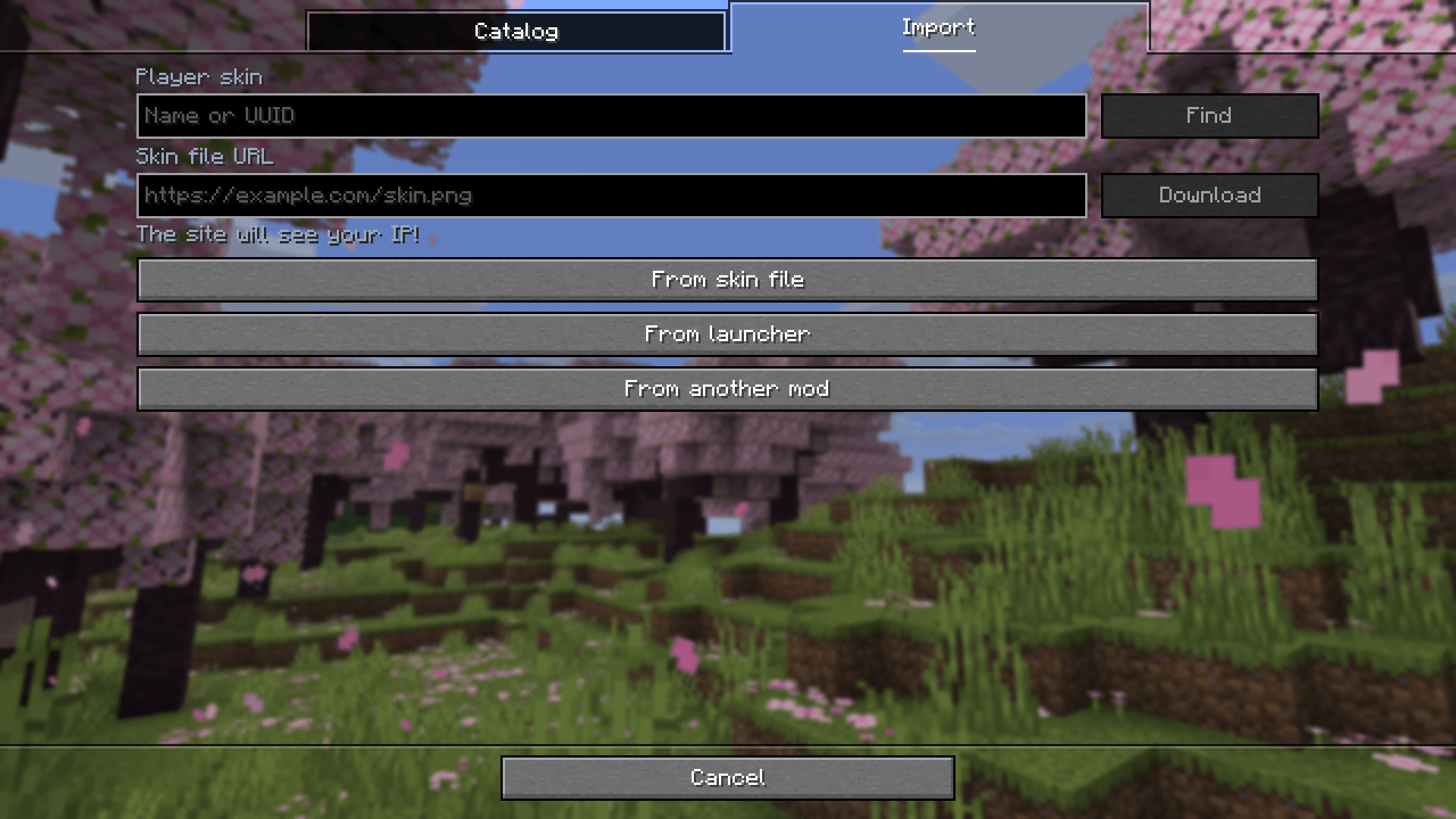
Add files or direct links, find skins by player name or UUID, and bring over looks from launchers and other mods
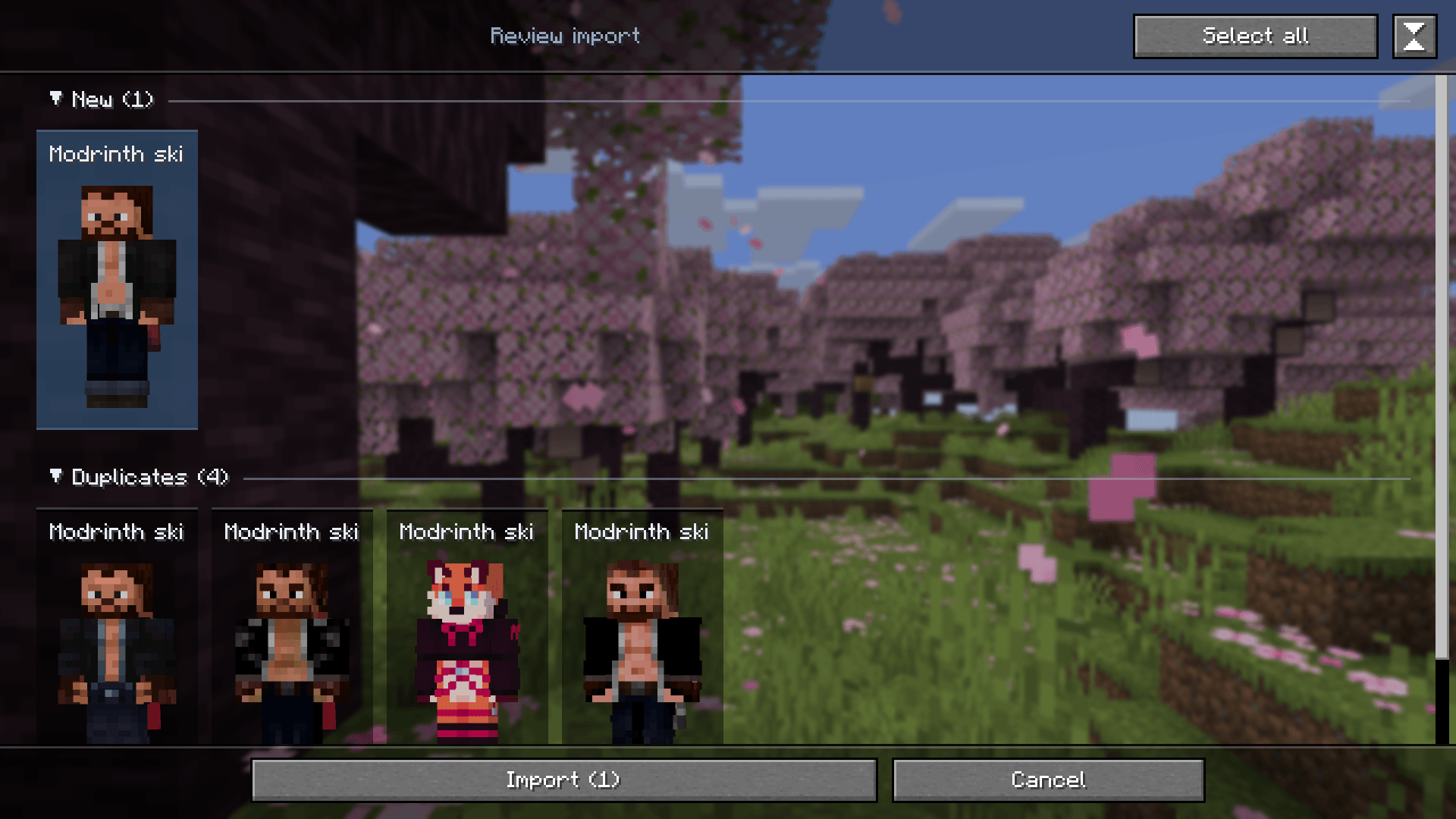
See which looks are new and which are duplicates, check skin compatibility, and select only the ones you want
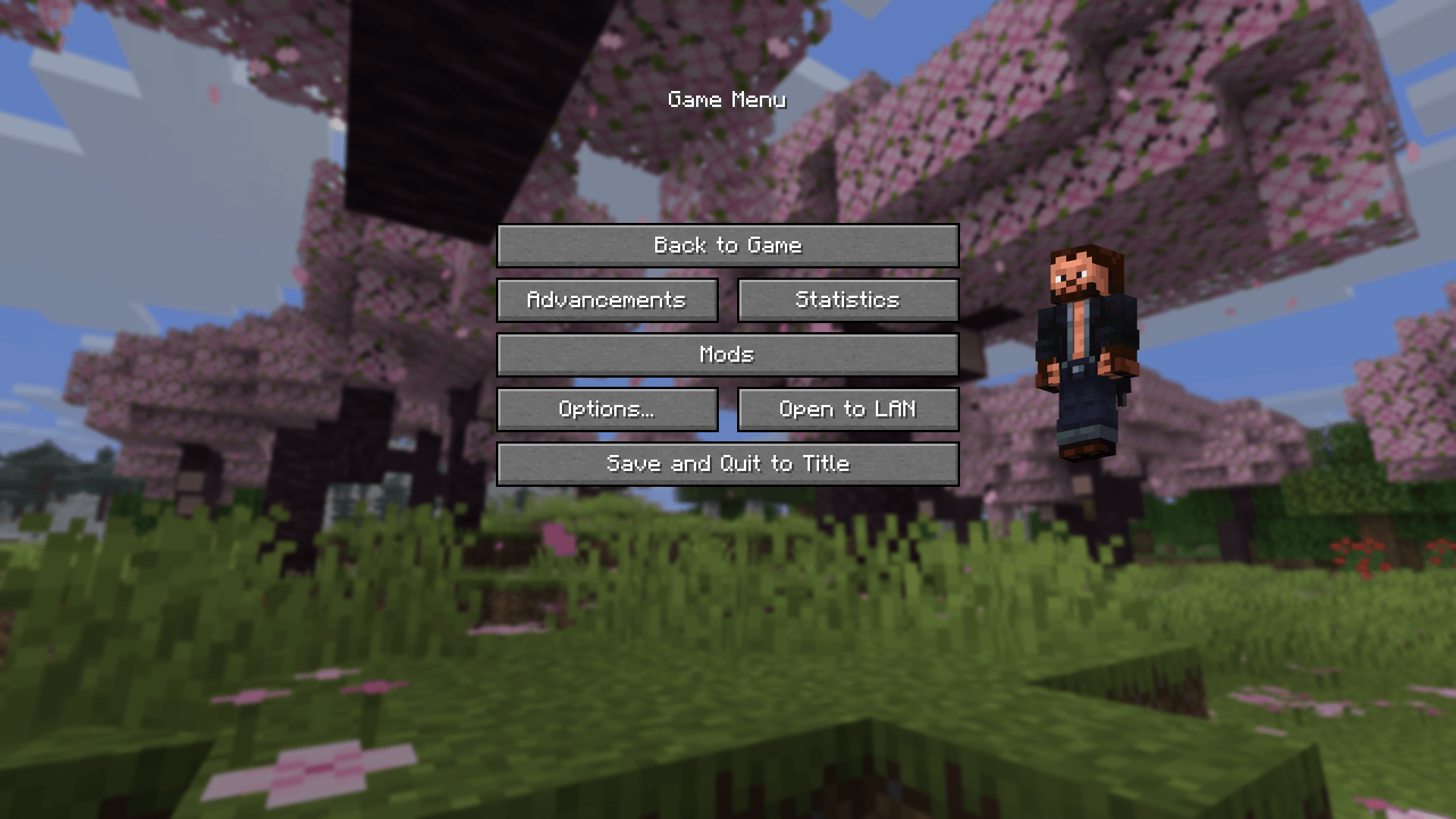
Click your player preview on the title screen or pause menu to open My looks
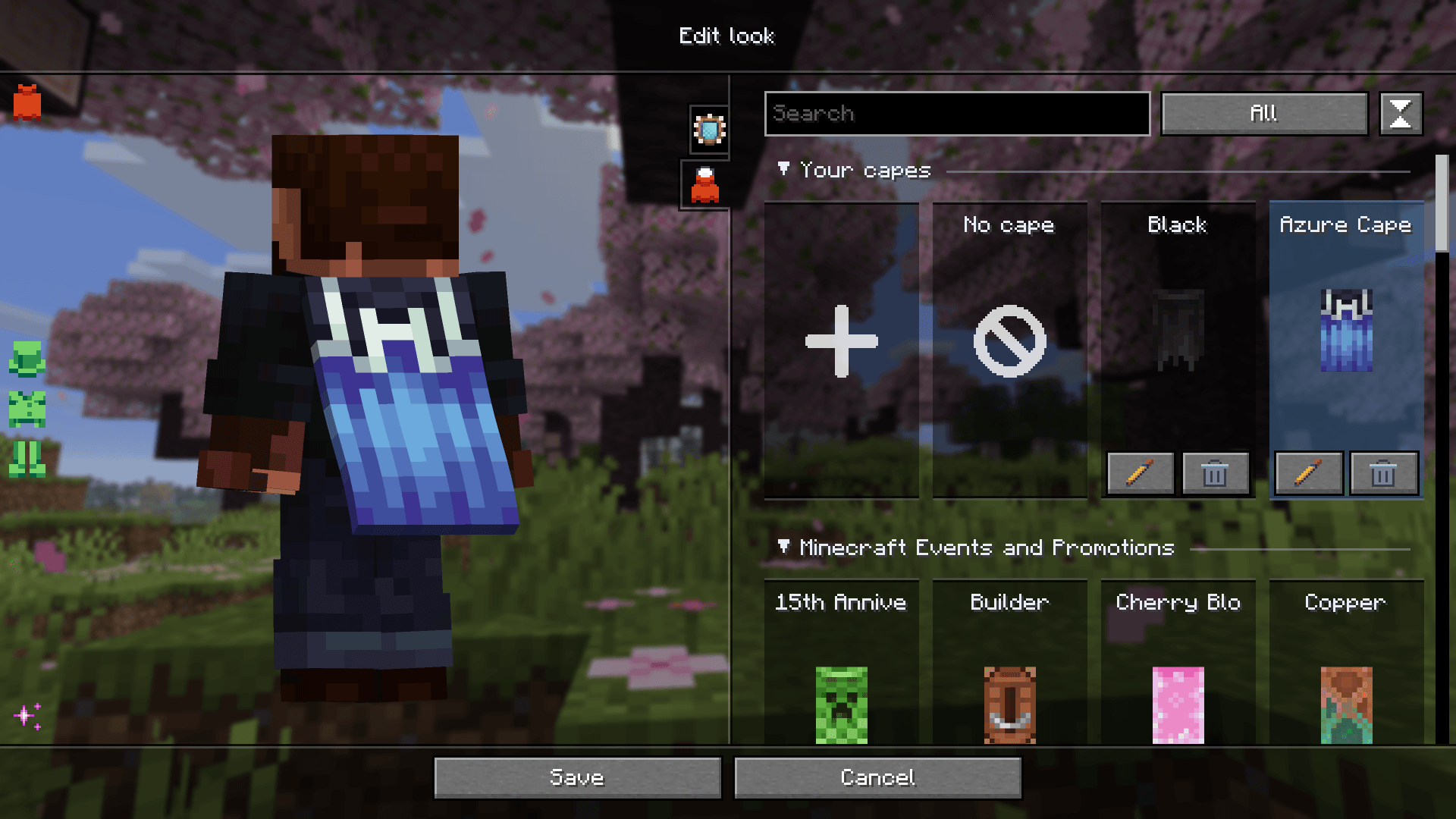
Import capes, save them in your looks, and browse resource pack collections. These capes are visible only to you
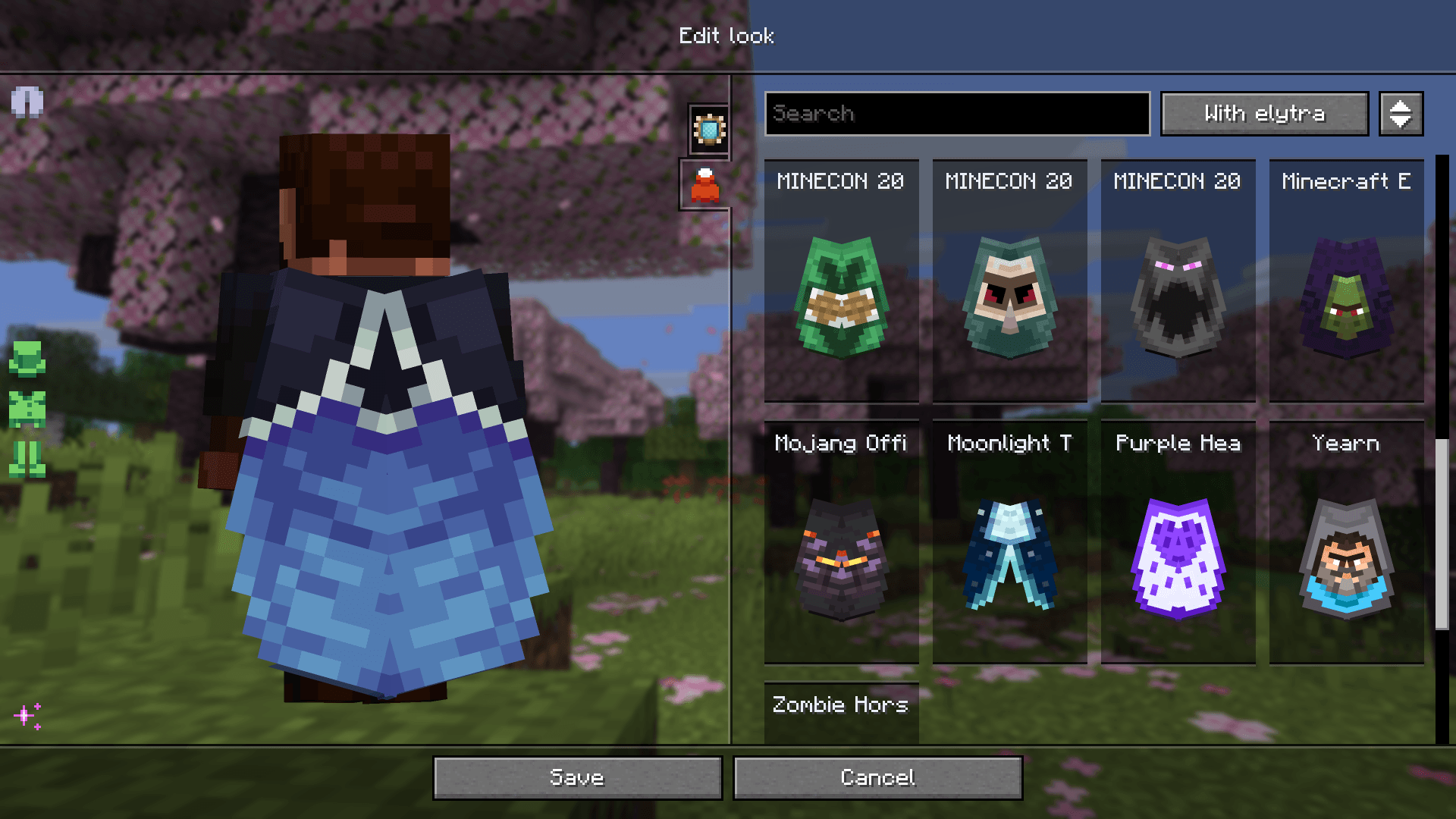
Search capes by name, filter by whether they include an elytra texture, and preview the result
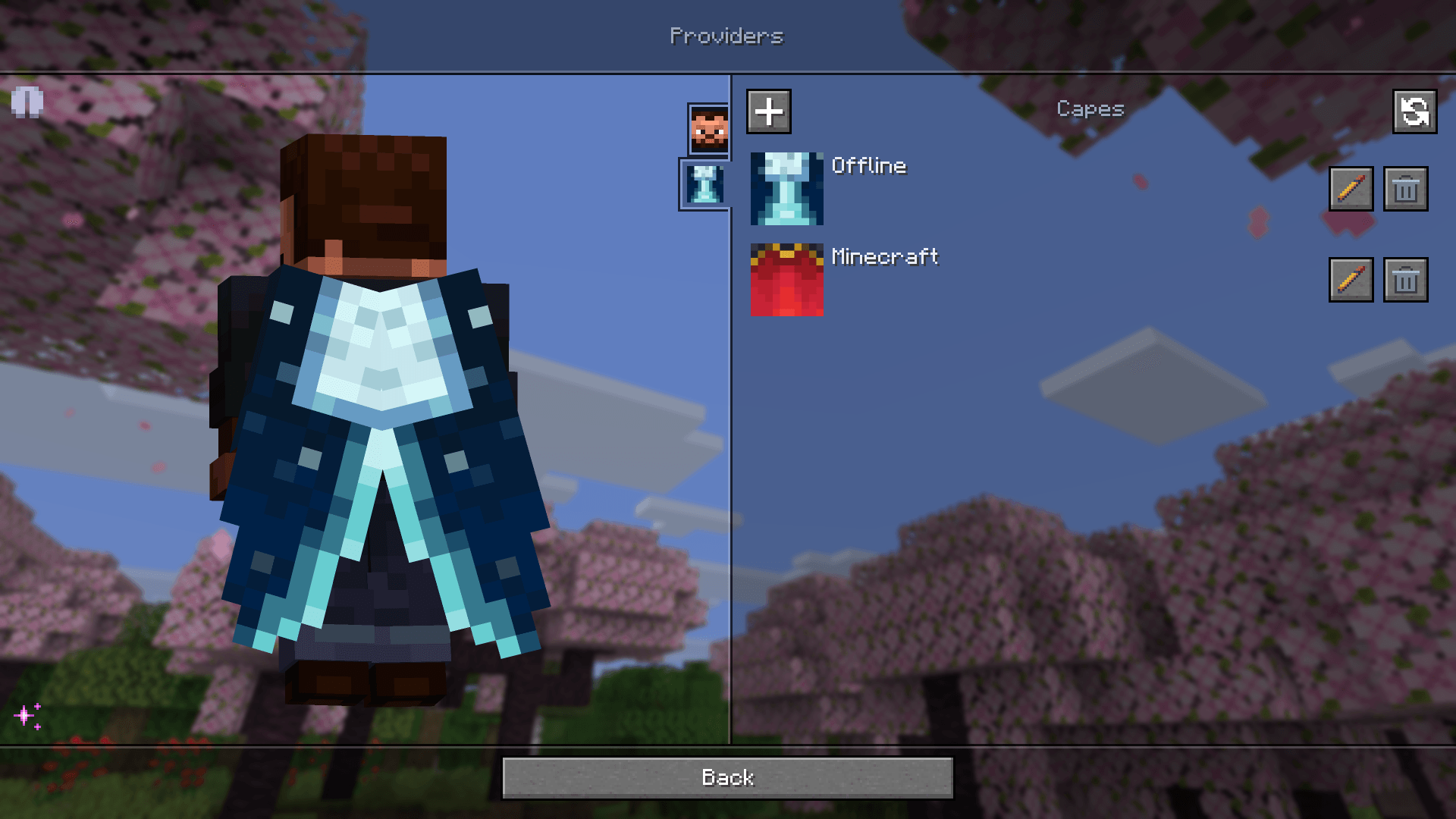
Configure Offline and Minecraft separately for skins and capes, enable the providers you want, and change their priority
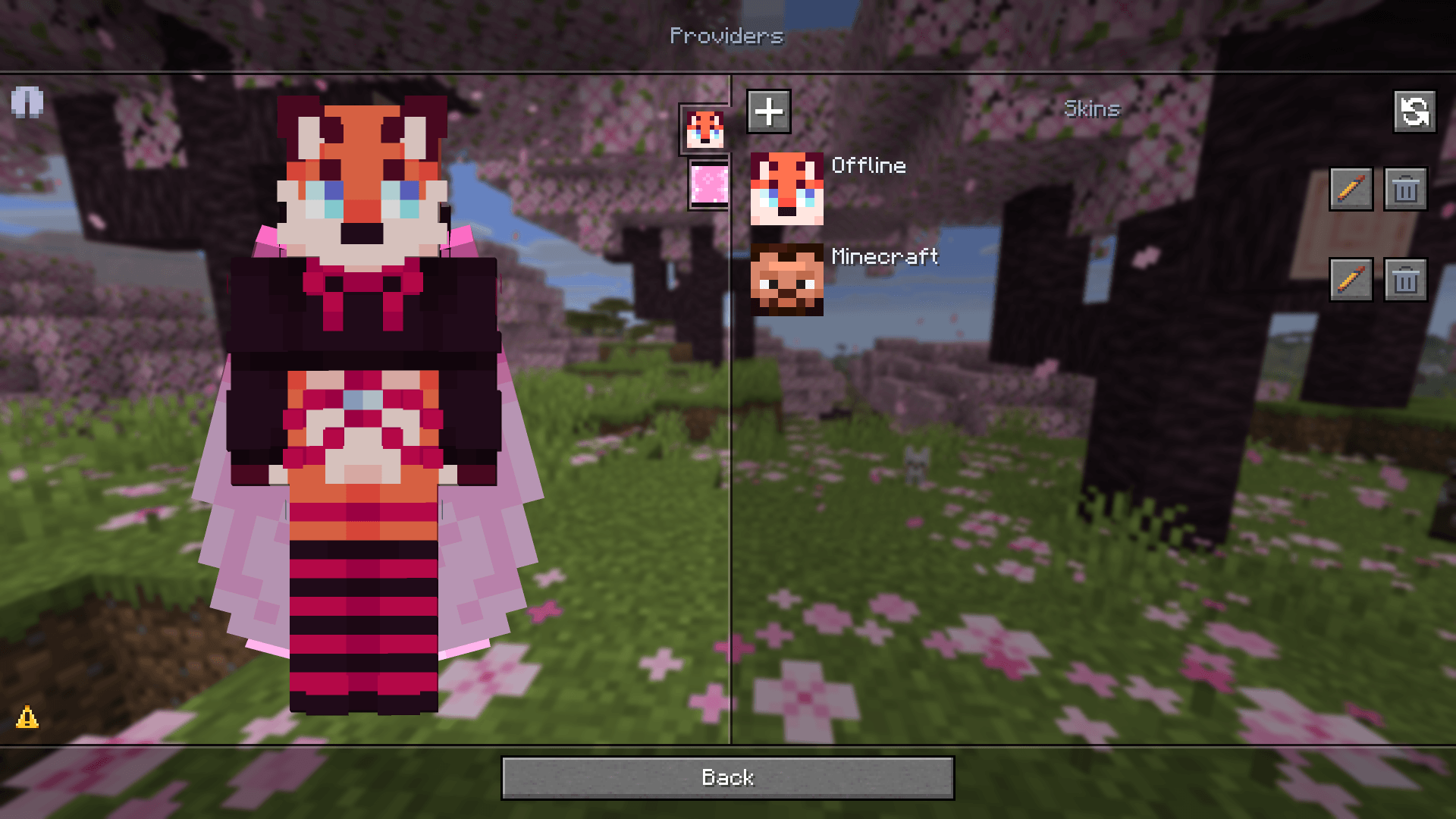
Create and apply looks locally. Syncing with your Minecraft profile can wait until your game session is available again