Mutant SSJ Visuals
- By
01-power-release.png
02-stat-scaling.png
03-beyond-your-limits.png
04-auto-power-release.png
06-auto-transformation.png
Description
💚 YOUR POWER KEEPS RISING. SO DO YOU. 💚
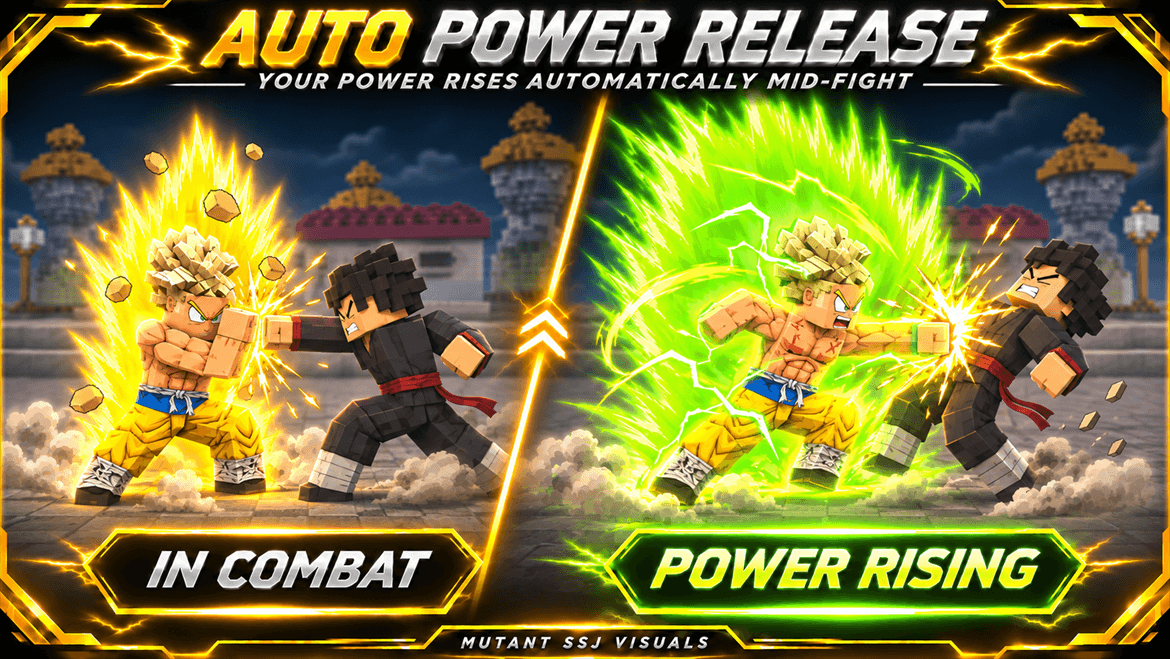
The battle drags on. Every blow fuels your rage, and every limit starts to feel too small. Your hair begins to turn green, your aura shifts, and lightning tears across the battlefield. 🌿⚡
Broly’s mutation is awakening: this is more than a new look — it’s the experience of fighting as a Mutant Saiyan and pushing closer to your full potential. 🟢 (Configurable.)
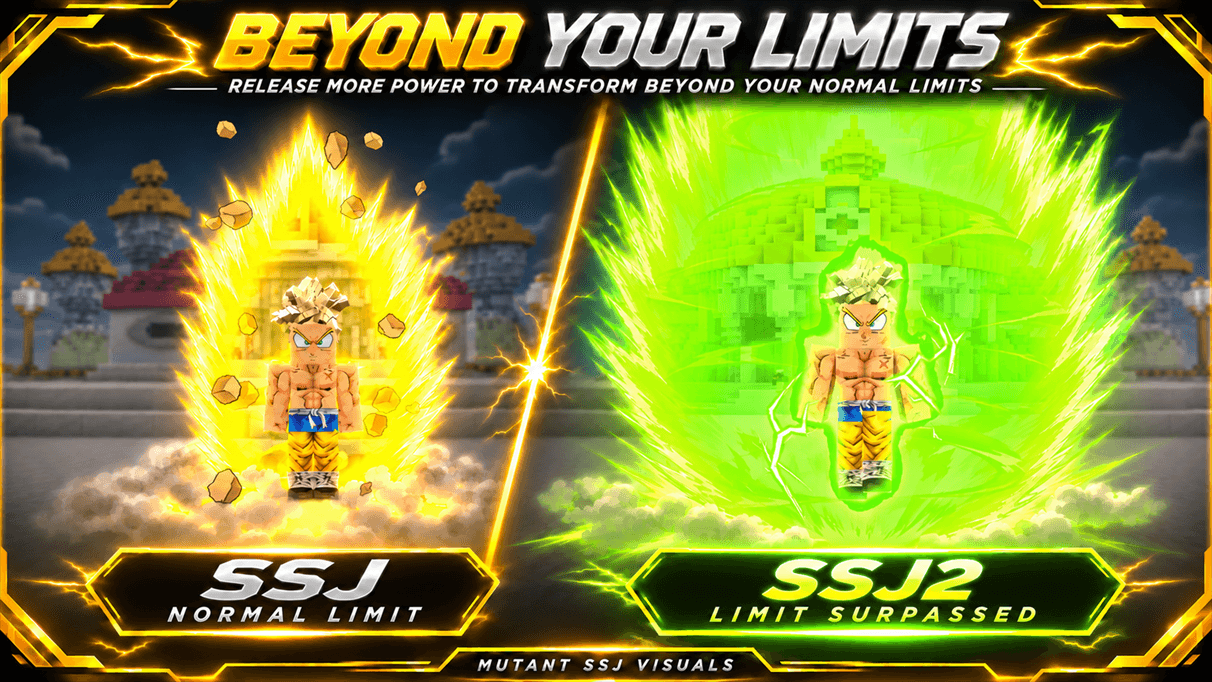
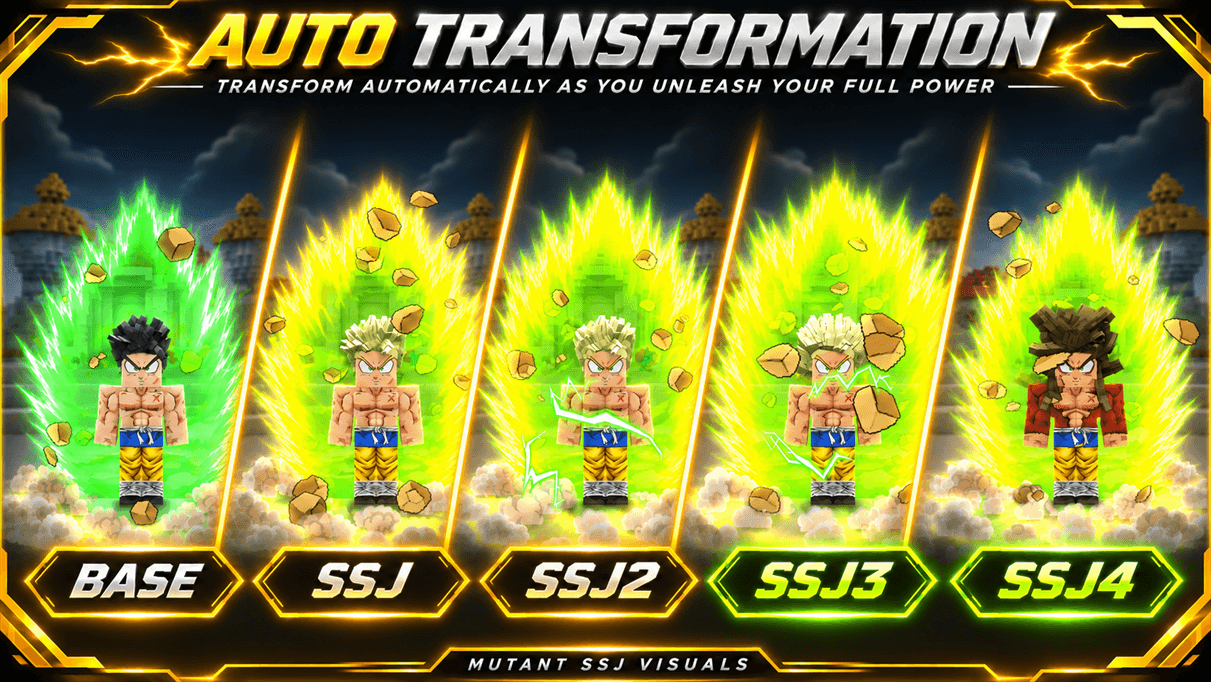
Reach your chosen power-release limit and keep fighting, and the pressure can trigger an automatic transformation. What if the next form requires more mastery than you have? There’s a chance your body will break through that limit for a short time. The form awakens, your power surges — and when the effect ends, you return to base form. 🔥
🟢 HOW IT WORKS
- 🔋 Power release can rise gradually during combat, up to the limit set by the player.
- 🟩 After reaching the chosen limit — between 100% and 132% — fighting for long enough can trigger an automatic transformation. Progression follows the form group selected in Dragon Mine Z.
- ⚡ If the next form is blocked only by its mastery requirement, there is a chance to access it temporarily. The chance, duration, and cooldown can be adjusted. Players who have not unlocked any forms also have a temporary-form option.
- 💥 Over Charge can be toggled on or off. When enabled, its burst happens only after a successful transformation.
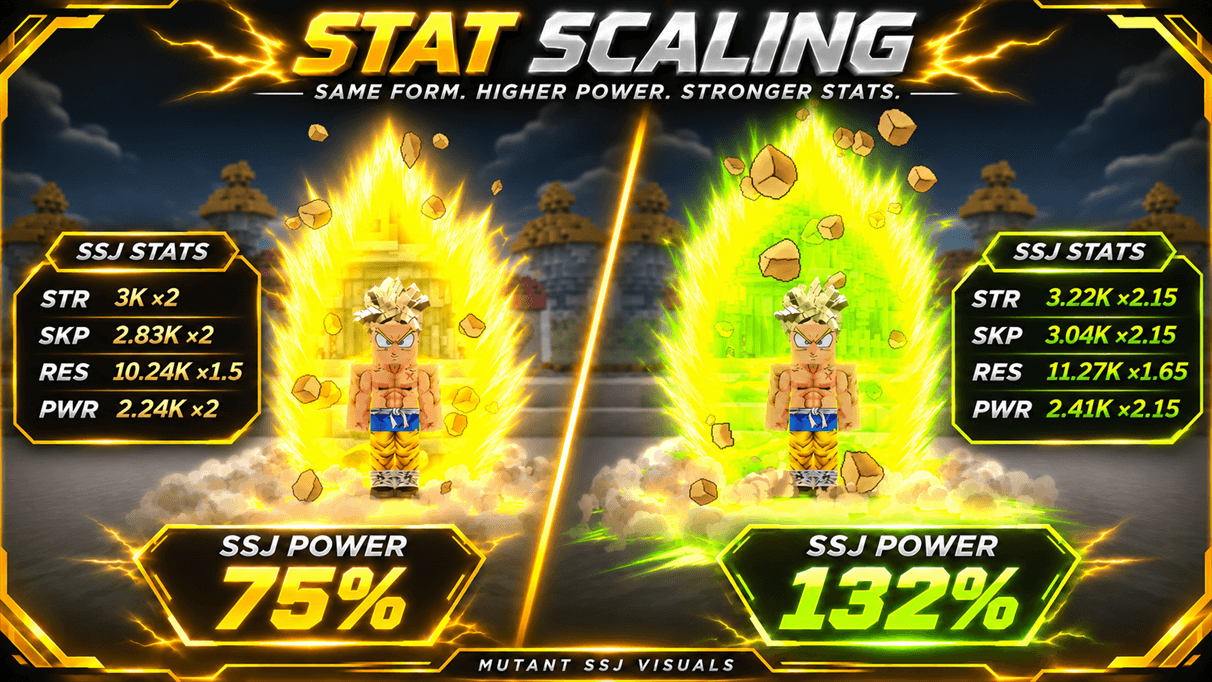
- 💪 Attribute bonuses can scale with power release and are added to the transformation’s existing values.
🌿 MUTANT VISUALS
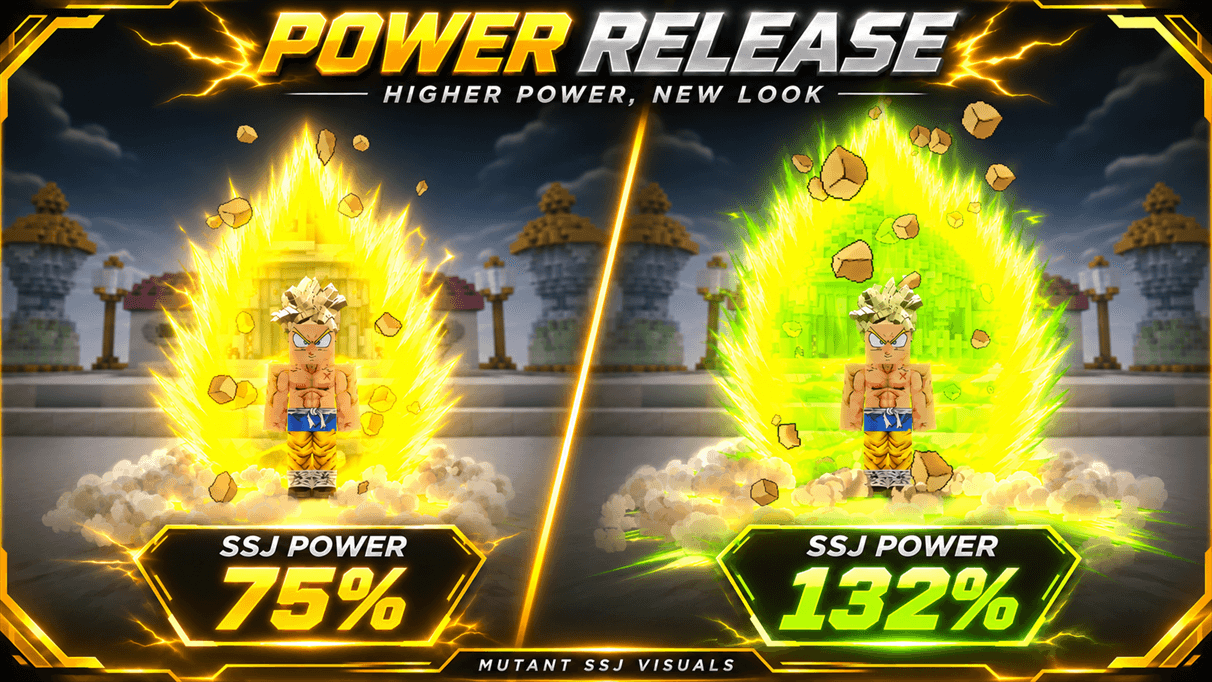
Colors can shift gradually with every percentage of power release. Hair, aura, eyes, and lightning each have independent palettes, with editable colors from 0% to 132%. Each form can have its own settings or share a preset. Visual changes do not require the aura to be active. 🎨
🛠️ SET UP YOUR EXPERIENCE
The config lets you toggle power release, automatic transformations, temporary forms, Over Charge, attribute bonuses, and each visual effect separately. You can also choose which forms are affected, adjust timing and power limits, control body models, and set how stacked-form auras appear.
Mutant SSJ Visuals — Configuration Guide
This guide covers Mutant SSJ Visuals 1.33.1 for Dragon Mine Z 2.2.1, Minecraft 1.20.1, and Forge 47.4.10.
1. Open and reload the config
Launch the game once to generate config/mutantssjvisuals.json inside your Minecraft instance. Open it in a text editor, change the settings you want, then save. Use /dmzreload config to reload the file or /dmzreload to reload the wider Dragon Mine Z configuration as well. You can also restart the game or server.
On a dedicated server, edit the server’s config for combat and stat settings. Edit the client config for the visuals rendered by that client. Leave configVersion to the addon, which uses it to upgrade older files.
2. Choose which forms receive effects
The forms section contains the presets. Use base for the untransformed state and group:form or group.form for a transformation. Use the internal IDs from Dragon Mine Z’s form configs.
- Individual preset —
"supersaiyan:supersaiyan2"applies to Super Saiyan 2 in thesupersaiyangroup. - Shared preset —
"supersaiyan:supersaiyan2, supersaiyan:supersaiyan3"applies the same settings to both forms. An individual preset takes precedence for its form. - Custom forms — Add an entry with the custom group and form ID, or include it in a shared preset. New configs ship with the default form list from 1.29.0.
- Optional wildcards —
group:*matches a whole group,*:formmatches a form ID across groups, and*matches registered forms as a general fallback. Add these rules yourself if you want broader coverage. The addon checks the group rule first, then the form-name rule, then the general fallback.
3. Set the colors for each form
| Setting | What it controls |
|---|---|
hair |
Enables the Mutant palette for the hair and scalp. With false, the form uses its Dragon Mine Z hair color. |
aura |
Enables aura recoloring for the form. |
eyes |
Enables eye recoloring. |
tail |
Enables tail recoloring with the hair palette. |
auraSelection |
1 selects auraColors. 2 selects auraColors2. |
eyeSelection |
1 selects eyeColors. 2 selects eyeColors2. |
furFollowsHair |
Lets Golden Oozaru’s fur follow the hair palette. |
colorStartPercent and colorFullPercent |
Set the start and full-color thresholds. The usual defaults are 75 and 132. |
The palettes are at the top level of the JSON, outside forms. Each key represents a power-release percentage from 0 to 132. Use a hex color such as "#40FF00" or null to use the original color at that percentage.
hairColorssupplies the hair, scalp, and tail colors.auraColorsandauraColors2supply the aura and Ki colors, including the Ki bar and Ki weapons.eyeColorsandeyeColors2supply eye colors independently of the aura.lightningColorssupplies aura lightning colors independently of the aura palette.
When you change forms, the hair and scalp blend between the two forms’ colors, including when one form uses its original Dragon Mine Z color.
4. Configure body models and stat bonuses
Every form has two independent body slots, bodyModels.first and bodyModels.second. Set enabled to true and fill in model. Valid examples include normal, buffed, buffedg3, and 4arms. You can also use a body model filename from Dragon Mine Z’s geo/entity/races/ folder without the .geo.json extension.
The model appears at startPercent. Its visual scale then grows or shrinks toward modelScaling by endPercent. The three numbers control X, Y, and Z. [1.2, 1.2, 1.2] reaches 20% larger on all axes. An empty or unavailable model skips the scale override. When both slots qualify, the higher start threshold takes precedence. second wins ties.
The strength block adds bonuses to Dragon Mine Z’s existing form multipliers. Set enabled and the start and end thresholds, then edit strMultiplier, skpMultiplier, defMultiplier, and pwrMultiplier. At full effect, 1.15 adds 0.15 to the corresponding multiplier. Use 1.0 for a stat that should receive zero bonus.
Here is a complete preset you can add or edit inside the existing forms section.
"supersaiyan:supersaiyan2": {
  "hair": true,
  "aura": true,
  "eyes": true,
  "tail": true,
  "auraSelection": 1,
  "eyeSelection": 2,
  "furFollowsHair": false,
  "colorStartPercent": 75,
  "colorFullPercent": 132,
  "bodyModels": {
    "first": {
      "enabled": true,
      "model": "normal",
      "startPercent": 100,
      "endPercent": 124,
      "modelScaling": [1.1, 1.1, 1.1]
    },
    "second": {
      "enabled": true,
      "model": "4arms",
      "startPercent": 125,
      "endPercent": 132,
      "modelScaling": [1.2, 1.2, 1.2]
    }
  },
  "strength": {
    "enabled": true,
    "startPercent": 75,
    "endPercent": 100,
    "strMultiplier": 1.15,
    "skpMultiplier": 1.15,
    "defMultiplier": 1.0,
    "pwrMultiplier": 1.15
  }
}
5. Set the global rules
| Setting | Default | What it does |
|---|---|---|
requireMutantEffect |
true |
Requires the Mutant effect for eligible Saiyans. Set it to false to let Saiyans use matching presets without the effect. |
blockStackFormsForMutantSaiyan |
false |
Set it to true to block stack-form skills for Saiyans with the Mutant effect. |
stackAuraOpacity |
0.5 |
Controls the opacity of the stack aura over the main transformation aura, from 0.0 to 1.0. |
colorKiAttacks |
false |
Set it to true to apply the selected Ki palette to supported attacks and projectiles. |
6. Configure combat automation
combatRelease raises power release while the player is in combat, up to their selected cap or race limit. Use enabled to toggle it. releasePercentPerInterval defaults to 1 percentage point, intervalTicks defaults to 60 ticks or 3 seconds, and combatWindowTicks defaults to 100 ticks or 5 seconds after the last hit dealt or received.
combatTransformation follows the transformation group selected in Dragon Mine Z and uses its progression and unlock rules. Use enabled to toggle it. secondsAtMaxRelease defaults to 30, minMaxReleasePercent and maxMaxReleasePercent define the eligible release caps of 100–132, and progressionCooldownMinutes defaults to 3. To disable automatic progression for a particular group, put its group ID in groupEnabled with a value of false, for example "oozaru": false.
combatTransformation.temporaryForm controls temporary transformations. Set enabled to toggle them, durationSeconds for the duration, and cooldownMinutes for the real-time cooldown. The defaults are 60 seconds and 120 minutes. masteryTrialChancePercent defaults to 25 and applies when the next form is skill-unlocked and mastery is the remaining requirement. noUnlockedForm sets the fallback for a player with no unlocked normal forms and defaults to "legendaryforms:ikari". Temporary forms return the player to base when they expire.
combatOvercharge.enabled controls whether Ki Surge and its burst can trigger after a successful automatic or temporary transformation. Dragon Mine Z’s own Over Charge settings and cooldown still apply.
7. Commands
| Command | What it does |
|---|---|
/dmzreload config |
Reloads the Dragon Mine Z and Mutant SSJ Visuals configs. |
/dmzreload |
Runs Dragon Mine Z’s full reload, including the addon config. |
/mutantssjvisuals testtemporary |
Tests the next form blocked only by mastery. It can also trigger the Over Charge burst when the settings allow it. |
/mutantssjvisuals resettimers |
Clears your combat and transformation timers. |
These commands require operator permissions.
📁 Settings are stored in config/mutantssjvisuals.json.
🟢 Made for Dragon Mine Z 2.2.1, Minecraft 1.20.1, and Forge.
Mutant SSJ Visuals Team