


Music Curator
- By
tracks.png
favorites.png

hud.png

status.png
Description
Music Curator
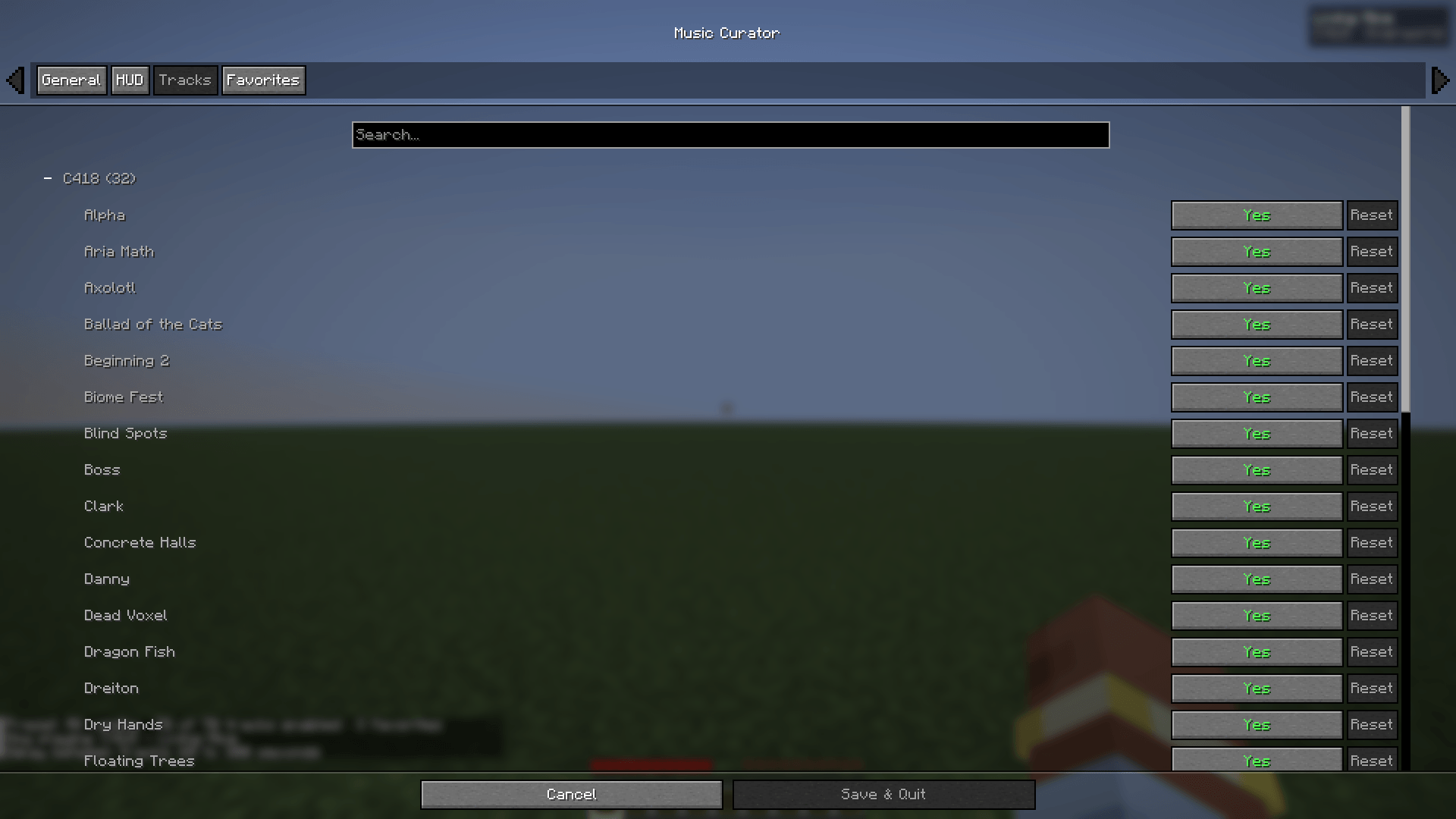
Client-side mod for Minecraft 26.3, 26.2, 1.21.11 and 1.21.1, on Fabric and NeoForge. Choose which vanilla music tracks are allowed to play, mark your favorites, set how often music plays, and see the current track in a small HUD.

No custom audio, no streaming, no servers — it only filters and controls the music already in the game. Available in English and French.
What it does
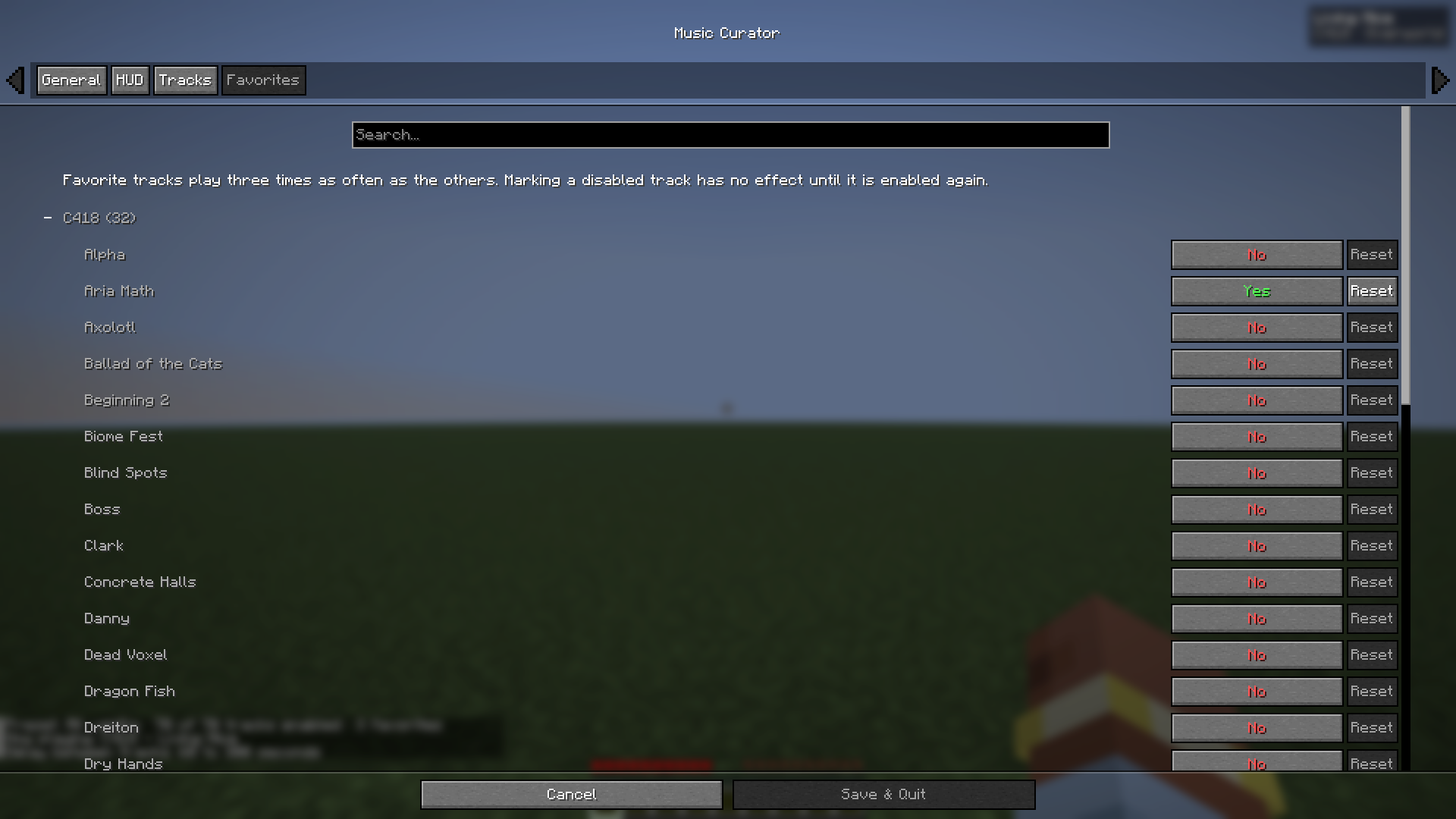
- Pick exactly which vanilla tracks can play: every track of your Minecraft version, with toggles grouped by composer (C418, Lena Raine, Kumi Tanioka, Aaron Cherof, Amos Roddy, fingerspit).
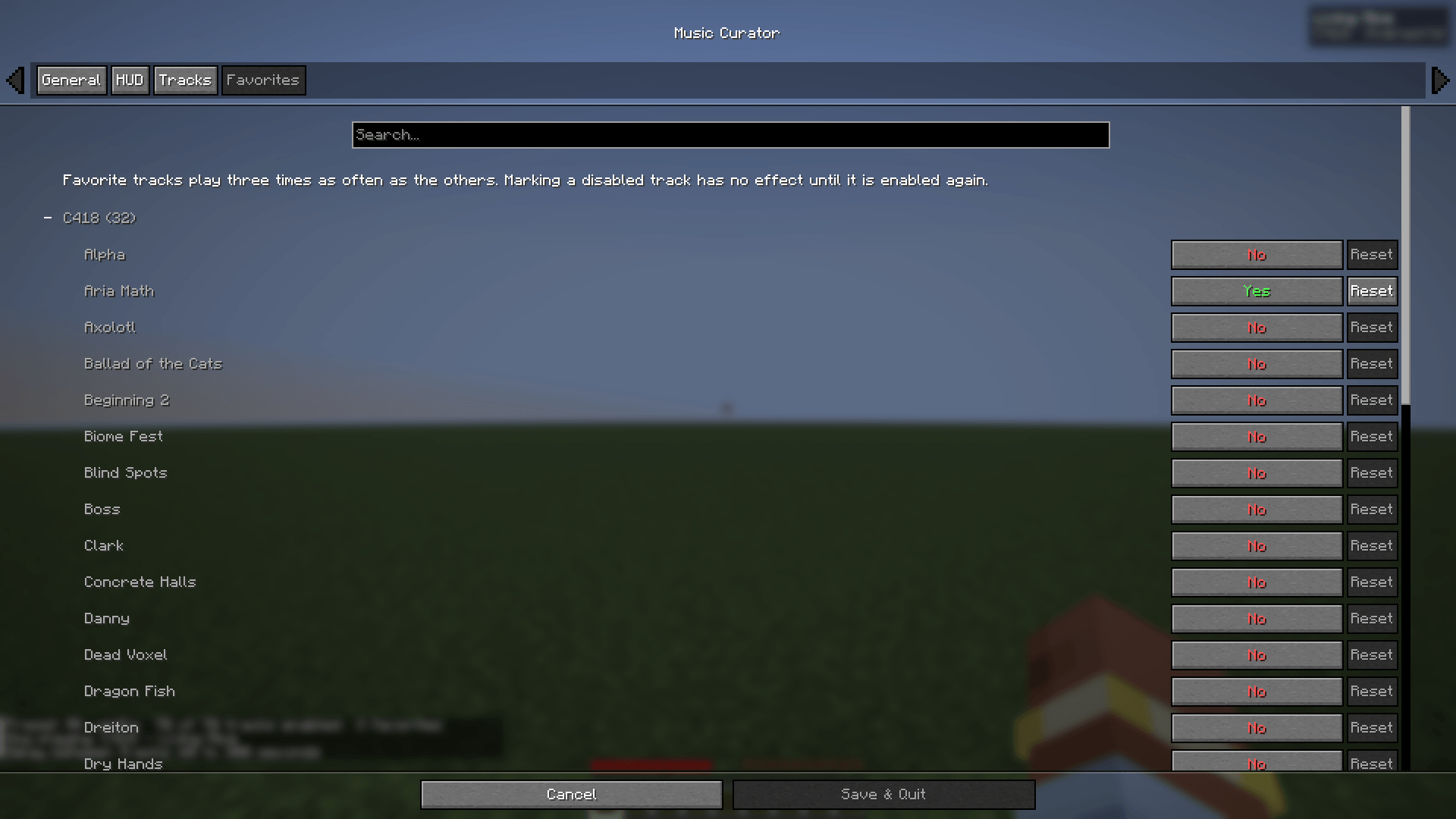
- Mark favorite tracks: they play three times as often.
- Set the delay between tracks (min/max, or a fixed interval). In worlds, it replaces vanilla's Music Frequency option on versions that have it.
- Pause the music and resume exactly where it stopped.
- A compact HUD showing the current track, with optional composer and category.
- Skip, pause/resume, toggle the HUD and open the settings with keybinds or commands.
Why not just use another music mod?
Music Curator filters the game's own music selection instead of replacing it. It does not take over Minecraft's music system, so it stays out of the way of other mods that add or change music.
If the current biome has none of your tracks, a track from your selection plays instead, so your choice is heard everywhere. The Ender Dragon fight, the end credits and the title screen keep the game's own timing.
Presets
| Preset | Plays |
|---|---|
| All vanilla | every track |
| C418 only | tracks composed by C418 |
| Modern only (no C418) | every track not composed by C418 |
| Custom | your own selection |
Picking a preset replaces your track selection. Toggling individual tracks switches the preset to Custom. Presets never change your favorites.
How to use
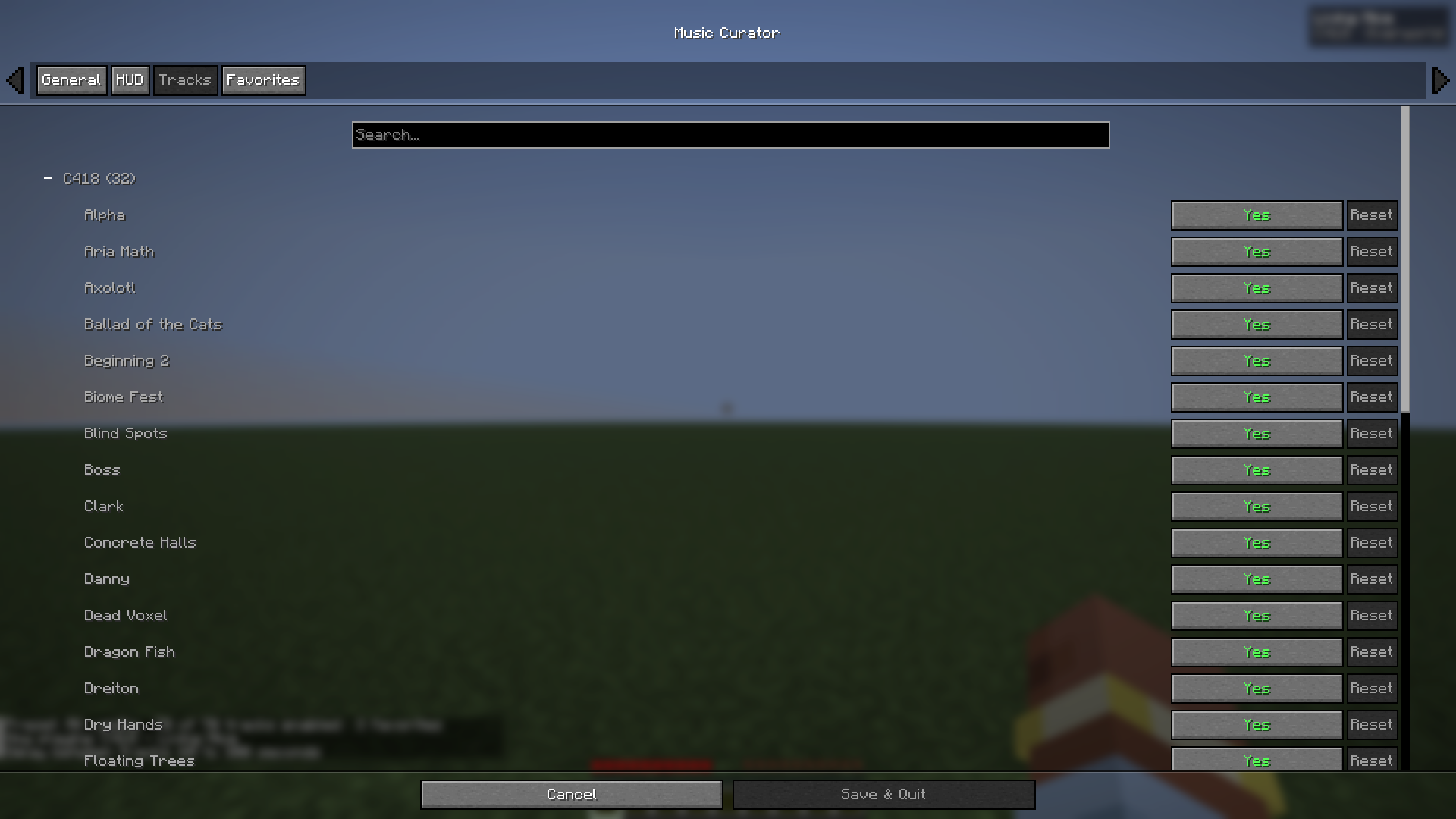
Open the settings with /musiccurator config, the Open settings keybind, or the mods list: Mod Menu → Music Curator → Config on Fabric, Mods → Music Curator → Config on NeoForge.
Commands (client-side):
/musiccurator skip— play another track now/musiccurator pause— pause or resume the music/musiccurator status— current track, preset, favorites and delays/musiccurator config— open the settings/musiccurator hud toggle— show or hide the HUD/musiccurator preset <all|c418|modern>— apply a preset

Keybinds for skip, pause/resume, HUD toggle and open settings are unbound by default — set them in Options → Controls → Key Binds → Music Curator.
Compatibility
| Minecraft | Fabric | NeoForge | Java |
|---|---|---|---|
| 26.3 | ✅ | ✅ | 25 |
| 26.2 | ✅ | ✅ | 25 |
| 1.21.11 | ✅ | ✅ | 21 |
| 1.21.1 | ✅ | ✅ | 21 |
Download the file matching your loader and Minecraft version.
Fabric: Fabric Loader 0.19.3+, Fabric API and Cloth Config (required, for the settings screen). Mod Menu is optional and adds a config button.
NeoForge: Cloth Config for NeoForge (required, for the settings screen). The config button is built into the Mods screen.
Client-side only: install it on your game, not on the server.
Notes
Only background music is affected; jukebox discs and all other sounds play as usual.
Source code and issues: https://github.com/jojoricard/music-curator
Music Curator Team
