Murim Block
- By
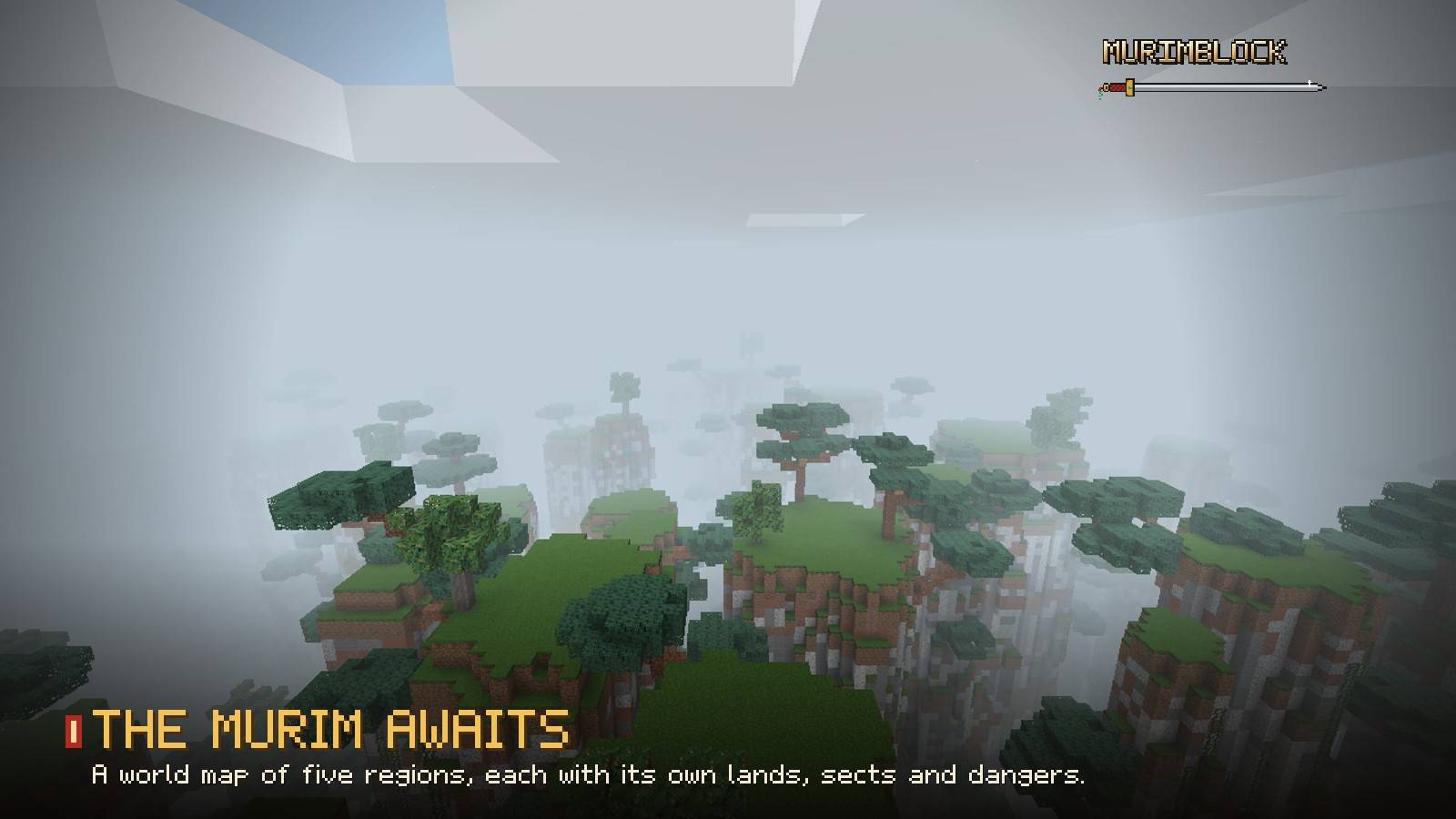
01_world.jpg
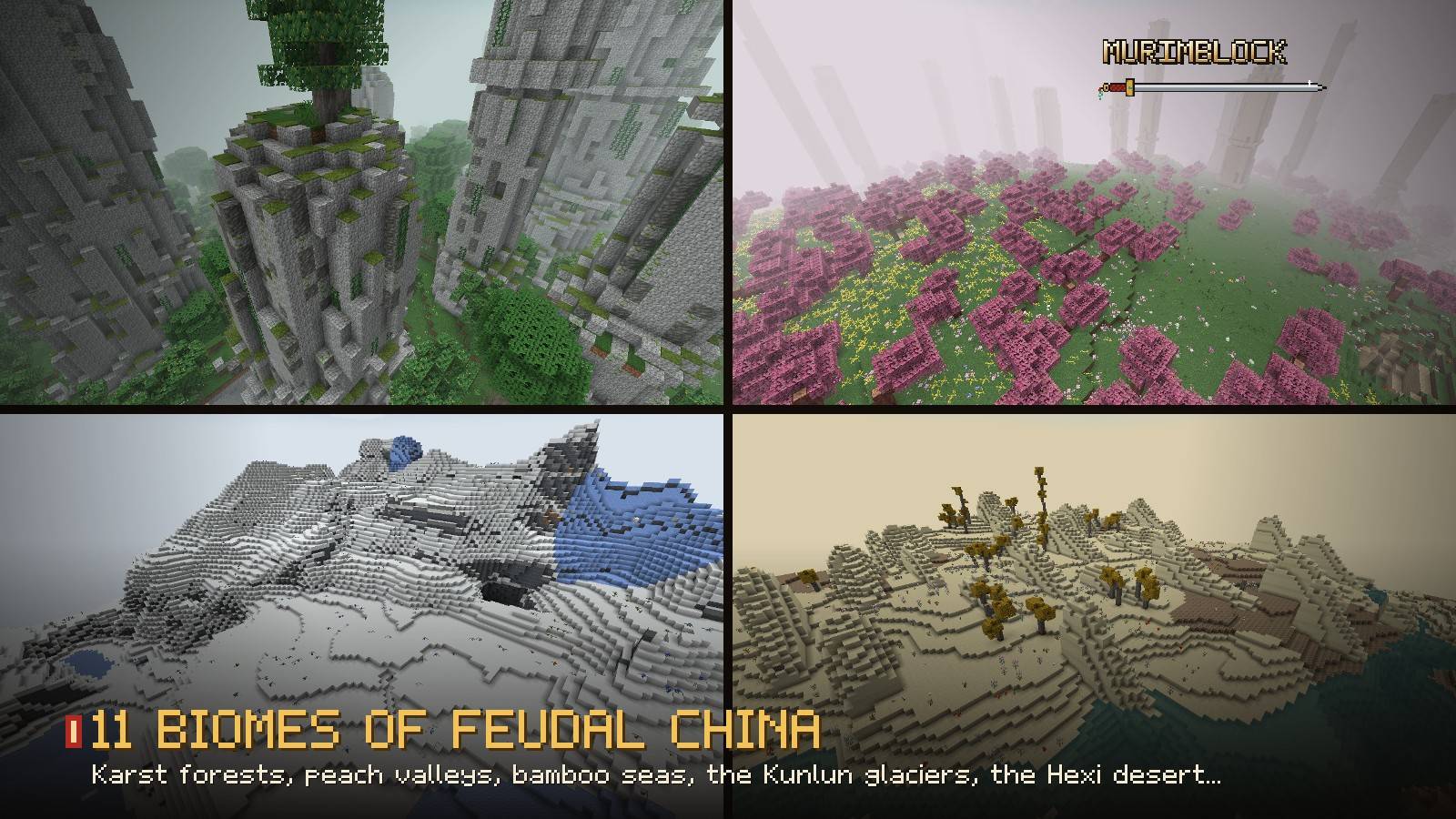
02_biomes.jpg
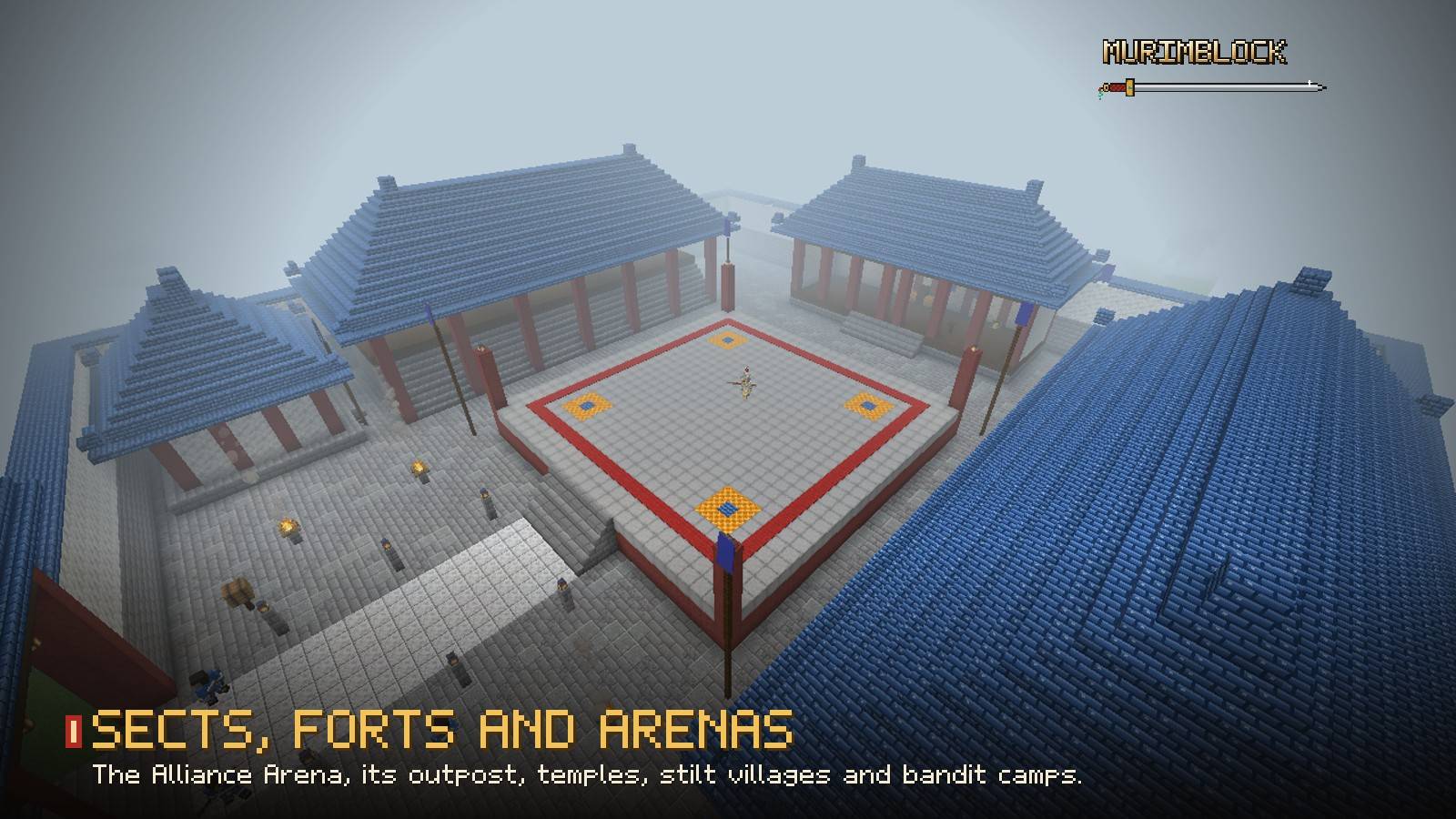
03_sites.jpg
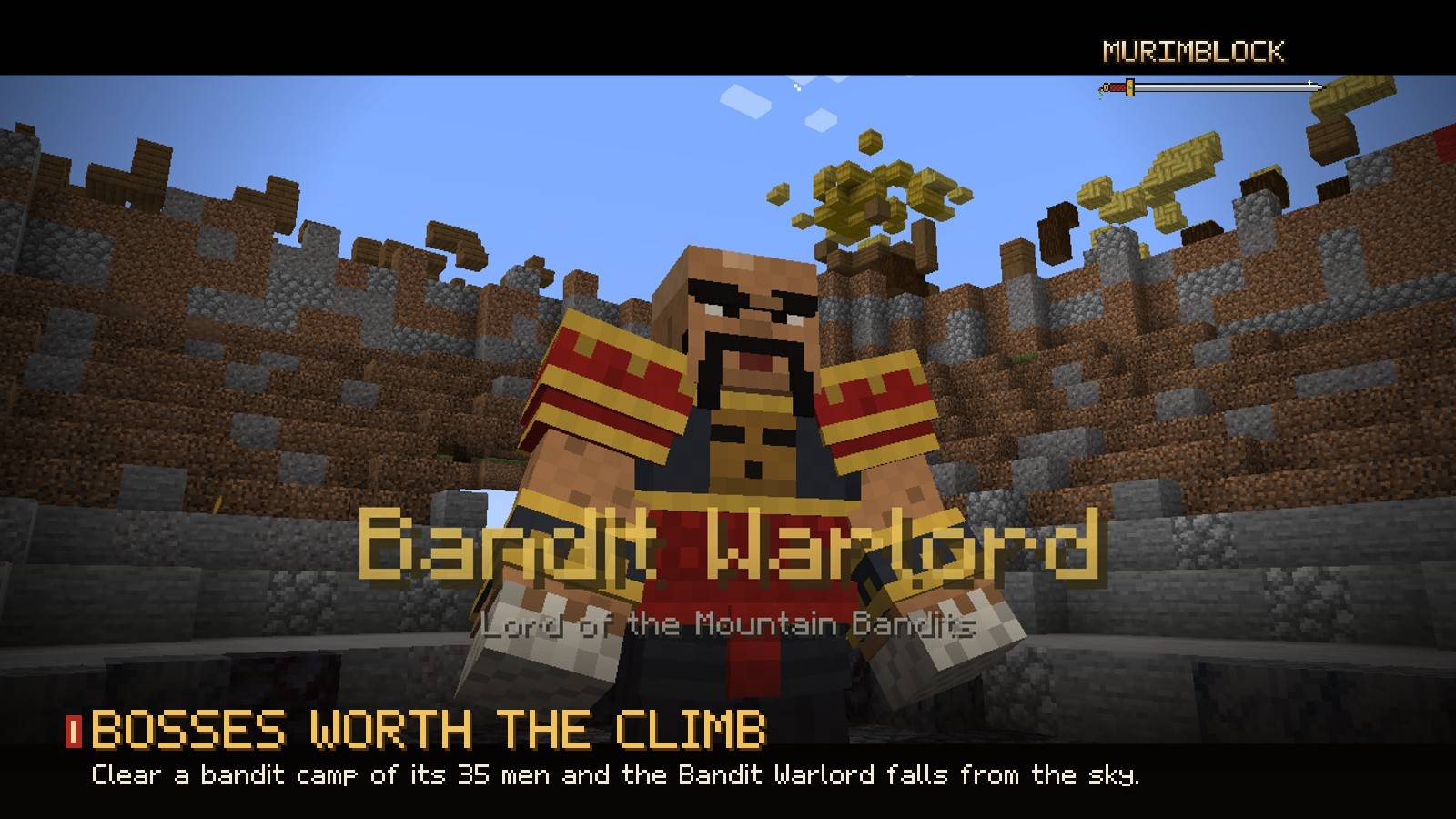
04_warlord.jpg
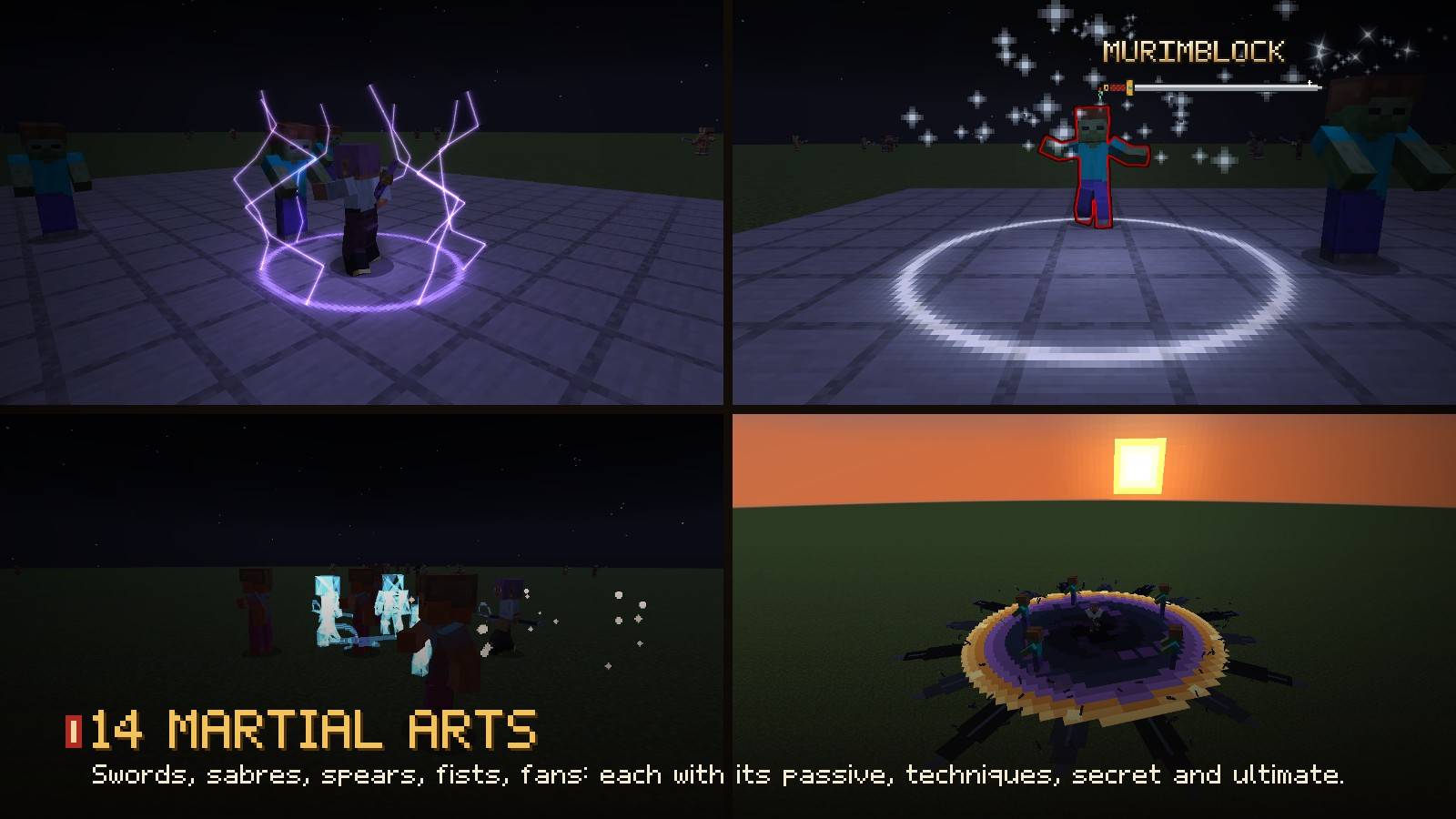
05_arts.jpg
Description
Murim Block — BETA
This is a beta version in active development. Expect bugs, unfinished content and balance changes. Features and progression may change between updates. Back up your worlds before updating.
Minecraft 1.21.1 | NeoForge | Java 21 | Required on client and server
Enter the Murim
Murimblock turns Minecraft into a Murim: the martial world of Chinese wuxia and murim webtoons. Learn martial arts from masters and scrolls, cultivate your Qi through the realms, raid bandit camps, challenge sect masters and bosses, and explore eleven new biomes of feudal China.
Combat runs on Epic Fight: every martial art adds its own passive, techniques, secret technique, ultimate and finishing move on top of it.
Martial arts
Fourteen arts, each with its own weapon or bare hands, its own effects and its own way to be won:
- Azure Cloud Sword Art, Seven Stars Sword, Purple Heaven Thunder Saber
- Celestial Peak Spear, Overlord Spear, Crescent Moon Halberd, Traveller's Staff Art
- Long Fist, Mountain-Shattering Fist, Majin Fist, Golden Bell
- Sanguine Art, Devouring Demon Art, Raven Messenger Art
Every art has a passive, up to five techniques on your combat bar, a hidden secret technique, an ultimate and a cinematic finish for downed players. Mastery grows as you use them. Scrolls come from masters, bosses, sect shops and the Golden Dragon's scroll of guides.
Qi cultivation
Meditate to condense your Qi and break through nine realms, from Qi Sensing to Void Enlightenment. Every great breakthrough takes you into your inner world, where your heart demon waits. Brew pills and elixirs in an alchemy furnace from the herbs and flowers of the Murim, sense Qi around you, and grow stronger realm after realm.
A world of its own
A Murim map of five regions, each with its own lands and dangers, surrounded by an ocean:
- Jade Karst Forest, Wulingyuan Stone Forest, Cloud Sea Peaks, Camphor Hill Country
- Shu Bamboo Sea, Jiangnan Waterlands, Peach Blossom Valley
- Loess Plateau, Hexi Frontier Desert, Tianshan Snowfields, Kunlun Glaciers
Sects, sites and bosses
The Alliance Arena and its outpost, the Misty Bamboo Temple, stilt villages, a lotus garden, a frontier beacon post, the Raven Tower, bandit dens and great bandit camps. Clear a camp of its thirty-five men and the Bandit Warlord falls from the sky like a meteor.
Masters and bosses with their own models, moves and boss bars: Sensei Yun, the Peak Captain, the Bandit Warlord, the Crab King, the Golden Bell monk, the Crow Master and more.
Also inside
- Tigers, crab men, armoured crabs, mountain bandits, sect soldiers
- A clear manuscript interface: Profile, Techniques, Cultivation, Info
- A discreet Qi bar, a combat bar for your techniques
- PvP knock-downs: a lethal blow downs a player, who can be carried or executed
- Murim currency (taels and gold yuanbao) and merchants
Required mods
Murimblock needs all of these to start:
- Epic Fight
- Epic Fight: Dawn Day
- GeckoLib
- Photon (and its own libraries: LDLib2 and KilaGraph)
- TerraBlender
Installation and tested setup
The project kit lists the following versions:
| Component | Version |
|---|---|
| Minecraft | 1.21.1 |
| NeoForge | 21.1.248 |
| Java | 21 |
| Epic Fight | 21.17.3.1 (exact version) |
| Epic Fight: Dawn Day | 21.17.1.2.1 (exact version) |
| GeckoLib | 4.9.3 or later |
| Photon | 2.2.8 or later |
| LDLib2 | 2.2.42 |
| TerraBlender | 4.1.0.8 or later |
KilaGraph is also required by the Photon library setup; install the compatible version required by those libraries.
- Set up Minecraft 1.21.1 with NeoForge and Java 21.
- Place Murim Block and all required mods listed above in your instance's
modsfolder. - For multiplayer, install the mod and its dependencies on the server and each player's client.
- Back up existing worlds before testing the beta or updating.
Wiki and feedback
Visit the Murimblock Wiki for more information.
Found a bug? Report it in the project comments with your Minecraft, NeoForge and mod versions, the steps to reproduce it, and any relevant crash report or log. Feedback on combat, progression and balance is welcome.
Beta status
Murim Block is currently in beta. Content, balance and progression are subject to change. Keep backups of your worlds before updating.
Murim Block Team