


Mod Hub
- By
01-vista-general.png
02-busqueda-y-detalles.png
03-tipos-disponibles.png
04-filtro-solo-cliente.png
Description
A clearer view of your installed mods
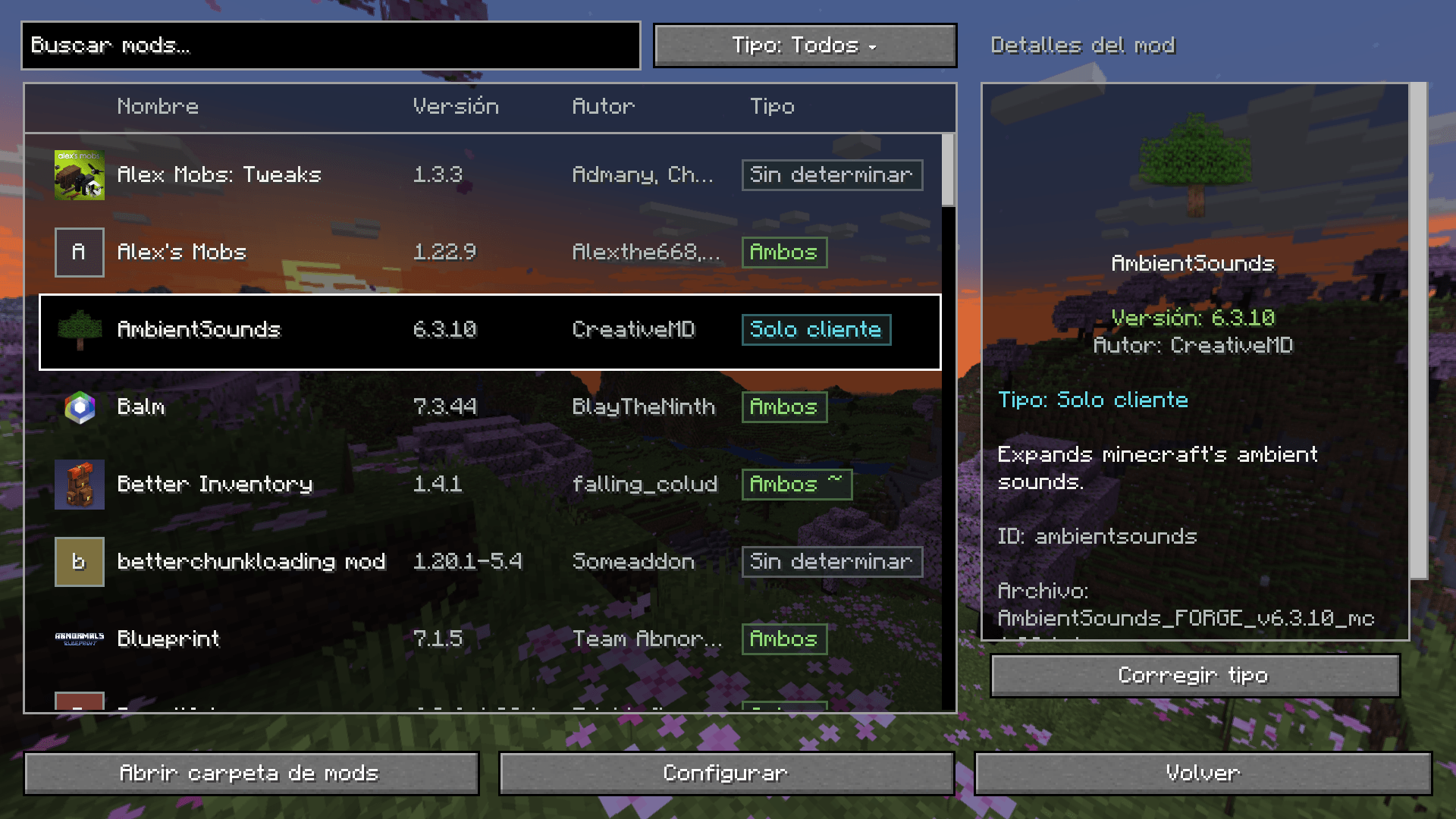
Mod Hub replaces Forge’s Mods screen with a searchable, vanilla-style interface. Its transparent background keeps the game or menu visible while you browse your installed mods.
Features
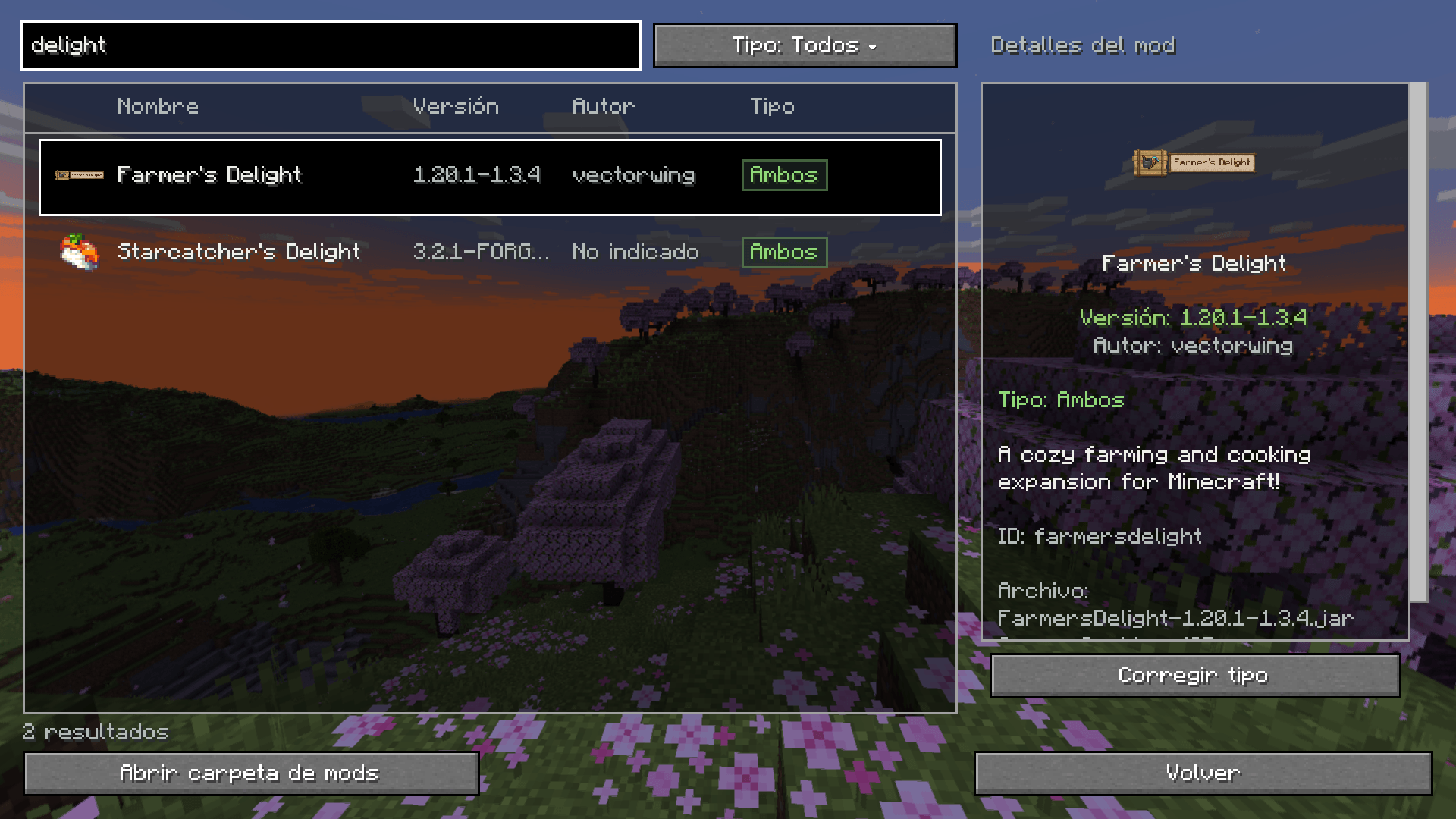
- Search mods by name, mod ID or author.
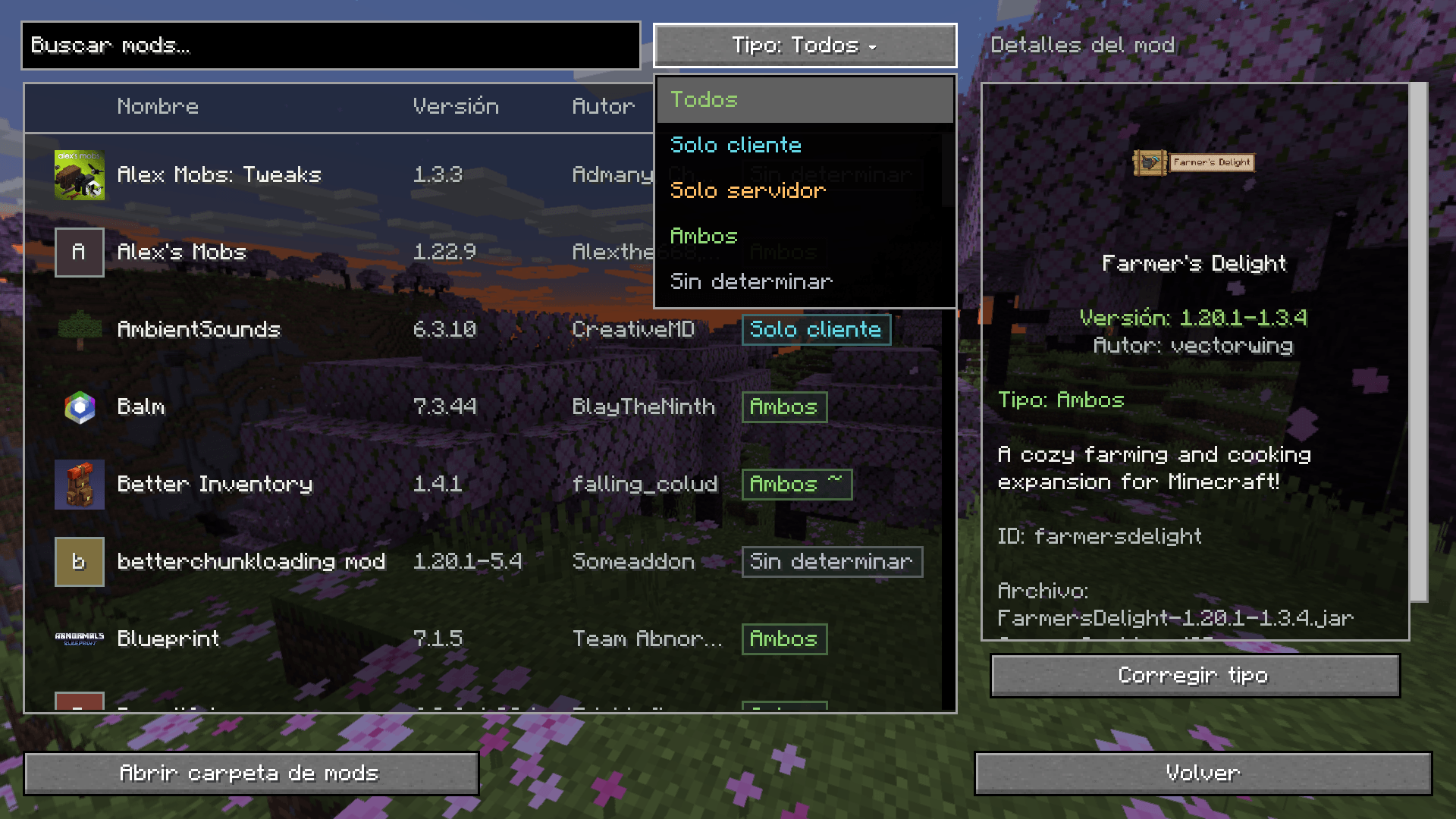
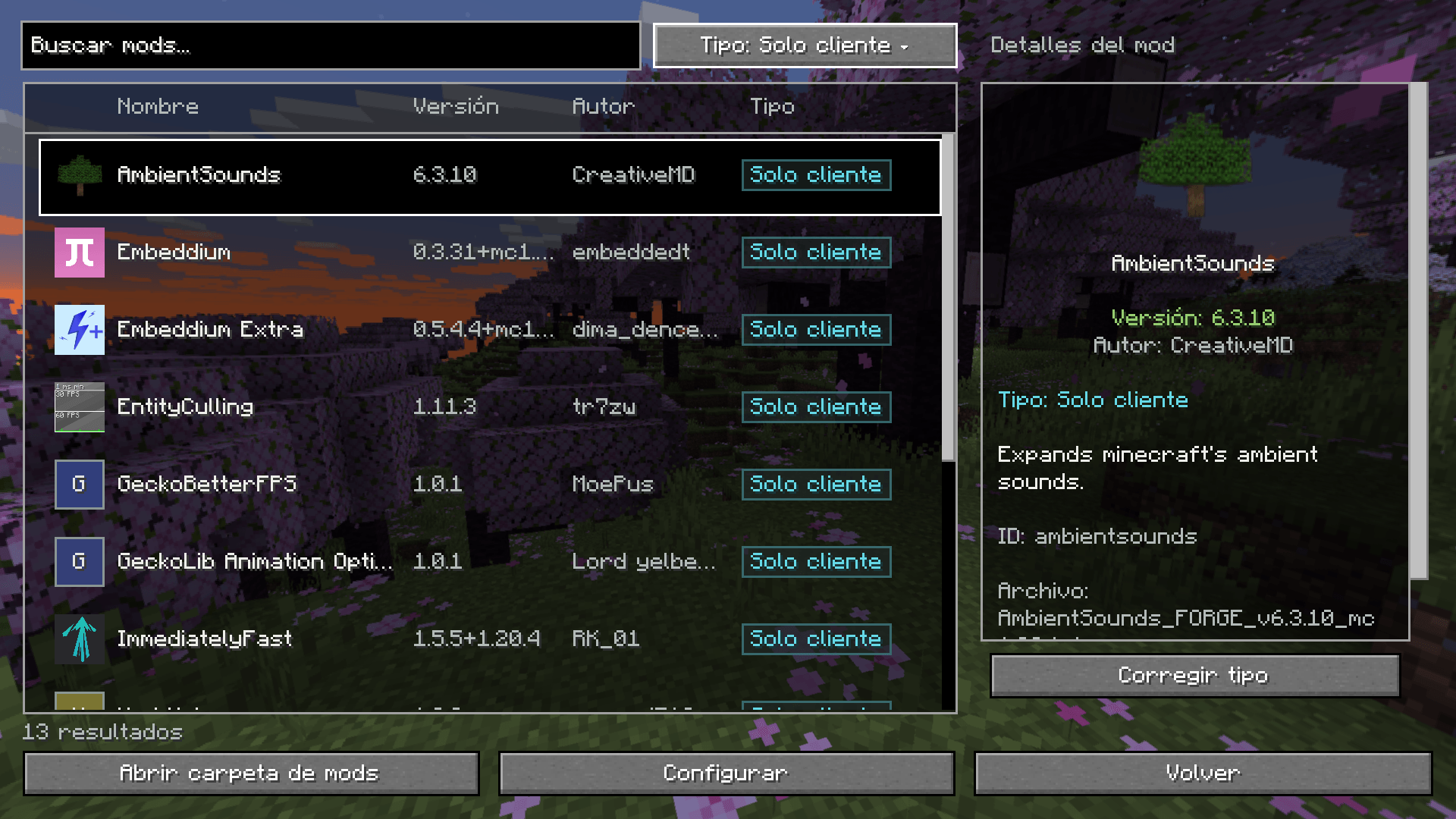
- Filter the list by Client, Server, Both or Undetermined compatibility.
- View mod icons, versions, authors and descriptions in a separate details panel.
- Open a selected mod’s configuration screen when that mod provides one.
- Open the instance’s mods folder directly from the interface.
- Correct compatibility types manually and save those choices for the instance.
- Browse comfortably with separate scrolling for the mod list and details panel, with a layout that adapts to the window size.
Cached mod identification
Mod Hub combines information declared by mods, local file analysis, manual corrections and optional Modrinth identification. Compatibility labels are informational and can be corrected manually.
Modrinth identification runs in the background and is enabled by default. Results are cached locally so they remain available offline, and files are checked again when needed after changes. The option can be disabled in Mod Hub’s configuration. Identification sends file hashes and public project identifiers to Modrinth, without uploading JAR files or local paths.
Mod Hub runs on the client for Minecraft Java 1.20.1 with Forge.
Mod Hub Team
