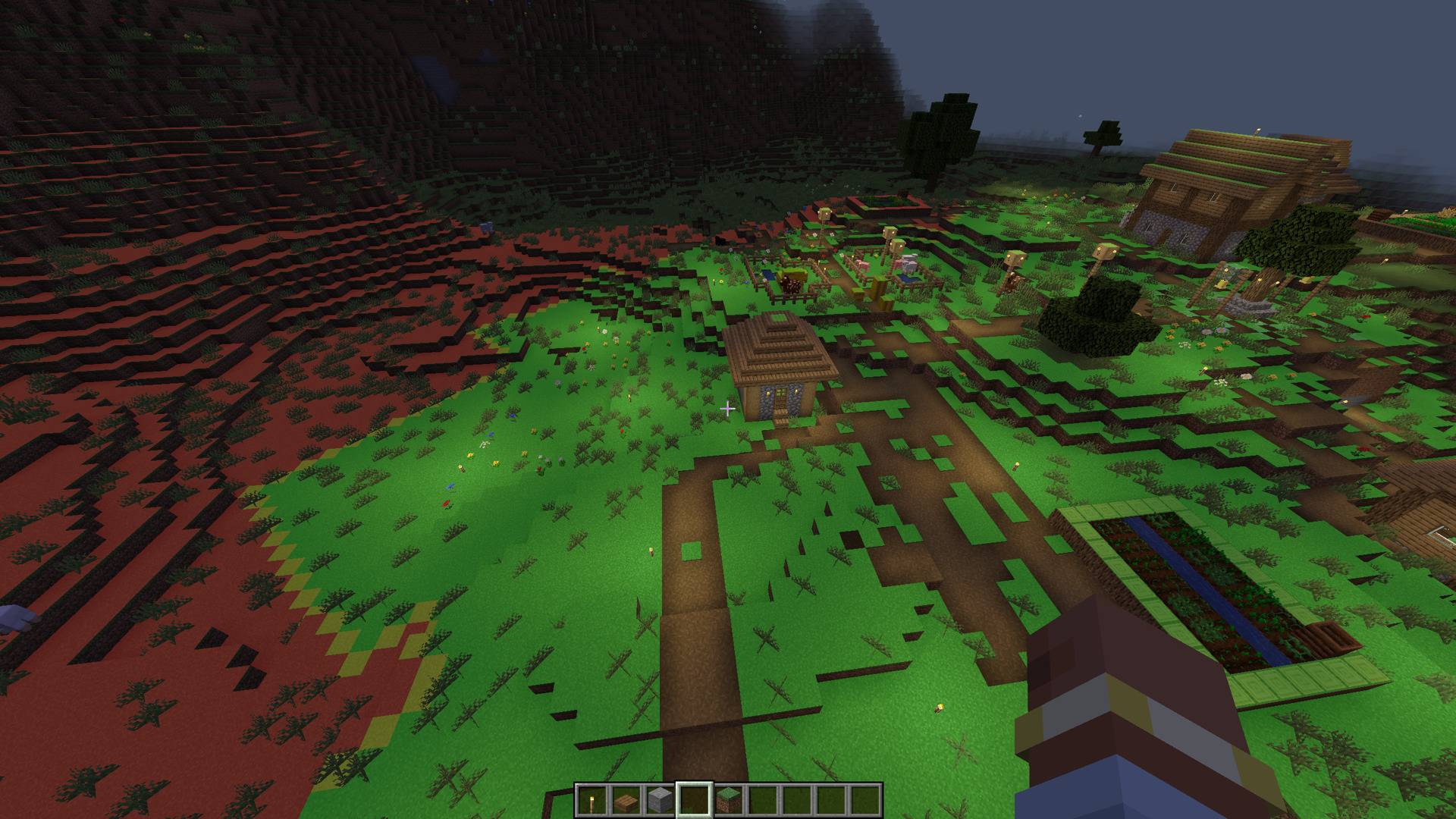
Mob Spawn Indicator highlights valid mob spawn floors in your vicinity with color-coded overlays. It uses vanilla spawn rules, so it works on any server without needing to be installed server-side.
Features
- Color-coded overlays on valid spawn floors: red (danger), yellow (warn), green (safe)
- Configurable render distance, opacity, and which colors to display
- Settings GUI accessible from the Options screen or via commands
- Client-side only — works on vanilla servers, SMPs, and modded servers
Commands
/msi settings — open the settings GUI/msi toggle — toggle the overlay on/off/msi on | /msi off — enable or disable the overlay/msi reset — reset all settings to defaults
Configuration
Default keybind: J (toggle overlay)
Config file: config/msi-common.toml
| Option |
Default |
Description |
render_rad |
16 |
Render distance in blocks |
overlay_opacity |
0.5 |
Overlay transparency |
show_danger |
true |
Show red overlay (valid spawn, no space for mobs) |
show_warn |
true |
Show yellow overlay (valid spawn, 1 block space) |
show_safe |
false |
Show green overlay (valid spawn, 2+ block space) |
Notes
- Uses vanilla Minecraft spawn rules: slabs, stairs, trapdoors, glass, and leaves are correctly excluded as non-spawnable
- Overlays update every 5 ticks
- Works in singleplayer, LAN, and multiplayer