Minimap Shapes for JourneyMap
- By
Choose a rounded square, hexagon, or octagon for your JourneyMap minimap, with separate saved preferences.
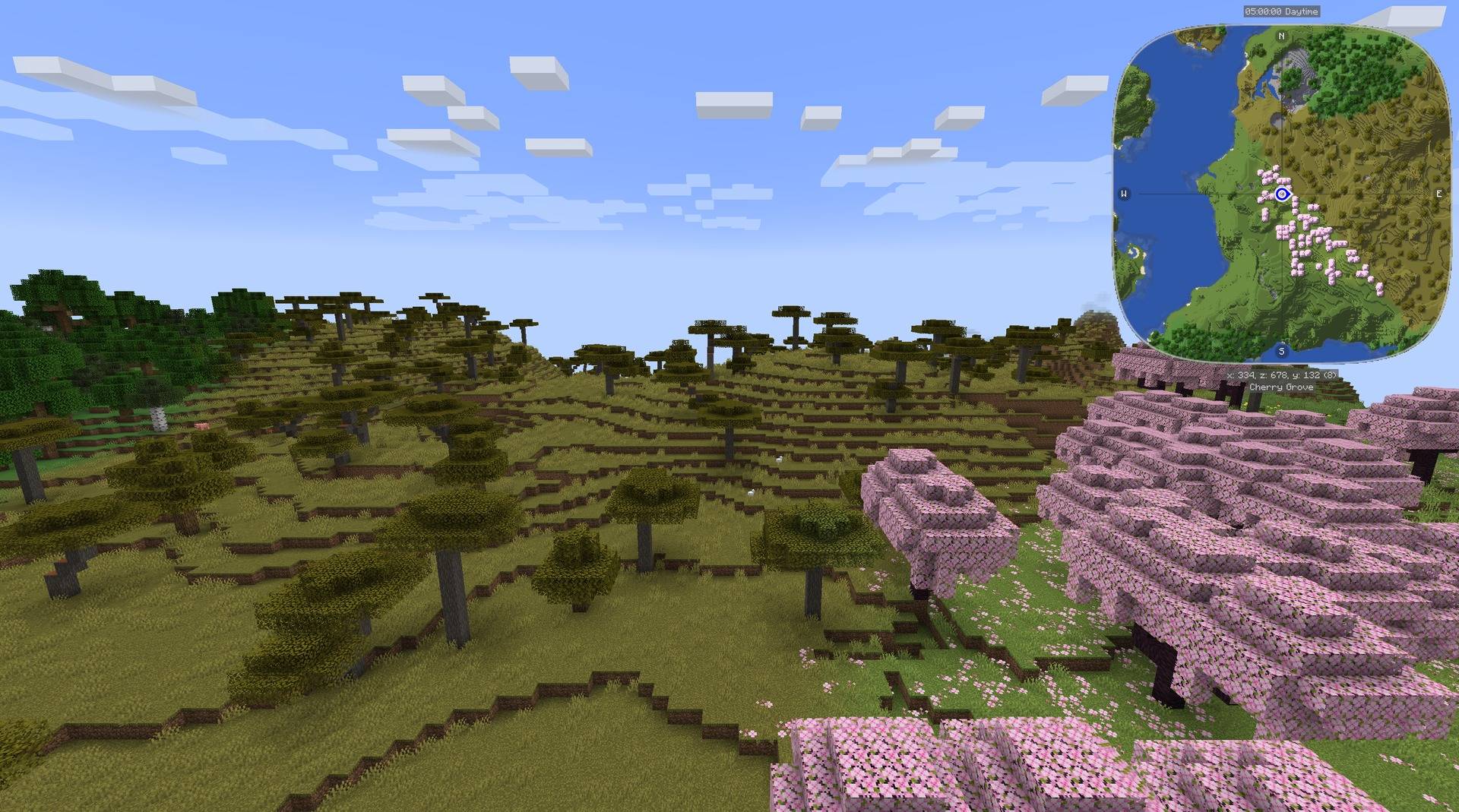
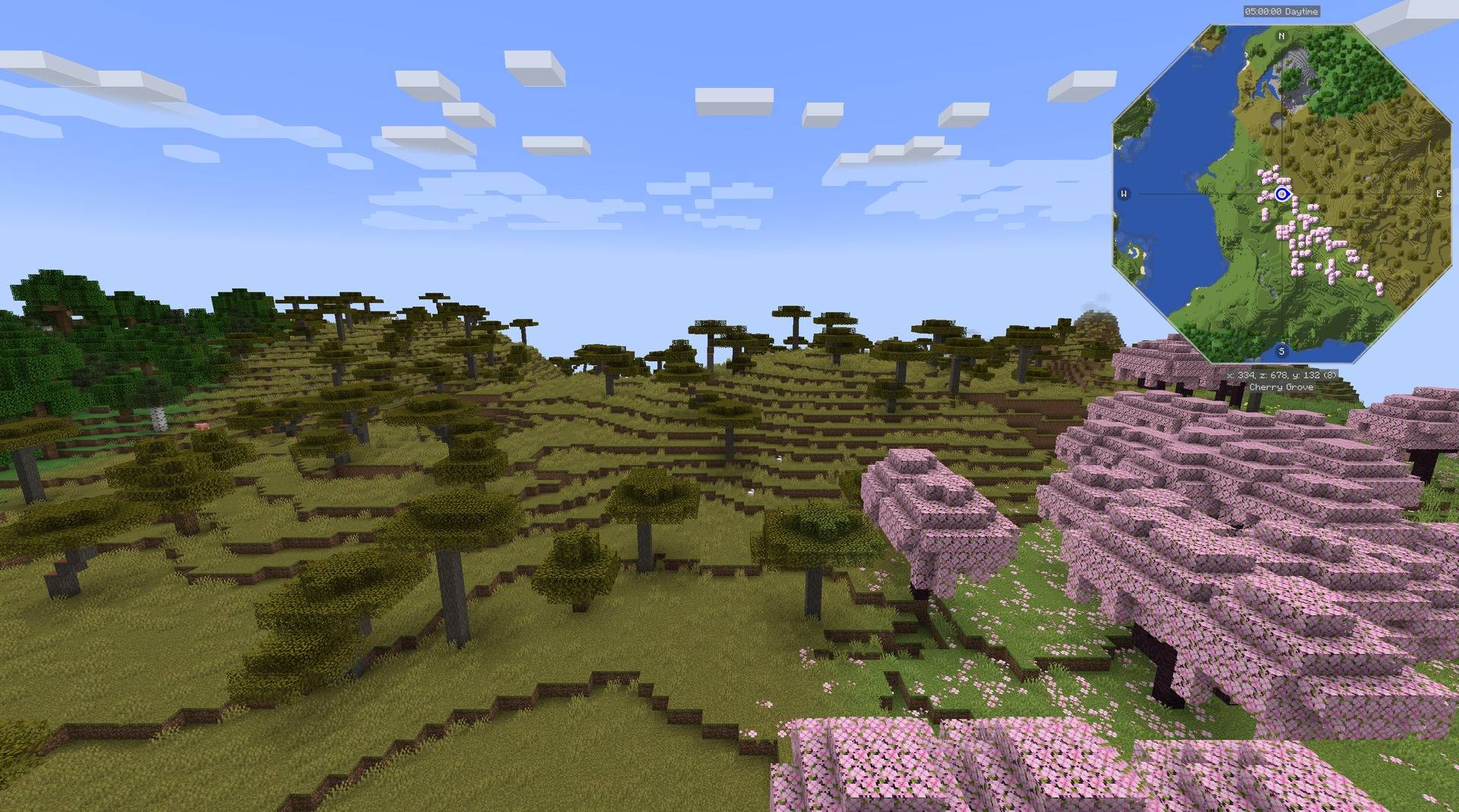
The same view with the rounded square shape selected in JourneyMap.
Description
Choose a rounded square, hexagon, or octagon for your JourneyMap minimap.
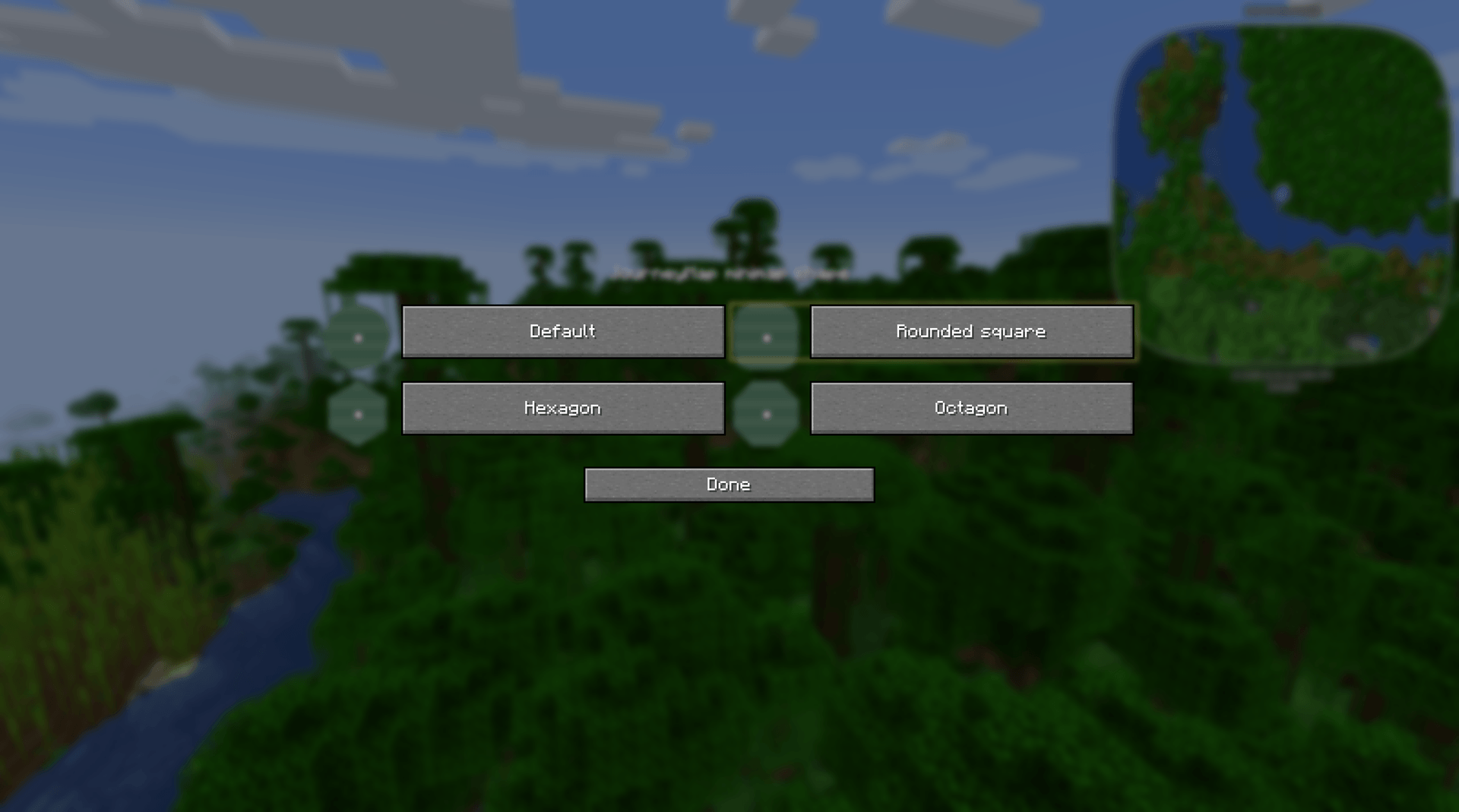
Press O to compare the outlines and select one. The choice takes effect immediately and is saved for the next session. Select Default to return to JourneyMap's own shape setting. The custom outline stays fixed on screen while map content follows JourneyMap's heading settings.
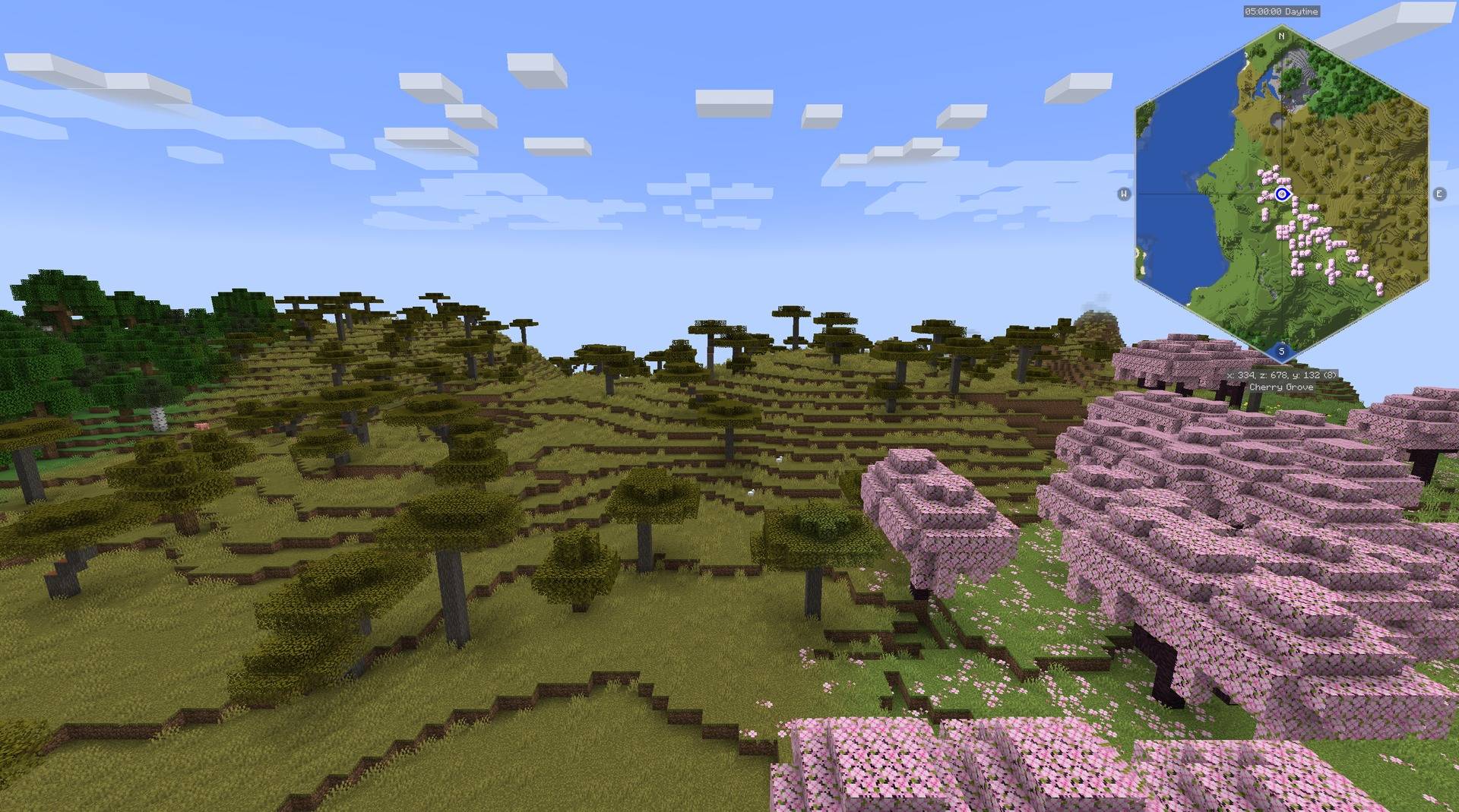
The shape selector includes small previews beside each choice. It changes the minimap outline and its marker boundary together. JourneyMap's existing shapes remain available through Default.
This add-on requires JourneyMap and Minimap Shapes Core. The Xaero add-on uses the same Core library and stores its selection separately.



All Rights Reserved. Free to put in any modpack, on any platform, monetised or not - no permission needed, no credit required.
Bugs and questions: comment on the CurseForge page, or DM @kuronami333 on X.
Minimap Shapes for JourneyMap Team


Owner