MineGlot
- By
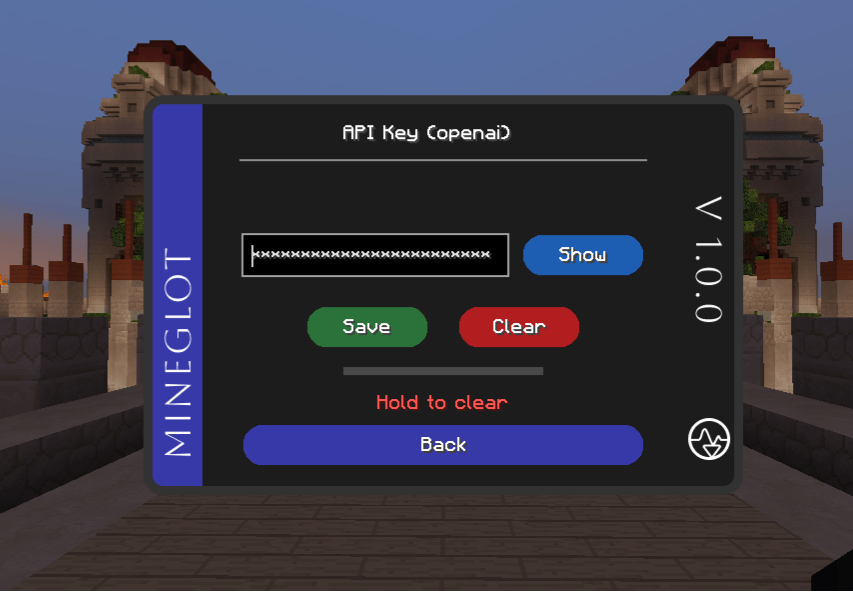
API KEY.PNG
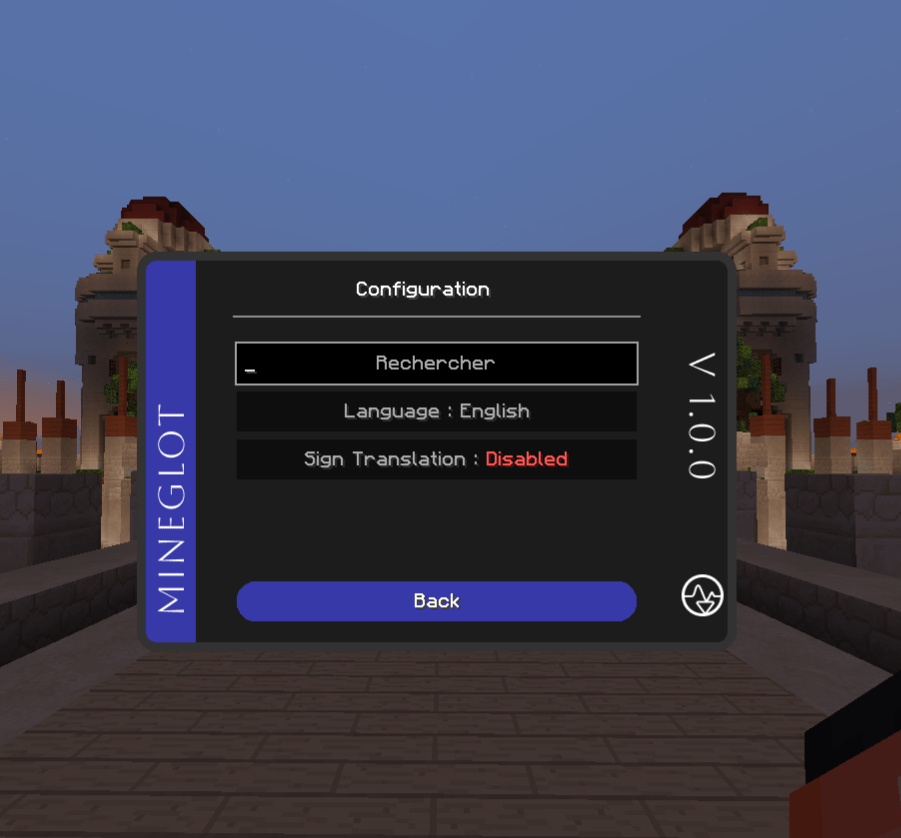
CONFIGURATION.PNG
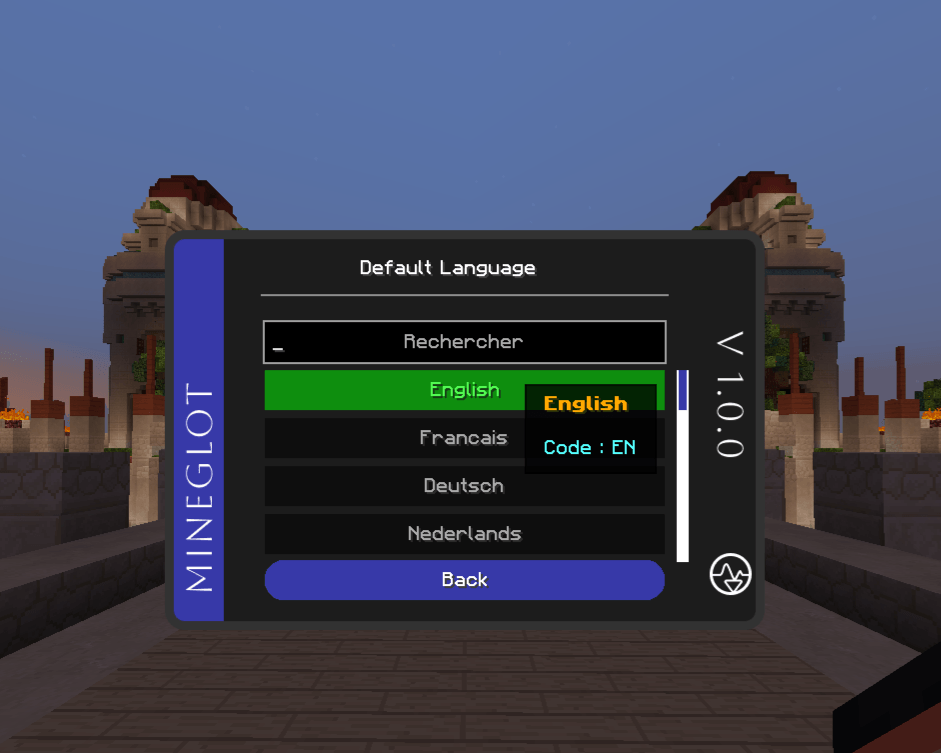
DEFAULT LANGUAGE.PNG
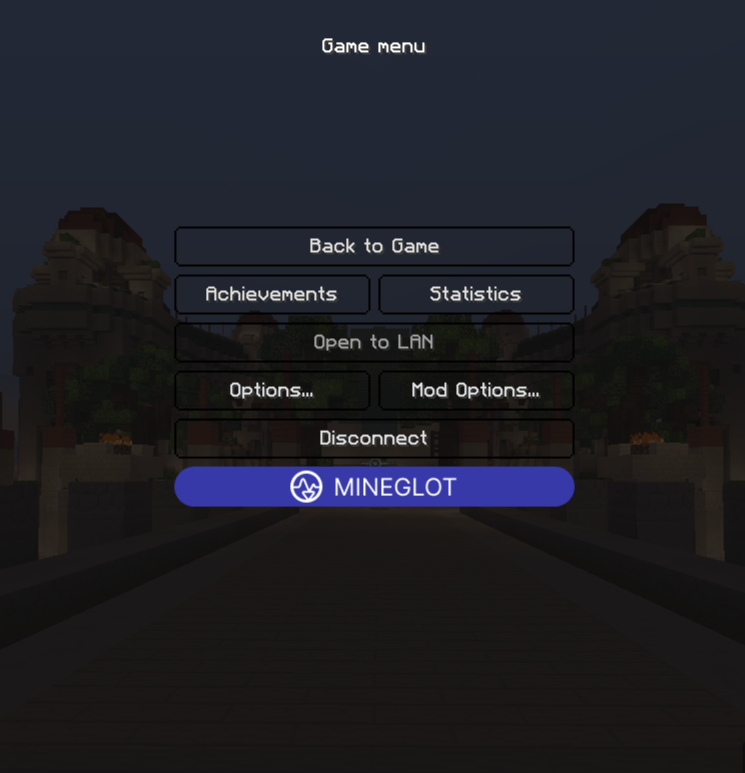
GAME MENU.PNG
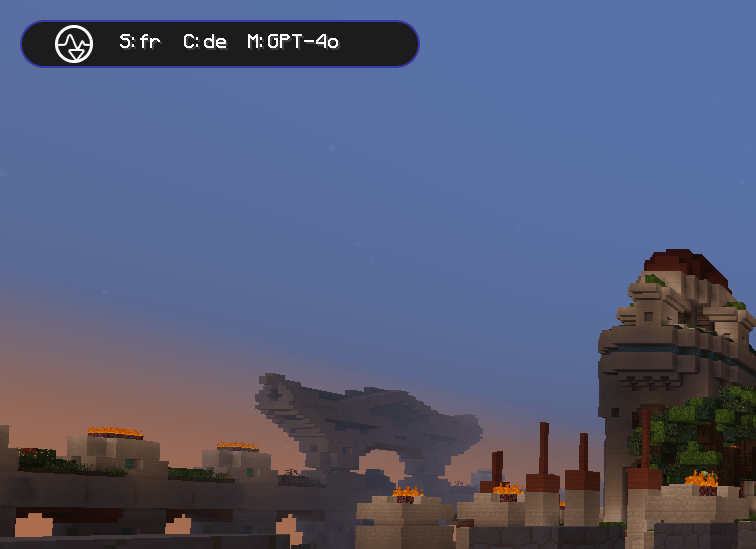
HUD.PNG
Description
MineGlot
Client-side AI translator for Minecraft 1.8.9 Forge using OpenAI or Anthropic Claude.
Translate your own messages, selected-player chat, private messages, and signs. Your API key is stored locally and is sent only to the AI provider you configure for validation and translation requests.
Open the full documentation on the GitHub Wiki
Features
- Translate messages before sending them with
/trs <text>or/translate <text>. - Click visible or incoming chat lines and translate them with
/translation. - Send translated private messages safely with
/trs msg <player> <text>. - Auto-translate incoming chat from selected players.
- Translate signs by right-clicking them.
- Cache repeated translations to reduce unnecessary API calls.
- Choose OpenAI or Anthropic Claude from the in-game settings.
- Receive an in-game notification when a newer stable MineGlot release is available.
Requirements
- Minecraft
1.8.9 - Minecraft Forge
11.15.1.2318 - Java
8 - An OpenAI or Anthropic Claude API key
- An internet connection for translation requests
- No server-side plugin required
Quick Start
- Install Minecraft Forge 1.8.9.
- Download MineGlot from the Versions tab on Modrinth.
- Put the MineGlot
.jarin your.minecraft/modsfolder. - Launch Minecraft with the Forge 1.8.9 profile.
- Open the MineGlot menu.
- Add your OpenAI or Anthropic Claude API key.
- Choose your target language, default language, provider, and model.
- Test outgoing translation with
/trs Hello.
For the complete setup guide, see the GitHub Wiki.
Main Commands
| Command | Purpose |
|---|---|
/trs <text> |
Translate to your target language and send the result in public chat. |
/translate <text> |
Full form of /trs <text>. |
/trs msg <player> <text> |
Translate and send a private message to a recognized online player. |
/translate msg <player> <text> |
Full form of the private-message command. |
/translation [text] |
Translate locally, or enable click-to-translate mode when no text is provided. |
/trs-clear |
Remove the latest eligible /trs or /translate result from the cache. |
/transexport [daily|weekly|monthly] |
Export cumulative usage statistics as JSON. |
Private-message safety: always include the literal
msg./trs Steve Hellois a normal public translation request, not a private-message command. If the player aftermsgis not recognized, MineGlot stops without sending the message publicly.
Full command list: Commands Wiki
Updates
MineGlot checks for a newer stable release once per game session. If one is available, the mod can open the official MineGlot GitHub release page after asking for confirmation.
MineGlot never replaces its own .jar and never installs an update automatically. Learn more on the Updates Wiki page.
Privacy
MineGlot is client-side only. Servers do not need to install anything.
Your API key is stored locally in your Minecraft configuration. It is sent only to the AI provider you select when MineGlot validates the key or requests a translation. Text you choose to translate is also sent to that provider over HTTPS.
The update check contacts GitHub but does not send your API key, Minecraft account, translations, or MineGlot configuration.
API usage may cost money depending on your provider and account.
Report Server Detection Problems
If MineGlot does not detect chat correctly on a public server, please report it here:
Server chat detection problems
Please include the server name, server address, what went wrong, and an example chat line if possible.
Please share only public server addresses. Do not post private server IPs, private messages, API keys, or personal information.
Links
- Documentation: GitHub Wiki
- Updates: Update documentation
- Source code: NtGitG/minecraft-ai-translator
- Issues / Bug reports: GitHub Issues
- Server chat detection problems: GitHub Issue #2
- X: @ntgitg
- Support: Buy Me a Coffee
MineGlot Team