


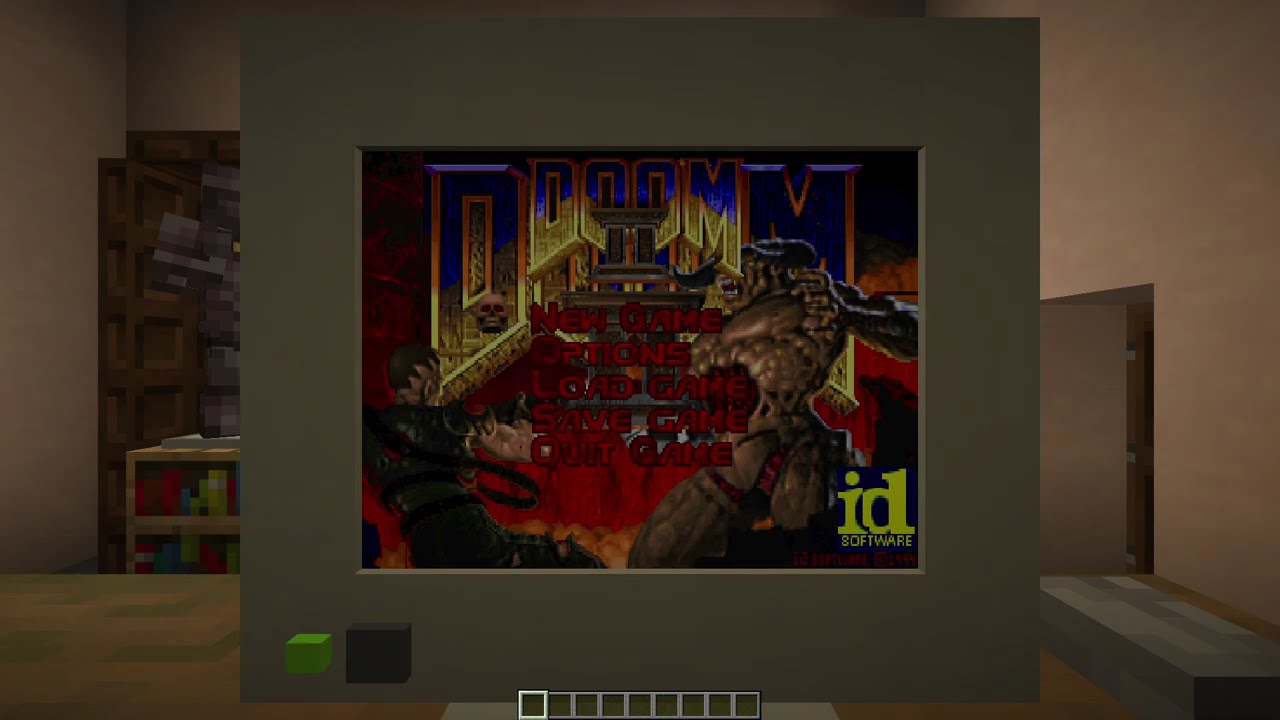
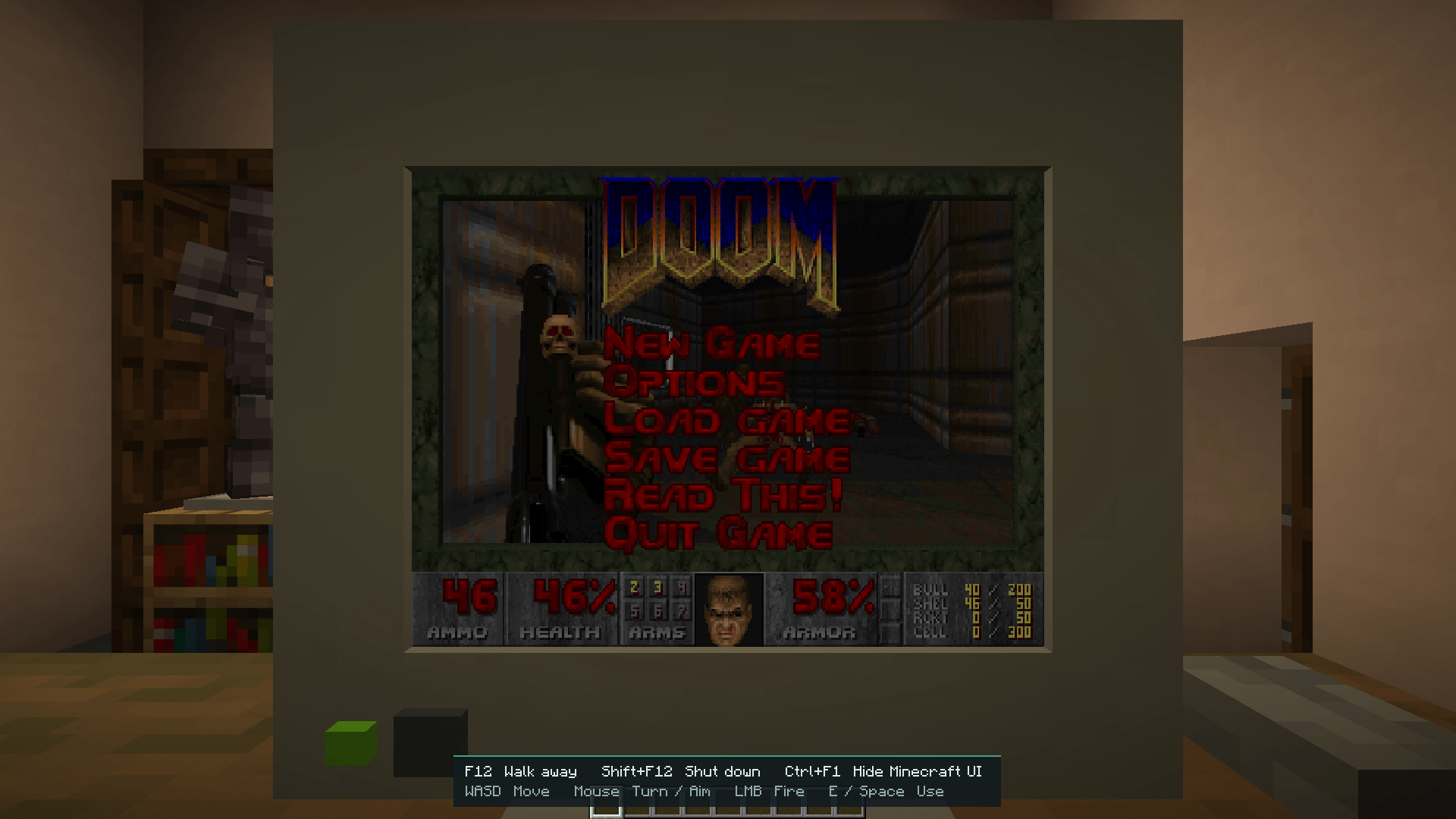
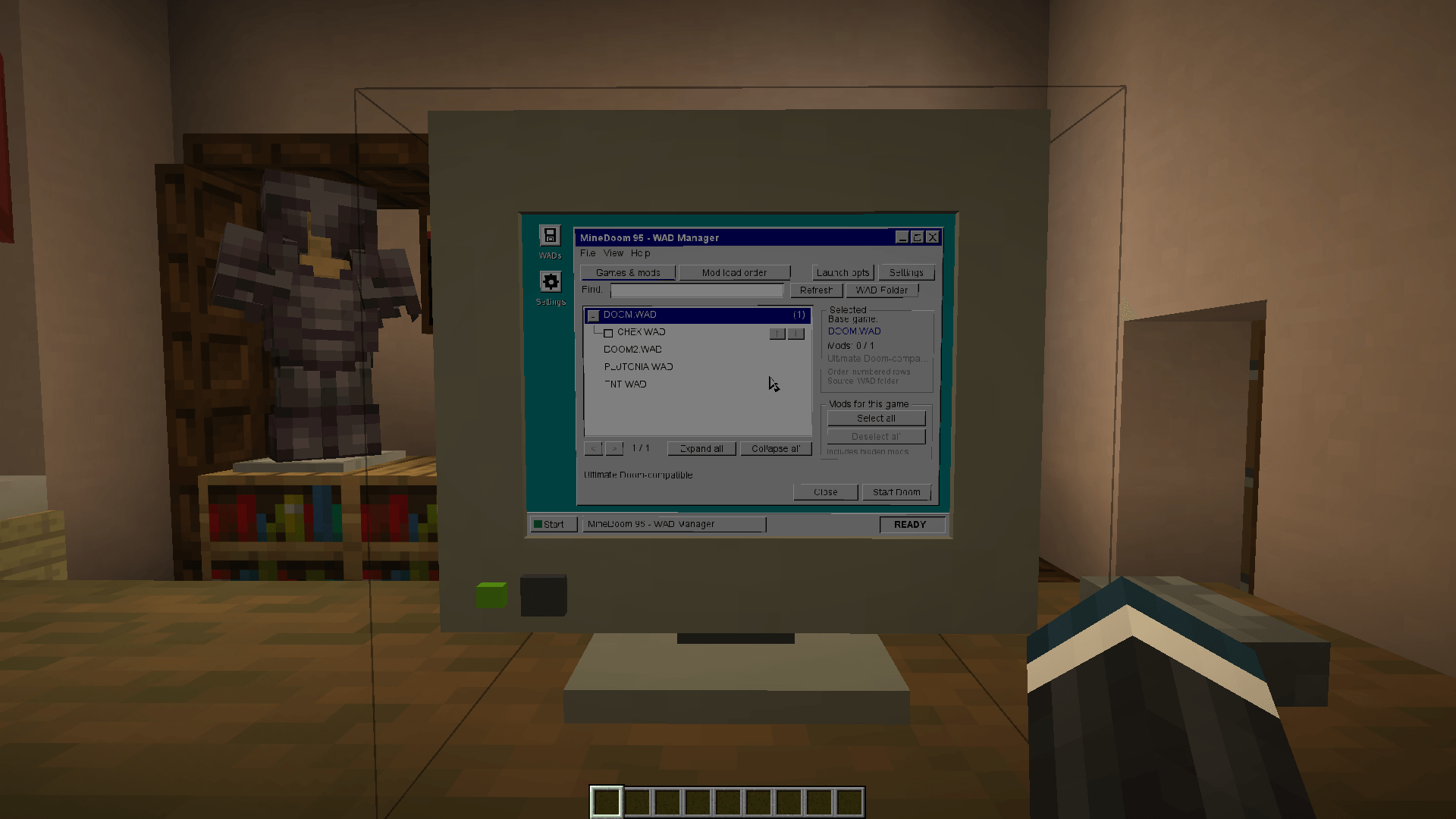
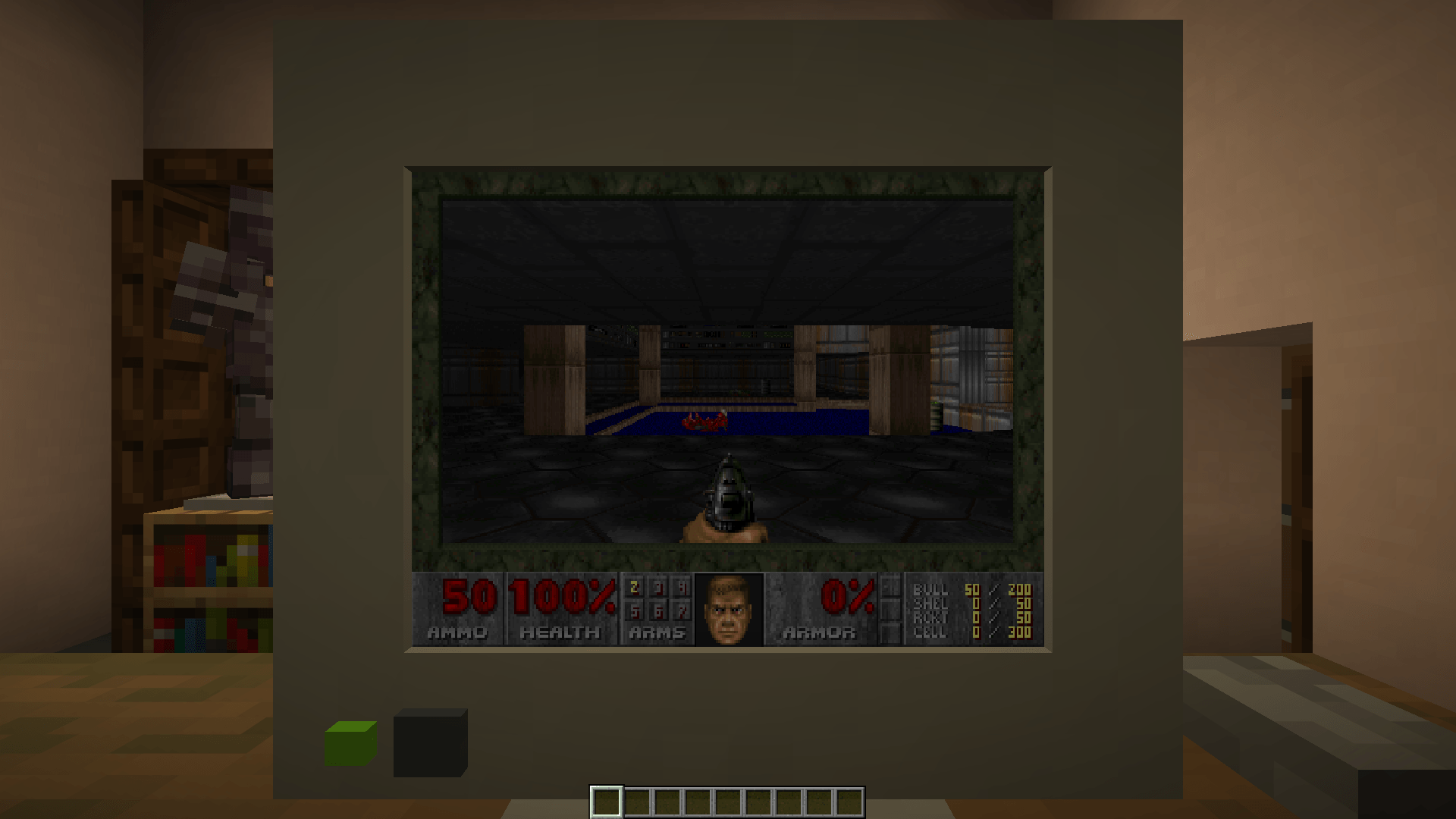
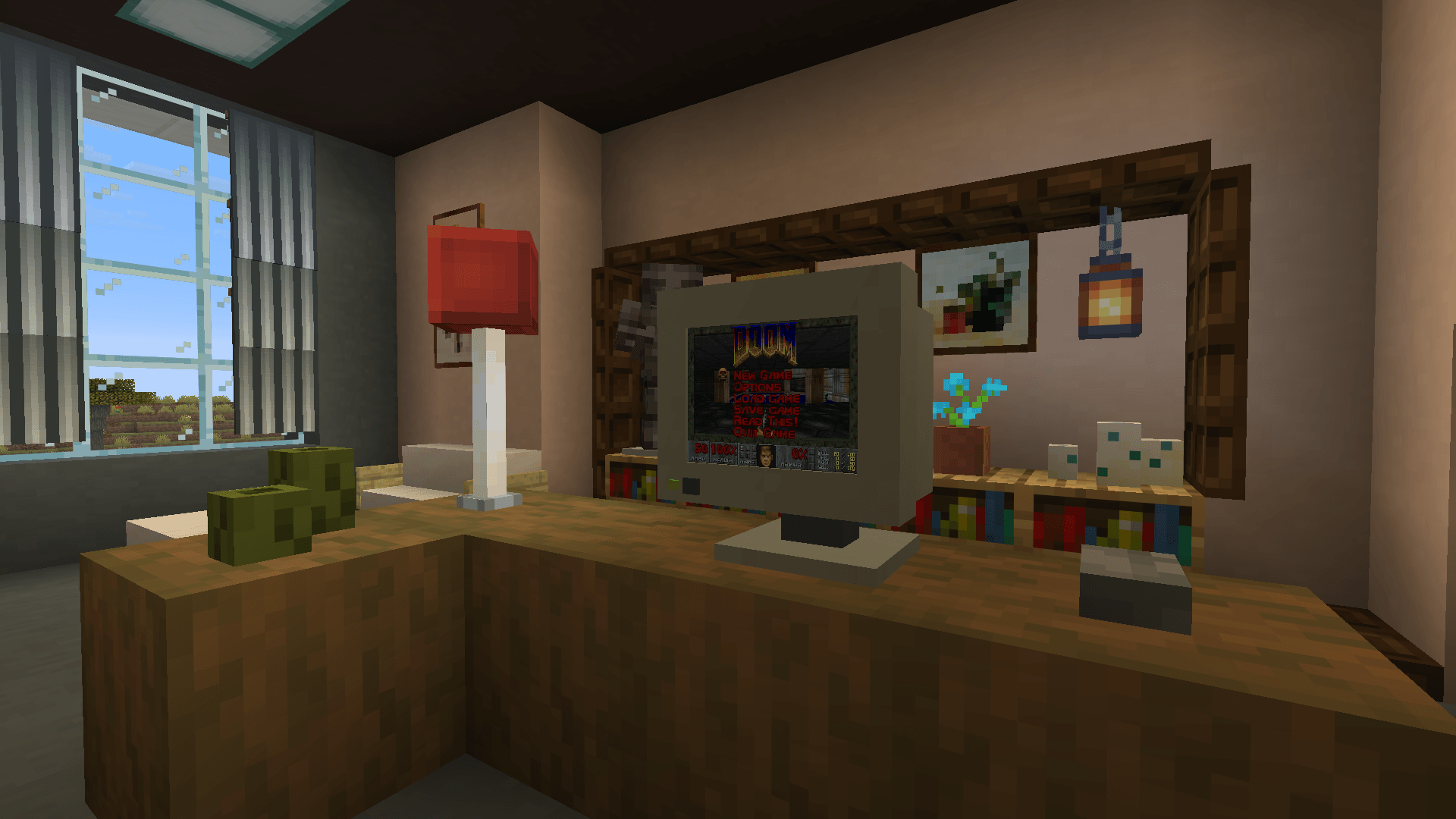
Description

You can find the computer monitor block in the creative menu by searching "Monitor".
MineDoom does not ship commercial WAD data. Put IWAD/PWAD resources in the instance's wad directory, for example:
.minecraft/
  wad/
    DOOM2.WAD
    my-mod.wad
MineDoom also detects installed classic IWADs automatically at startup and when you click Refresh.
Data locations
MineDoom stores its own state under .minecraft/minedoom/:
saves/— Doom savegamesscreenshots/— Doom screenshotsdemos/— demo playback/recording filesconfig/doom.cfg— Doom configurationconfig/minedoom.properties— monitor/UI settingsconfig/key-bindings.properties— Keyboard bindings
MineDoom embeds https://github.com/AXDOOMER/mochadoom.
MineDoom Team
