Minedit
- By
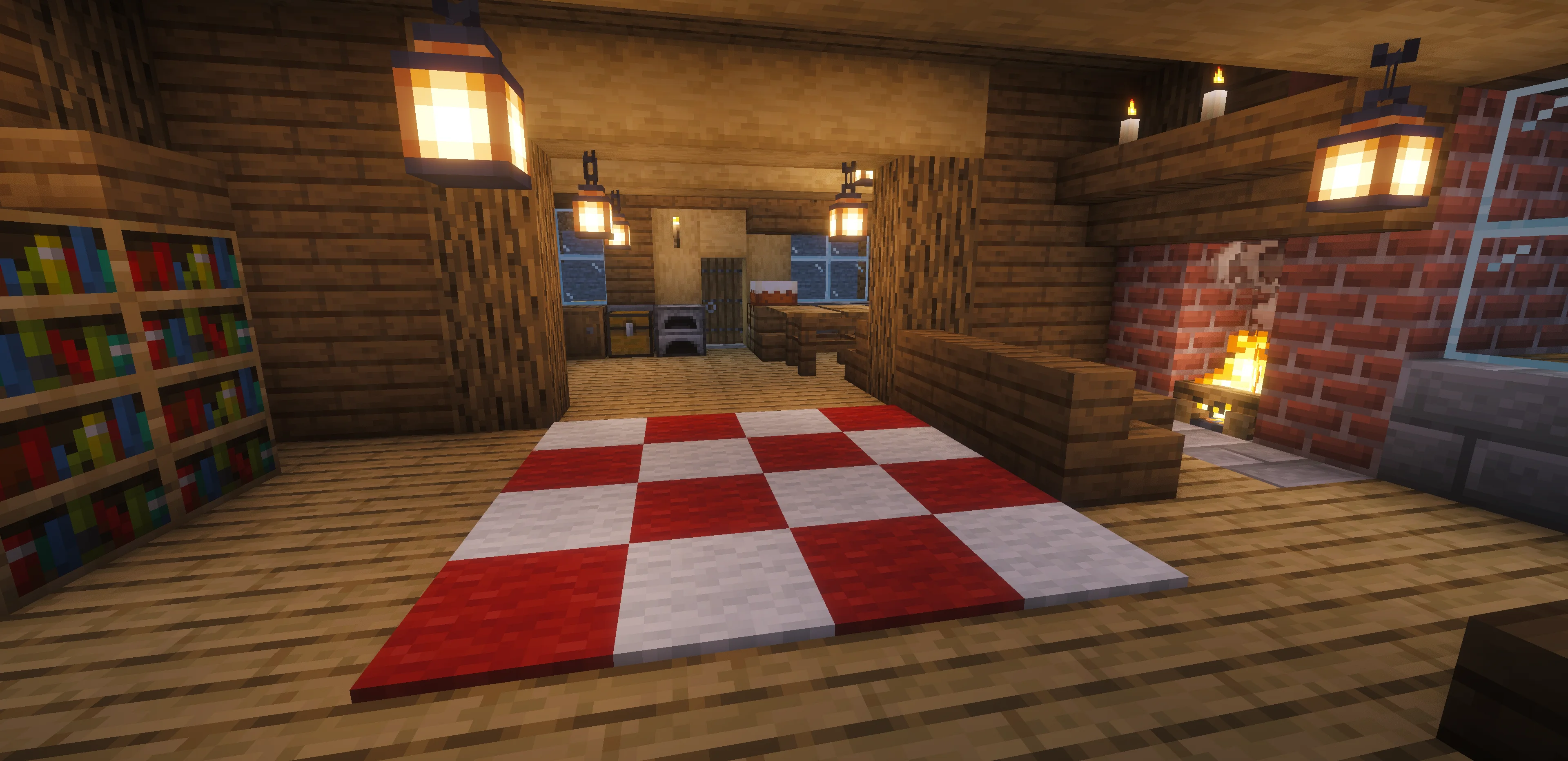
2.webp
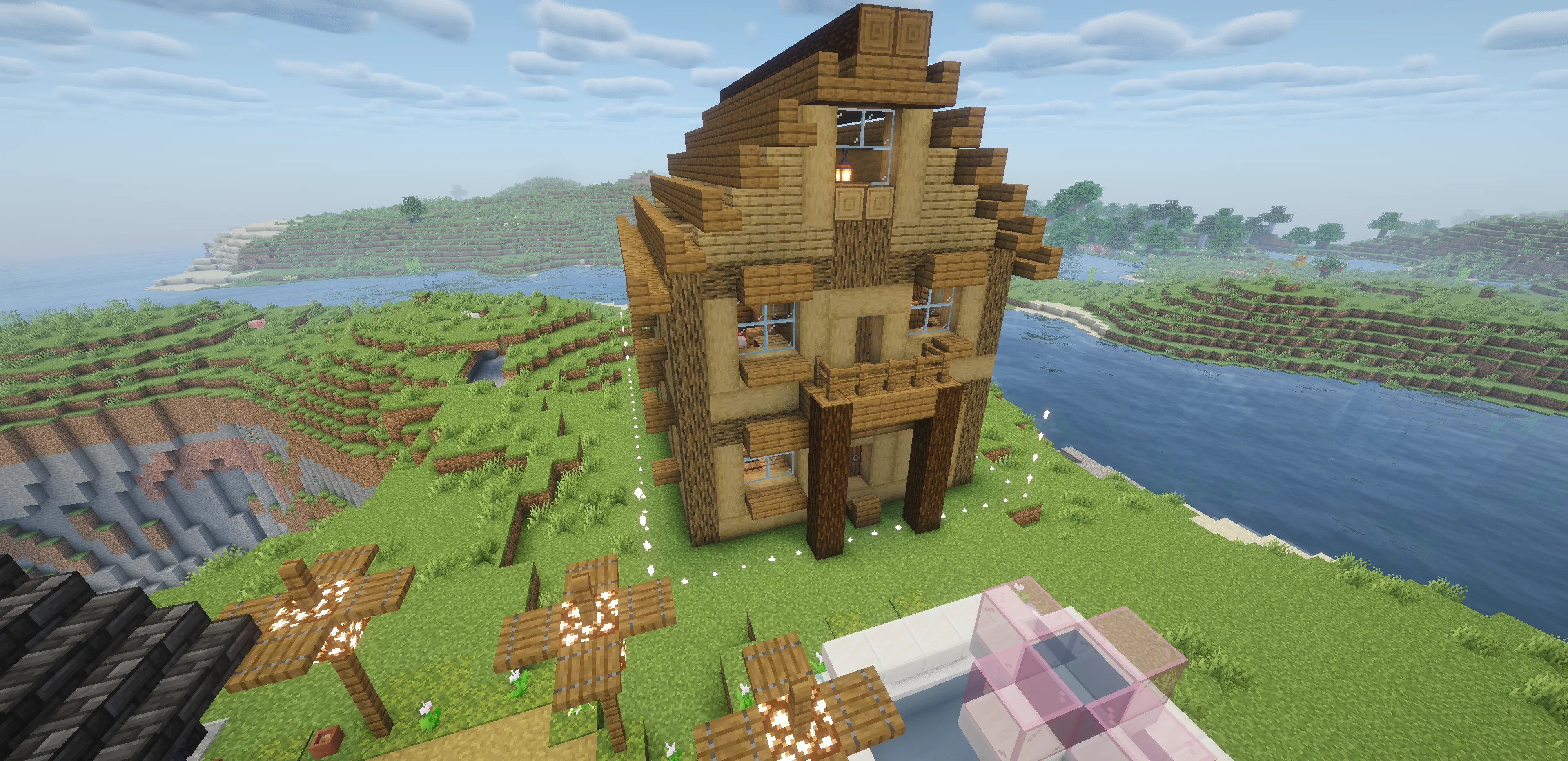
3.webp
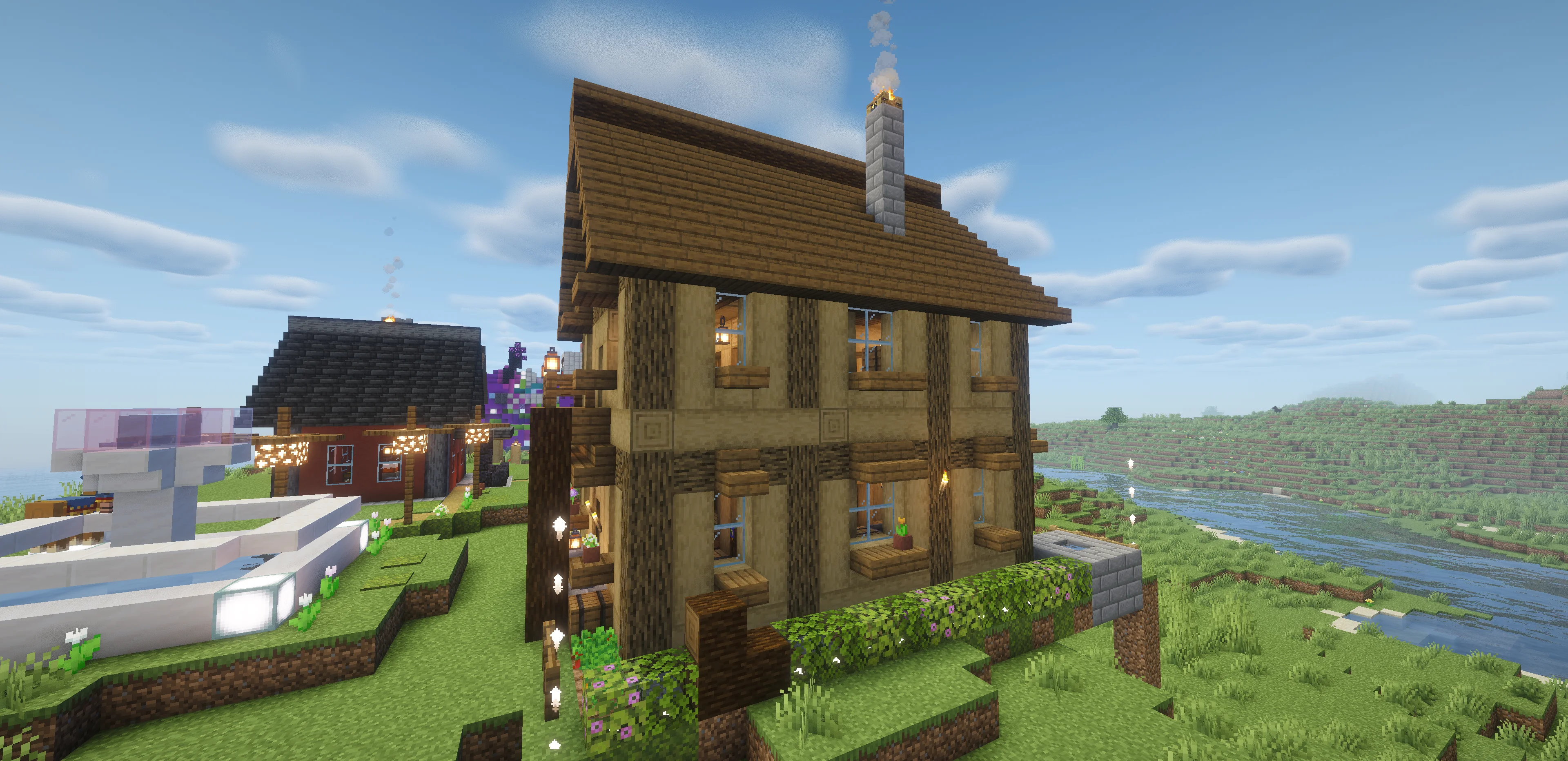
4.webp
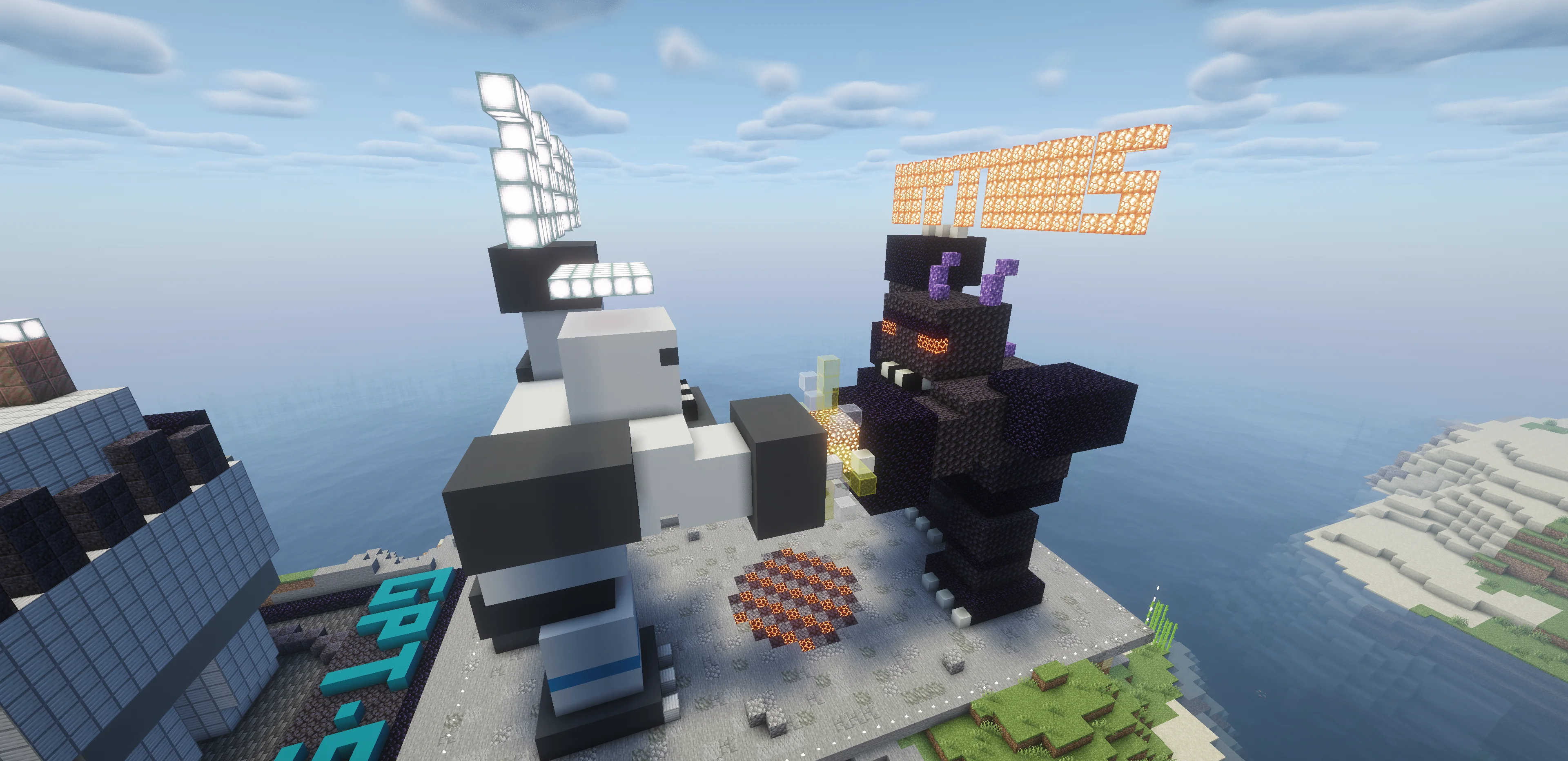
6.webp
Description
Minedit
Minedit is an experimental NeoForge mod for building and editing Minecraft structures with AI models.
Select an area with a stick, describe what you want, and Minedit generates builder code that places blocks inside the selected footprint. You can create a full build in one request, generate larger builds in focused stages, or edit an existing structure with targeted patch-style changes.
Minedit can use OpenRouter directly, or it can connect to a local bridge for Codex or Cursor.
Features
- Build structures from natural-language prompts with
/build. - Edit selected builds with
/edit. - Use quick edits for small targeted changes, such as changing materials or removing details.
- Generate larger builds in multiple stages with
/build stages. - Use local agent modes through Codex or Cursor with the included bridge.
- Select build footprints in-game by right-clicking two corners with a stick.
- Restore saved selections with
/selection set. - Cancel active generations and queued placements with
/minedit stop. - Undo recent generated builds and edits with
/reset build. - View OpenRouter token usage and estimated cost when the provider returns that data.
Requirements
- Minecraft
26.1.2 - NeoForge
26.1.2.73 - OpenRouter API key for OpenRouter mode
- Optional: Node.js 18+ and Codex CLI for local Codex bridge mode
- Optional: Cursor CLI for local Cursor bridge mode
Quick Start
Minedit uses OpenRouter by default.
/apikey <your-openrouter-key>
/model openai/gpt-5.5
Select two X/Z footprint corners by right-clicking blocks with a stick, then run:
/build a detailed medieval blacksmith
Minedit uses the selected X/Z area as the footprint. Height is not capped by the selection.
Build Modes
Create a complete build with one model request:
/build a cute house
Generate a larger build in focused phases:
/build stages a detailed wizard tower
Use a local agent provider through the bridge:
/provider codex-local
/build agent <prompt>
/build agent step-by-step <prompt>
Cursor can also be used through the same bridge:
/provider cursor
/model auto
Editing
Modify the selected area based on its current blocks:
/edit make the roof steeper and add windows
Use quick edit for small targeted changes:
/edit quick change the oak planks to spruce
Local Bridge
The local bridge lets Minecraft talk to codex app-server or Cursor CLI through a localhost HTTP server.
Start it from the project directory:
npm --prefix bridge start
Then configure Minedit in-game:
/provider codex-local
/codexurl http://127.0.0.1:8765
/codex status
For Cursor:
/provider cursor
/codexurl http://127.0.0.1:8765
/model list cursor
/model auto
Important: AI, Privacy, and Costs
Minedit sends your prompts and relevant selected build data to the AI provider you configure.
OpenRouter mode uses your configured OpenRouter API key. Codex local bridge mode uses your local Codex/OpenAI login. Cursor local bridge mode uses your local Cursor login or API key. Depending on your provider, model, plan, account, and usage, requests may cost money or consume plan limits.
Your OpenRouter API key is stored in plaintext in your Minecraft game directory at:
config/minedit.properties
Do not share that file, screenshots of it, modpacks containing it, or support logs that include it. You can also set the OPENROUTER_API_KEY environment variable before launching the game or server; it takes precedence over the saved key and keeps the key out of the config directory.
Safety Notes
Minedit is experimental. Things can break, and you use this mod at your own risk. Model output can be incorrect, oversized, ugly, incomplete, or unsafe for a world you care about.
Generated build code runs in a restricted JavaScript sandbox. It only has access to the Minedit builder API, cannot access Java classes, the filesystem, or the network, stops after 30 seconds, and is capped at 500,000 block operations per run.
These limits reduce risk, but they do not make generated builds perfect or world-safe. The author is not responsible for unexpected costs, world changes, broken builds, broken saves, crashes, or other side effects. Back up worlds before testing large builds, staged builds, agent builds, or edits.
Main Commands
/build <prompt>
/build stages <prompt>
/build agent <prompt>
/edit <prompt>
/edit quick <prompt>
/reset build
/reset selection
/selection tp
/selection restore
/selection set <x1> <y1> <z1> <x2> <y2> <z2>
/provider openrouter
/provider codex-local
/provider cursor
/apikey <openrouter-key>
/codexurl http://127.0.0.1:8765
/model <model-id>
/model list cursor
/effort low|medium|high|xhigh|max
/streaming enabled
/streaming disabled
/status
/usage <openrouter-generation-id>
/minedit stop
Source, Issues, and License
- Source code: https://github.com/Angais/minedit
- Issue tracker: https://github.com/Angais/minedit/issues
- License: MIT
Minedit uses NeoForge, Mozilla Rhino, OpenRouter, and optional local bridge integrations for Codex and Cursor. Third-party components keep their original licenses.
Minedit Team