


Screenshot (104).png
Screenshot (105).png
Description
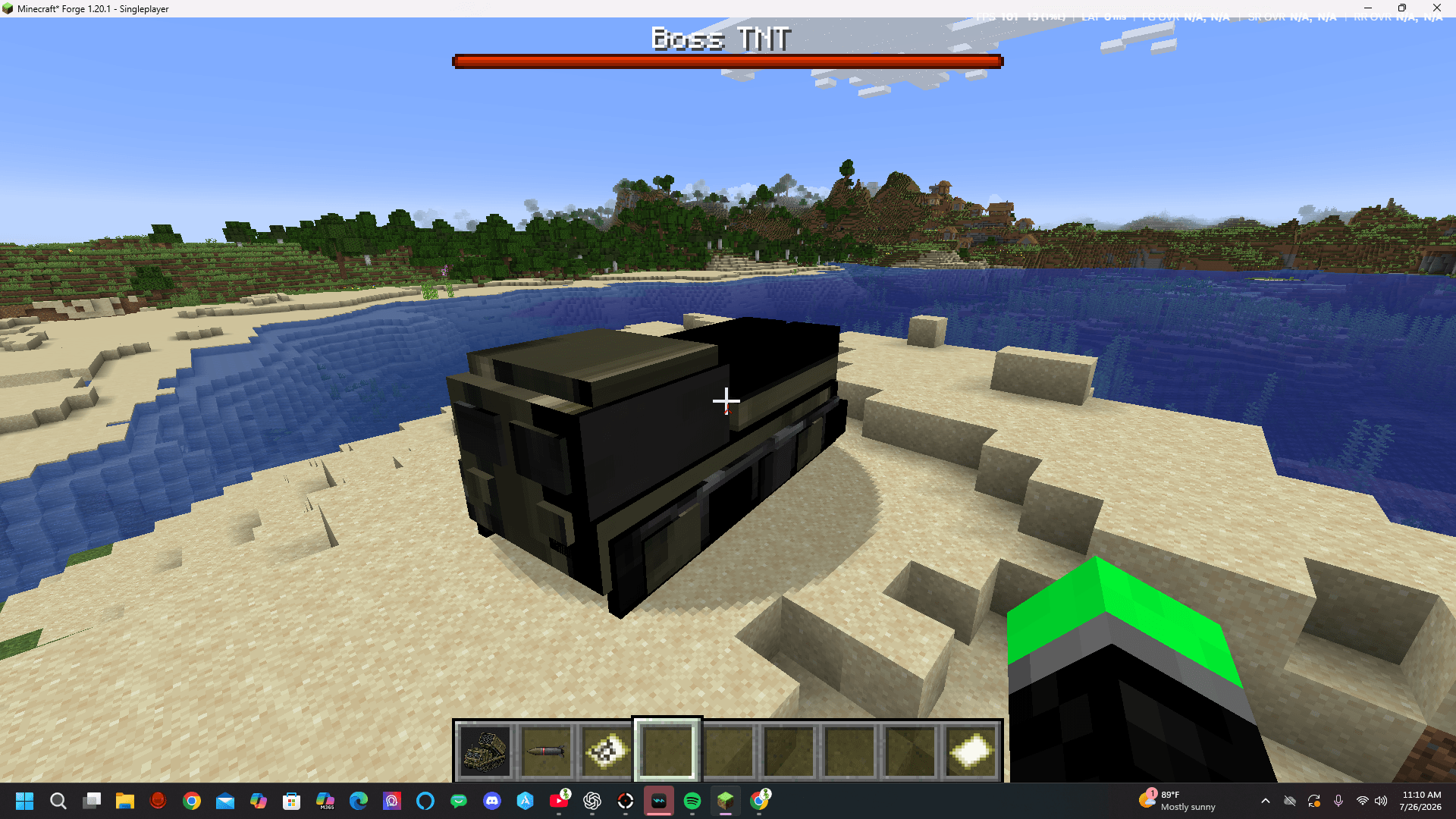
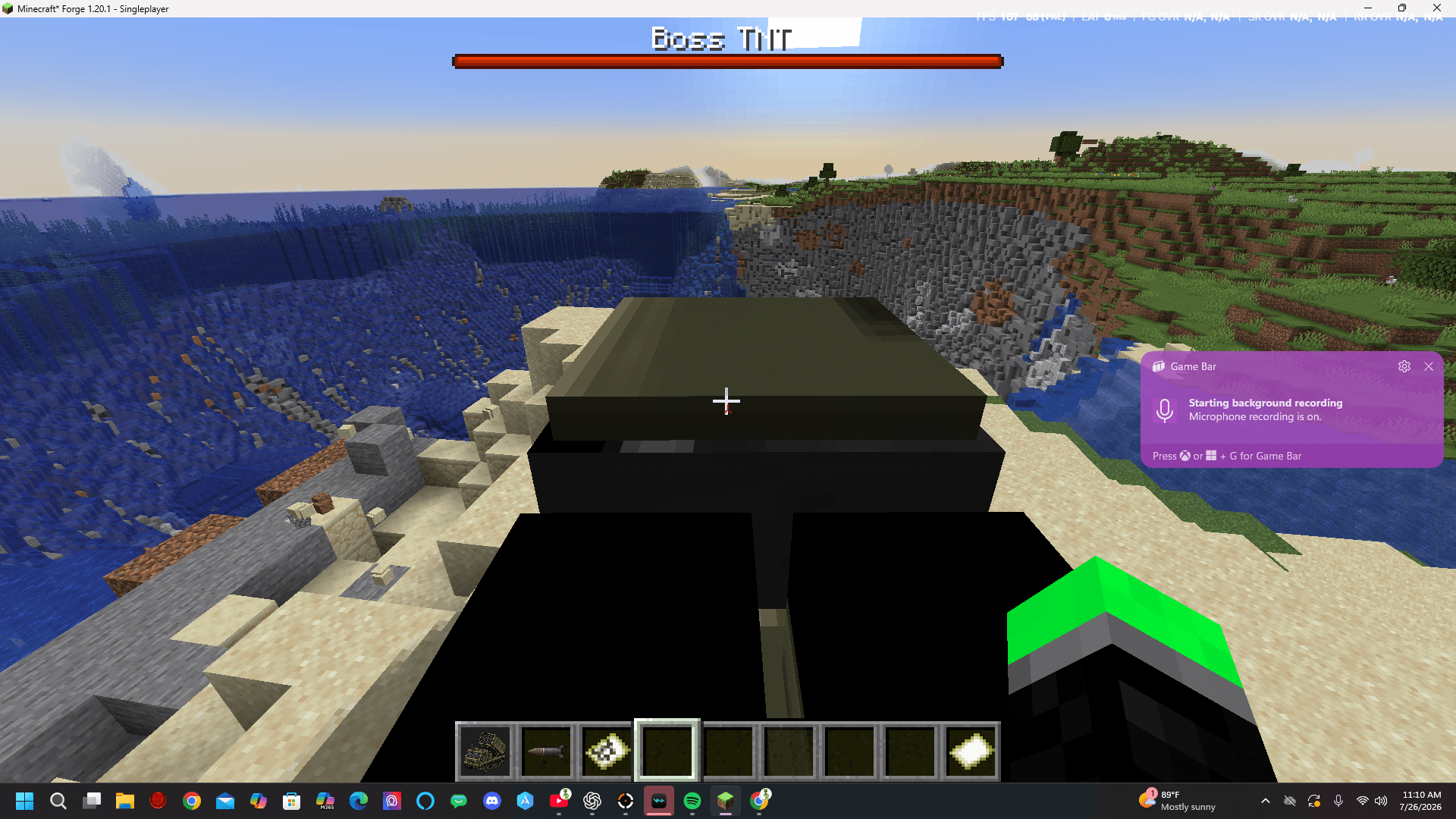
The M270 MLRS mod adds a large, tracked multiple-launch rocket system to Minecraft Java Edition using Forge 1.20.1.
The truck has an armored cab, detailed tracks, twin launcher pods, animated aiming, a dedicated targeting-map screen, and a twelve-rocket ammunition system. Rockets fly toward the selected map marker and land in a controlled pattern around it. Each explosion has approximately twice the radius of a normal TNT explosion.
Using the Truck
- Open Creative Inventory.
- Select the M270 MLRS tab.
- Take the M270 MLRS Truck and MLRS Rockets.
- Use the truck item on the ground to deploy it.
- Right-click the truck with an empty hand to mount it.
To pick the truck back up, crouch and right-click it.
Loading a Map
- Use an already explored filled map so it contains visible terrain.
- Hold the filled map.
- Right-click the truck to install it.
- Mount the truck.
- Continue holding the filled map and press right-click to open the targeting screen.
The targeting screen displays the installed map at its actual scale and shows the truck’s position.
Aiming and Firing
- Left-click: Place the red target marker.
- Enter or Space: Fire at the selected marker.
- Right-click on the map: Place the marker and fire immediately.
The launcher rotates toward the target, raises into firing position, and pauses briefly before launching.
A full salvo fires up to twelve rockets. The first hits the selected marker, while the remaining rockets land in two rings around it.
Reloading
Hold an MLRS Rocket item and right-click the truck.
Each rocket item loads exactly one rocket. The truck holds a maximum of twelve rockets.
The M270 MLRS Truck Team
