MineColonies Tweaks
- By
2026-10-07_18.45.38.png
2026-10-07_18.45.52.png
2026-10-07_18.45.57.png
2026-10-07_18.46.06.png
2026-10-07_18.47.02.png
Description
MineColonies Vanilla Tweaks redraws MineColonies' windows as vanilla Minecraft screens, and adds a few tools for running your colony. It only runs on your client: nothing to install on the server.
Unofficial addon, not made by or affiliated with the LDT Team, the authors of MineColonies.
Vanilla-style screens
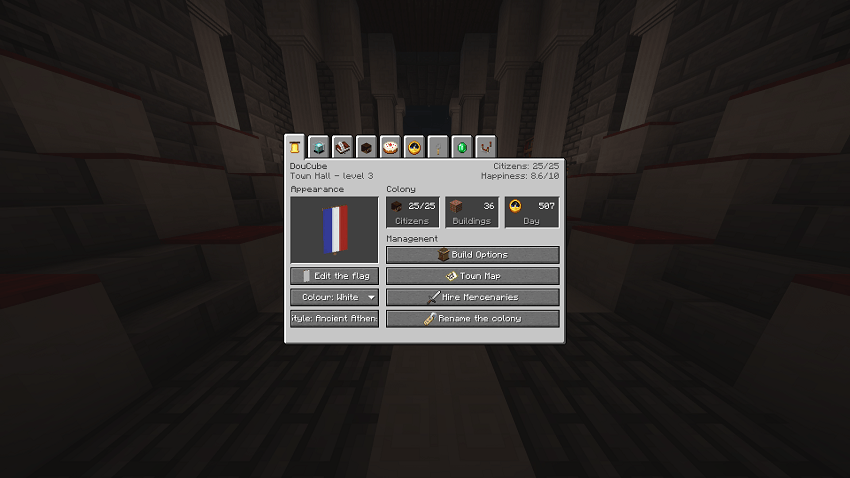
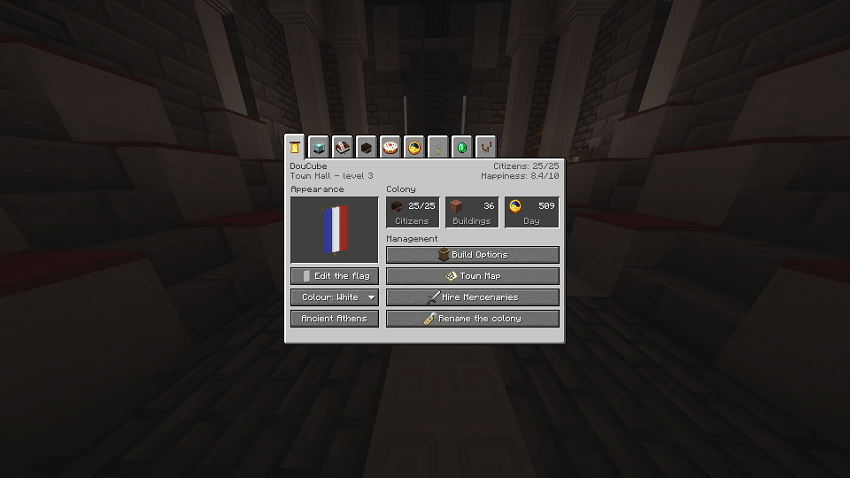
The town hall in the vanilla style: flag, colony figures and every action on one page.
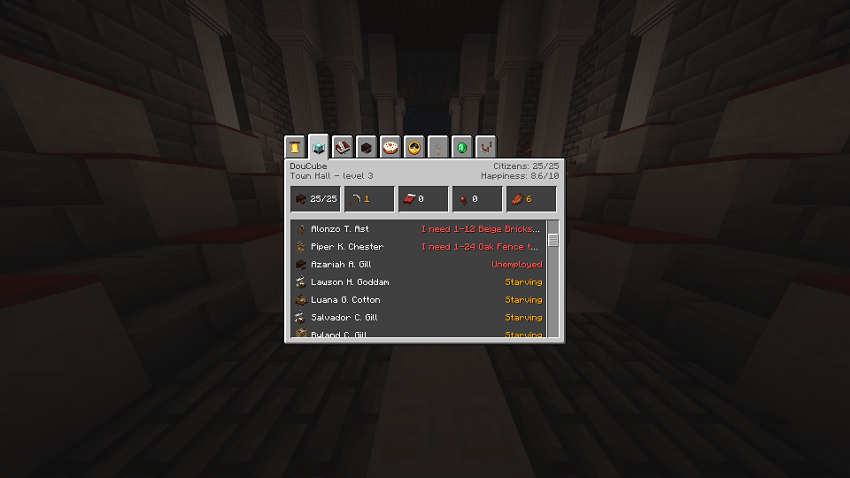
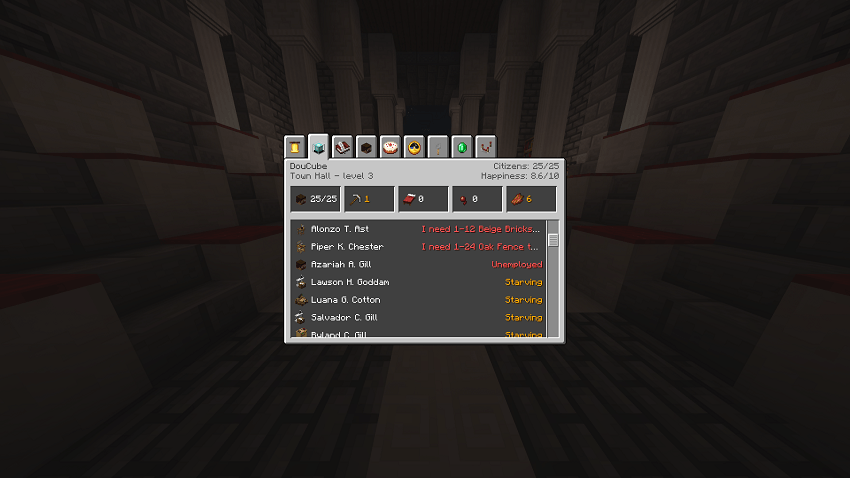
Every citizen with what is wrong first: requests, unemployed, starving.
Job, home, activity and a verdict that says why a citizen works slowly or not at all.
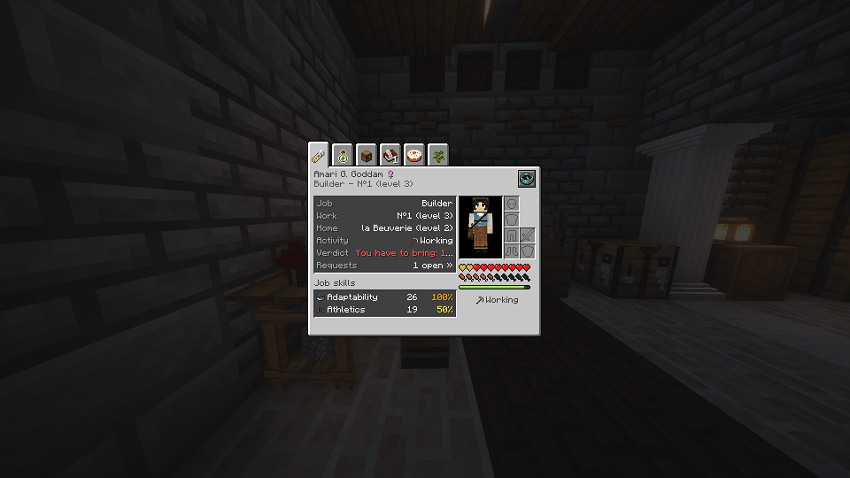
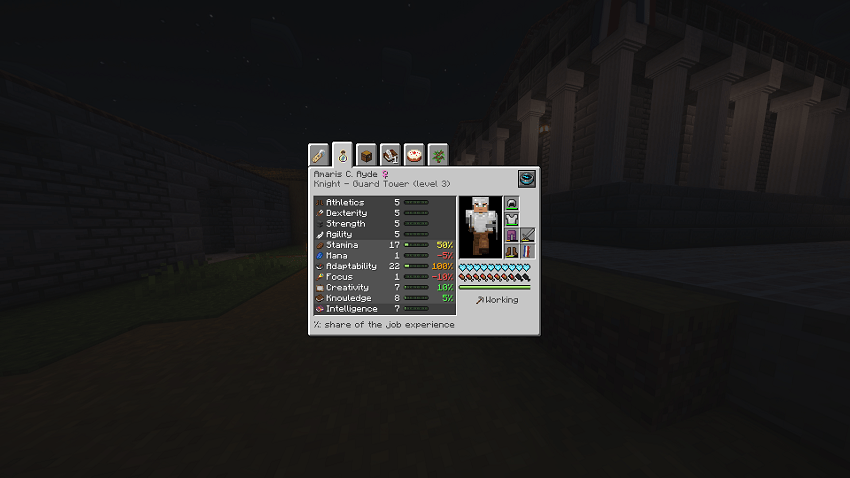
Skill levels and which ones grow with the job.
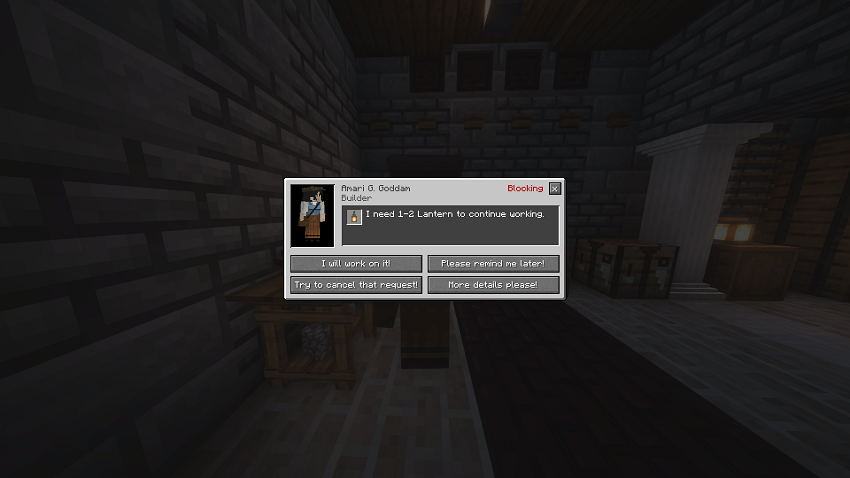
Citizens' dialogues, with the item they ask for.
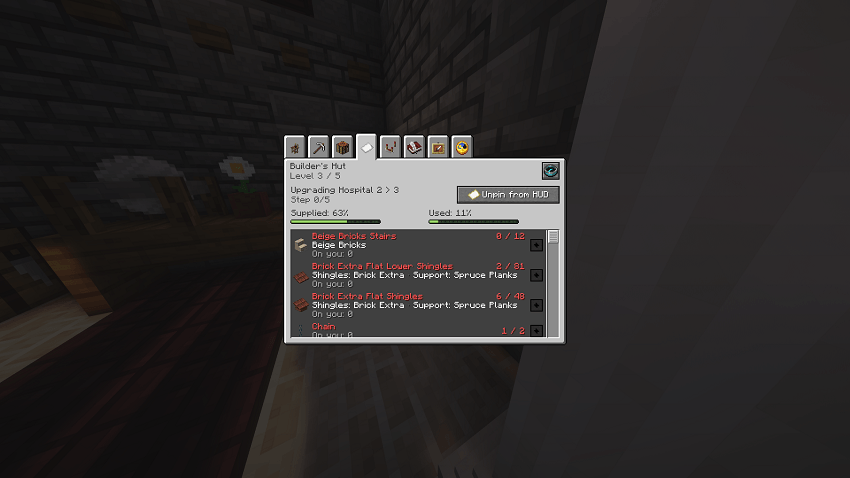
Supplied and used progress, what you carry, and which materials a Domum Ornamentum block is cut from.
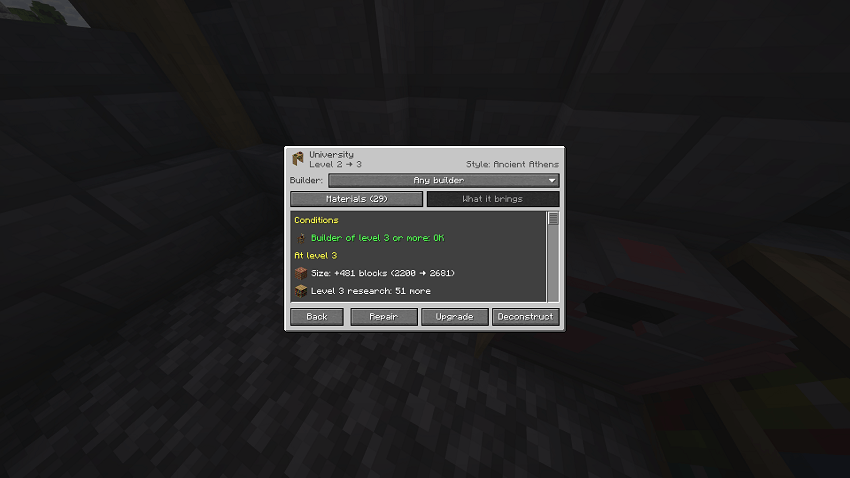
What an upgrade needs and what it brings: builder level, size, new research tier.
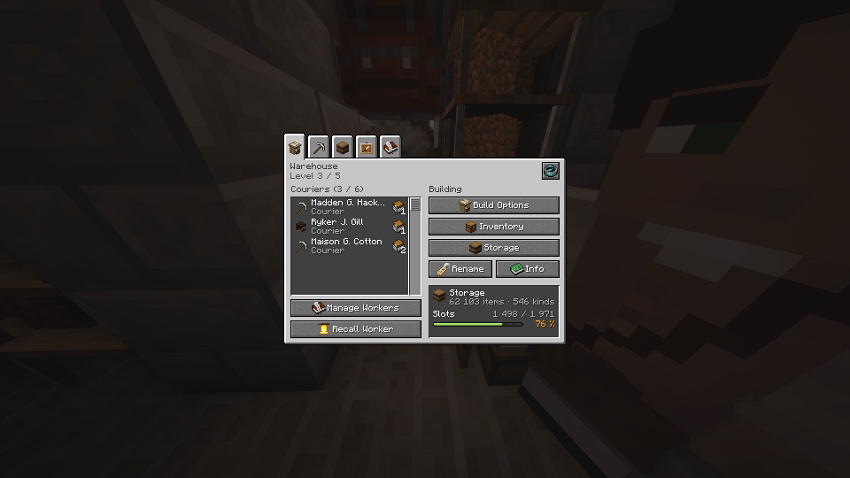
Couriers and their waiting deliveries, storage filling at a glance.
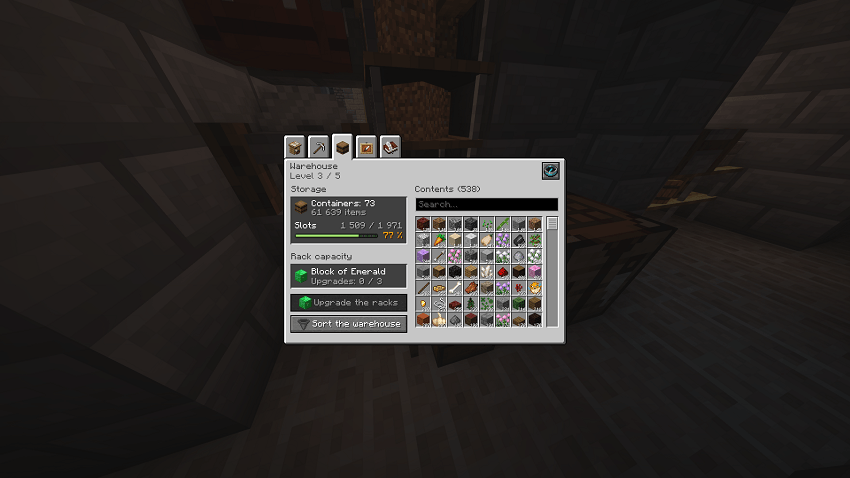
Rack capacity, upgrades and the whole contents, searchable.
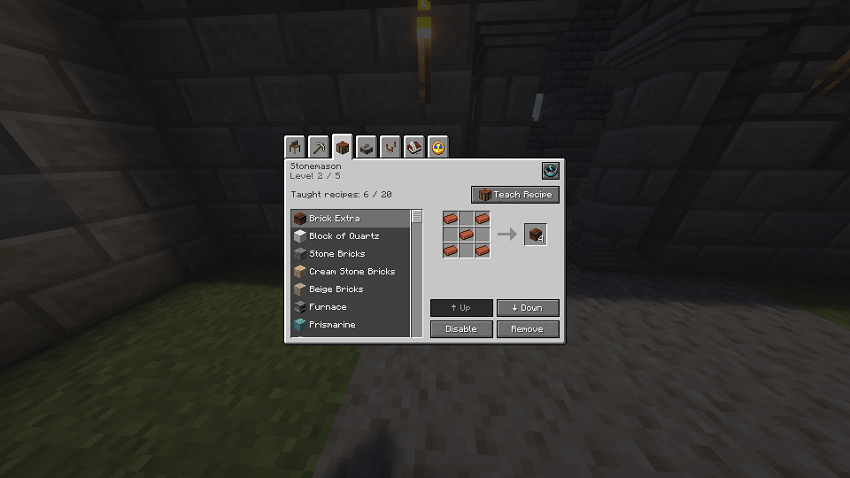
Taught recipes drawn like the crafting table, reorder or disable them in a click.
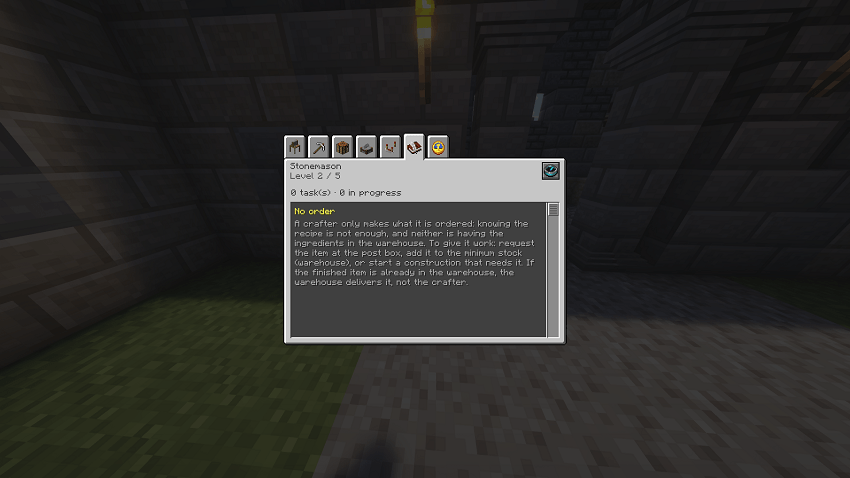
Crafters explain why they have nothing to do.
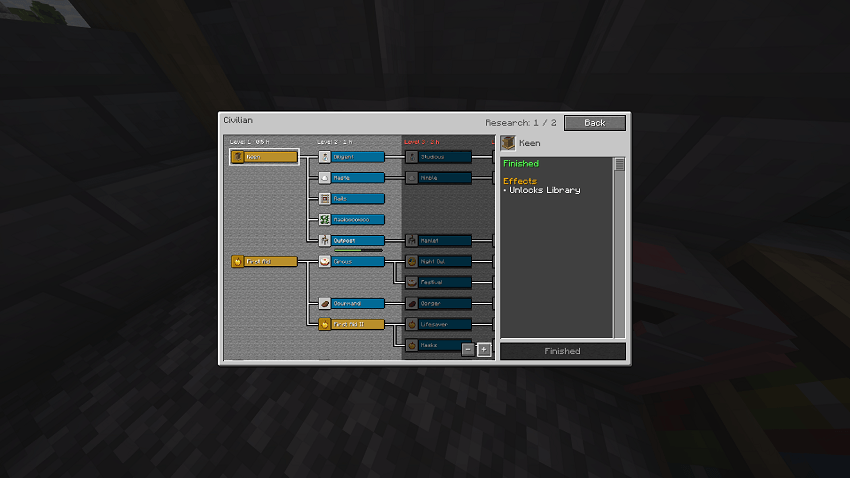
Research drawn like the advancements screen.
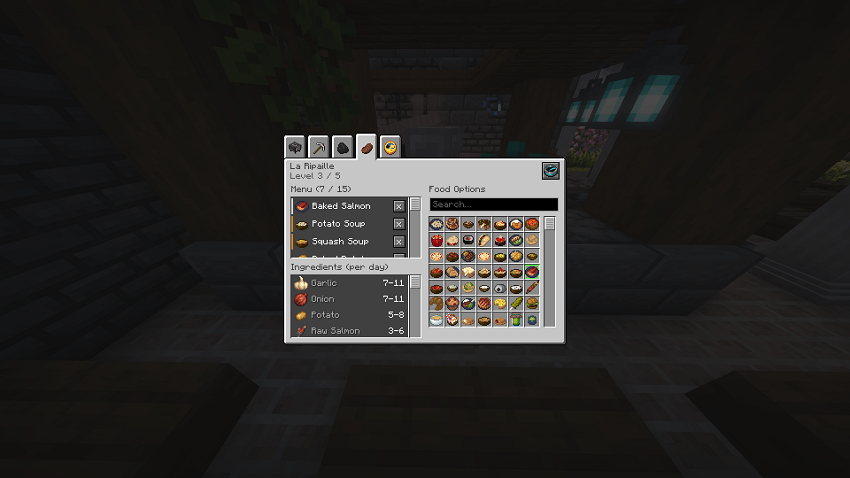
The menu, its daily ingredients and every dish to choose from.
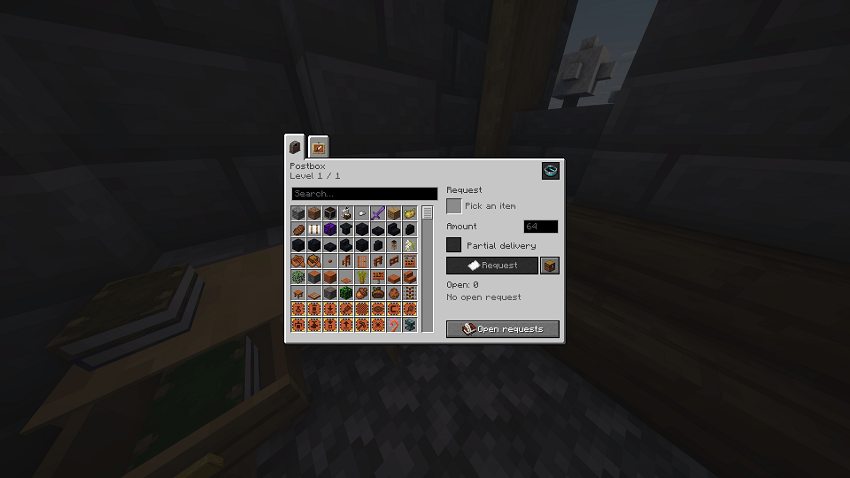
Request any item from the colony.
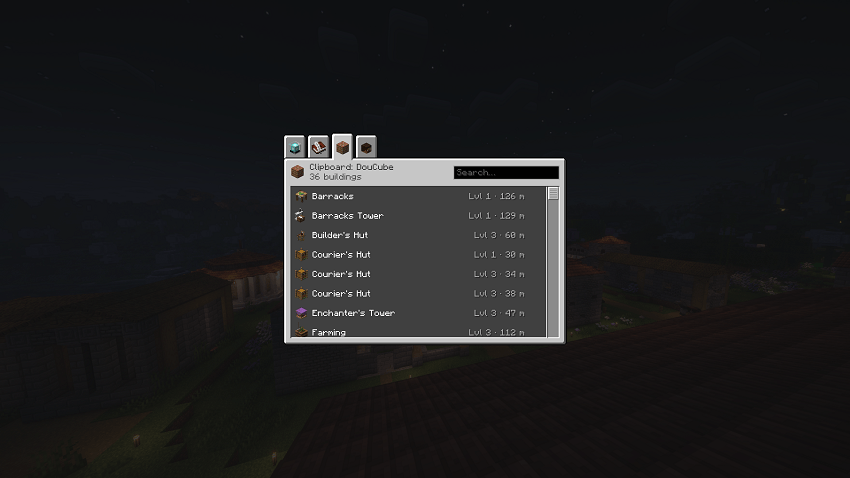
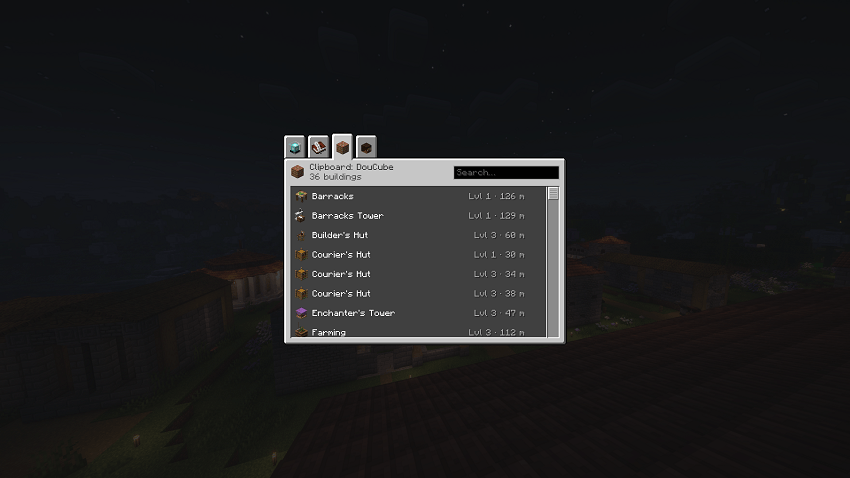
Every building and citizen of the colony with its distance, from anywhere.
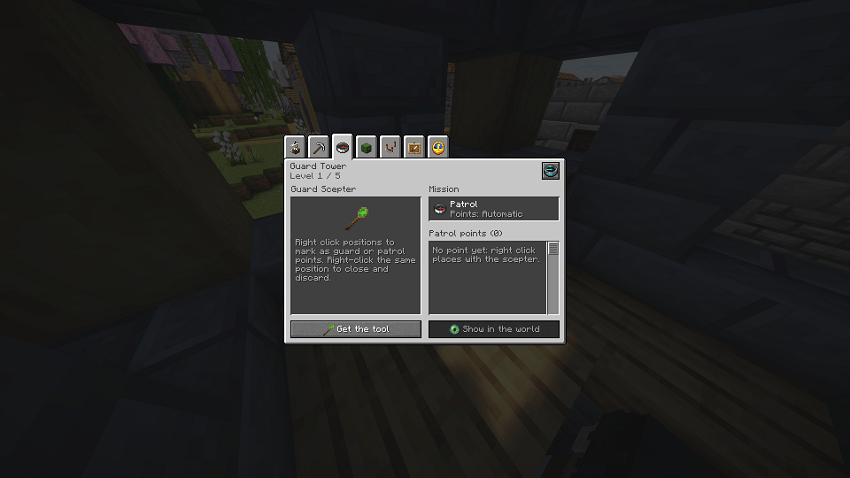
Mission, patrol points and the scepter on one page.
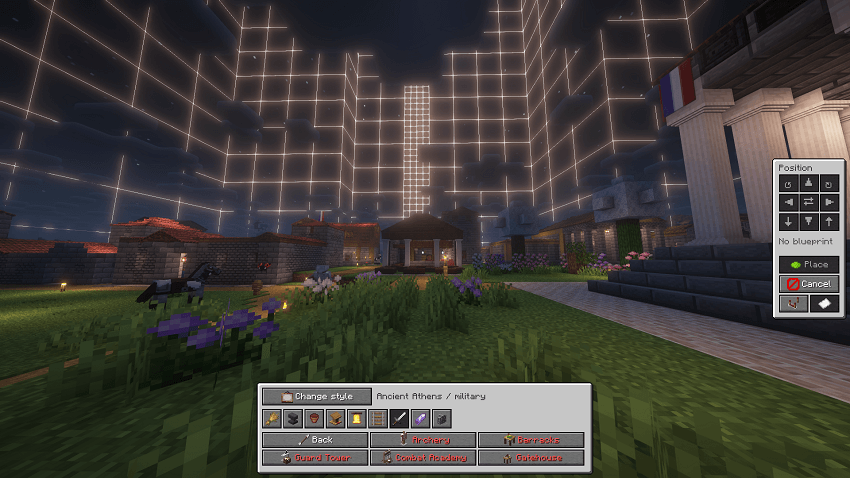
Pick a style and a building, and see it in the world before you place it.
Every MineColonies window you can open is replaced by a screen in the Minecraft Java style: same panels, buttons, tabs and item icons as the rest of the game.
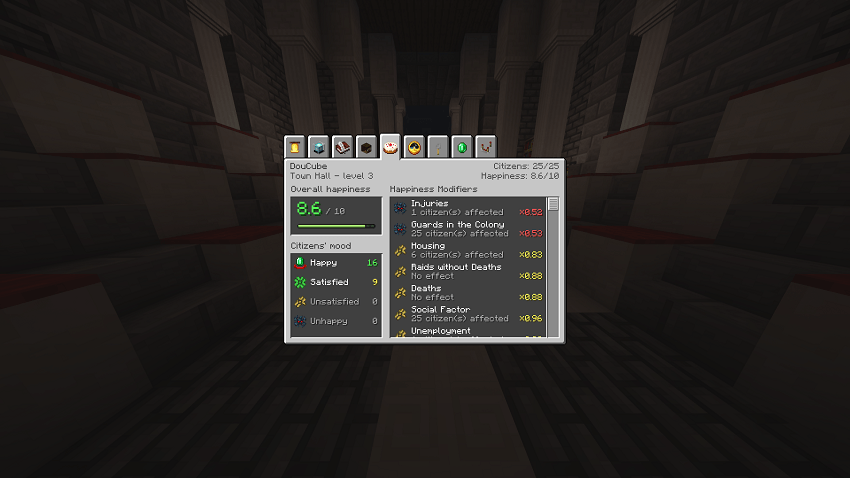
- Citizens: overview, skills, inventory, requests, happiness, family and dialogues, with a line that tells you why a citizen isn't working or works slowly (unemployed, homeless, starving, no order, missing ingredient…).
- Town hall: a dashboard of what needs your attention (homeless, sick or idle citizens, open requests, huts without a worker), actions, permissions, statistics, alliances, colony map and quest log.
- Huts: home, workers, settings, statistics, recipes, minimum stock, tasks and item lists for every building, plus dedicated pages for the builder, warehouse, guard tower, mine, houses, restaurant, farmer, plantation, graveyard, enchanter, post box, barracks and nether mine. Before an upgrade, a page lists what the next level brings.
- University: research tree drawn like the advancements screen.
- Build tool (Structurize): blueprint browser, style choice, scan, shape, tag and undo tools.
- Architect's Cutter (Domum Ornamentum): named groups and a larger variant grid.
- Clipboard: requests, plus every hut and citizen of the colony with their distance.
- Field blocks, rally banner, confirmations and every other dialog.
Resource HUD
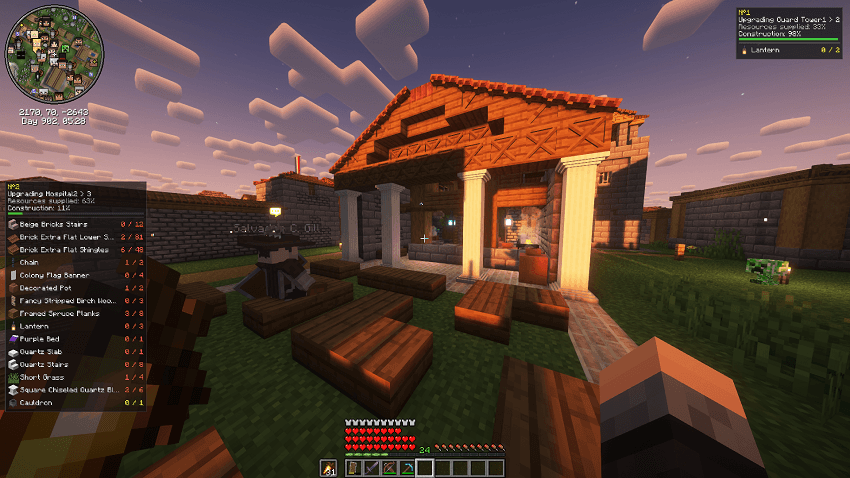 Hold a builder's Resource Scroll and press J: the materials the builder still needs stay on screen while you gather them, with the same numbers as the scroll and the construction's progress. P moves the panels, H shows or hides them.
Locate beams
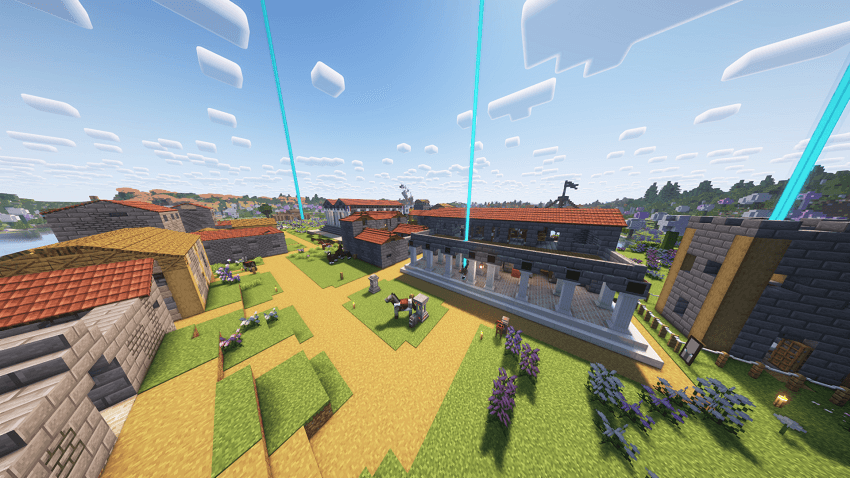 The "locate" button of a citizen, a hut or the clipboard puts a coloured beacon beam above it, with its direction and distance at the top of the screen. Graves of dead citizens get a red beam until they are collected.
Settings
Press K (or Mods > MineColonies Vanilla Tweaks > Config): every screen can be switched off on its own, and the HUD can be adjusted. If a MineColonies update changes something a screen relies on, that screen switches itself off and MineColonies' own window is shown instead: the game doesn't crash.
Requirements
- Minecraft 1.21.1, NeoForge 21.1.251 or newer
- MineColonies 1.1.1368 or newer
Languages: English, French.
Made with AI
This mod was made with the help of AI tools (Claude, by Anthropic). The ideas, the choices and the in-game testing are mine; the AI wrote much of the code. If you find a bug, tell me in the comments.
License
GPL-3.0. The source code is available in the files of each version.
MineColonies Tweaks Team