MetroRail
- By
2026-05-16_17.56.03.png
2026-05-16_17.56.15.png
2026-05-16_17.56.03.png
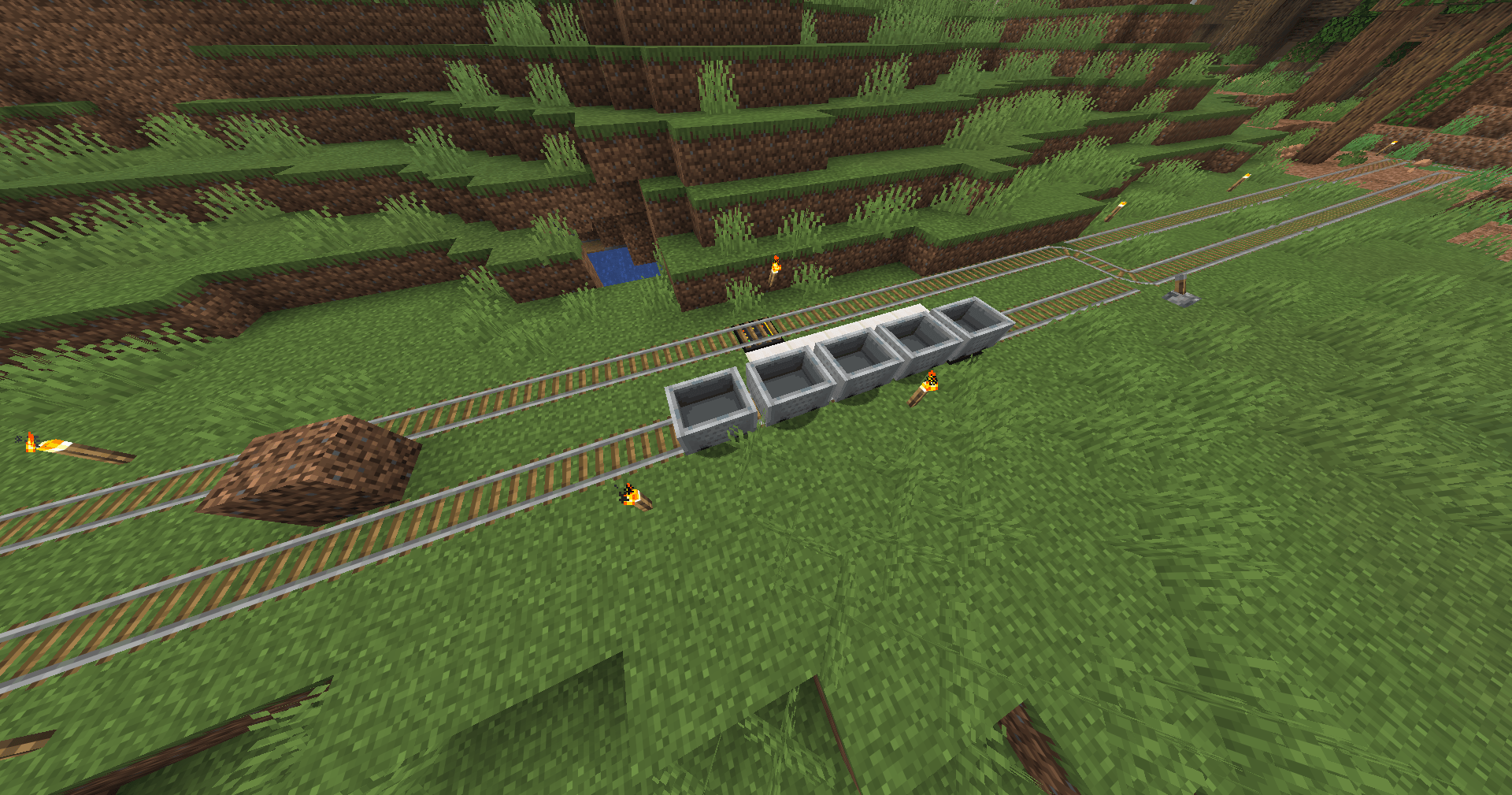
2026-05-16_17.55.48.png
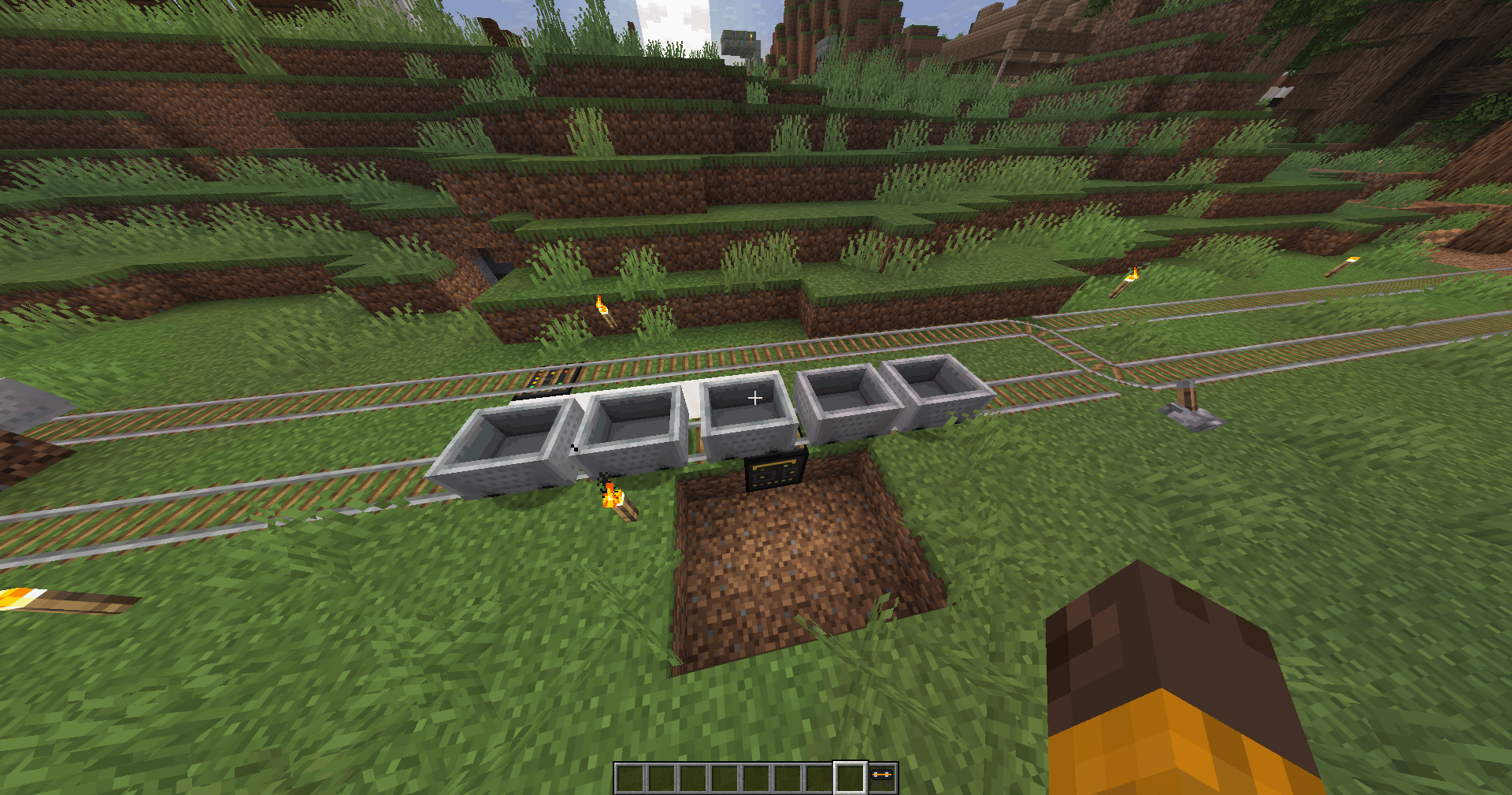
2026-05-16_17.56.15.png
Description
"MetroRail."
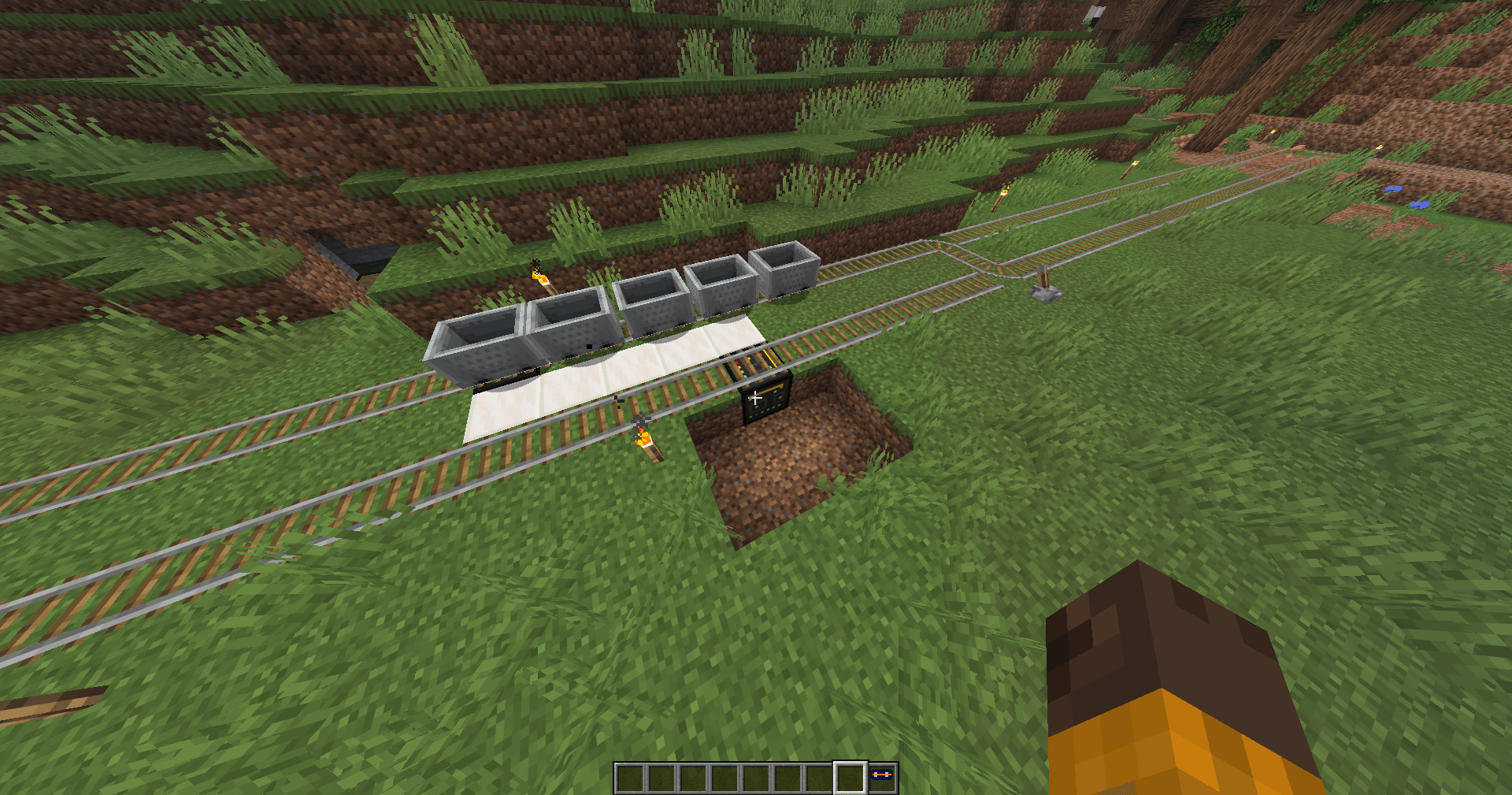
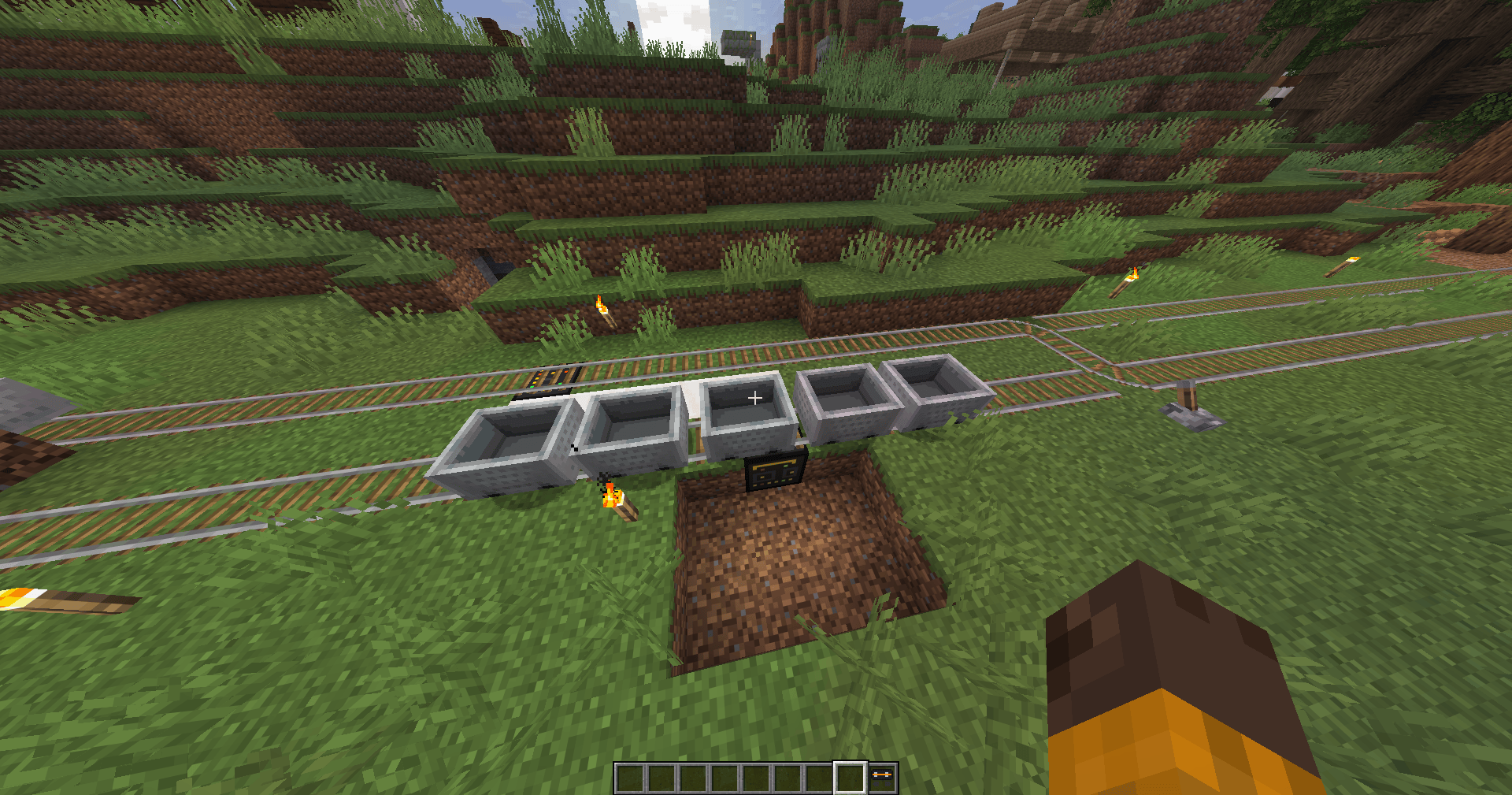
A functional train system for the game (based on connected minecarts/carriages).
Proximity detection and collision prevention.
Dynamic configuration (speed, braking distance, etc.).
Station stop functionality and immersive sounds.
To use the Metro Villa Starship mod, you have access to a series of commands and custom blocks designed to create, configure, and manage your metro system inside the game.
Here is a guide on how to use the mod’s main features:
1. Main Commands (/metro)
The mod includes a base command, /metro, which allows you to control trains and modify the mod’s settings in real time (requires administrator permissions or Creative/Operator mode):
Spawn trains:
/metro spawn
Spawns a train at your current location (facing the direction you are looking) using the default configured number of wagons.
/metro spawn <amount>
Spawns a train with the specified number of wagons (between 1 and 20).
Train management:
/metro train remove
While riding a wagon, removes the entire train.
/metro train remove all
Removes absolutely all wagons/trains from this mod that currently exist in the world.
Real-time configuration:
/metro config <variable> <value>
Allows you to dynamically adjust how the trains behave. The variables you can modify are:
speed: The speed at which trains move.spacing: The distance between each wagon in the train.wagons: The default number of wagons when using the spawn command.brake_distance: The distance at which a train will begin braking if it detects another train or an obstacle on the track.chunk_load_radius: The chunk radius that the train will keep loaded around itself to prevent stopping or desynchronization.station_wait_multiplier: A multiplier for how long trains wait at stations.
2. Custom Items and Blocks
In your Creative Mode inventory, under the Redstone tab, you will find the physical elements added by the mod:
Station Block
The heart of the station system. When placed (usually under or near the tracks), the train will detect it. This block includes an interface that allows you to configure:
- The station name.
- The wait time (how long the train stops there).
- The action the train should perform upon arrival.
- The metro line name.
- The next destination station.
Metro Spawner
An item that can be used with right-click to manually spawn a train without using commands.
Metro Model Block
A decorative/structural transparent block related to train or station models.
3. General Functionality (Mechanics)
Tracks
The trains (made up of the MetroCartEntity entity) are programmed to attach themselves to the game’s rails. You must place them on or very close to tracks for them to function properly.
Collision System
The mod’s trains include a built-in proximity detection system. They will automatically brake if they detect another train too close ahead on the same track, preventing accidents.
Station Configuration
When a train passes over a Station Block, it reads its data, gradually stops, plays arrival/door sounds (if implemented), waits for the configured amount of time, and then automatically continues its route.
MetroRail Team