Mercenary Mayhem
- By
This mod uses local TF2 assets from the users install to let you play as TF2 mercenaries in minecraft
Untitled.png
class select.png
loadout screen.png
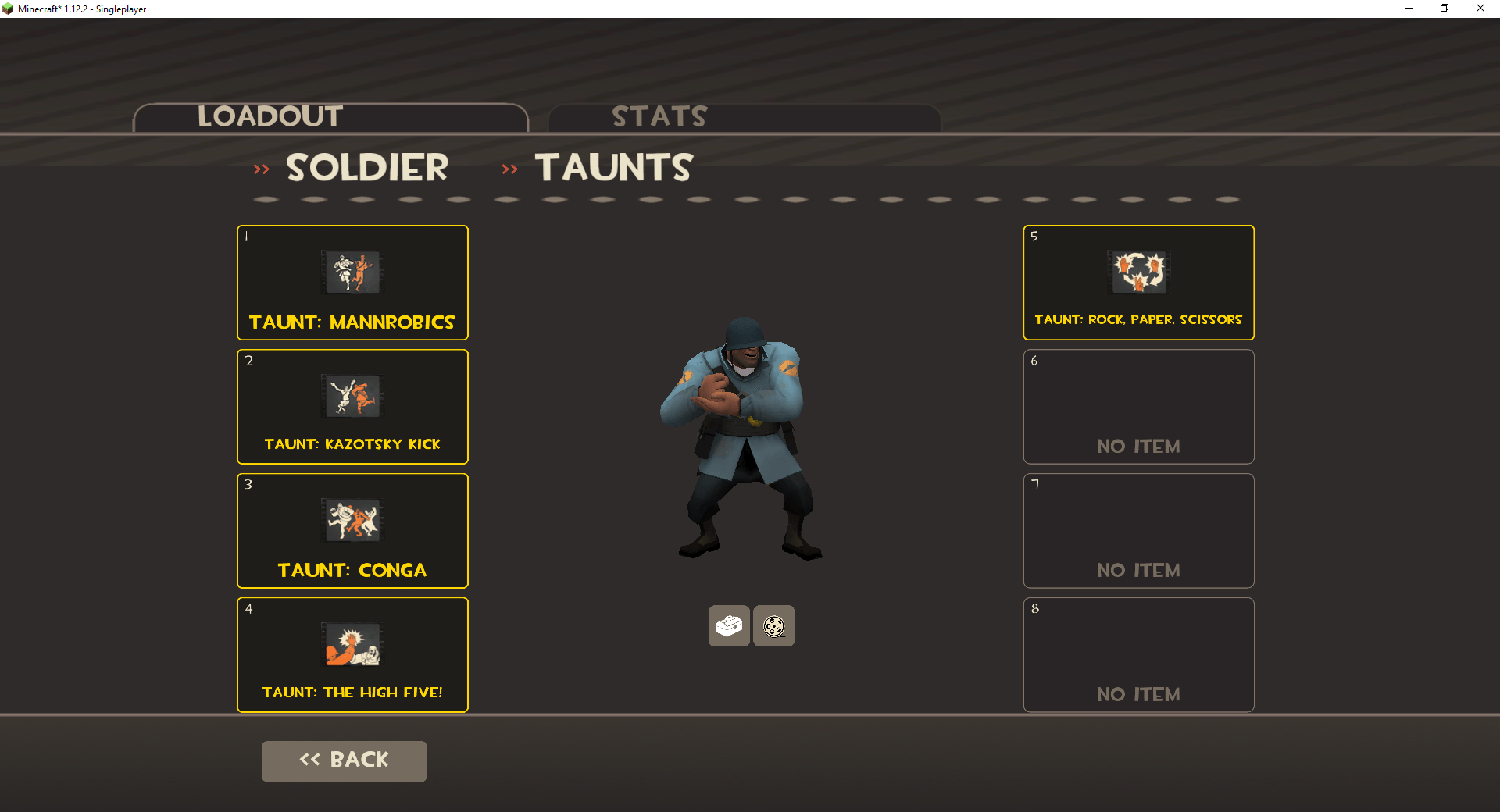
working taunts.png
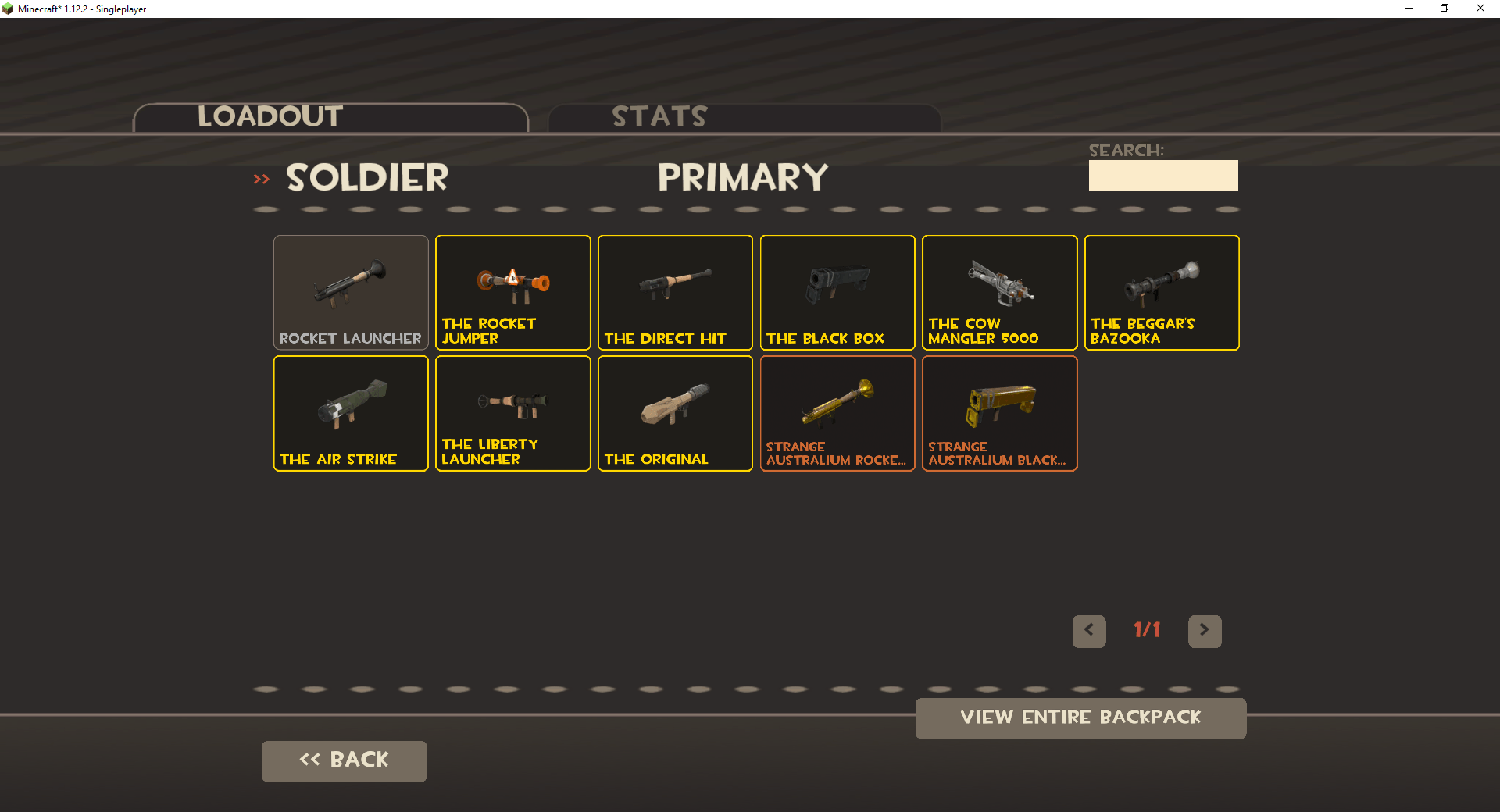
selecting a primary for soldier example.png
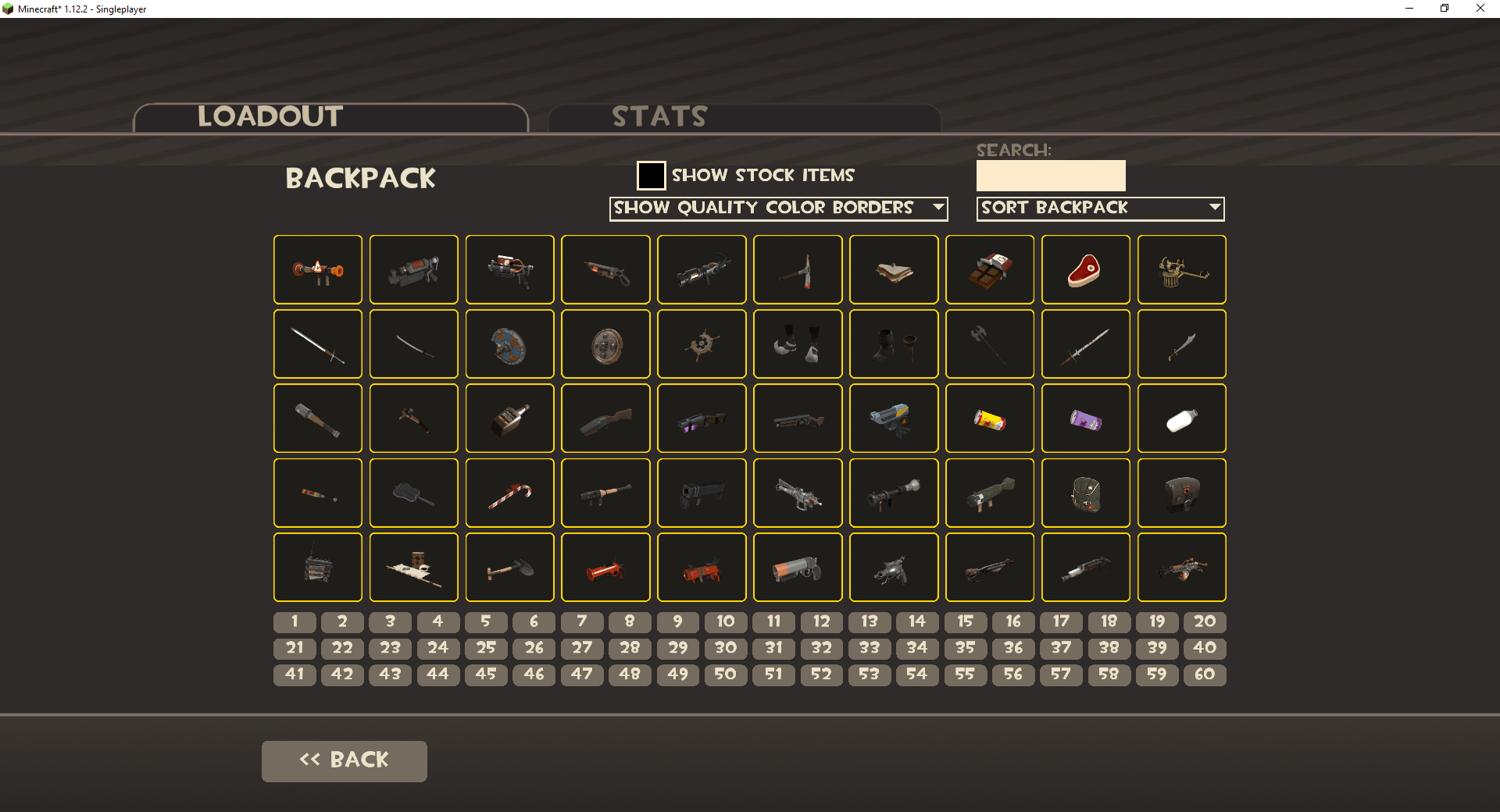
backpack example.png
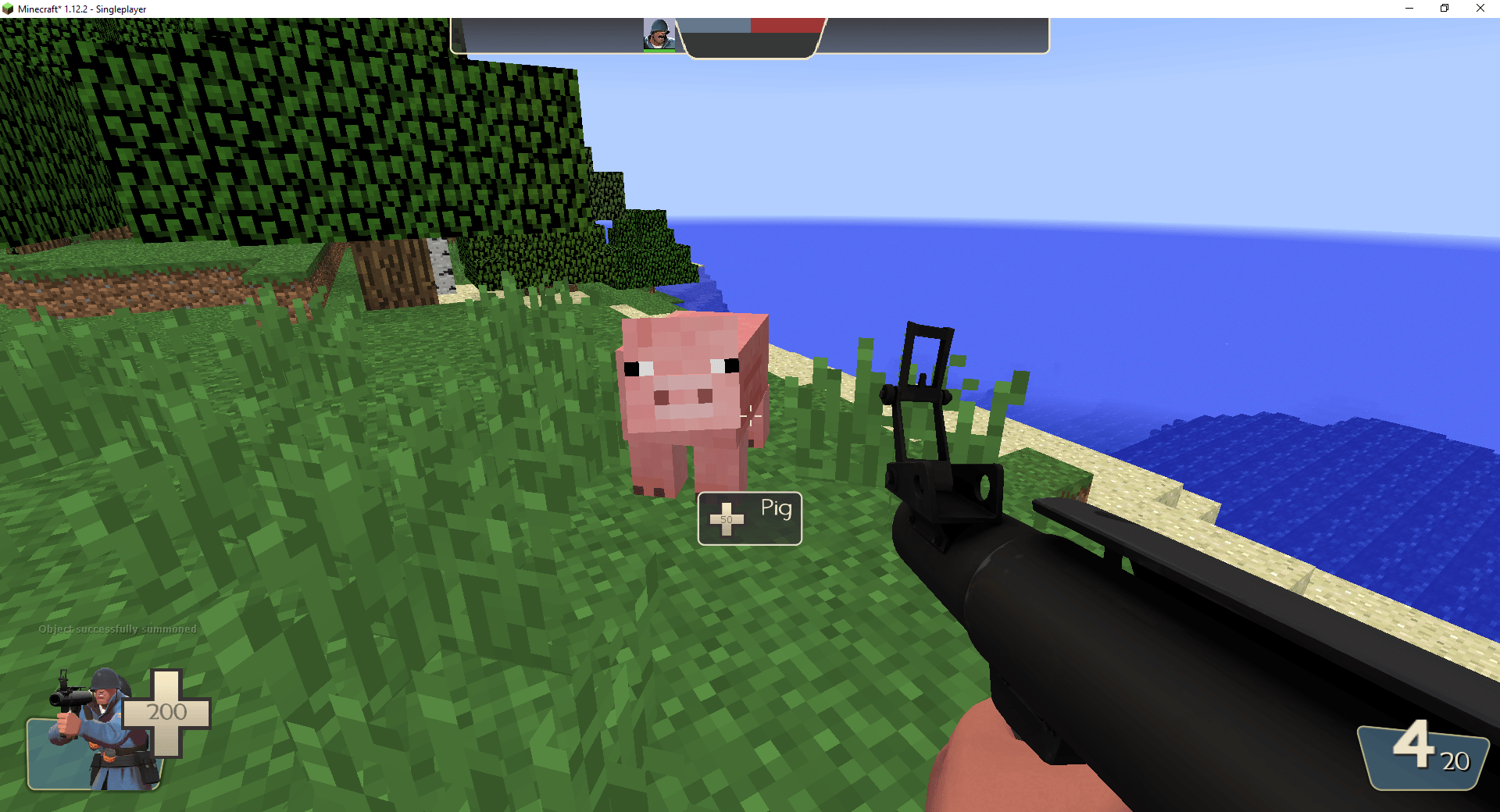
soldier first person looking at pig example.png
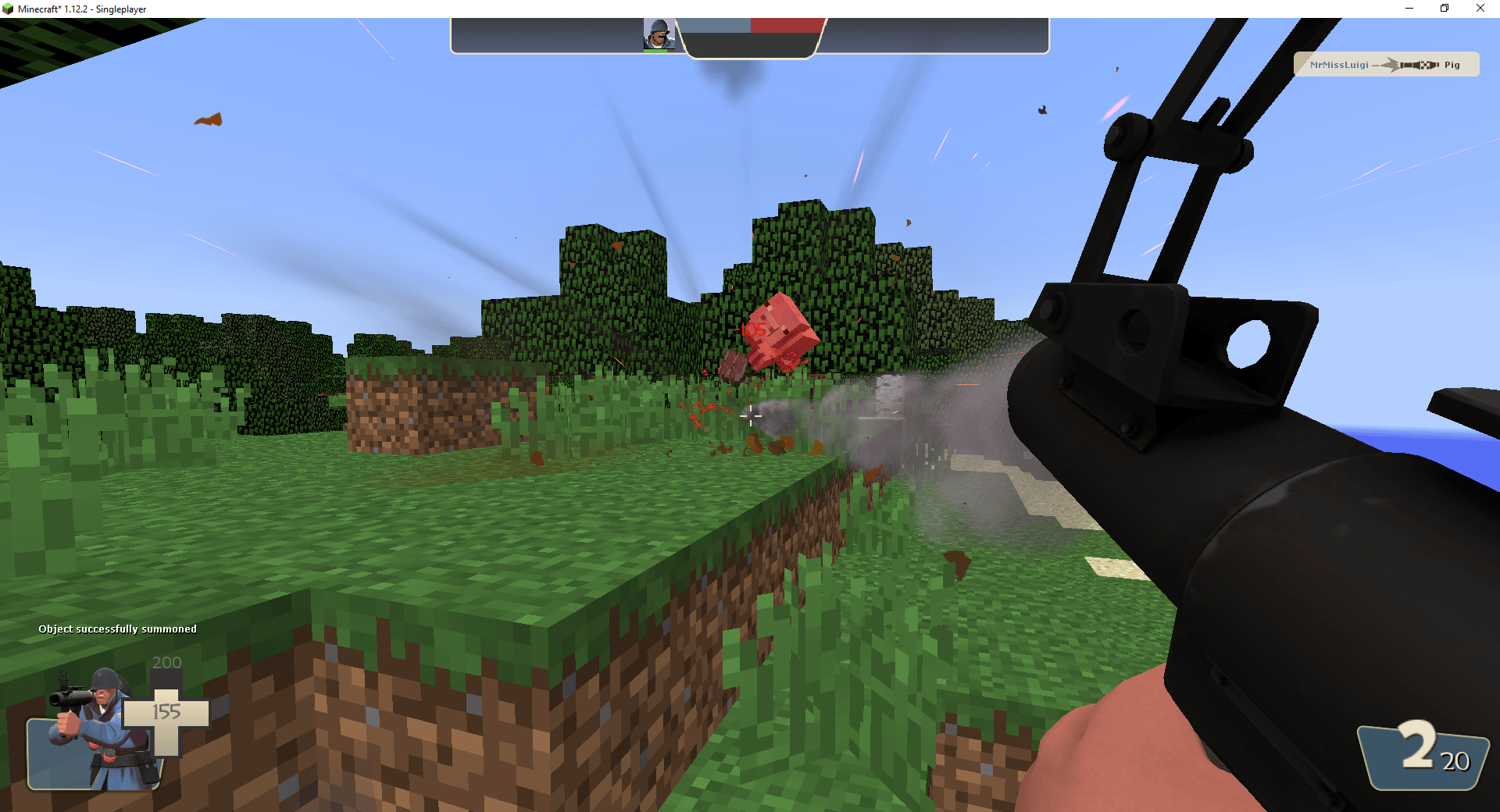
damage and killfeed example.png
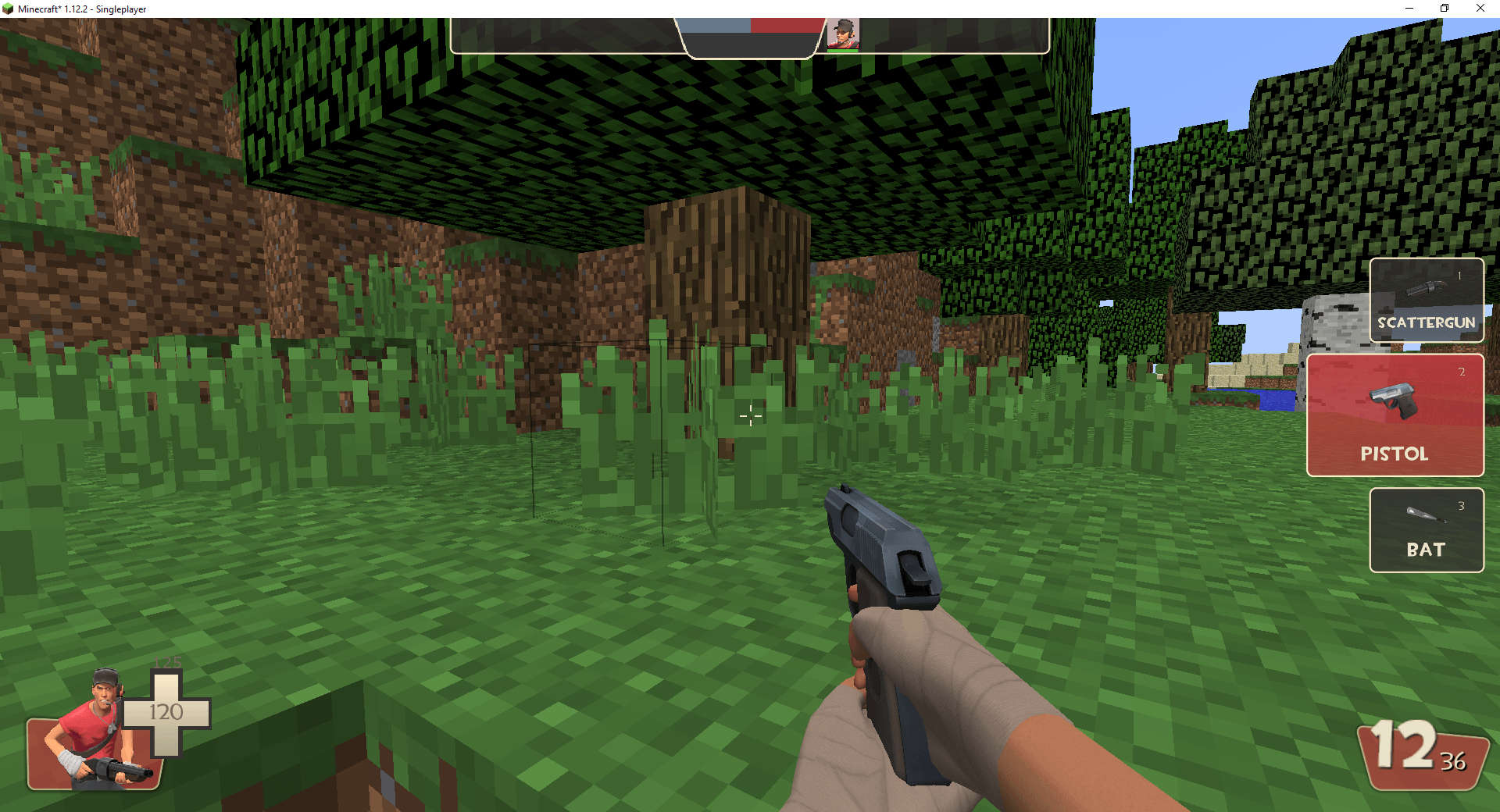
right side menu selecting a weapon.png
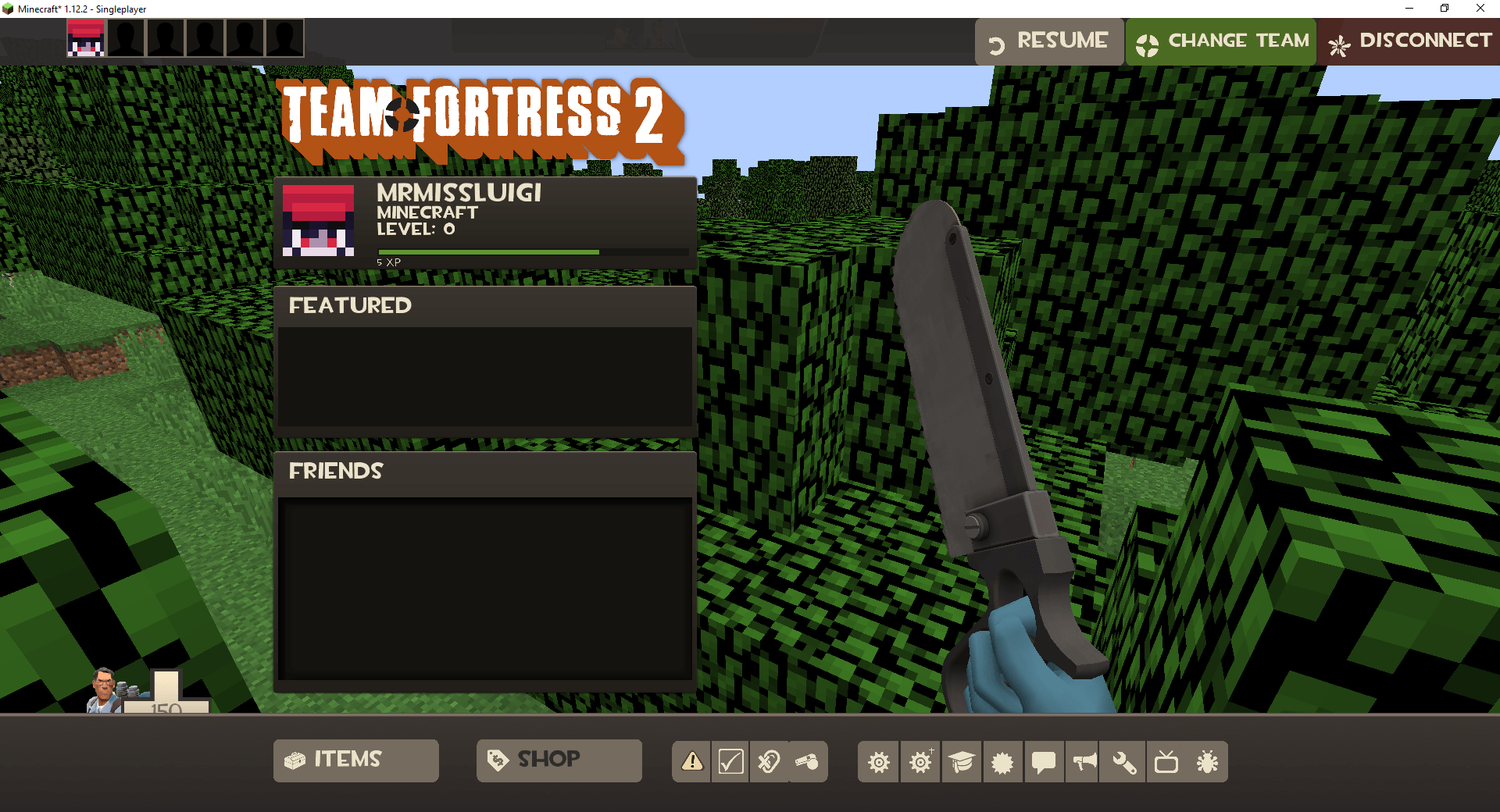
pause menu example.png
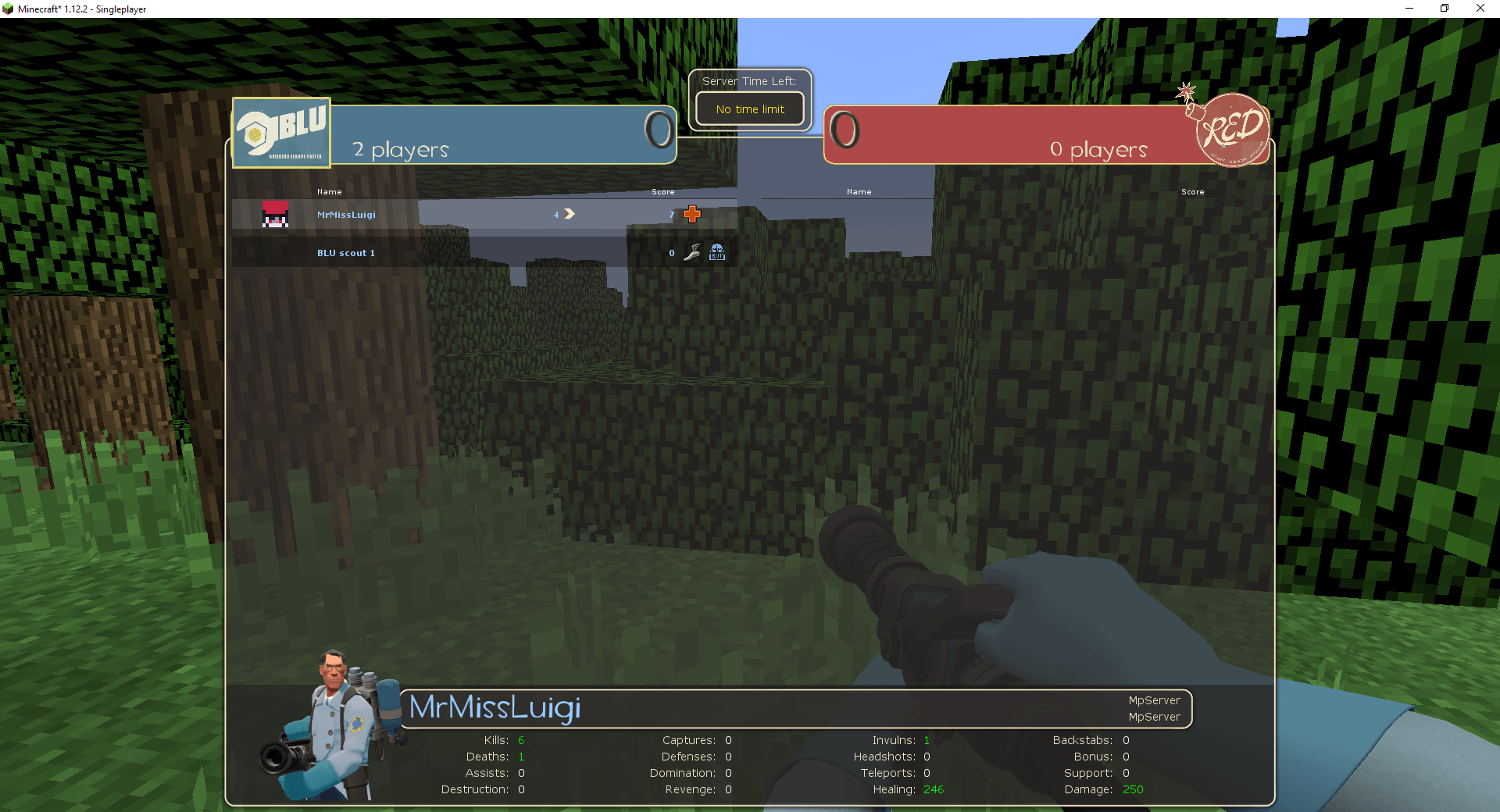
working scoreboard example.png
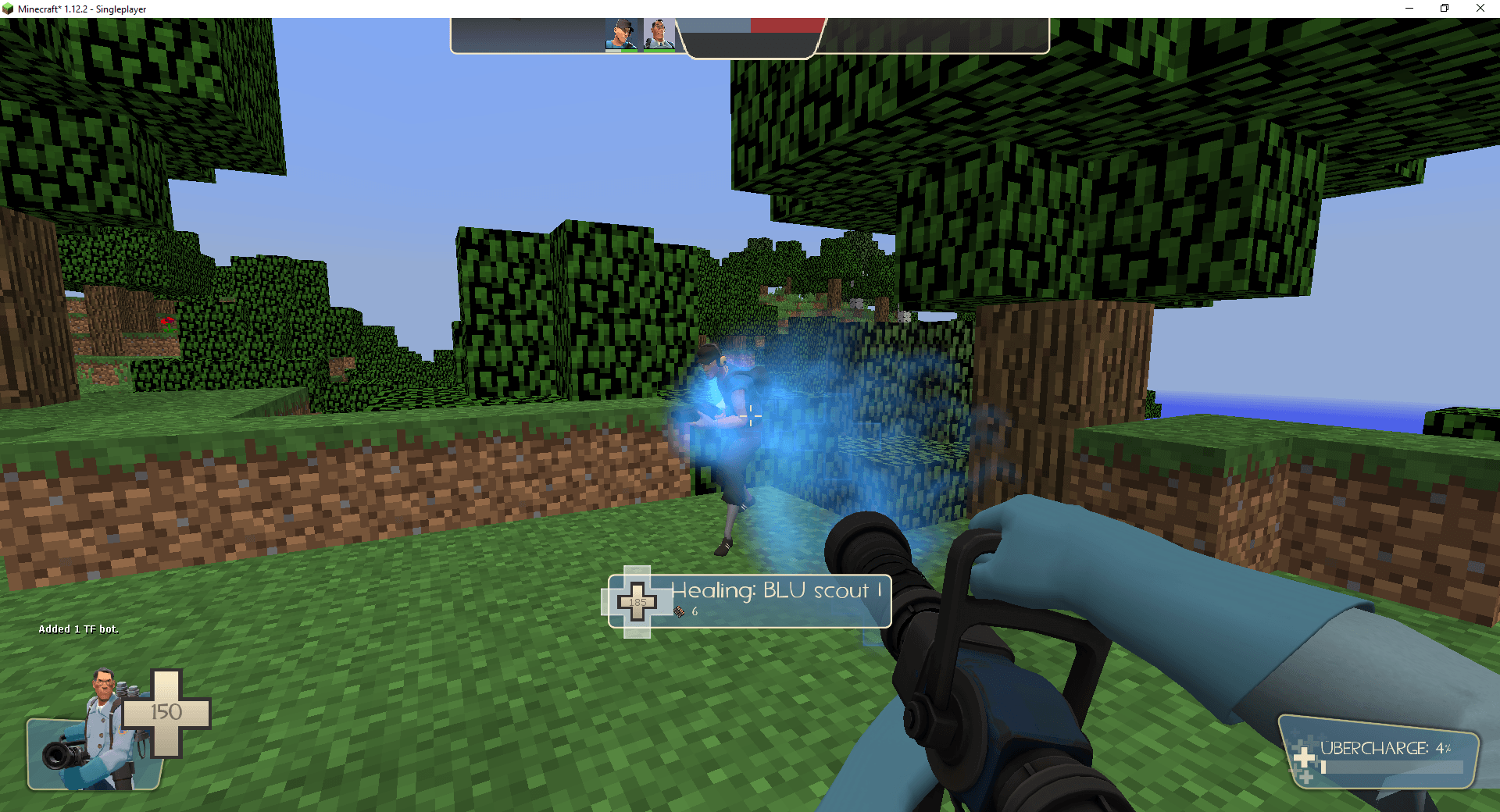
healing example as medic.png
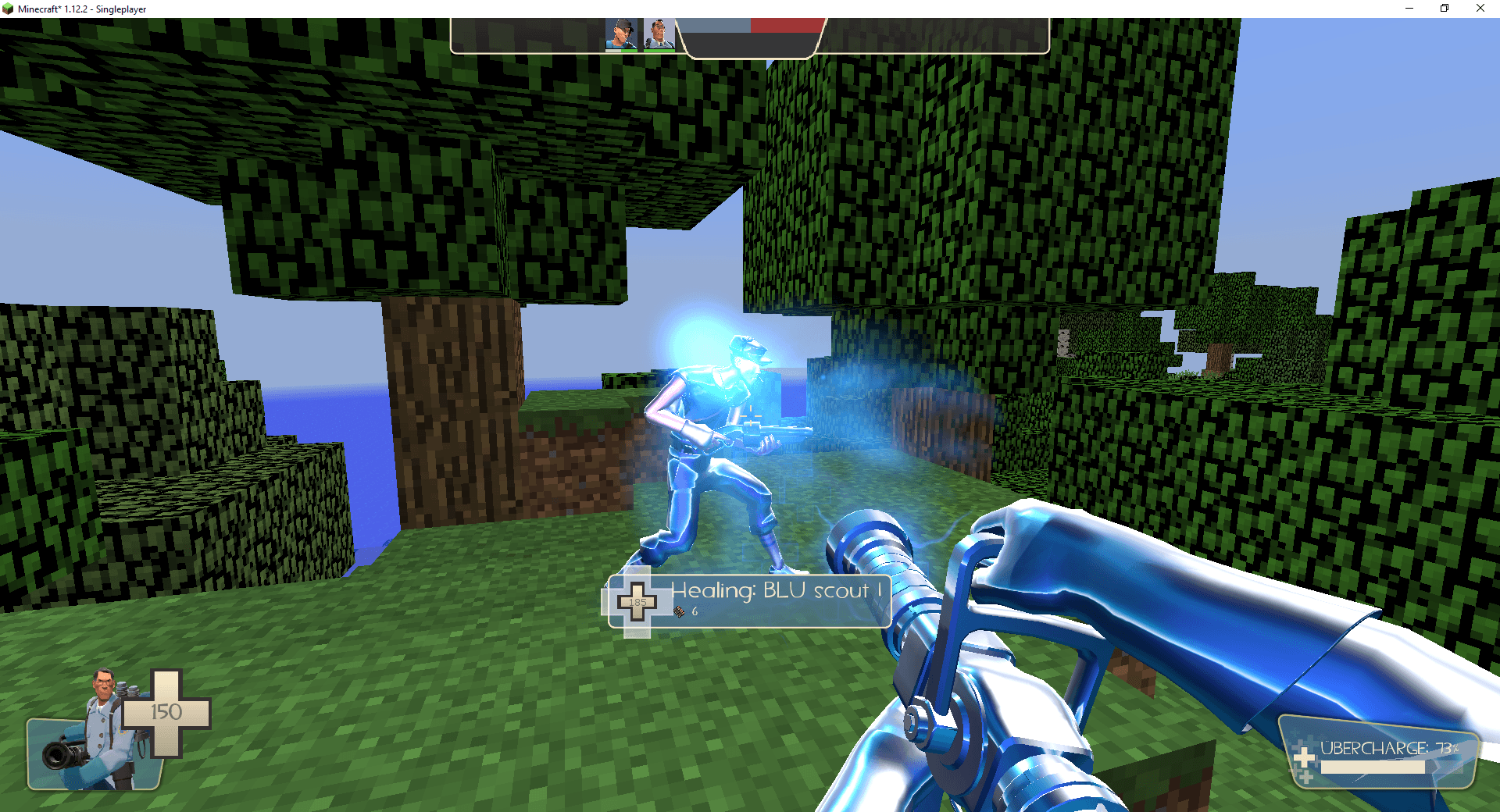
ubercharge example.png
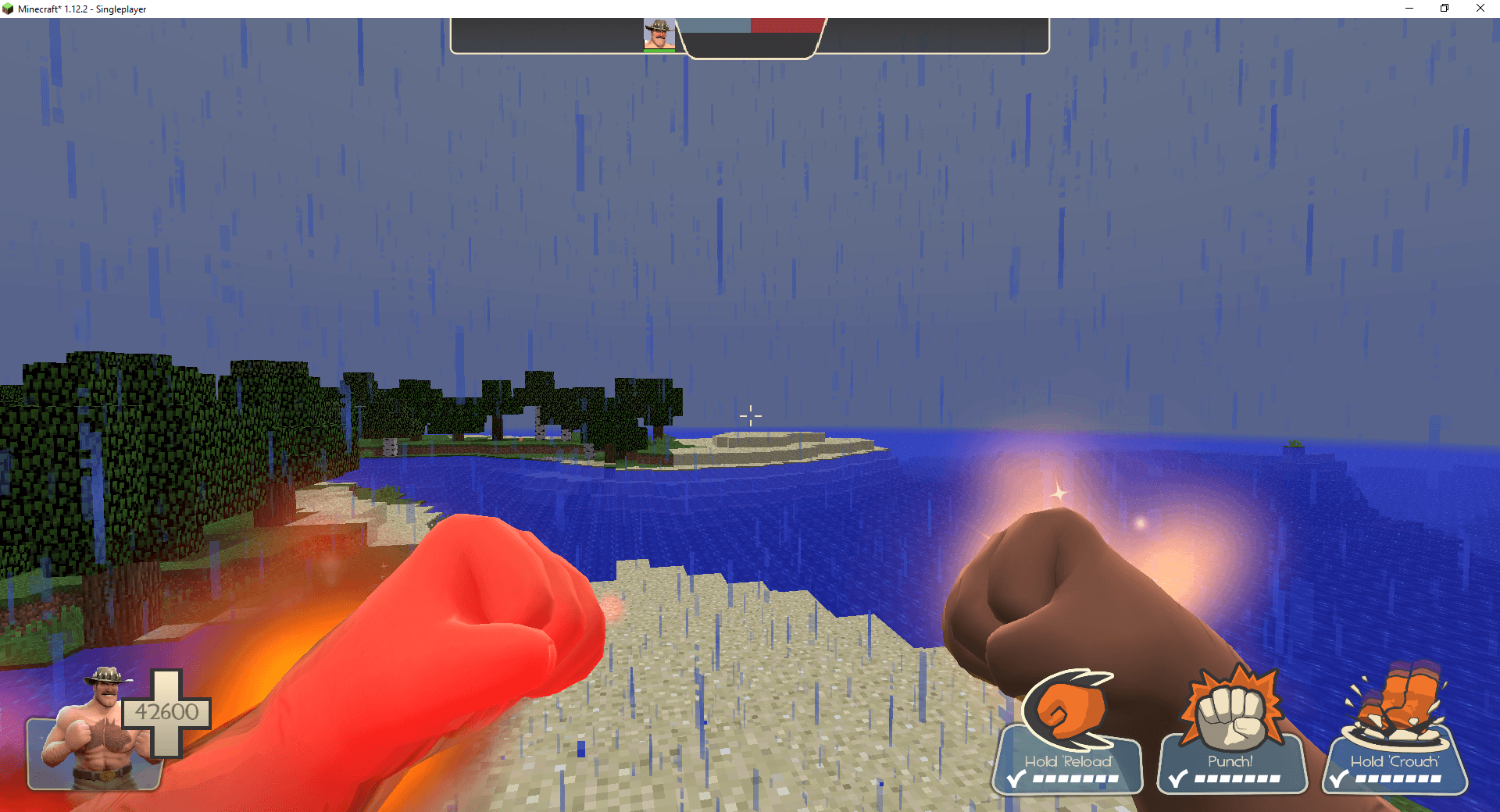
saxtonhale.png
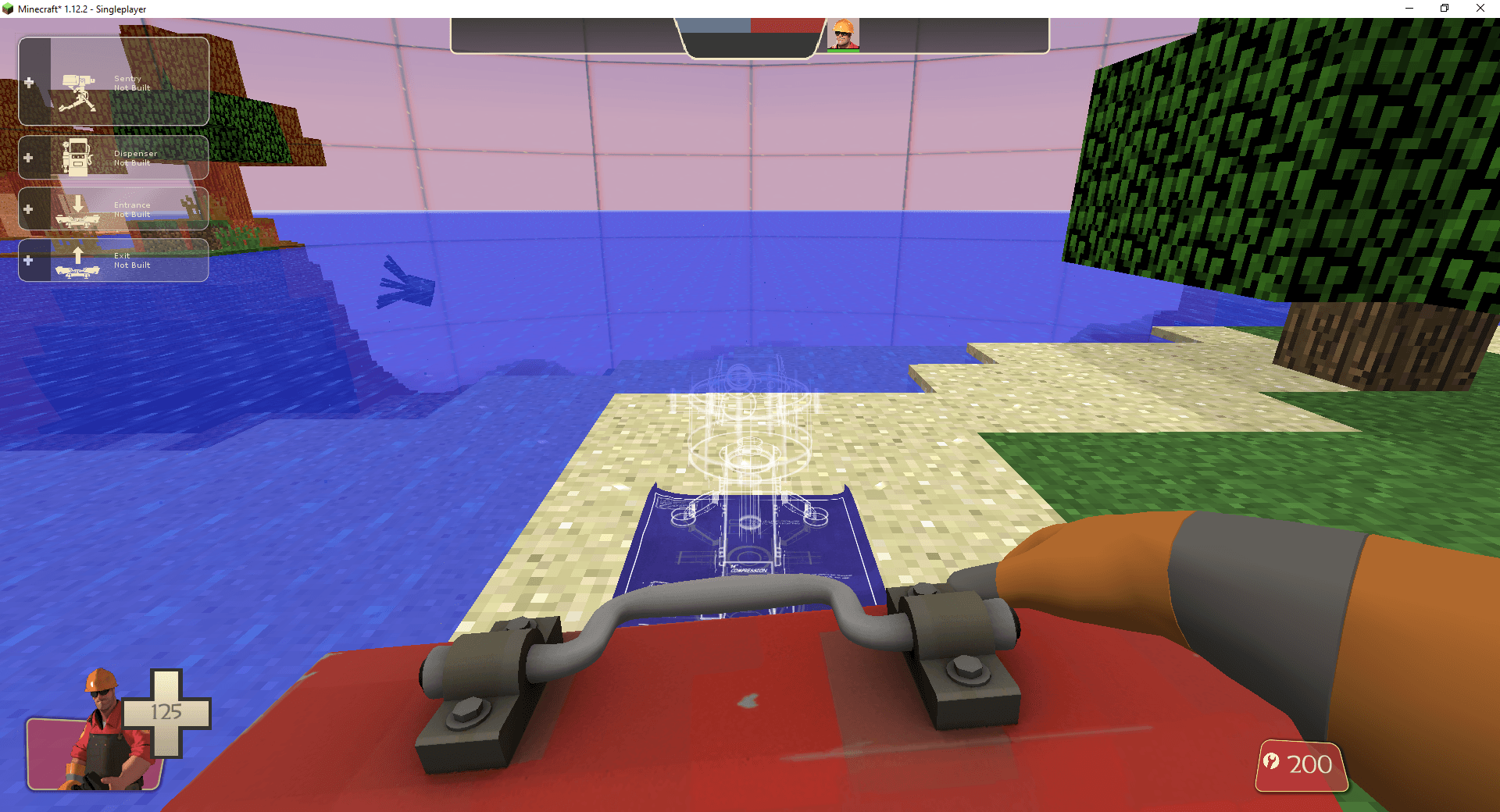
sentry placement preview as engineer.png
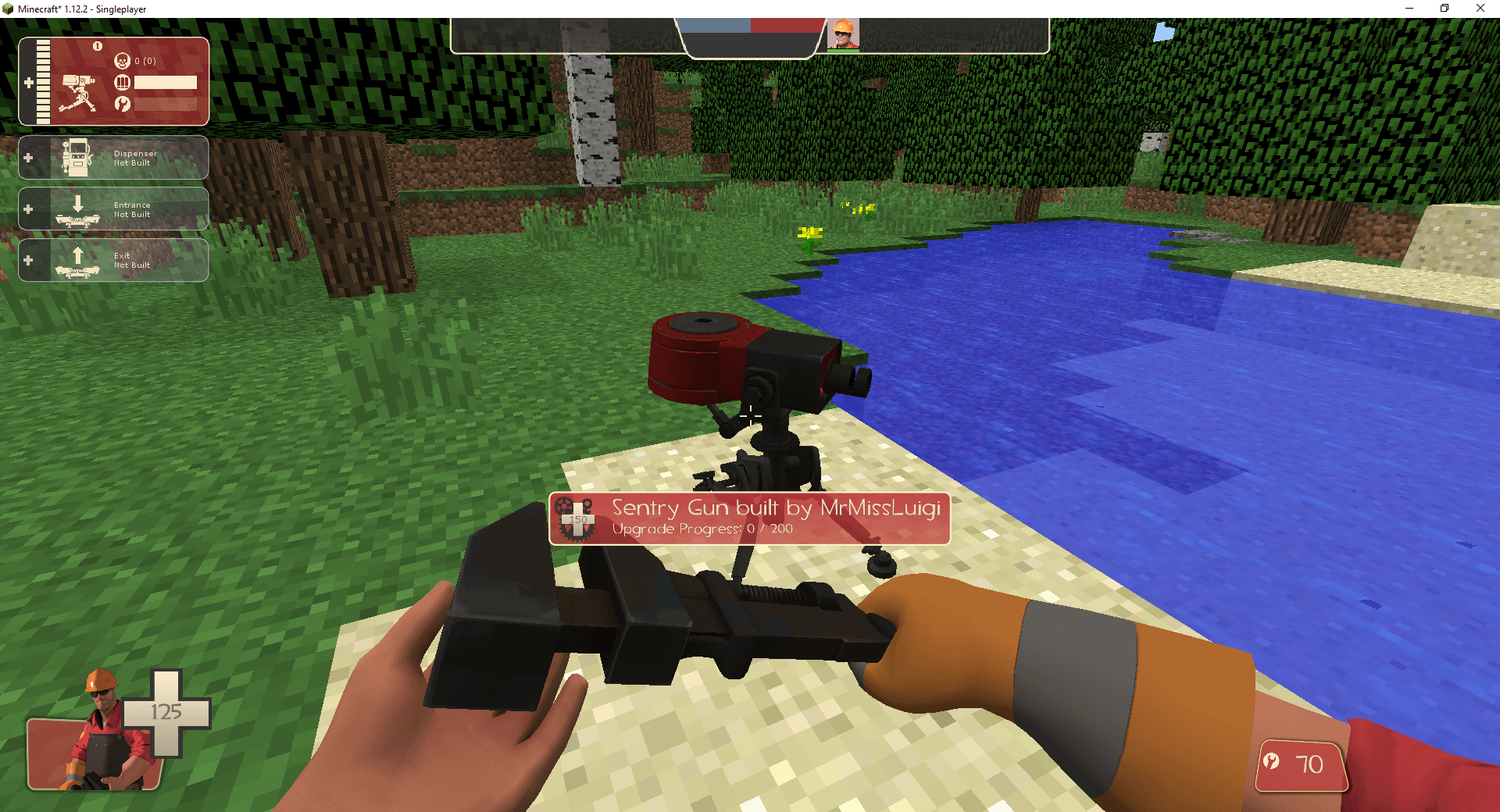
built level 1 sentry example.png
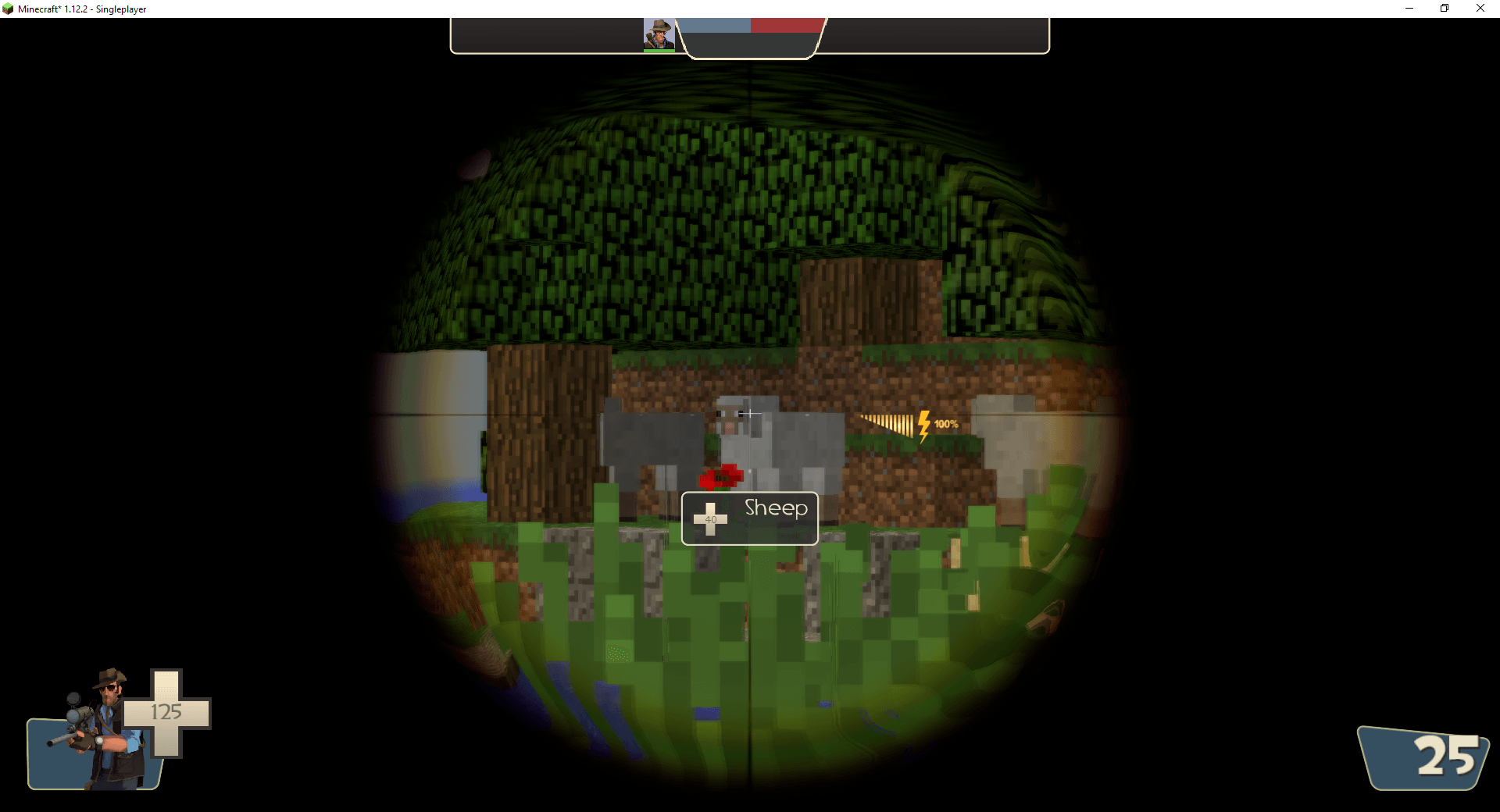
sniper scoping in example.png
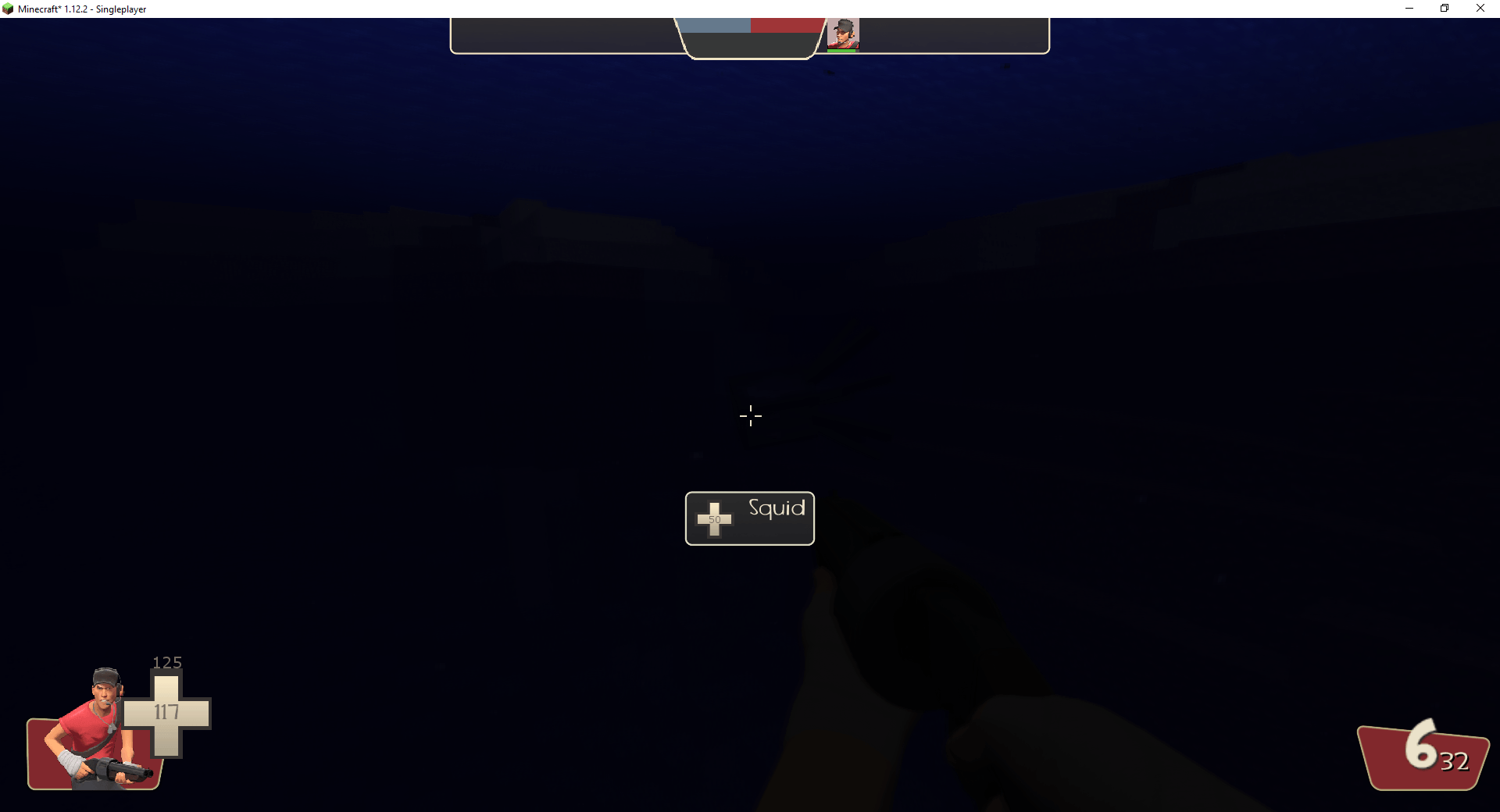
underwater shader as red scout.png
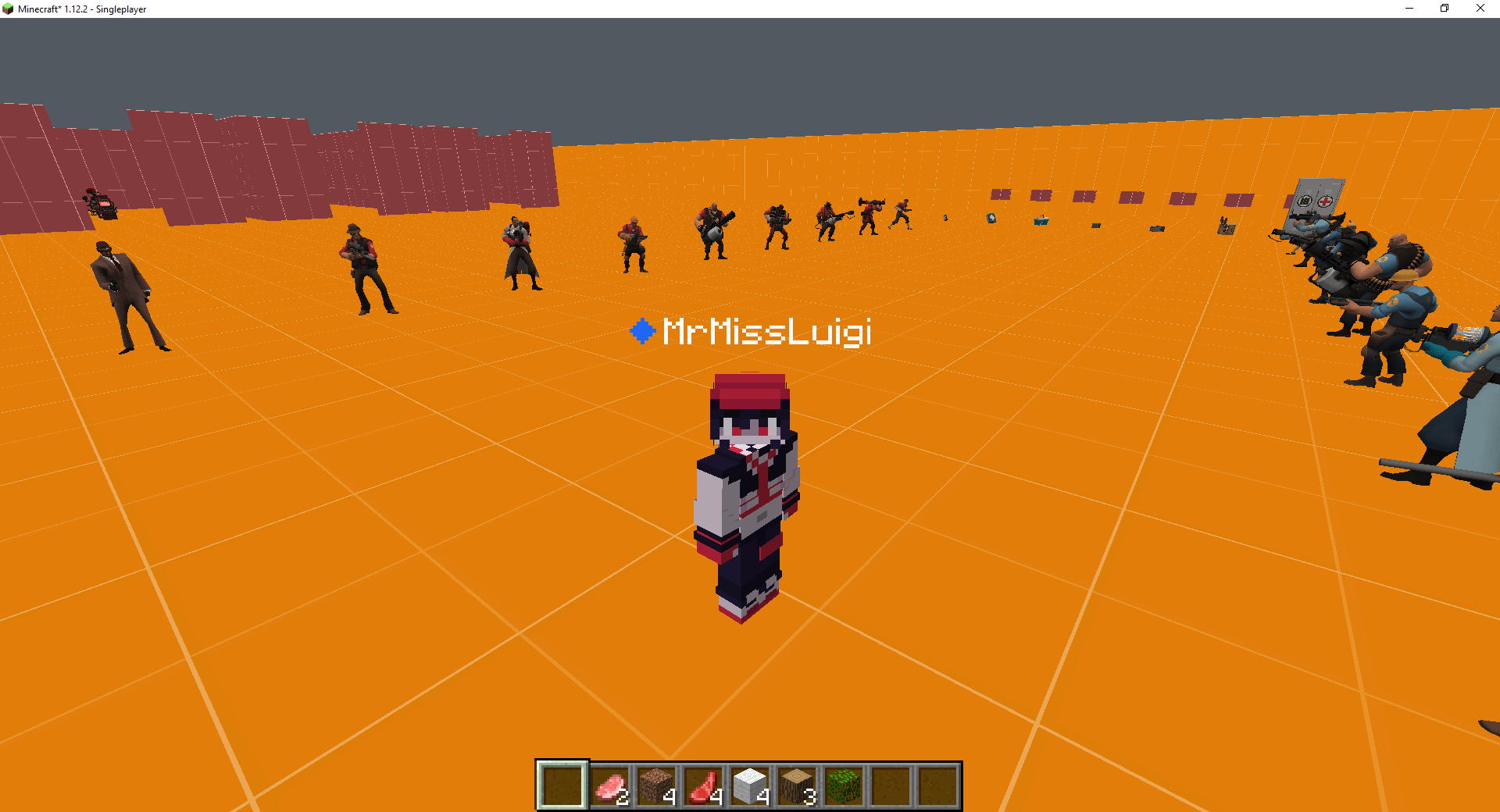
Description
This is an unofficial community project and is not affiliated with Valve.
Play as TF2’s Scout, Soldier, Pyro, Demoman, Heavy, Engineer, Medic, Sniper, and Spy- and even SAXTON HALE in Minecraft, using their original models, animations, and sounds- (Not included in the mod file itself)- This mod is NOT a passthrough mod. It is all done IN minecraft.
All weapons with unique stats and equipment are implemented (not counting reskins). The mod supports multiplayer.
How to play:
You need TF2 installed locally through Steam. TF2’s game assets are not included in this mod. On your first launch, you’ll be asked to select your TF2 installation and choose where to store the converted assets. This creates a separate cache of approximately 8 GB, so leave some extra space available for importing and updates. Your original TF2 files are not changed.
If Minecraft closes or crashes during the import (which it shouldent), relaunch it and select the same folders. Completed import stages are saved, so you won’t have to start the entire process again.
For multiplayer, use the Essentials mod to host your world and invite friends. Everyone needs the same mod version and must complete their own TF2 asset import (Both players need the same TF2 assets and version as well). Conventional server hosting is not recommended for this release, since the server would also need the large asset cache uploaded and configured (unless you own your own physical server then go for it)
Controls:
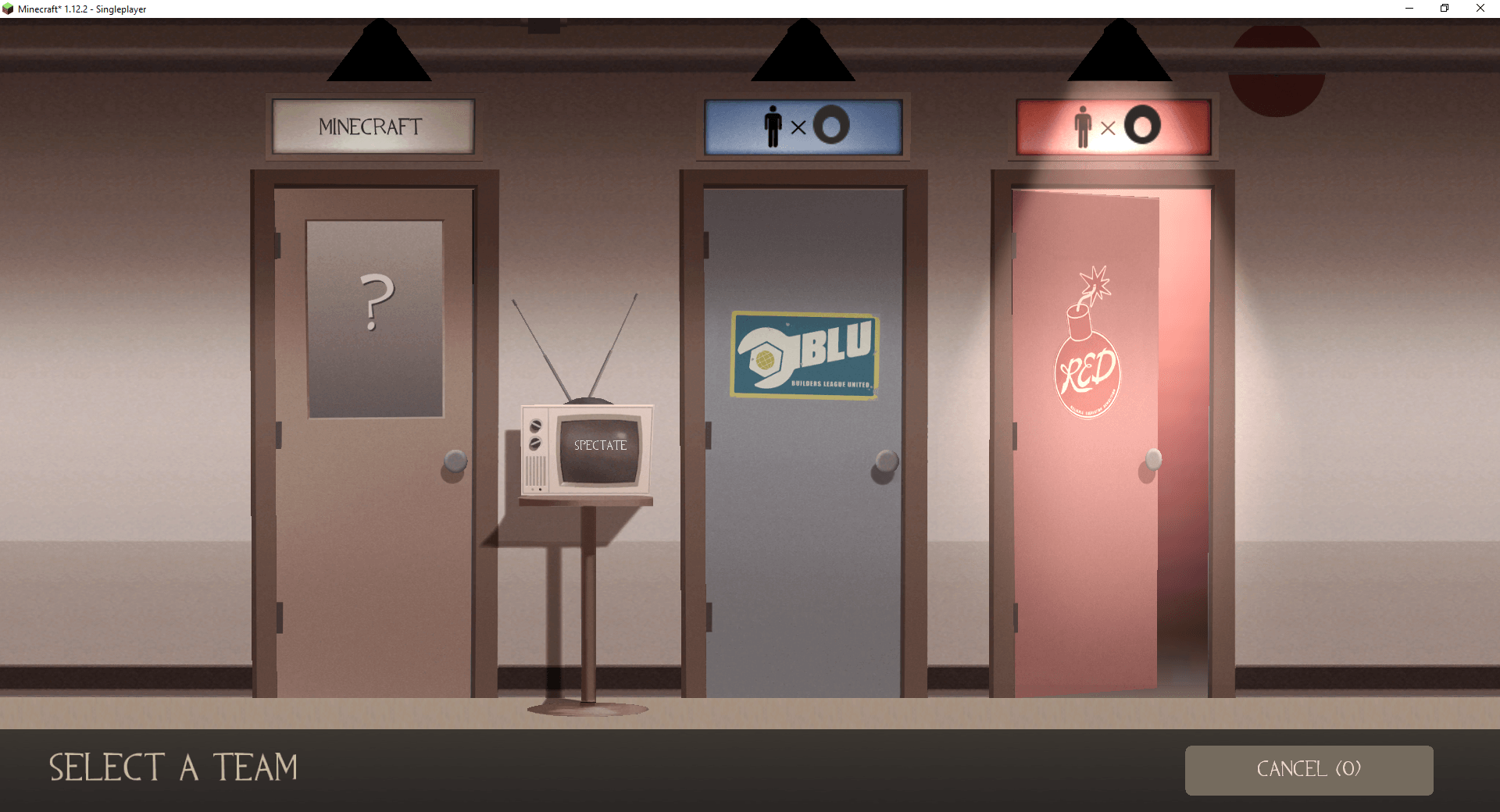
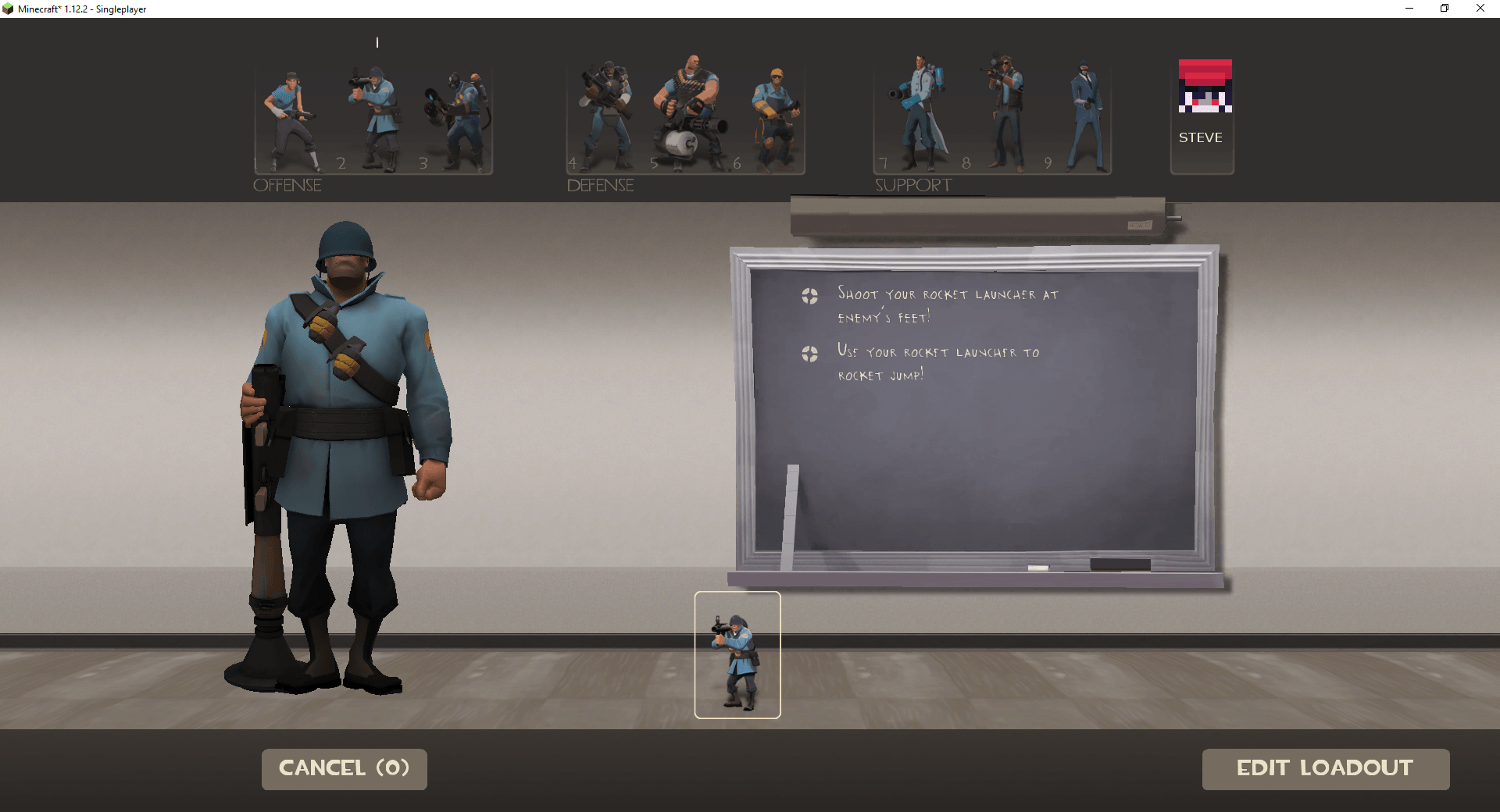
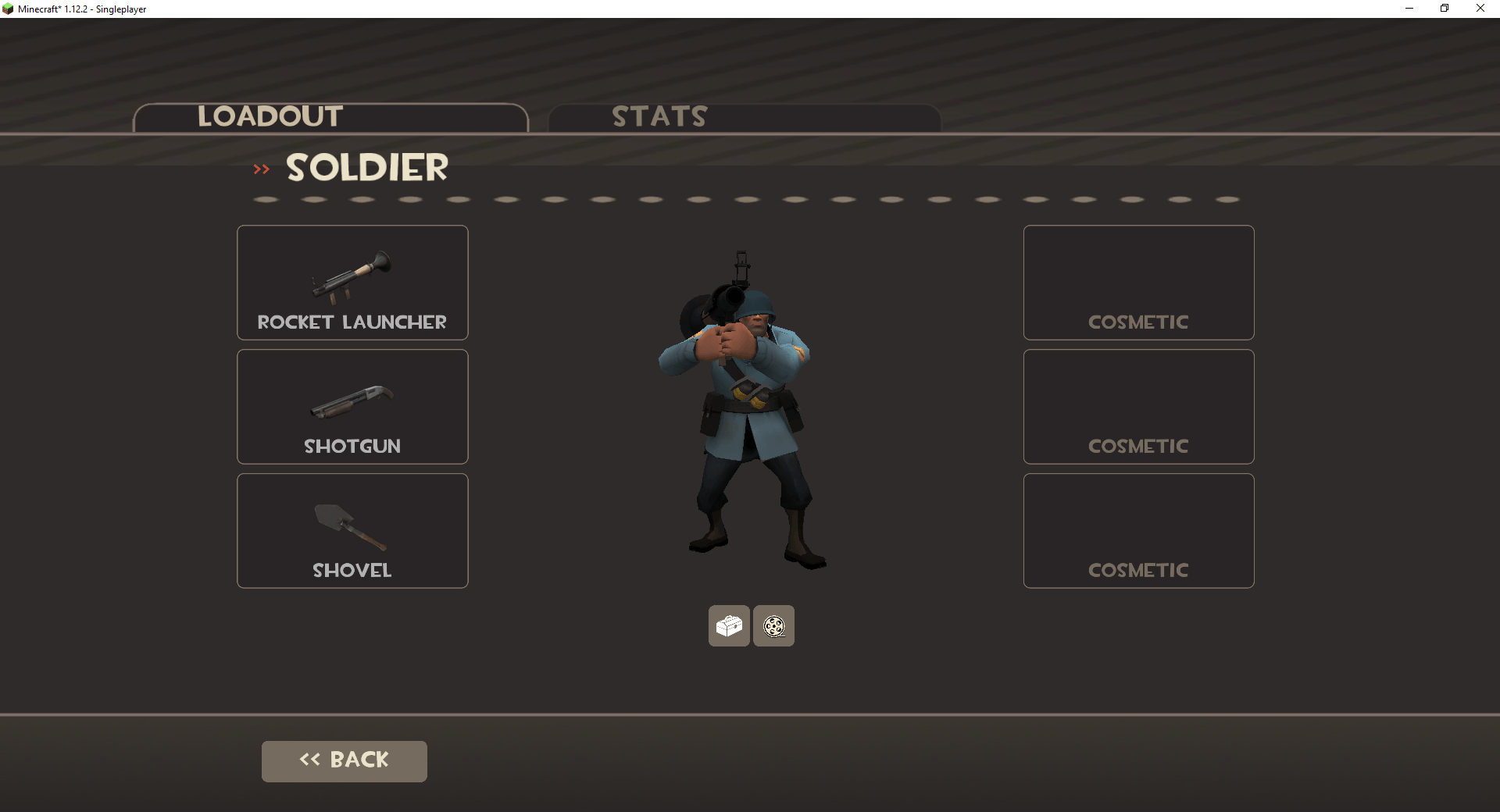
Press , (comma) to choose your class and . (period) to choose your team. Use R to reload, G to taunt, Left Ctrl to crouch, F to inspect your weapon, and H to pick up a weapon. Your backpack and loadout are under Esc → Items. Make sure if your using the Essential Mod that you unbind its keybinds or it will conflict with these.
Mercenaries need more room than a normal Minecraft player. When building, allow two blocks of width and three blocks of height for standing movement through passages. (crouching will let you fit in 2 block tall areas)
Tips: (as of v 1.0.5) If you right click with arrows in your hand in TF2 mode, it will count as picking up a small ammo pack, same with cooked food acting like a small health pack.
Totems of undying grant 10 secconds of uber and crits if you "die" with one in your hand as a TF2 character
-------------------
Commands
Enter these in Minecraft chat with /. You can also open the mod’s console with the backtick/grave-accent key ` while in TF2 mode; the slash is optional there.
Player commands
/soldier on — Enter TF2 mode with your selected class. Despite the command’s name, it works with all nine classes. Typing /soldier by itself does the same thing.
/soldier off — Leave TF2 mode and restore your saved Minecraft inventory.
/soldier refill — Refill health, ammunition, and supported class resources. If you aren’t already in TF2 mode, this command enters it first.
/soldier target — Spawn a zombie practice target in front of you.
/saxtonhale on — Play as Saxton Hale. You can also type /saxtonhale by itself. Punch with either mouse button, hold R to charge, press jump again while airborne for Brave Jump, and crouch in the air for Mighty Slam. G opens taunts.
/saxtonhale off — Leave Saxton Hale mode and return to Heavy. Use /soldier off if you want to return to normal Minecraft gameplay instead.
/tf_medigun_autoheal 1 — Keep healing after releasing the attack button. Use 0 to turn this off. Autoheal is enabled by default. Enter /tf_medigun_autoheal without a value to check your current setting.
/eureka_teleport 0 — Teleport to your spawn/home destination with the Eureka Effect. Use /eureka_teleport 1 to travel to your teleporter exit. You must be holding the Eureka Effect and meet its normal teleport requirements. Typing /eureka_teleport without a value uses destination 0.
Maps
/map ctf_2fort — Travel to 2Fort.
/map koth_viaduct — Travel to Viaduct.
/map debug — Enter the testing map.
/map minecraft — Return to your saved Minecraft location.
These commands move only your character, so friends should enter the same command to join you.
Host/operator commands
These commands are for the singleplayer world owner or players with operator permissions. /infiniteammo and /valverocketlauncher specifically require cheats enabled in singleplayer or operator permissions in multiplayer.
Health and noclip commands require the affected player to be alive and in TF2 mode. Condition commands also work on living Steve players who have joined RED or BLU.
/tf_bot_add 4 soldier blue — Spawn four BLU Soldier bots. Change the number, class, or team as needed. Use auto instead of red or blue for automatic team balancing. Leaving out the class chooses random classes. For a named bot, use something like /tf_bot_add 1 medic red Doc. This command allows up to 32 loaded combat bots in the current world.
/tf_bot_kick all — Remove all combat bots. Replace all with red, blue, or a bot’s name to be more specific. Typing /tf_bot_kick by itself also removes all combat bots.
/nb_stop 1 — Pause bot AI. Use /nb_stop 0 to resume it. Enter /nb_stop without a value to check the current setting.
/mp_botrespawns 0 — Disable bot respawning. Use 1 to enable it. Enter /mp_botrespawns without a value to check the current setting.
/infiniteammo on — Enable infinite ammunition for yourself. Supported weapons keep their clips and reserves full and do not need reloading. Firing Engineer weapons that use metal also stops consuming metal. This does not refill food, drink, jar, or other consumable charge meters, and constructing or upgrading buildings still costs metal. Use /infiniteammo off to disable it, /infiniteammo status to check it, or /infiniteammo toggle to switch it. Typing /infiniteammo by itself also toggles it.
/valverocketlauncher — Add the special Valve Rocket Launcher to your TF2 backpack. This is an extremely powerful operator-only launcher. It equips automatically if you are currently playing Soldier.
/heal — Restore your health. /heal 100 restores up to 100 TF2 HP, without exceeding your maximum health. (Fun fact: 100 TF2 HP is equivilent to Steves max hp)
/setmaxhealth 500 — Set your maximum health to 500 TF2 HP. Use /setmaxhealth reset to restore your class’s normal base maximum. Accepts values from 1 to 100,000 TF2 HP. Raising your maximum health does not automatically heal you, so use /heal afterward if needed.
/resupply — Restore health, ammunition, and supported class resources.
/addcond 5 30 — Give yourself invulnerability (uber) for 30 seconds. Condition 11 grants critical hits, and 19 grants mini-crits. These are the three supported command conditions. A duration of -1 lasts until removed or you respawn. Leaving out the duration also uses -1.
/removecond all — Remove the supported command-added conditions. You can also specify one, such as /removecond 11.
/noclip — Toggle noclip. /noclip 1 enables it, and /noclip 0 disables it.
/sv_noclipspeed 10 — Adjust your noclip speed. Accepts values from 0.1 to 20. The default is 5. Enter the command without a value to check your current setting.
/sv_noclipaccelerate 5 — Adjust your noclip acceleration. Accepts values from -1 to 20. The default is 5. Enter the command without a value to check your current setting.
/ent_remove — Remove the supported TF2 entity you’re looking at. You can also specify an entity name or type, such as /ent_remove obj_sentrygun to remove the nearest matching sentry. Other supported examples include obj_dispenser, obj_teleporter, and resupply_cabinet. Requires TF2 mode or Creative mode.
/mp_friendlyfire 1 — Enable friendly fire. Use 0 to disable it.
/tf_avoidteammates 1 — Allow teammates to pass through each other. Use 0 to make them block each other.
/tf_avoidteammates_pushaway 0 — Disable the teammate push-away adjustment. Use 1 to enable it.
You can check the current friendly-fire and teammate-collision settings by entering their commands without a value.
Health and condition commands can target another player by adding their name. For example, /heal 100 PlayerName, /setmaxhealth 500 PlayerName, /resupply PlayerName, /addcond 11 30 PlayerName, or /removecond all PlayerName.
CTF settings
These apply while you’re in a CTF map such as 2Fort. Changing them requires host/operator access.
/tf_flag_caps_per_round 3 — Set the number of captures needed to win. 0 disables the capture-count win limit.
/tf_flag_return_on_touch 1 — Return dropped friendly intelligence when touched and require your intelligence to be home before capturing. Use 0 to disable this.
/tf_ctf_bonus_time 10 — Set the team’s crit bonus after a non-winning capture to 10 seconds.
/mp_bonusroundtime 15 — Set the post-win bonus round to 15 seconds. Accepts values from 5 to 15.
/mp_restartgame 1 — Restart the CTF match after one second. 0 cancels a pending restart.
You can check the current capture limit, return-on-touch setting, capture bonus duration, and bonus-round duration by entering their commands without a value. These commands apply to CTF maps only.
To clear the mod console’s displayed log, type clear without a slash.
(Yes, this mod was made with AI)
This mod is for 1.12.2 FORGE and I won't be making any other version for now.
Mercenary Mayhem Team