


Meowmories
- By
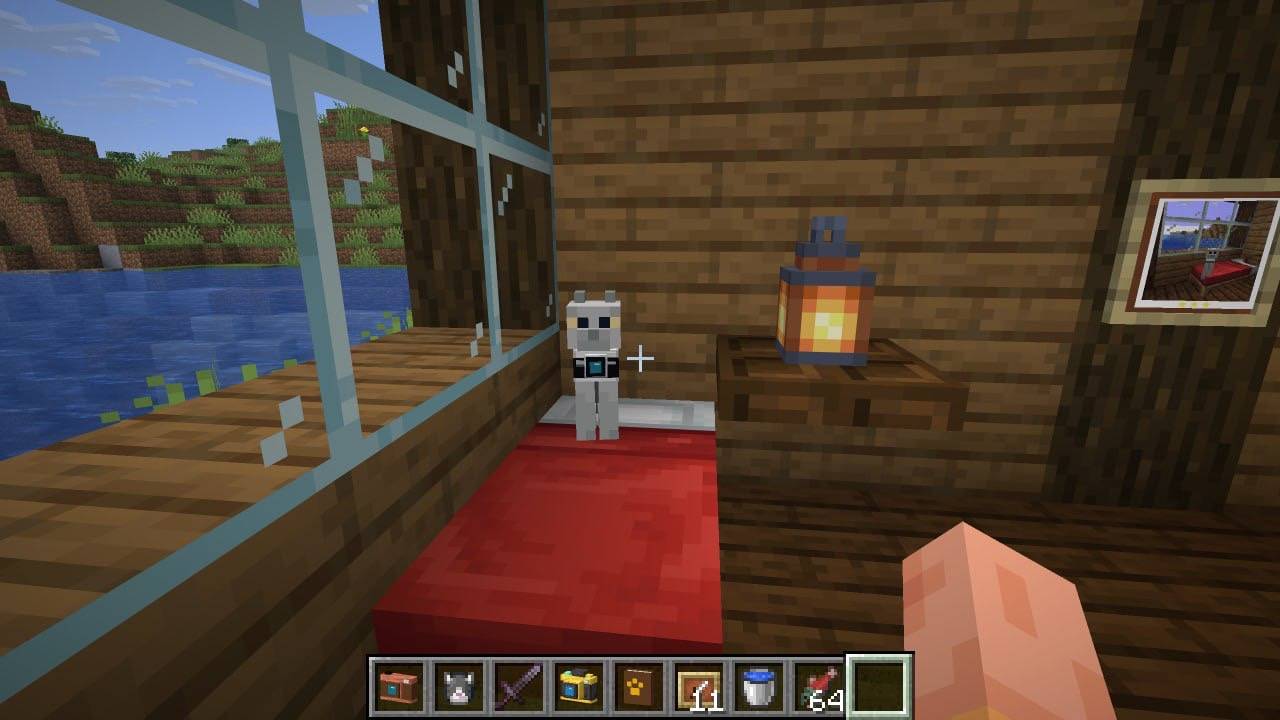
A photographer cat at home, with a framed photograph on the wall.
Description
Meowmories — Cameras, Cats & Memories
Turn your Minecraft adventures into a collection of photographs. Capture your favorite cats, landscapes, buildings and everyday moments, then display your pictures in frames or arrange them in albums with personal captions.
Features
• Four craftable cameras: compact, film, professional and modular.
• Custom camera parts and progressively more advanced crafting recipes.
• A toggleable viewfinder, adjustable zoom, shutter sounds and shooting animations.
• Cat photography with a simple three-star quality system.
• Free photography mode for capturing any scene without ratings.
• 256 × 256 photographs that can be held, displayed in item frames or stored in albums.
• A developing station with stored water, paper and optional dye filters.
• Photo albums with two photographs per spread and editable captions.
• Photograph copying using an empty map.
• Telephoto and focus upgrades for the modular camera.
• Cat collections, photography challenges and hidden advancements.
• A special photographer cat that keeps its original coat.
Getting Started
Craft a camera and some film, and keep the film in your inventory. Every successful photograph consumes one piece of film. Cameras do not lose durability.
Compact and film cameras produce negatives that must be developed. Professional and modular cameras produce finished photographs.
Use the developing station to develop negatives with water and paper. Add an optional dye to tint your photograph.
Place finished photographs in an album or an item frame. To make a copy, combine a finished photograph with an empty map in a crafting grid.
Default Controls
V — Open or close the viewfinder.
B — Switch between cat photography and free photography.
Z / X / C — Zoom controls.
Right mouse button — Take a photograph.
Key bindings can be changed in Minecraft’s Controls settings.
Requirements
Minecraft Java Edition 26.3
Fabric Loader 0.19.5
Fabric API 0.161.0+26.3
Java 25
Install the mod and Fabric API in your mods folder. For multiplayer, install them on the server and on every player’s client, using the same Meowmories version.
Current Status
This is an early beta. Single-player features have been tested in-game. Multiplayer testing is still in progress, and some photograph synchronization cases may not work correctly yet.
License
All Rights Reserved. See the LICENSE file included with the mod for permitted uses.
Meowmories Team
