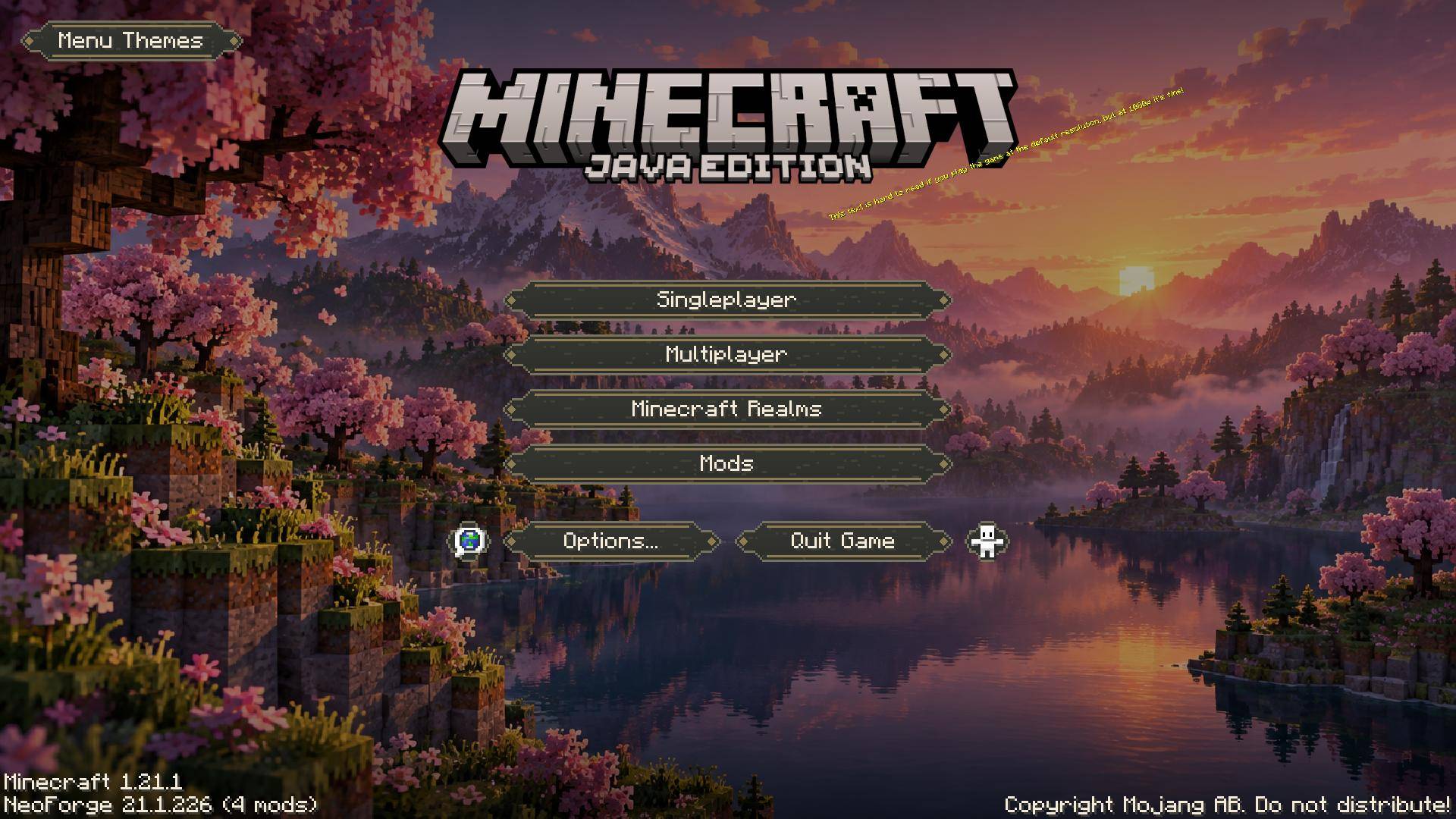
01-runic-cherry-main-menu.jpeg
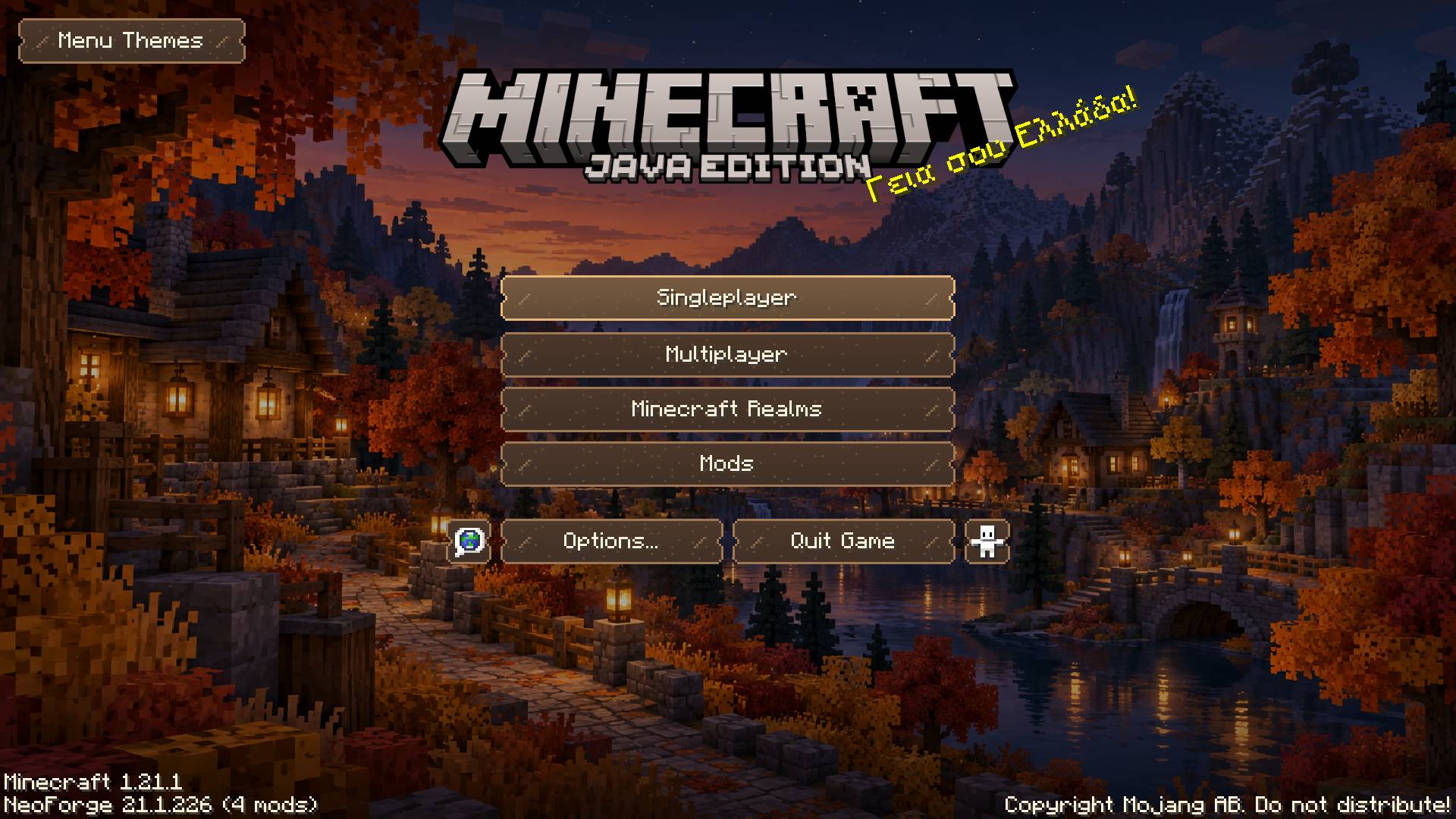
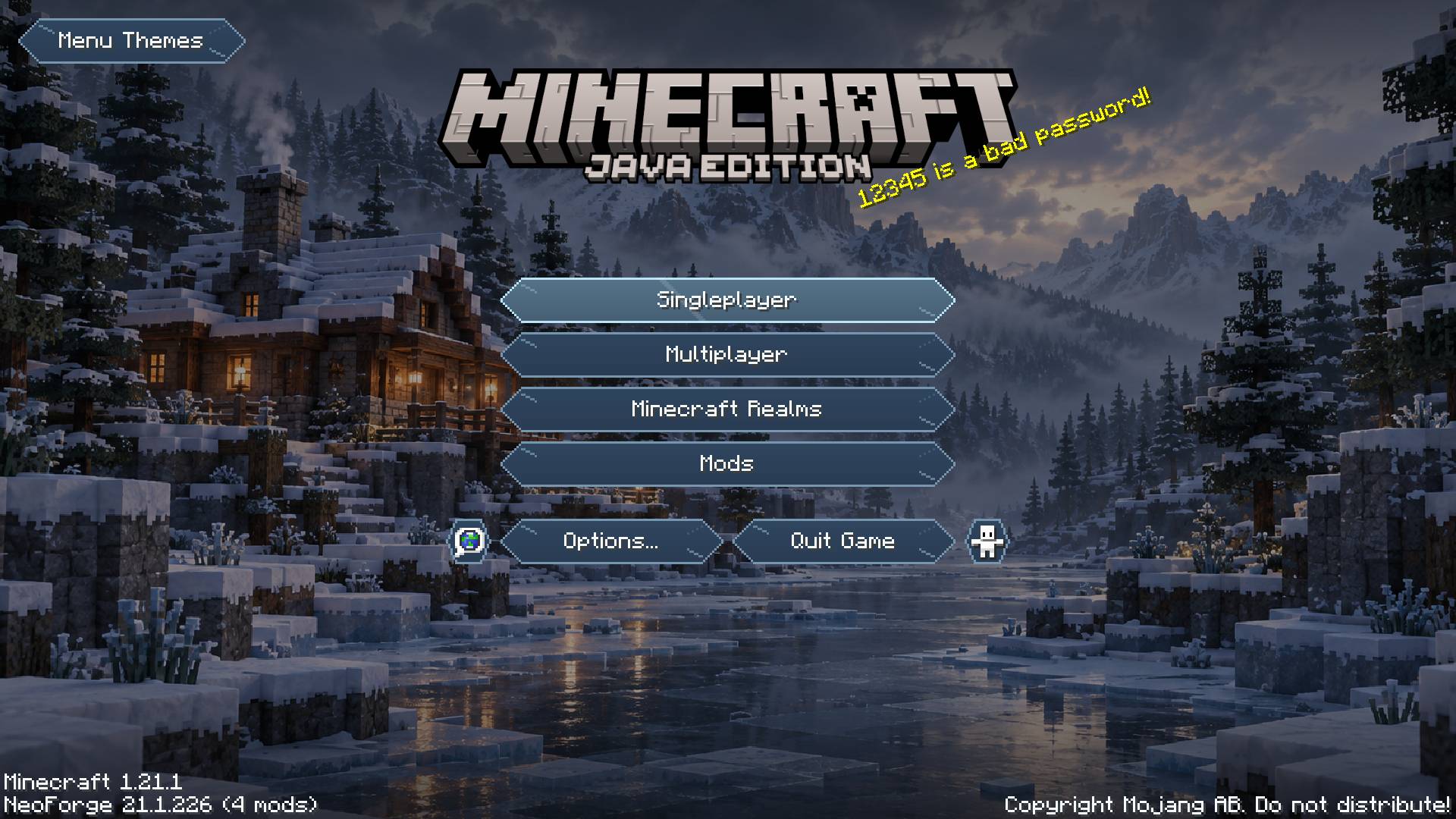
Description
Menu Themes
Make Minecraft’s menus your own.
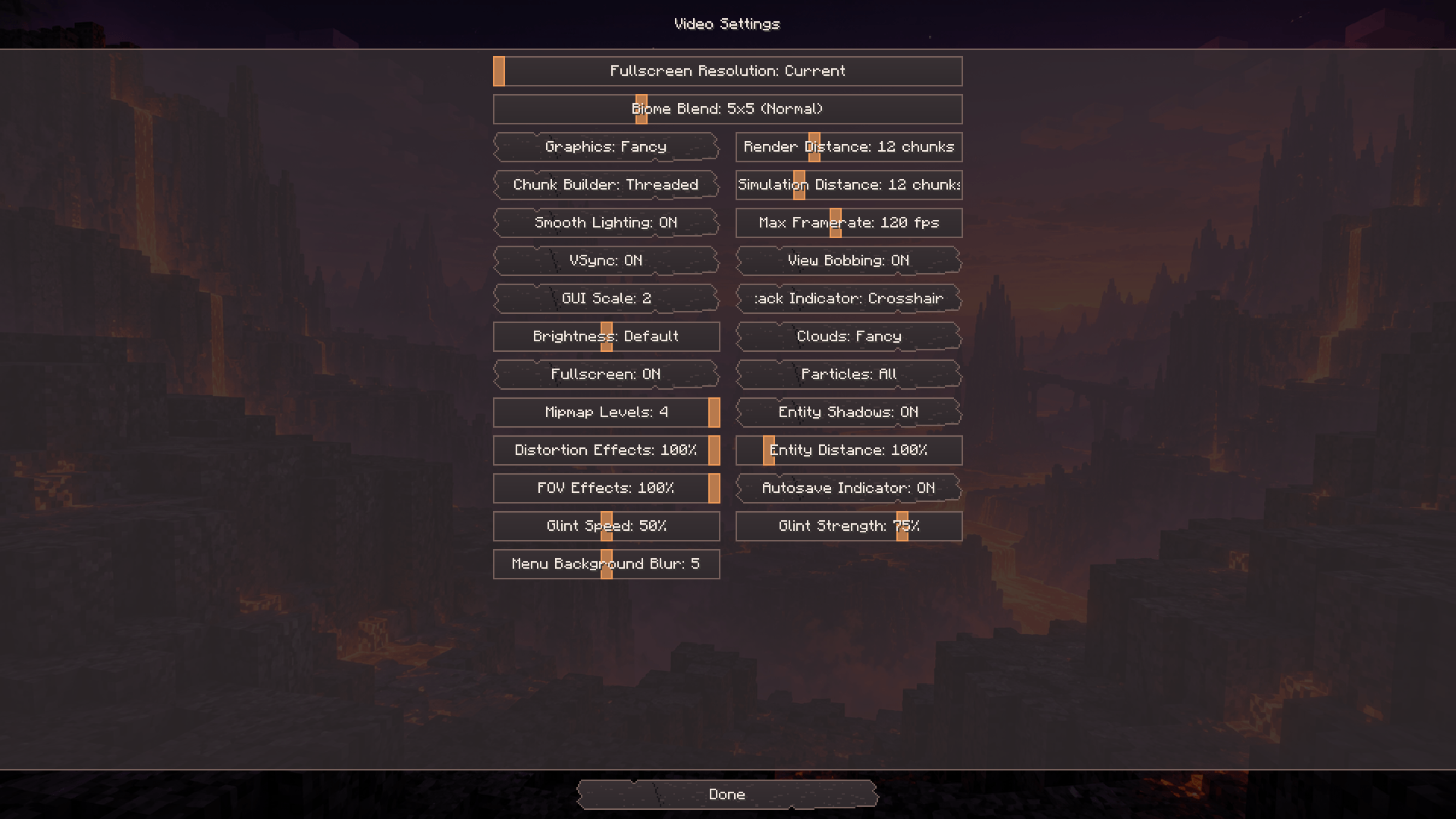
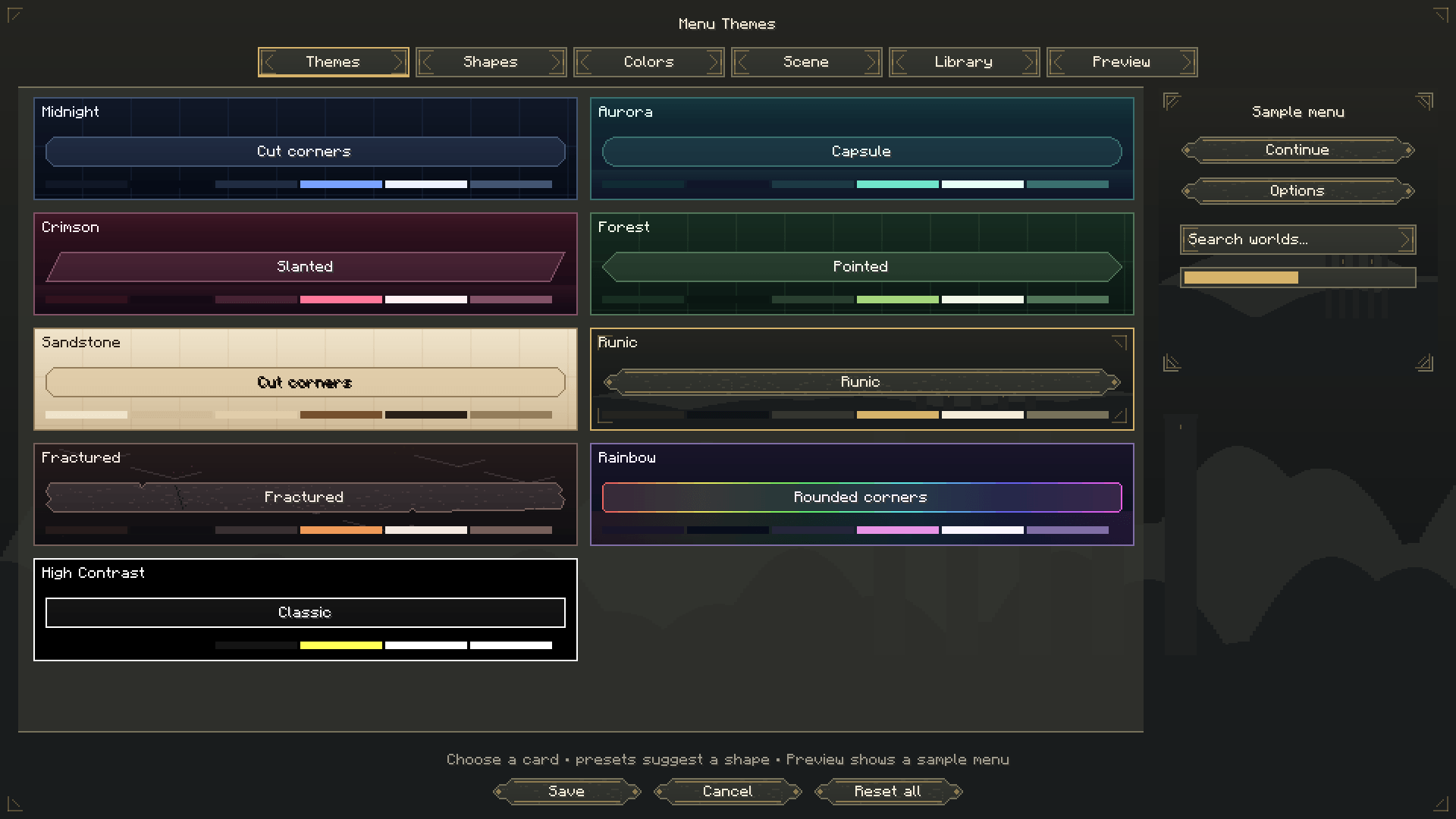
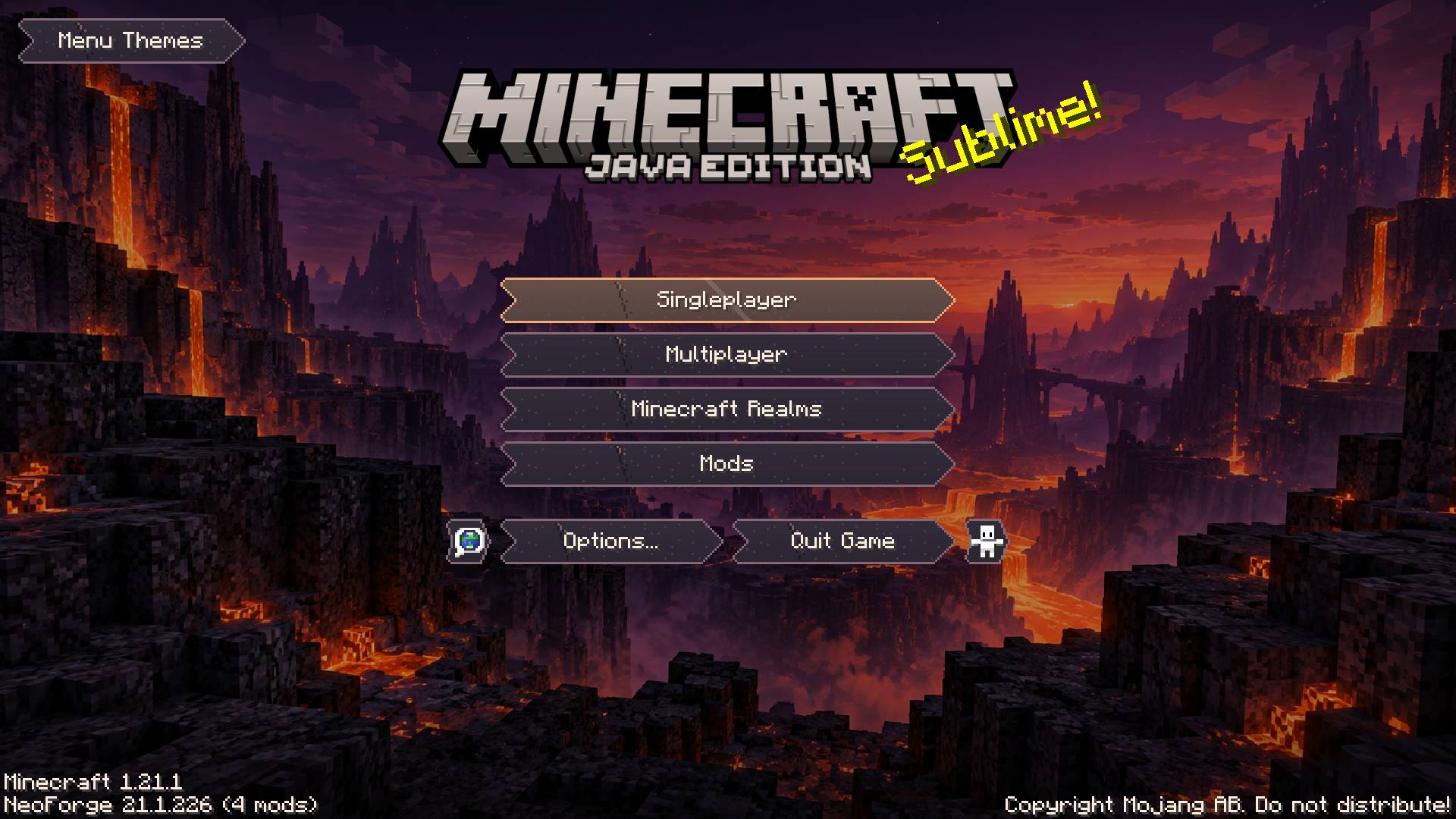
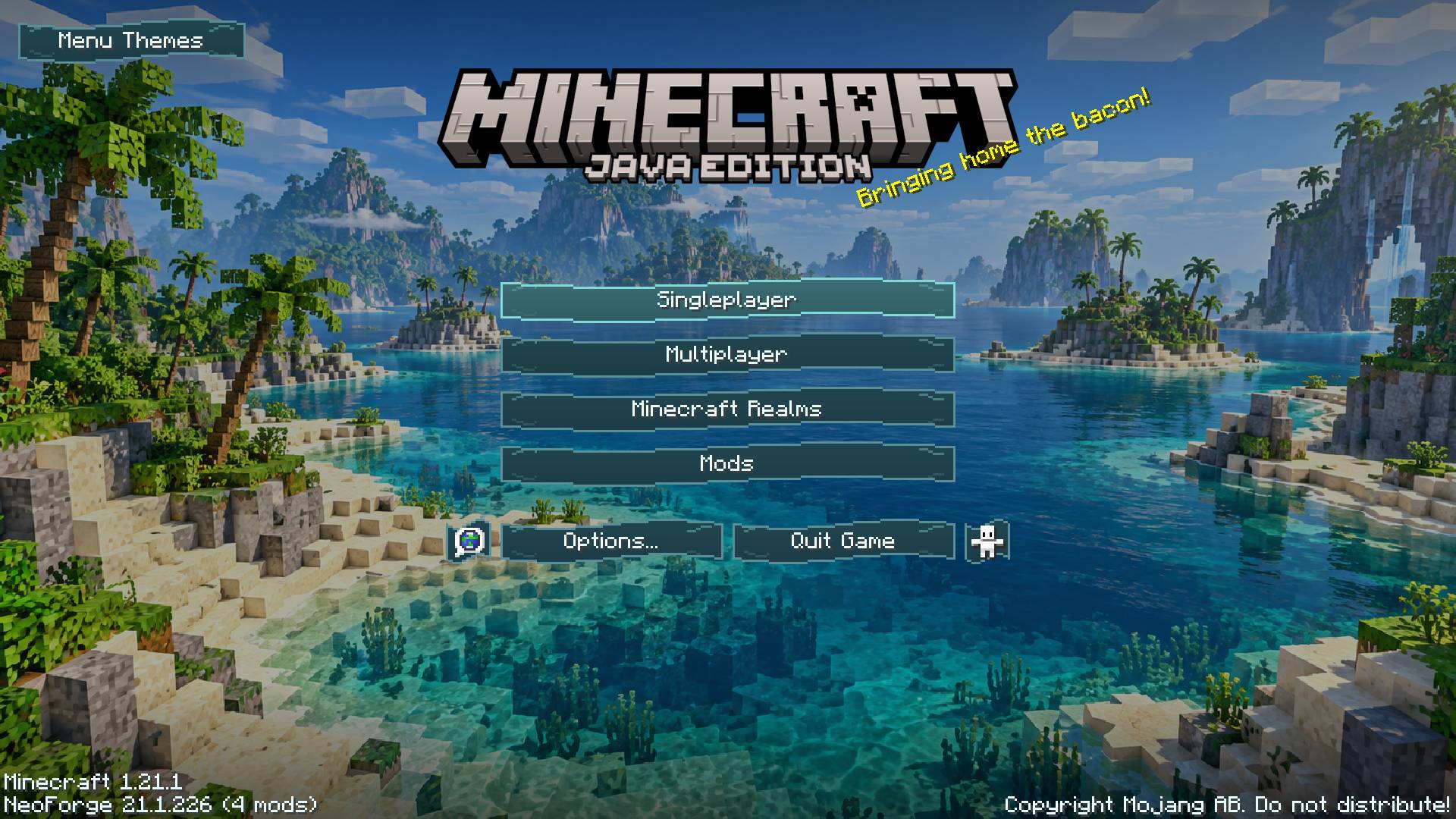
Menu Themes brings a consistent appearance to the main menu, settings, controls, pause menu, and supported inventory panels. Choose a complete theme, customize any detail, and preview your changes before applying them.
Choose your style
- 17 coordinated themes: Midnight, Aurora, Crimson, Forest, Sandstone, Runic, Fractured, Rainbow, High Contrast, Blossom, Tidal, Autumn, Frost, Celestial, Dune, Obsidian, and Neon. Each combines a palette, button shape, surface artwork, background, hover effect, click sound, and loading style.
- 15 button shapes: choose pointed, rounded, slanted, diamond, chevron, ticket, shield, wave, leaf, runic, fractured, and more. Clickable regions follow the visible silhouettes.
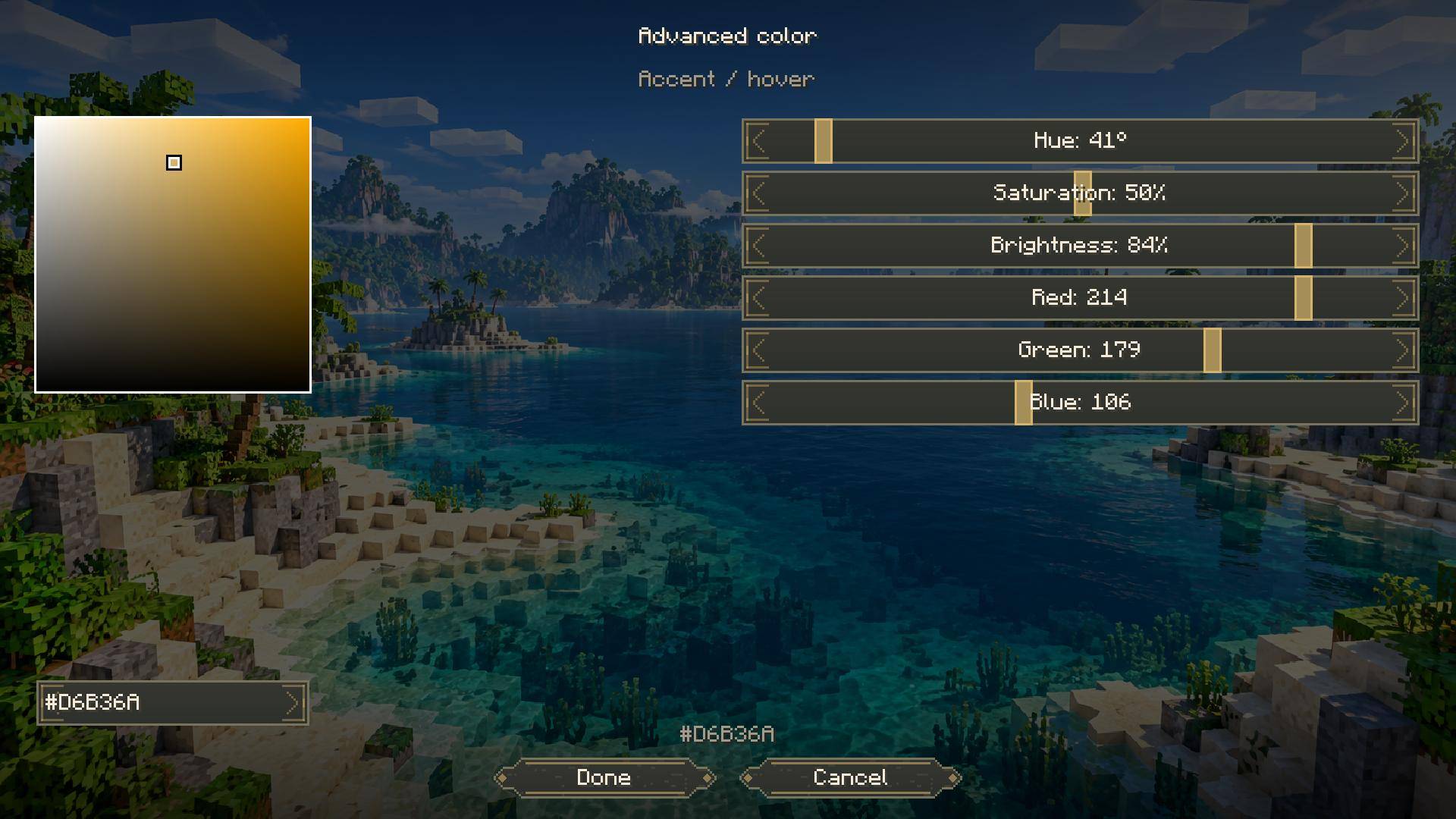
- Custom colors: edit six palette colors with RGB and HSV sliders, a draggable color pad, or exact hex values.
- 9 scenic backgrounds: discover cherry groves at sunrise, tropical islands, autumn villages, moonlit desert ruins, snowy cabins, volcanic landscapes, and more. Choose a favorite or use the crossfading slideshow.
- Your own images: import PNG backgrounds and adjust fit, zoom, focus, dimming, tint, and vignette. Extend your chosen backdrop to other menus and loading screens.
- Smooth interactions: enjoy gentle menu fades, blended hover highlights, and button press effects. Adjust animation speed, enable optional background and rainbow drift, or use reduced motion.
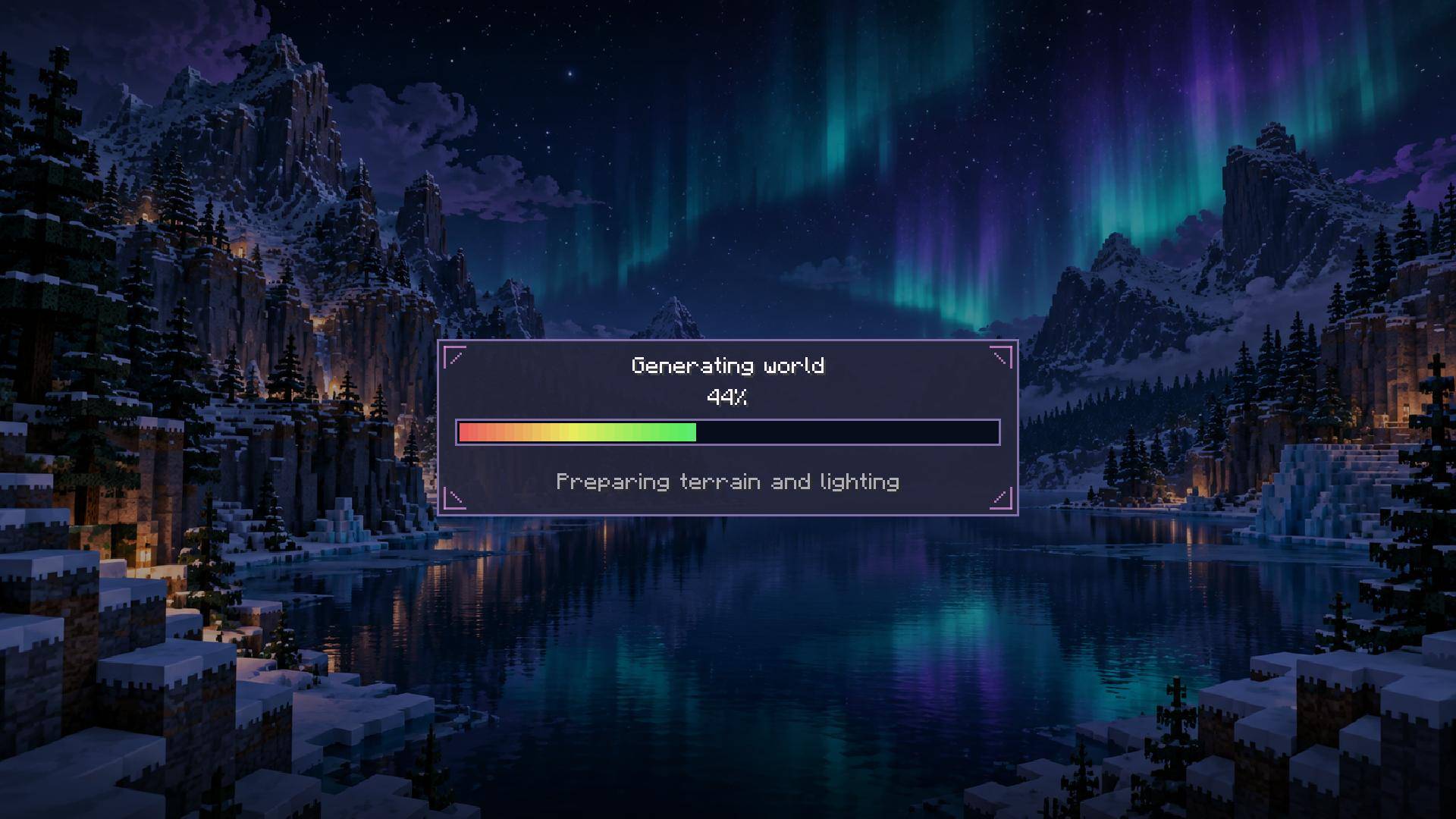
- Matching panels and loading screens: supported vanilla inventories, chests, recipe-book tabs, creative tabs, text fields, and sliders share your palette. Choose Card, Minimal, or Segmented loading designs.
Go further with Advanced Theme Studio
Advanced editing lives in a separate menu, keeping everyday customization simple.
- Edit individual buttons: move, resize, rotate, flip, recolor, rename, and adjust their opacity and layering while keeping their original actions.
- Create custom artwork: cut silhouettes and openings with scissors, paint directly on buttons, erase strokes, or import PNG textures.
- Choose hover animations: Glow, Lift, Zoom, Bounce, Wiggle, Sweep, or None. Customize effects globally or per button.
- Change click sounds: select a built-in Minecraft sound or import your own OGG Vorbis clips. Adjust volume and pitch, or silence clicks entirely.
- Compose backgrounds: crop, arrange, rotate, and merge scenic or custom image layers into your own backdrop.
- Save and share: keep named presets and studio projects, undo and redo edits, and share configurations through JSON or complete ZIP packages containing custom images and sounds.
Custom button edits and reduced-motion preferences remain intact when switching themes. Restore a theme’s recommended sound and hover effect whenever you want.
Getting started
Click Menu Themes on the main, options, or pause menu—or press F8. Choose a theme, customize it, and click Save. Open Advanced… for detailed editing.
Client-side only—servers do not need the mod.
Menu Themes Team