

Membrane+
- By
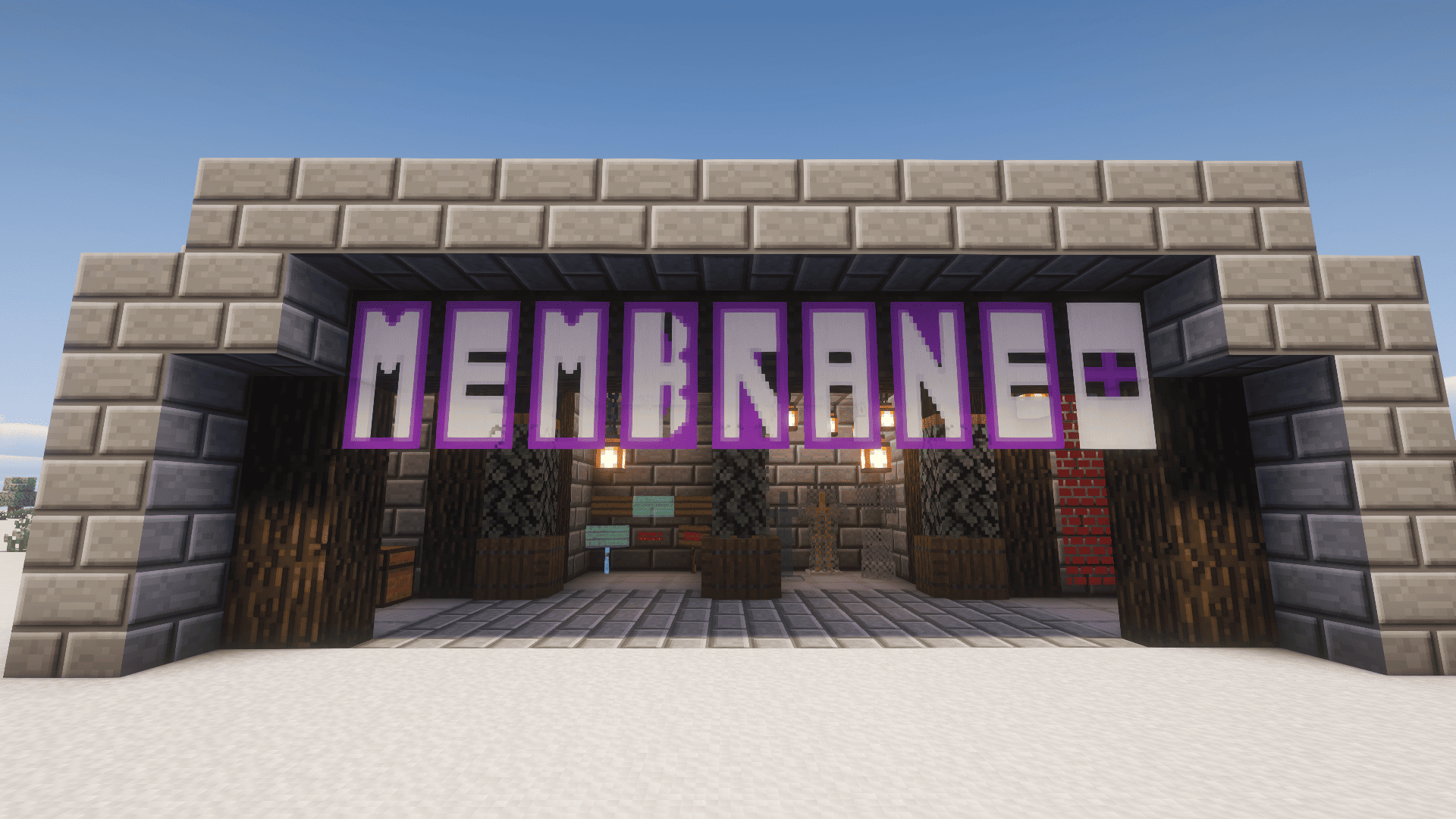
Membrane+
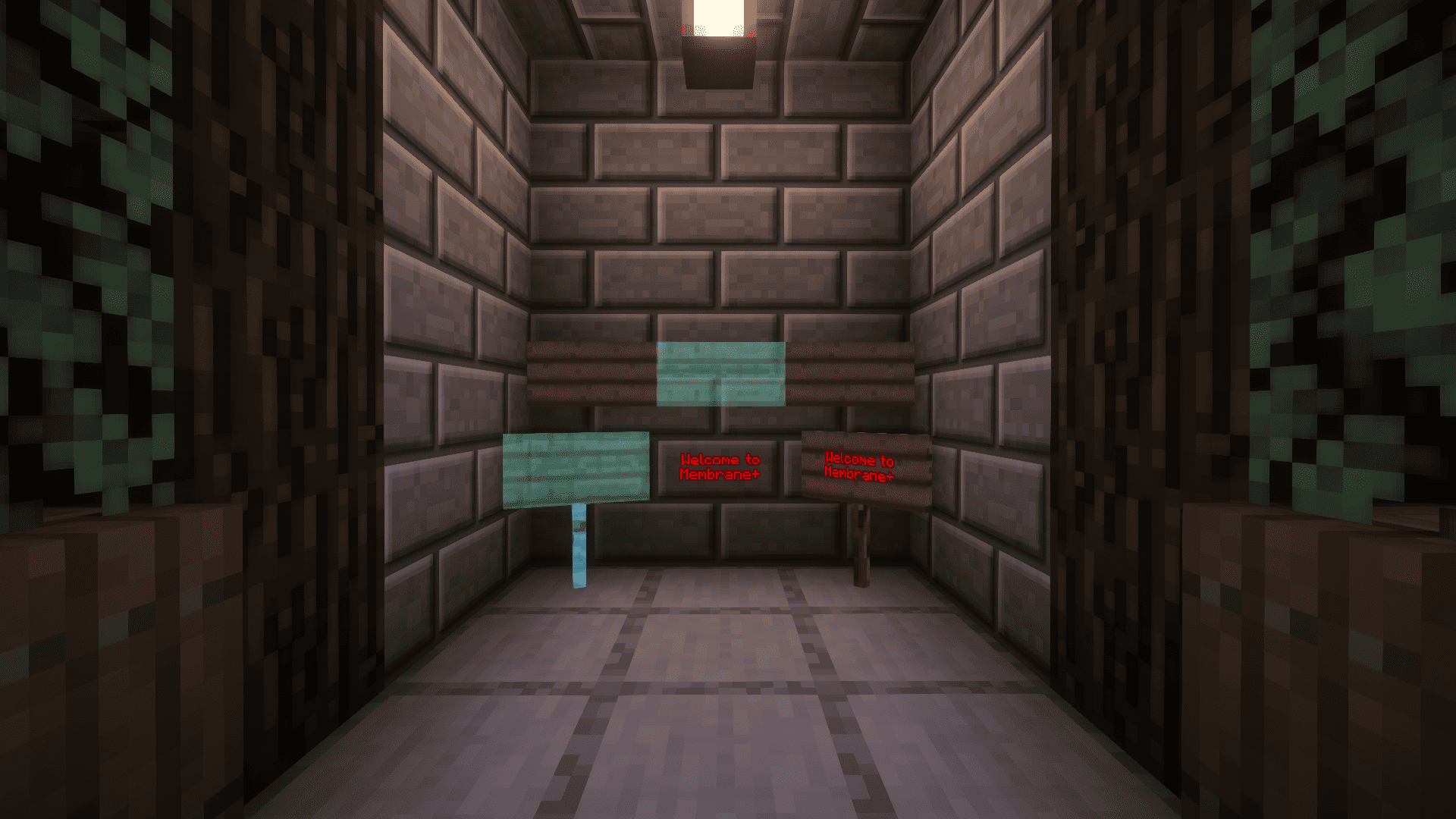
Membrane+ Signs
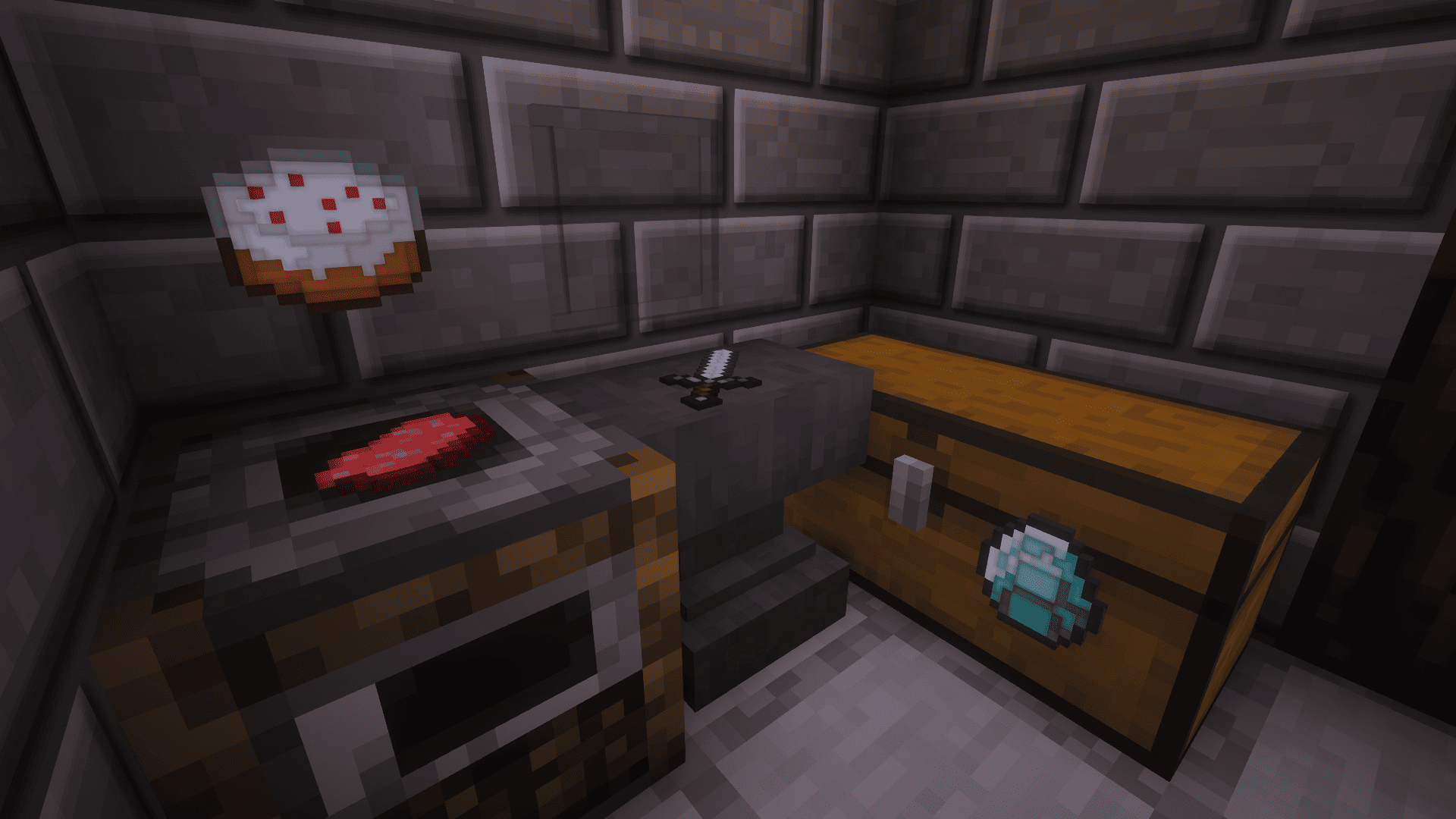
Membrane+ Item Frames
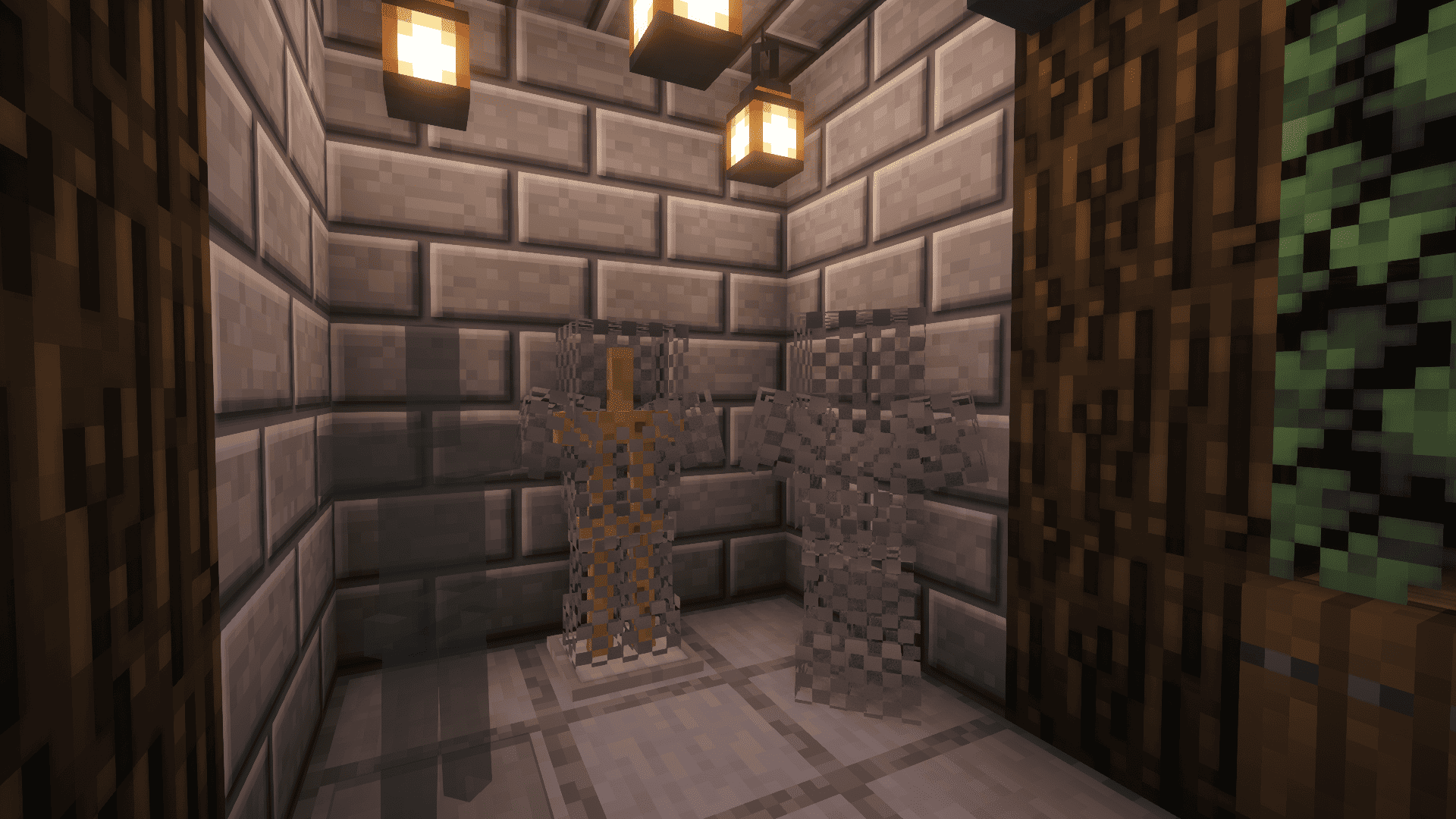
Membrane+ Armor Stands
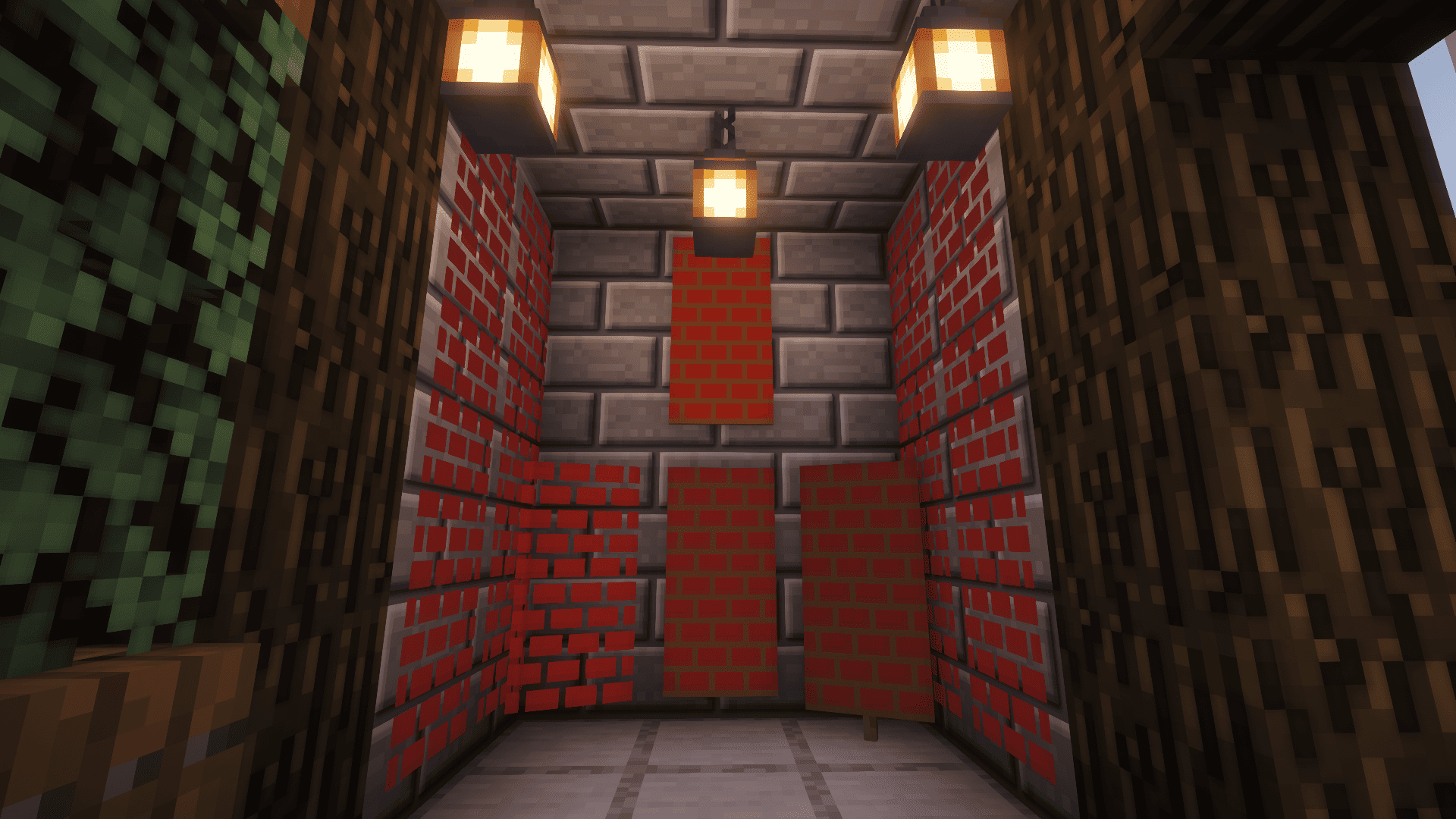
Membrane+ Banners
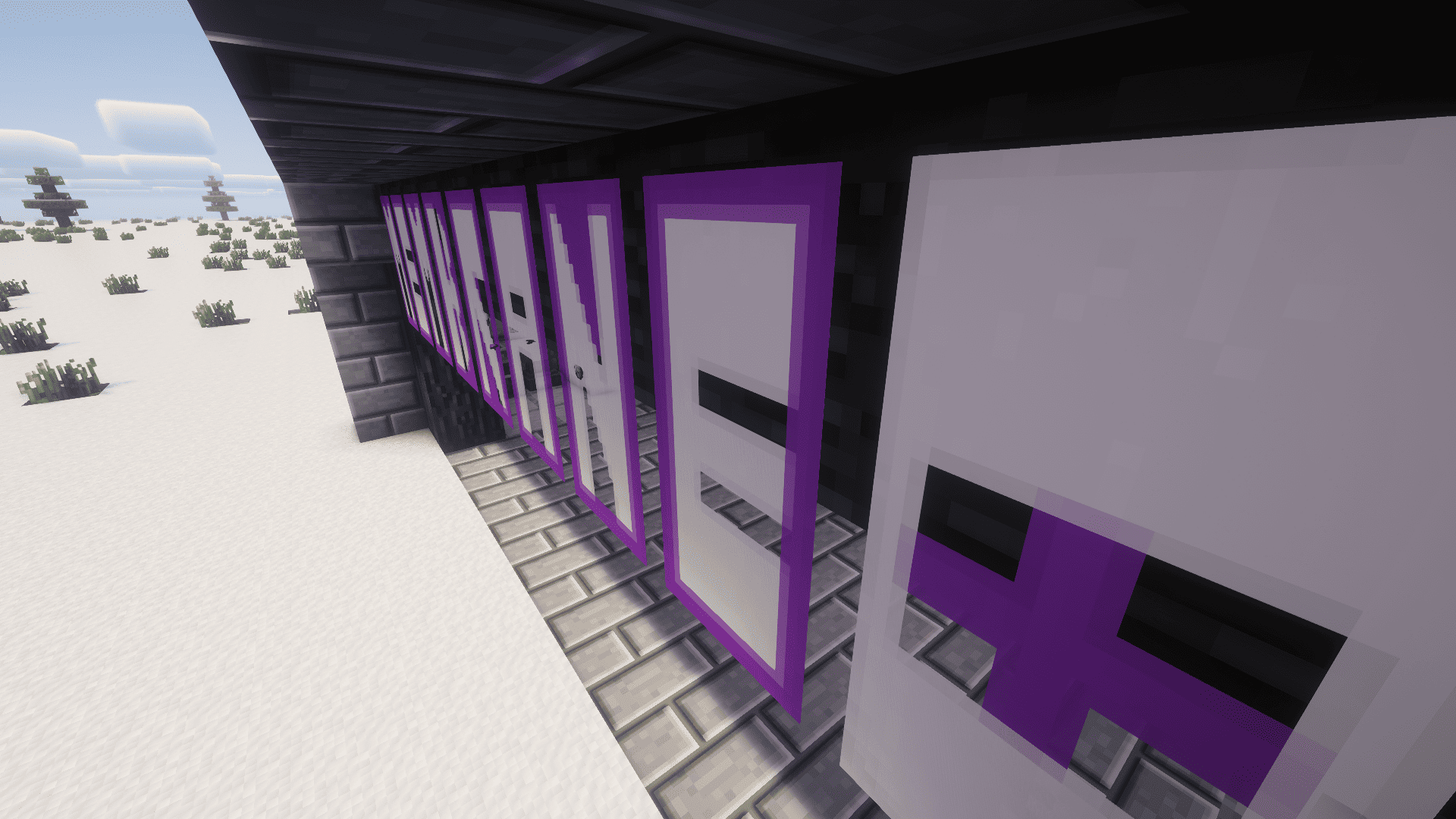
Membrane+ Banners
Description
MembranePlus
Phantom Membranes are finally useful!
We all have chests full of Phantom Membranes gathering dust. MembranePlus gives them a new purpose by turning them into a powerful tool for decoration and invisibility. (Idea Credit: Nekoma7)
Features
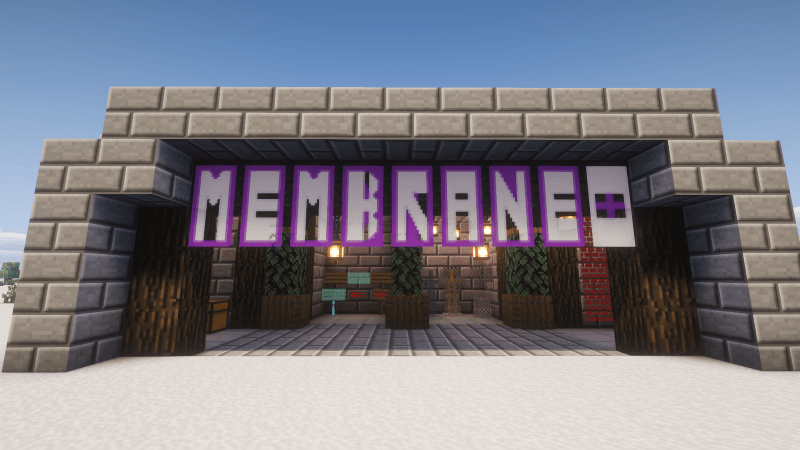
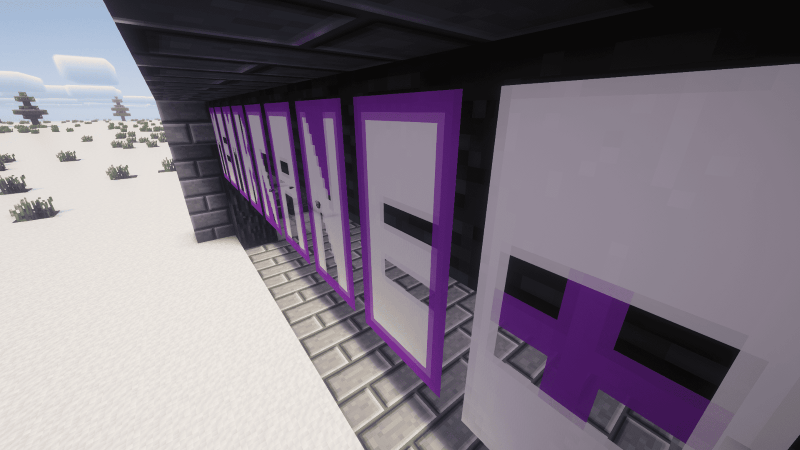
Holographic Banners: Right-click any Banner with a Phantom Membrane to strip away the fabric and stand! Creates a floating, glowing symbol that ignores lighting (always bright). Perfect for magical runes, neon signs, or holographic displays.
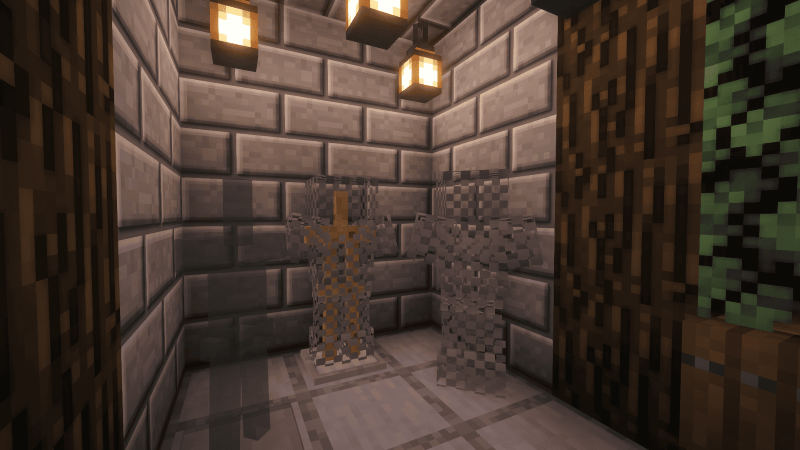
Invisible Armor Stands: Right-click an Armor Stand to turn the wooden stand invisible. If the stand has armor equipped, the armor stays visible while the stand vanishes. If the stand has no armor, it appears as a translucent, ghost.
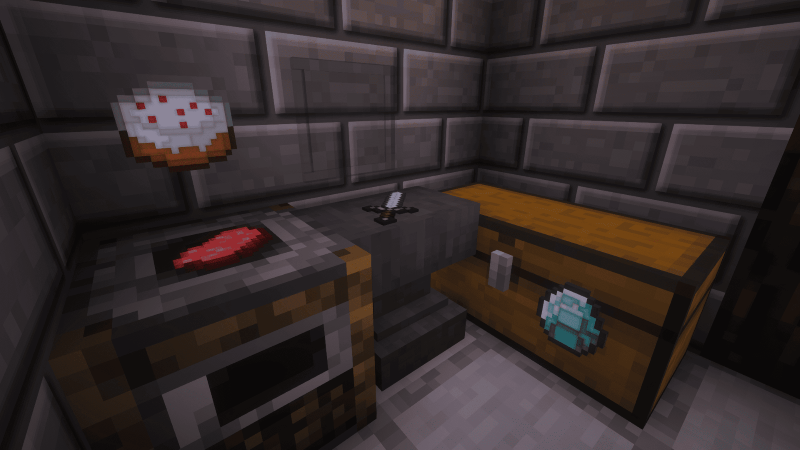
Invisible Item Frames: Right-click an Item Frame to toggle its visibility. Perfect for displaying items directly on walls without the leather background. Items pop off the wall cleanly.
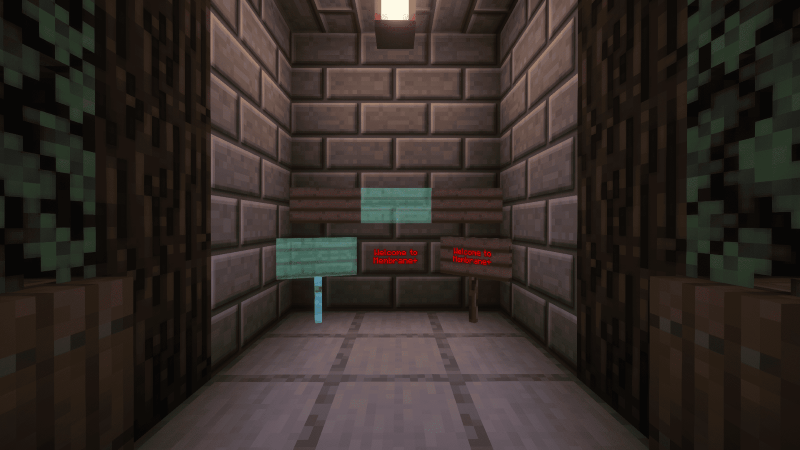
Invisible Signs: Right-click a Sign to make the wood vanish. Only the text remains floating in the air. Great for floating text labels or clean messaging.
How to Use
Simply hold a Phantom Membrane in your main hand and Right-Click on the block or entity you want to transform. You will hear a sound effect and see a cloud of particles confirming the change!
- Survival Friendly: Consumes 1 Membrane per use (unless you are in Creative Mode).
(If you have any suggestions as to what more I could do with Membrane+, please do comment down below and let me know)
====================================================================================

MORE VERSION SUPPORT COMING SOON FOR 1.19 Versions and 1.21 Versions!!!!
Phantom Glass Update (1.10): Using a singular phantom membrane and 8 pieces of glass (regular or stained) you can make glass that allows players to walk through, but not allow any mobs to walk through.
====================================================================================
The Membrane+ Team
