MCP-rogal
An MCP server for building Minecraft mods and datapacks.
Point an AI assistant at your running game and it can write a datapack, reload it, run it, read
the error the game actually produced, and fix it — without you relaying anything by hand.
26 tools, Fabric, Minecraft 26.2.
The idea
Most of the time lost writing a datapack goes to one thing: something did not work and the game
would not say why. A macro missing one $(key) aborts the whole function. /reload reports
success while the pack it just tried to load failed. A trigger that was never armed looks exactly
like a button that does nothing.
So every command comes back with what really happened:
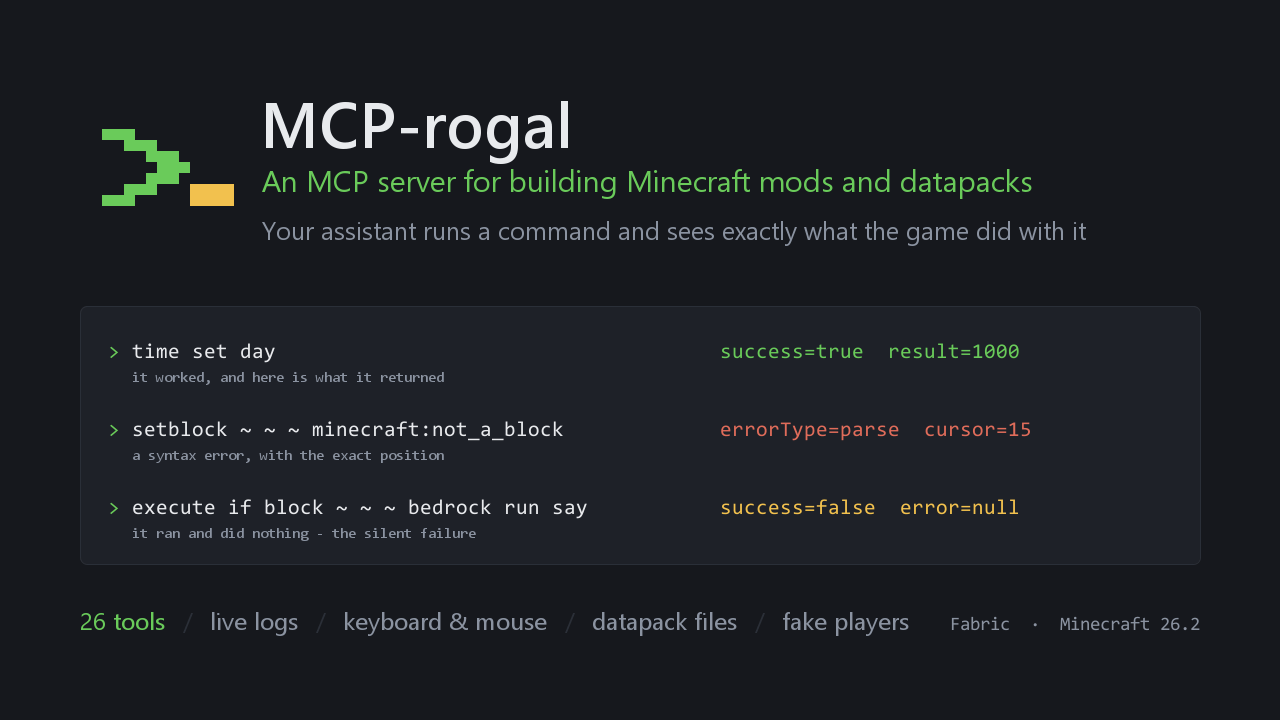
time set day                            → success=true    result=1000
setblock ~ ~ ~ minecraft:not_a_block    → errorType=parse  cursor=15
execute if block ~ ~ ~ bedrock run say  → success=false    error=null
Three different outcomes, told apart: it worked and returned 1000; it never parsed, and here is
the character where parsing stopped; it ran fine and did nothing at all.
That last line is the one that matters. It is what a silent failure looks like, and it is now
visible instead of indistinguishable from success.
What it can do
Commands and timing
execute_commands — real status, return value, parse errors with a cursor position.
run_as: {player, permission_level} runs at a chosen permission level: execute as X rebinds
@s but keeps your permissions, so an operator-gated path looks fine until a real player
hits it. This tests the path a real player takes.advance_ticks, and a wait_ticks argument — state written this tick is not visible to a
read until the next one, so a read/write pair issued together silently sees stale values.validate_command — parse without running; also returns the completions available at the
cursor, which is how you discover what an argument accepts.
Logs
get_logs — cursor-based. The response carries nextId; pass it back and you get only
what arrived since. Reports missed when the buffer overflowed past your cursor, so a gap is
visible rather than silent. Covers both the log file and in-game chat, which never reaches it.wait_for_log — blocks until a pattern appears. Trigger something, then wait for the line
that tells you whether it worked, instead of polling.get_crash_reports — for when the game died along with the buffer.
Datapacks
files — read, write, list, inside an allow-listed set of directories.reload_datapacks — runs /reload and returns the log it produced, because /reload
succeeds even when a pack fails to load.get_world_info — save folder, datapack folder, and the pack formats this build
expects. A wrong pack_format gets the pack rejected with nothing but a vague "Error reading
pack metadata", while every function inside it quietly does nothing.list_ids, describe_block_state — valid ids by registry, and the exact properties a
block accepts in [brackets] with their allowed values and defaults. No more guessing whether
a door needs half=upper or part=head.
Fake players
fake_players — real ServerPlayers in the player list, for testing rules that only exist
with more than one player. @a selects them, scoreboards score them, their UUID is derived from
their name so scores survive death, kill respawns them rather than leaving them dead, despawn
fires a genuine leave event, and /tp moves them between dimensions.
Nothing in game logic checks "is this one fake, skip it" — a test against special-cased code
proves nothing about the real thing.
What they cannot do: press a button in a dialog. That needs a client.
Client control
press_key, type_text, send_keybind, mouse — input goes through the same
entry points real input does, so it behaves identically in the world, in menus and in text
fields.get_open_screen — every widget with its rendered text and rectangle. Inspect a menu
without reading a screenshot; missing translations show up immediately, because an untranslated
widget renders its raw key.click_widget — click by the button's visible label. An ambiguous match clicks nothing and
returns the candidates. Labels like "Delete World" are refused without explicit permission.open_screen, options — jump straight to a screen, or change a setting without
dragging a slider.reload_resources — F3+T, which has no command.rejoin_world — dynamic registries (dialog/, enchantment/, worldgen/) are only read
when a world loads. /reload leaves the old definitions in place, which looks exactly like
your edit having no effect.
Setup
Requires: Minecraft 26.2 · Fabric Loader 0.19.3+ · Fabric API · Java 25+
- Install Fabric Loader for 26.2
- Put Fabric API in
mods/
- Put this mod's jar there too
- Start the game
The server starts on its own and logs:
HTTP MCP Server started on http://localhost:8080/mcp with 26 tools
Works on a client and on a dedicated server. On a dedicated server the tools that need a screen
are simply not registered.
Connecting an assistant
Claude Code:
claude mcp add --transport http minecraft http://localhost:8080/mcp
Cursor, Windsurf, VS Code — in your MCP config:
{
  "mcpServers": {
    "minecraft": {
      "url": "http://localhost:8080/mcp"
    }
  }
}
A world has to be loaded. Without one the tools say so plainly.
In practice
The whole datapack loop, without leaving the game:
Write a function that gives every hunter a compass, put it in a datapack, reload it, and tell
me whether it loaded.
get_world_info for the folder and pack format → files write → reload_datapacks → read the
log. A pack that failed to load is reported, not assumed away.
Testing the non-operator path:
Check that /dialog show is refused for an ordinary player but works through /trigger.
execute_commands with run_as: {permission_level: 0}.
A multiplayer rule:
Spawn two fake players, assign roles, and check each hunter gets their own compass.
Menu navigation:
Open the video settings and tell me what they are set to.
open_screen, then get_open_screen returns the text of every widget.
Configuration
config/mcp.json, created on first run:
{
  "server": { "port": 8080, "host": "localhost", "requestTimeoutMs": 30000 },
  "input":  { "enabled": true, "allowDestructiveUi": false,
              "preventPauseOnLostFocus": true },
  "logs":   { "bufferSize": 5000, "maxWaitMs": 60000, "maxBodyLogChars": 2000 },
  "files":  { "enabled": true, "allowDelete": false,
              "allowedRoots": ["saves","config","datapacks","resourcepacks",
                               "logs","crash-reports"] },
  "fakePlayers": { "enabled": true, "maxCount": 8 },
  "auth":   { "token": null }
}
preventPauseOnLostFocus — singleplayer normally pauses the moment you click into another
window, and the pause menu covers the view. Every screenshot and every screen read would then
report the pause menu instead of the game. This is off by default here; Escape still pauses.
Security
This endpoint runs commands, injects input and writes files. Treat it accordingly.
auth.token — when set, requires an Authorization: Bearer <token> header.- The server refuses to start on a non-loopback host without a token.
- Files — confined to the allow list; paths resolving outside it, through
.. or a symlink,
are refused. Deleting is off by default.
- Destructive buttons — clicking "Delete World" and the like needs both a config flag and an
explicit argument.
- Commands still pass a configurable safety validator.
Technical notes
- Input goes through the private
KeyboardHandler and MouseHandler callbacks via mixin
invokers rather than KeyMapping, which is why it works in menus and text fields and not only
in the world.
- Commands run on the server thread through
CommandSourceStack.withCallback, with parse errors
separated from runtime errors. In singleplayer that means the integrated server, so results are
real rather than inferred from chat.
- Logs are captured by a Log4j appender attached programmatically, with a reentrancy guard.
- Tools live in a registry — adding one is a single class.
- Everything touching the loader sits behind a
Platform interface, so a NeoForge port is the
entry point, the tick subscription and the mixin config; the rest is plain Minecraft API.
Troubleshooting
It will not connect — look for HTTP MCP Server started in the log. Port 8080 may be taken;
change server.port.
"No server is running" — no world is loaded.
A command returns success=false with no error — it ran and did nothing. Usually a condition
that did not match, or a function that returned early. Not a tool failure.
/function is always success=false — vanilla behaviour: a function returns 0 unless it
ends with /return. Check the world state, or add a /return.
A datapack is not picked up — check pack_format against get_world_info.
An edit does nothing after /reload — if it is under dialog/, enchantment/ or
worldgen/, use rejoin_world.
A click did not register — screens that fade out switch a few ticks later. Raise
settle_ticks or read get_open_screen again.
Credits and license
Built on top of mcp-server-mod by cuspymd, which
provided the original HTTP MCP bridge, the command safety validator and the block scanner.
Released under CC0-1.0, the same as the original — public domain, no strings.
Full tool reference: TOOLS.md · Русское описание: DESCRIPTION.ru.md