Upload your Minecraft logs to MCDoctor.ai with a single command to analyze them instantly using AI.
MCDoctor.ai automatically detects your latest log or crash-report and generates a clear, beginner-friendly explanation of what went wrong and how to fix it, no more reading thousands of lines or searching for solutions for hours.
It is also possible to export and analyze older log files, for example after a crash or server failure.
About MCDoctor.ai
MCDoctor.ai helps you quickly analyze Minecraft client and server logs using advanced AI models. It identifies crash causes, mod conflicts, version mismatches, configuration errors, and common server issues. Instead of reading long logs manually, MCDoctor.ai provides:
a human-readable explanation
the exact cause of the crash
recommended fixes
additional notes and context
No account needed, no configuration required, just install the mod and use the command.
Commands
The mod provides the following commands:
Command
Description
Permission Level
Permission Node
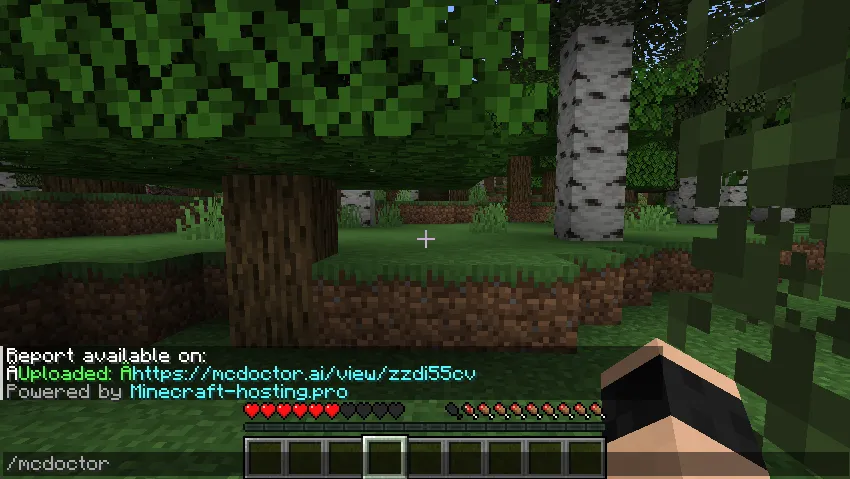
/mcdoctor
Upload latest.log instantly and get an analysis link
2
mcdoctor
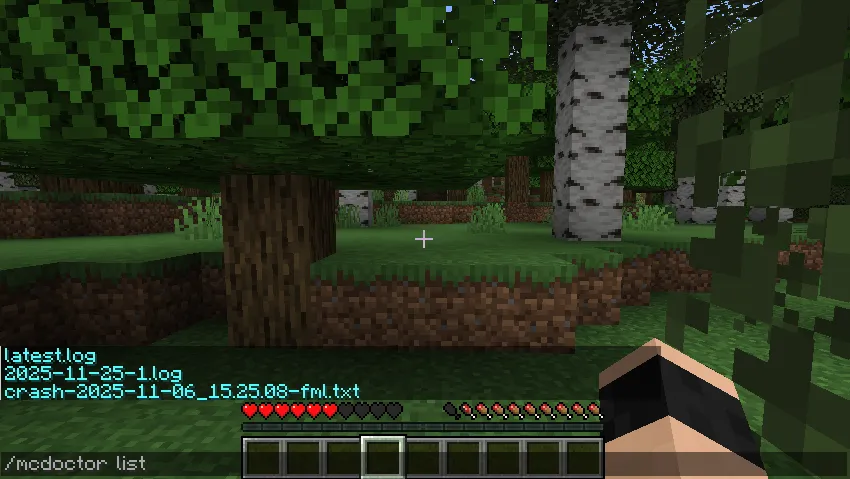
/mcdoctor list
List logs and crash-report files available on the server
2
mcdoctor.list
/mcdoctor advanced
Run the analysis in Advanced mode using a deeper AI model for complex modpacks, mixin conflicts, and rare bugs. Requires a McDoctor account with tokens
2
mcdoctor.advanced
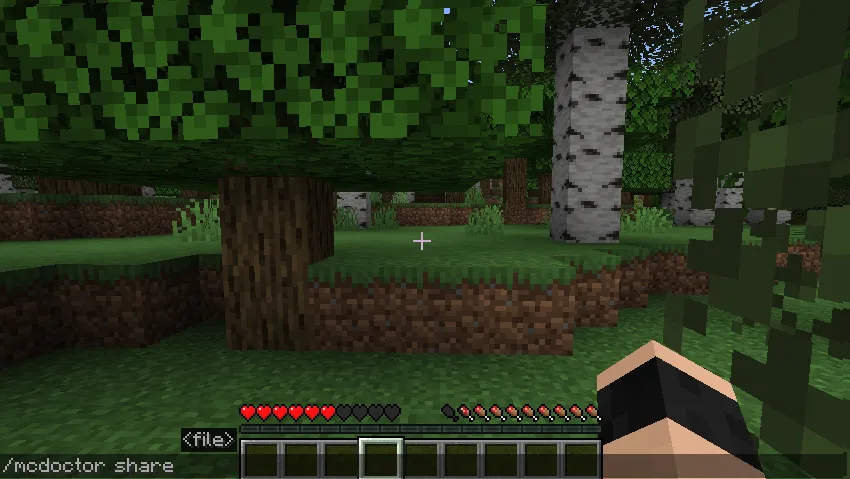
/mcdoctor share <file>
Upload and analyze a specific log, crash-report, or debug.log file
2
mcdoctor.share
/mcdoctor apikey set <key>
Link your McDoctor account to unlock advanced mode and larger uploads
2
mcdoctor.apikey.set
/mcdoctor apikey show
Display the API key currently linked to this server, masked for security
2
mcdoctor.apikey.show
/mcdoctor apikey clear
Remove the API key from the server. Analyses will fall back to the free guest tier
2
mcdoctor.apikey.clear
/mcdoctor status
Show account status: token balance, free analyses remaining today, account tier, and connection health to McDoctor.ai
2
mcdoctor.status
Permissions
Commands are not available to regular players by default. You can grant access by giving the appropriate permission nodes.
mcdoctor is required for all other MCDoctor commands Permission nodes are used on plugin servers Modded servers use the vanilla permission level system