Screenshot 2026-06-13 120403.png
Screenshot 2026-06-13 103111.png
Screenshot 2026-06-13 103047.png
Screenshot 2026-06-13 103101.png
Screenshot 2026-06-13 103127.png
ImHungry1480 | MC-Chatbot
Create your game server with 

Description
MC-CHATBOT
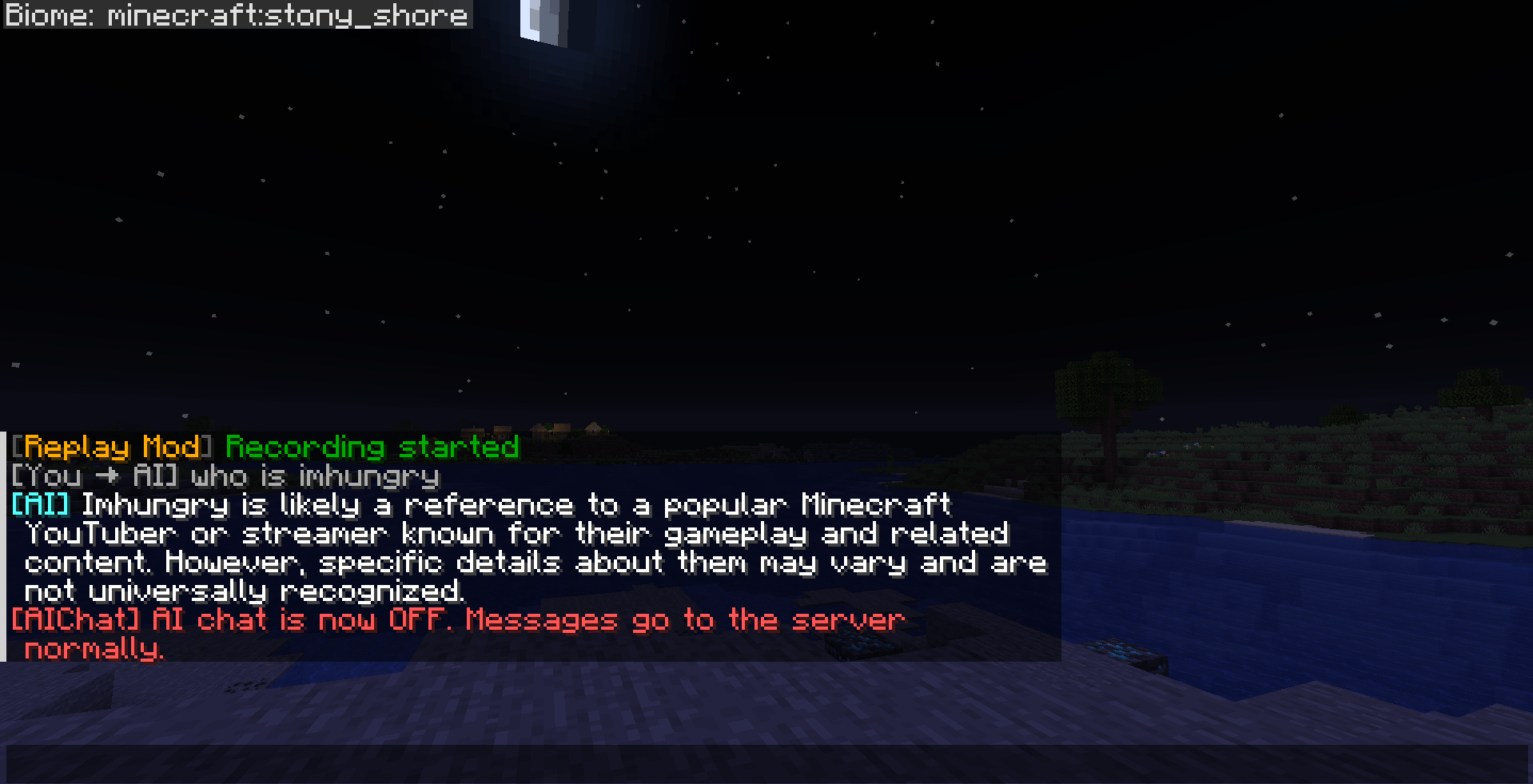
Chat with AI directly inside Minecraft via OpenRouter.
Fabric | Minecraft 26.1.2 | Client-side only
Features
- Talk to any AI model (GPT-4o, Claude, Gemini, Llama, etc.) without leaving Minecraft
- Conversation history — the AI remembers context within a session
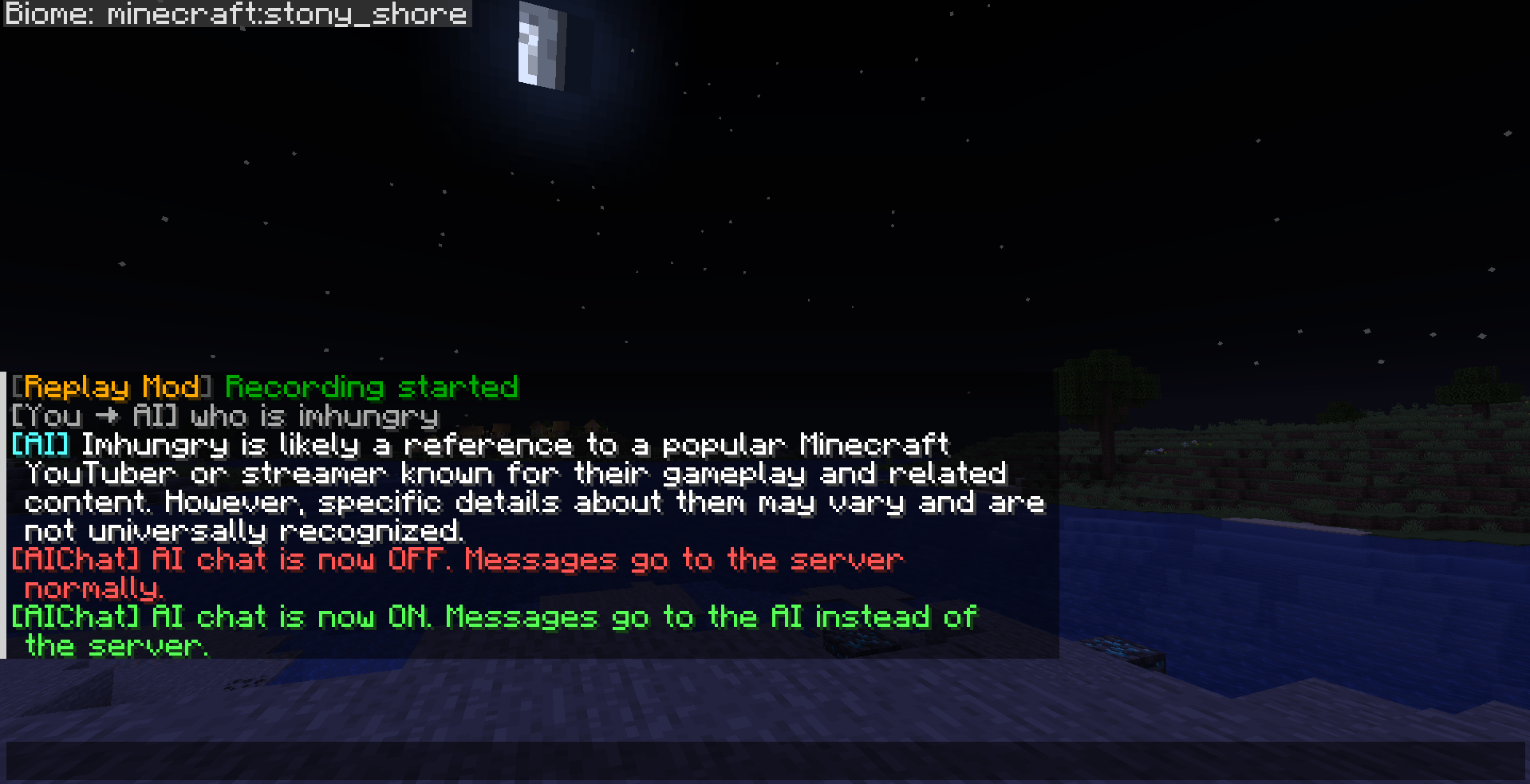
- Toggle AI mode on/off anytime
- Commands never reach the server — fully client-side
- API key never echoed or logged
Installation
- Install Fabric Loader and Fabric API
- Drop
aichat-1.0.0.jarinto.minecraft/mods/ - Launch the game
Setup
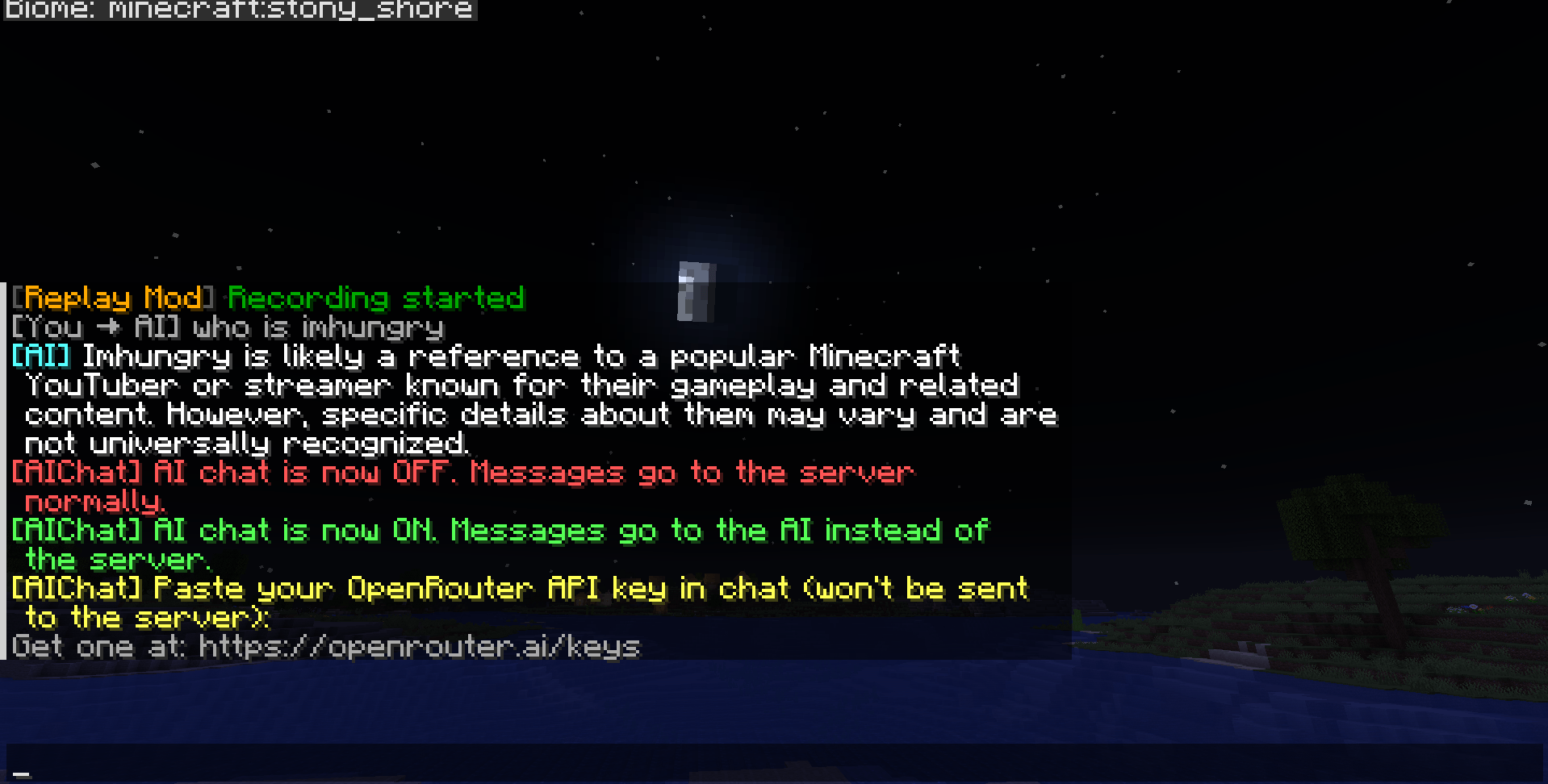
- Get a free API key at openrouter.ai/keys
- In-game, run
/aiconfigand paste your key into chat when prompted - Run
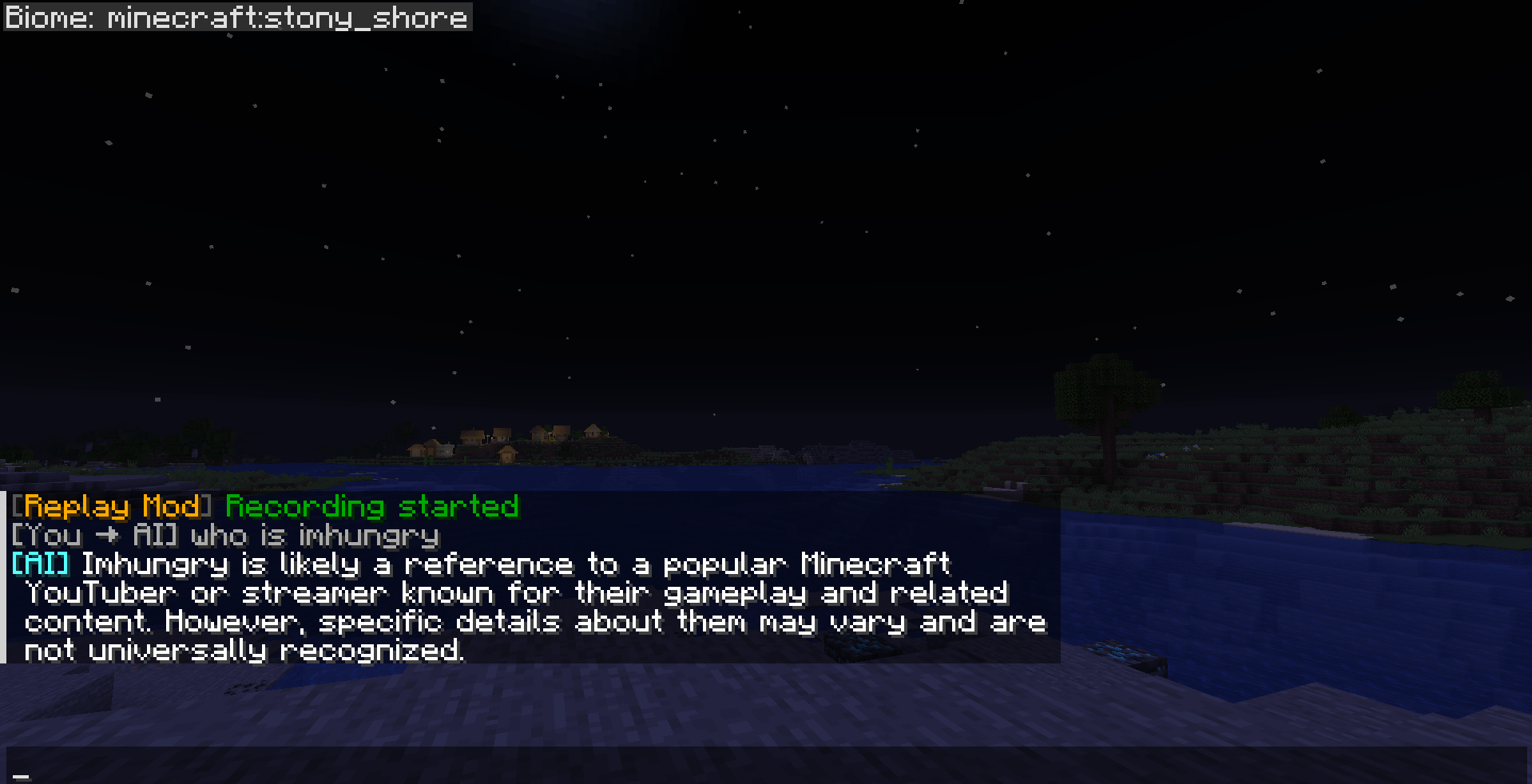
/ai onto enable AI mode - Type normally — messages go to the AI instead of the server
Commands
| Command | Description |
|---|---|
/aiconfig |
Interactive API key setup |
/aiconfig key <key> |
Set API key directly |
/aiconfig model <model> |
Set model (default: openai/gpt-4o-mini) |
/aiconfig system <prompt> |
Set system prompt |
/aiconfig status |
Show current config |
/aiconfig reset |
Clear API key |
/ai on |
Enable AI chat mode |
/ai off |
Disable AI chat mode |
/ai |
Toggle AI on/off |
/ai clear |
Clear conversation history |
Changing the Model
Any model on OpenRouter that support text message works. Examples:
/aiconfig model openai/gpt-4o
/aiconfig model anthropic/claude-3.5-haiku
/aiconfig model google/gemini-2.0-flash-001
/aiconfig model meta-llama/llama-3.3-70b-instruct
/aiconfig model mistralai/mistral-nemo:free
Browse all models at openrouter.ai/models.
Security
- All commands (
/aiconfig,/ai) are client-side only — the server never sees them - Messages typed while AI is ON are blocked from the server — only sent to OpenRouter
- API key is never echoed in chat
- API key is stored in plaintext at
.minecraft/config/aichat.json— set a spending limit on your key at openrouter.ai/settings as a precaution
License
ALL RIGHT RESERVED ImHungry1480
MC-Chatbot Team