

Material Boxes
Client-side mod that helps gather and keep track of materials for builds
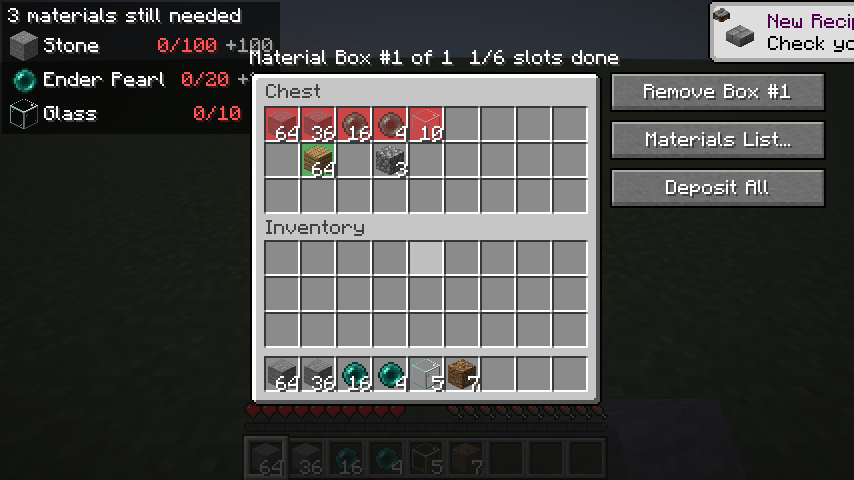
1-new-box-with-existing-items.png
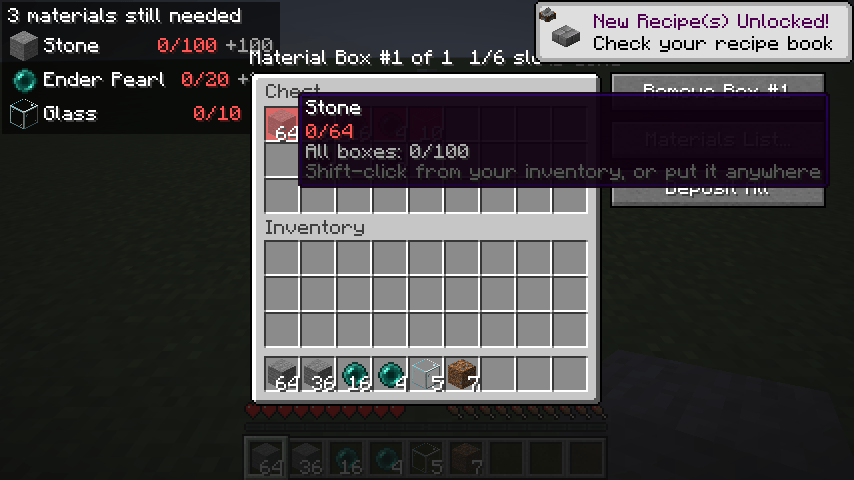
1b-hover-missing-stone.png
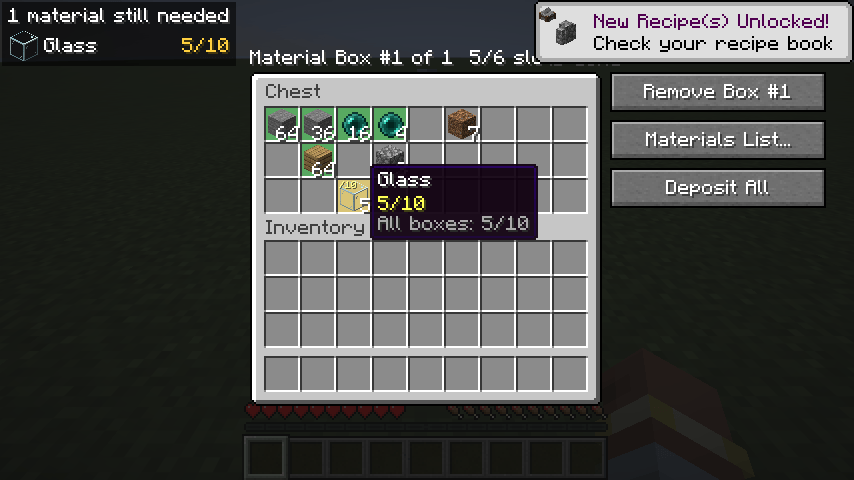
3-glass-moved-by-hand.png
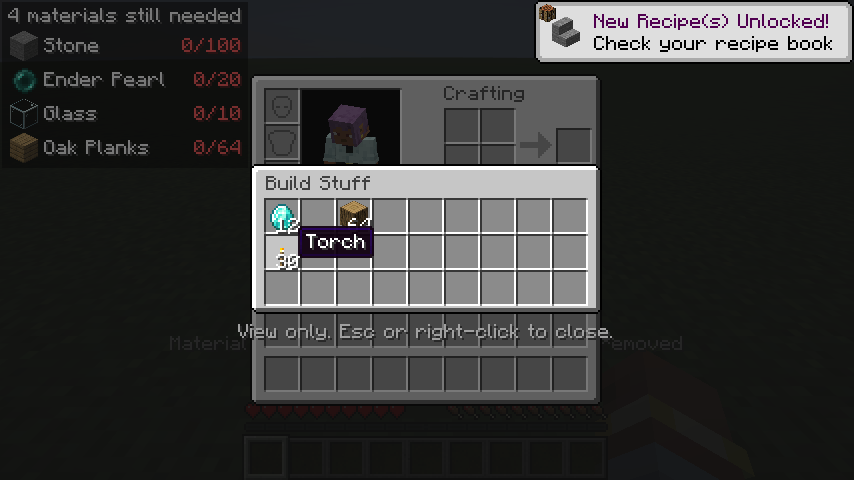
6-shulker-preview.png
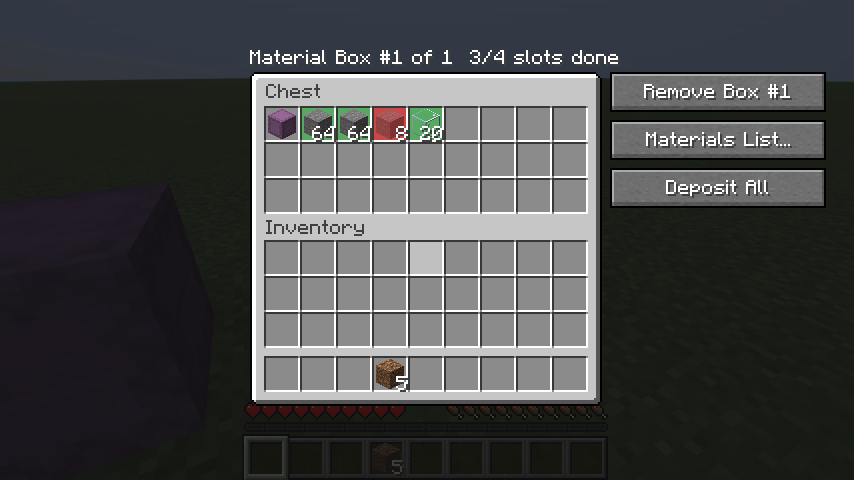
15-deposit-all.png
Description
Material Boxes documentation
Material Boxes is a client-side Fabric mod for Minecraft 26.2 that makes gathering materials for a build easier. You load your build's material list, mark storage containers as Material Boxes, and the mod shows you what's still missing: which slots to fill, how much is stored, and what you still need to collect.
It's client-only, so it works on servers that don't have it installed.
Quick start
- Press B (or type
/materials) to open the Materials List. - Paste your list into the import panel on the left ("64 stone", "3 stacks oak planks"…), or click Litematica to load a Litematica material list export. Then click Replace.
- Open a chest and click + Material Box. Red slots show what goes there.
- Fill the red slots. Shift-click items in from your inventory, or click Deposit All.
- Watch the missing materials HUD in the top-left corner while you gather. Press H to hide or show it.
Features
| Page | Covers |
|---|---|
| Importing a material list | Pasting text, Litematica exports, screenshots read by Claude, Replace vs Add, saved replacements |
| Material Boxes | Marking containers, red/yellow/green slots, hover tooltips, shift-click and Deposit All, shulker contents, breaking and moving boxes, the Boxes screen |
| The Materials List screen | Progress, search and sort, replacing items, changing amounts, Copy, Clear, the import panel |
| Saved lists | Saving, loading, renaming and deleting lists, replacements, and each list's own Material Boxes |
| Missing materials HUD | The on-screen checklist |
| Shulker box preview | Looking inside shulker boxes in your inventory |
| Settings, controls and files | Key bindings, commands, the settings screen, where data is saved |
| Compatibility and limitations | Requirements, tested mods, known limitations, troubleshooting |
The Material Boxes Team
