MapMakerMusic
- By
A very simple solution for playing custom music and sounds, designed for adventure map developers
screenshot-2026-09-22_13-45-09.png
screenshot-2026-09-28_13-45-07.png
screenshot-2026-09-28_13-48-34.png
screenshot-2026-09-28_13-49-49.png
Description
MMMusic makes playing custom OGG audio files on your server effortless, without need in resource packs.
Adding Custom Audio
- Place your
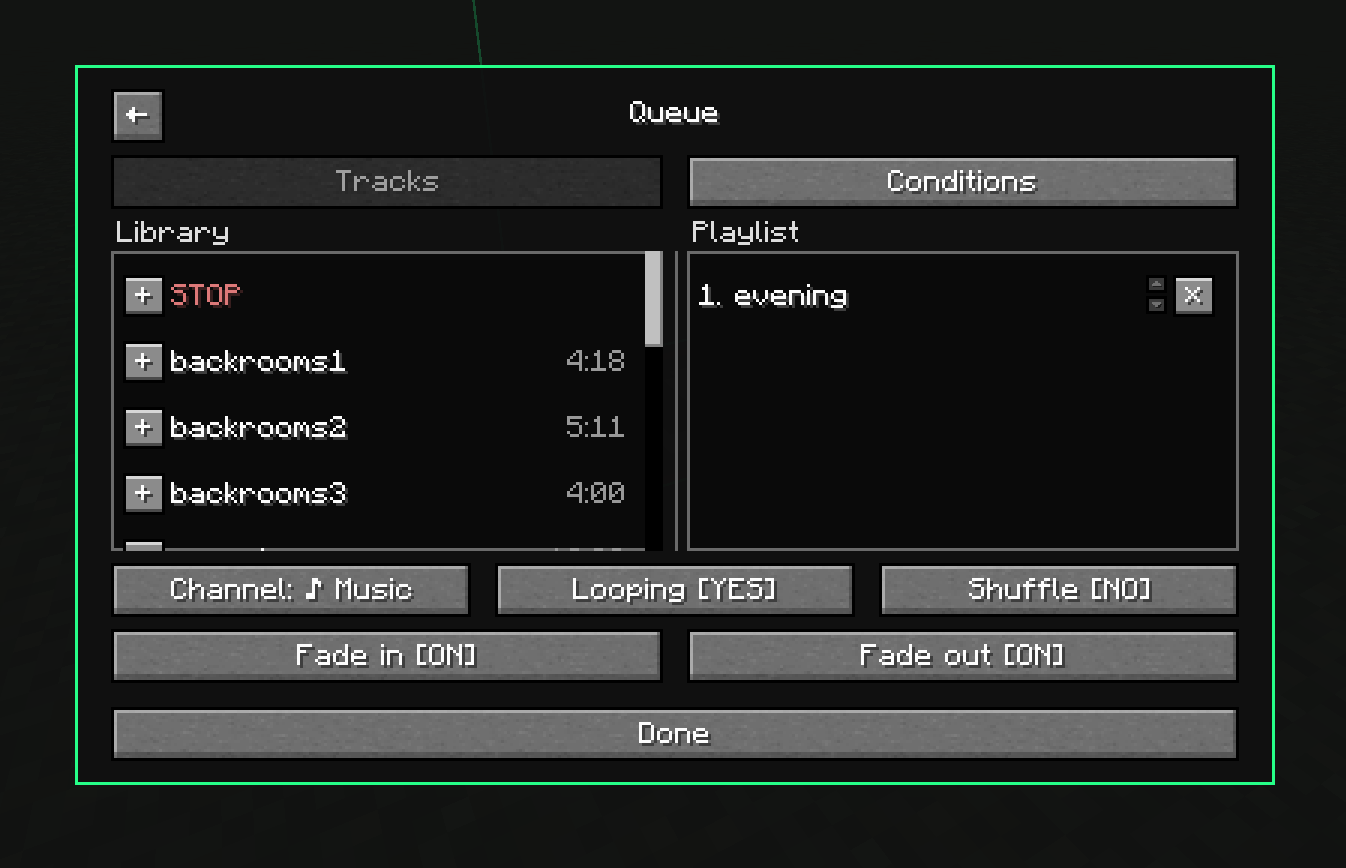
.oggfiles into theconfig/mapmakermusic/folder.
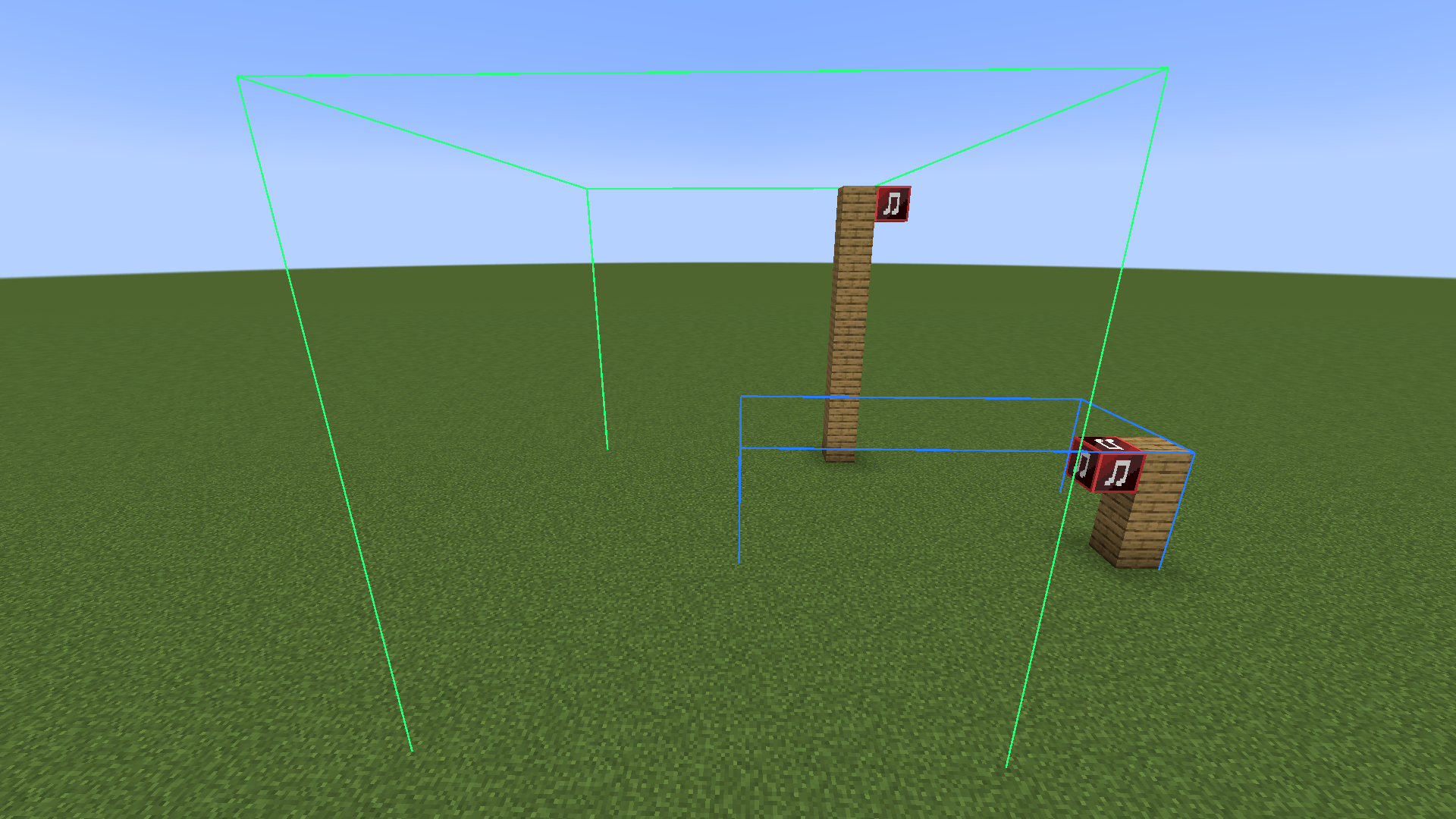
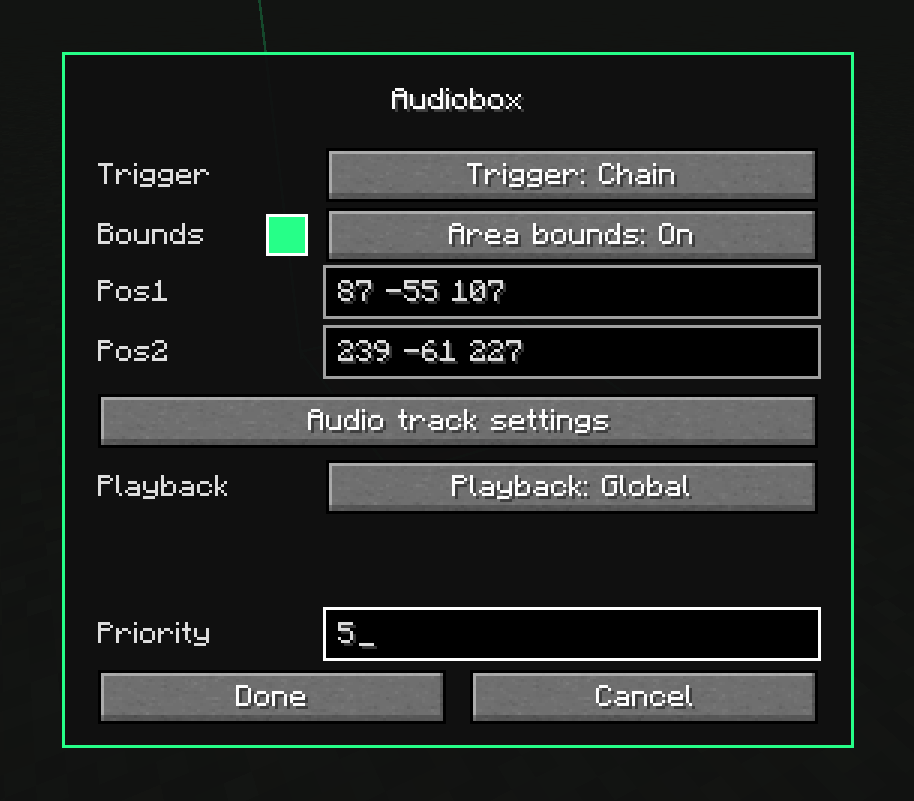
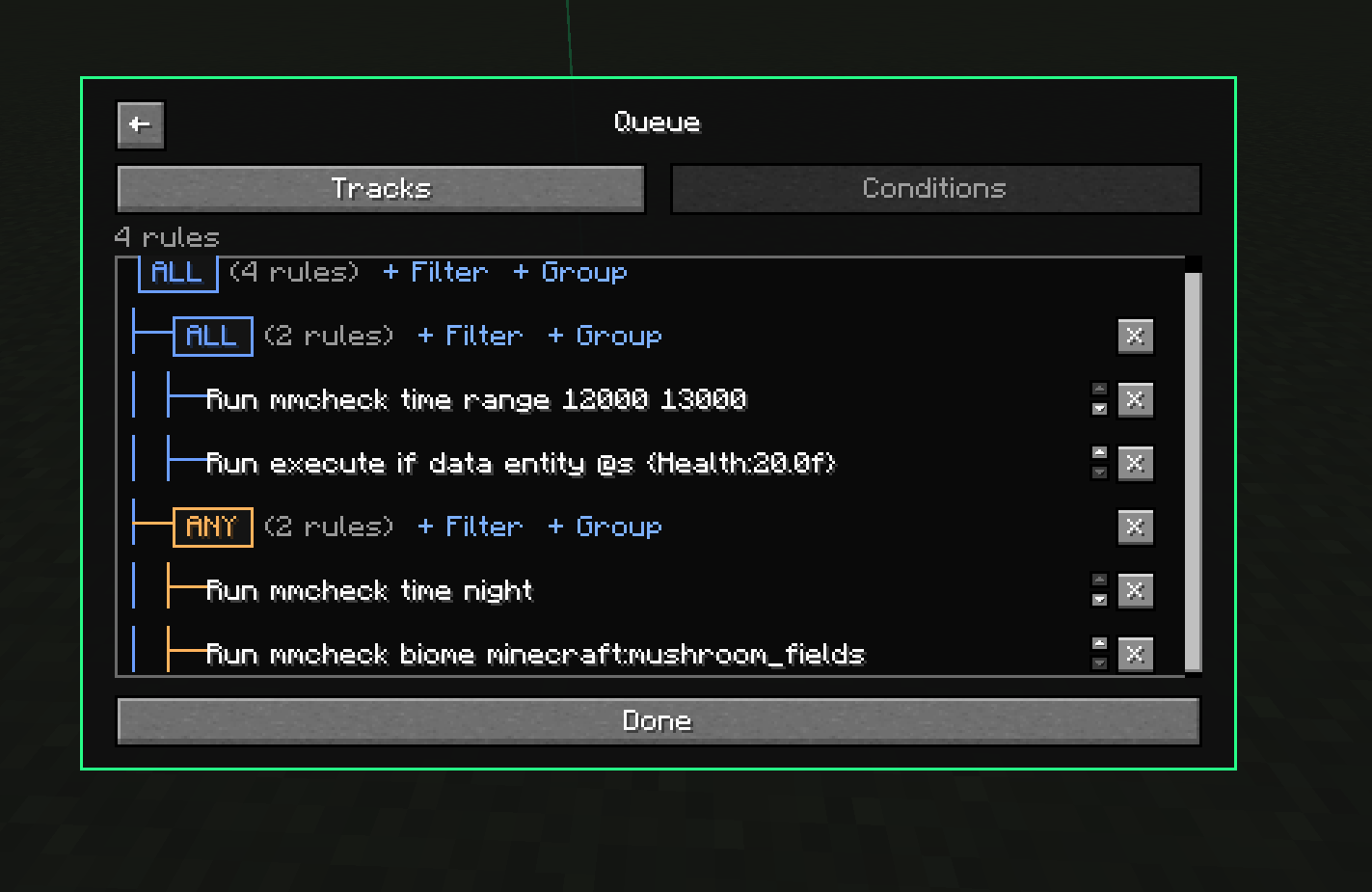
How to use (v2.0) This mod adds a new functional block "Audiobox". Audiobox has 2 modes: impulse or chain. Impulse plays once when activated by redstone. Chain checks its conditions every tick for all players that matching conditions, limited to its area when area bounds are on. Each box holds ordered queues of tracks — open the box, add a queue, drop tracks into it. Every queue has its own conditions, and the first queue whose conditions all match wins. Conditions are mostly plain Minecraft commands combined in AND/OR groups: pick a preset or type your own command.
Tip:
- If you hit block with LMB when holding audiobox, it remembers pos1/pos2 and allows you to create needed areas much faster (similar to the worldedit's axe functionality)
MapMakerMusic Team

Owner