
LT 3D Importer Neo(LiuYun)
- By
one5.png
one2.png
one.png
one3.png
one4.png
Description
This is an unofficial NeoForge port of LittleTiles 3D Importer & Exporter by Timardo (CurseForge Project ID: 430195), released under the MIT License.
All credit for the original mod's design and OBJ import logic goes to Timardo. This port re-implements that functionality for Minecraft 1.21.1 / NeoForge with LittleTiles 1.6.0, because the original only runs on 1.12.2 Forge.
Overview
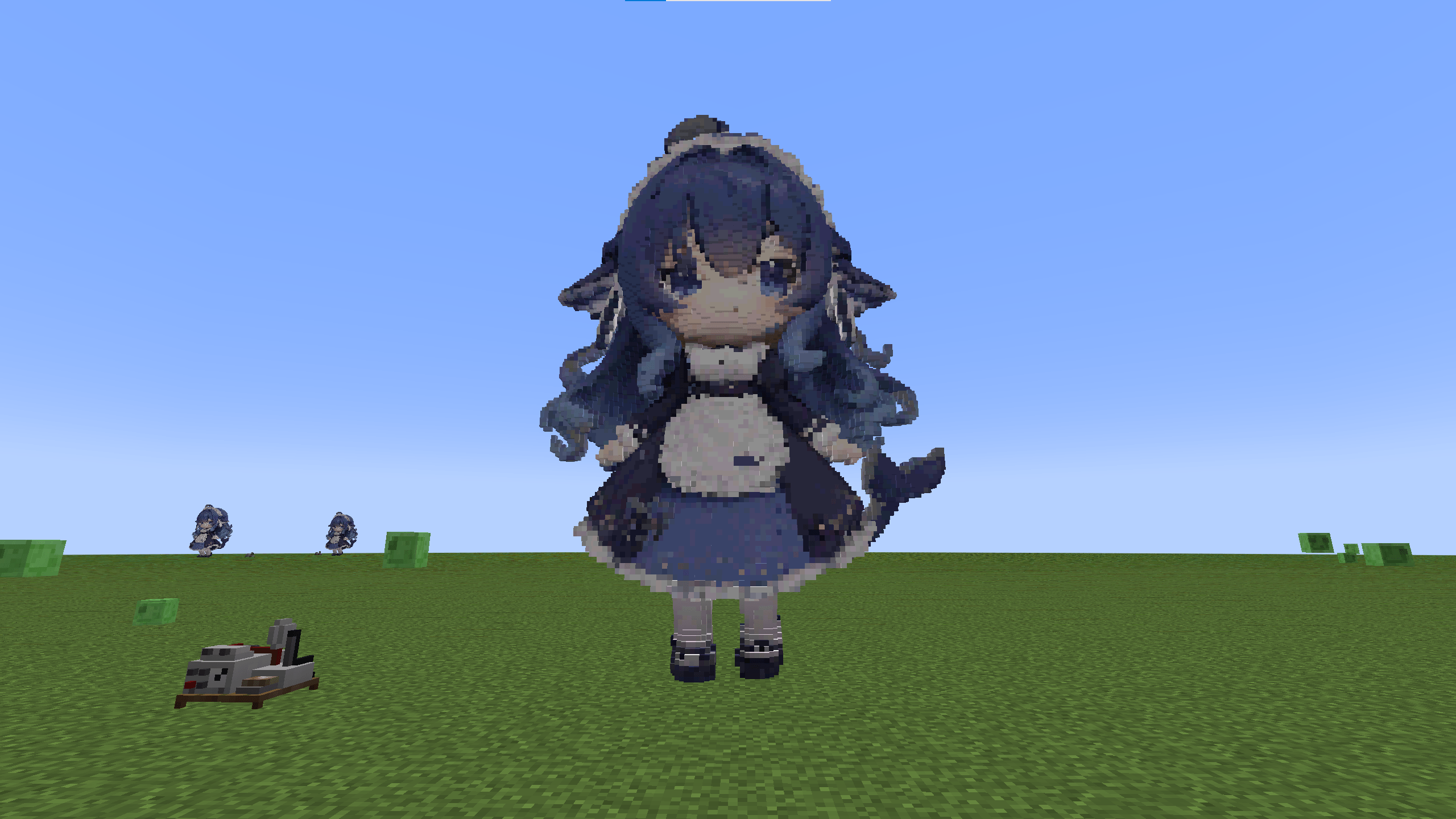
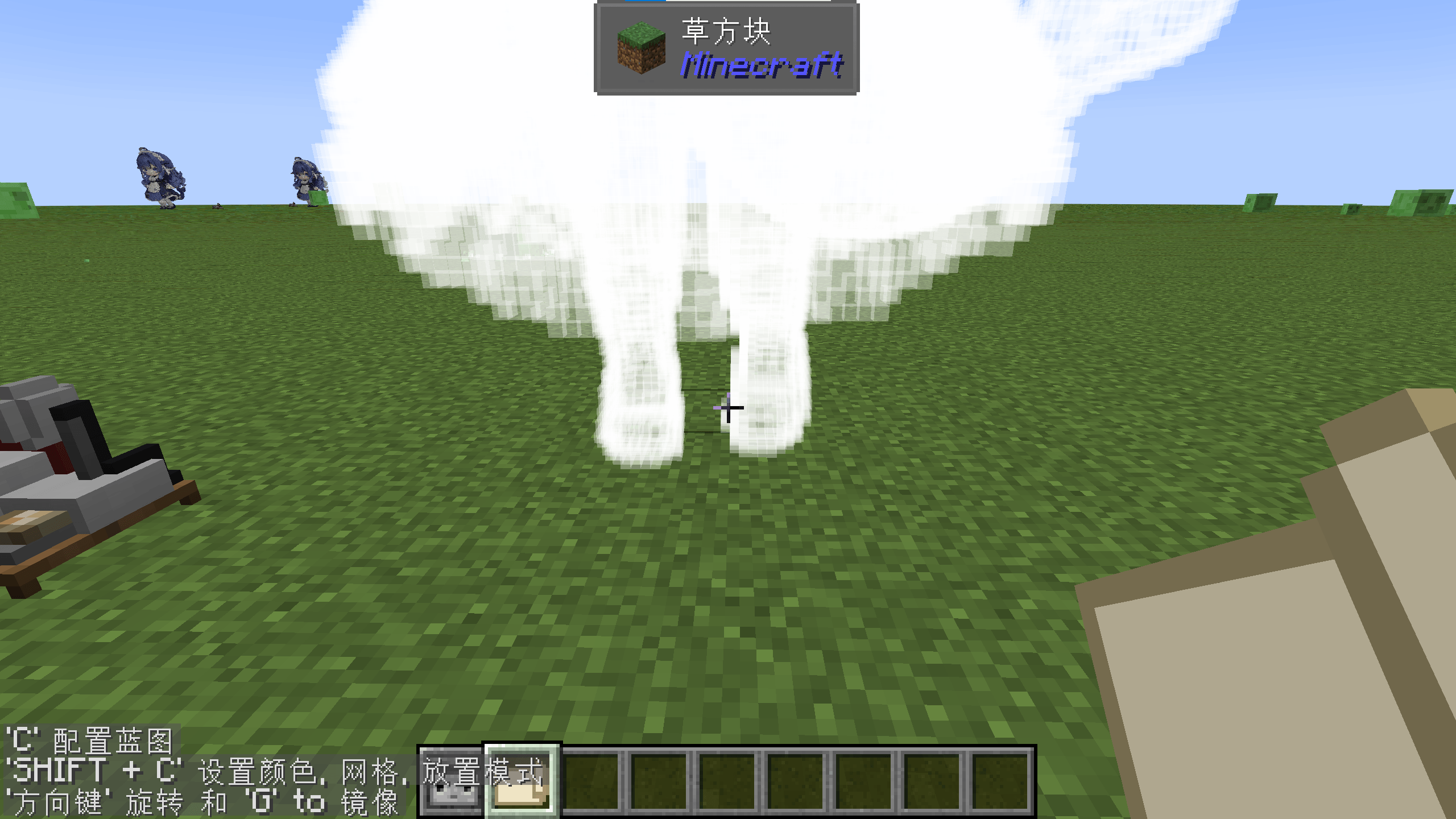
Import .obj 3D models (with .mtl and textures) into your world as LittleTiles structures. Each model is voxelized and every small tile is colored by sampling the texture, so skins, clothes and materials keep their original colors.
Features
- Import .obj models with .mtl materials
- Texture color sampling (png / jpg)
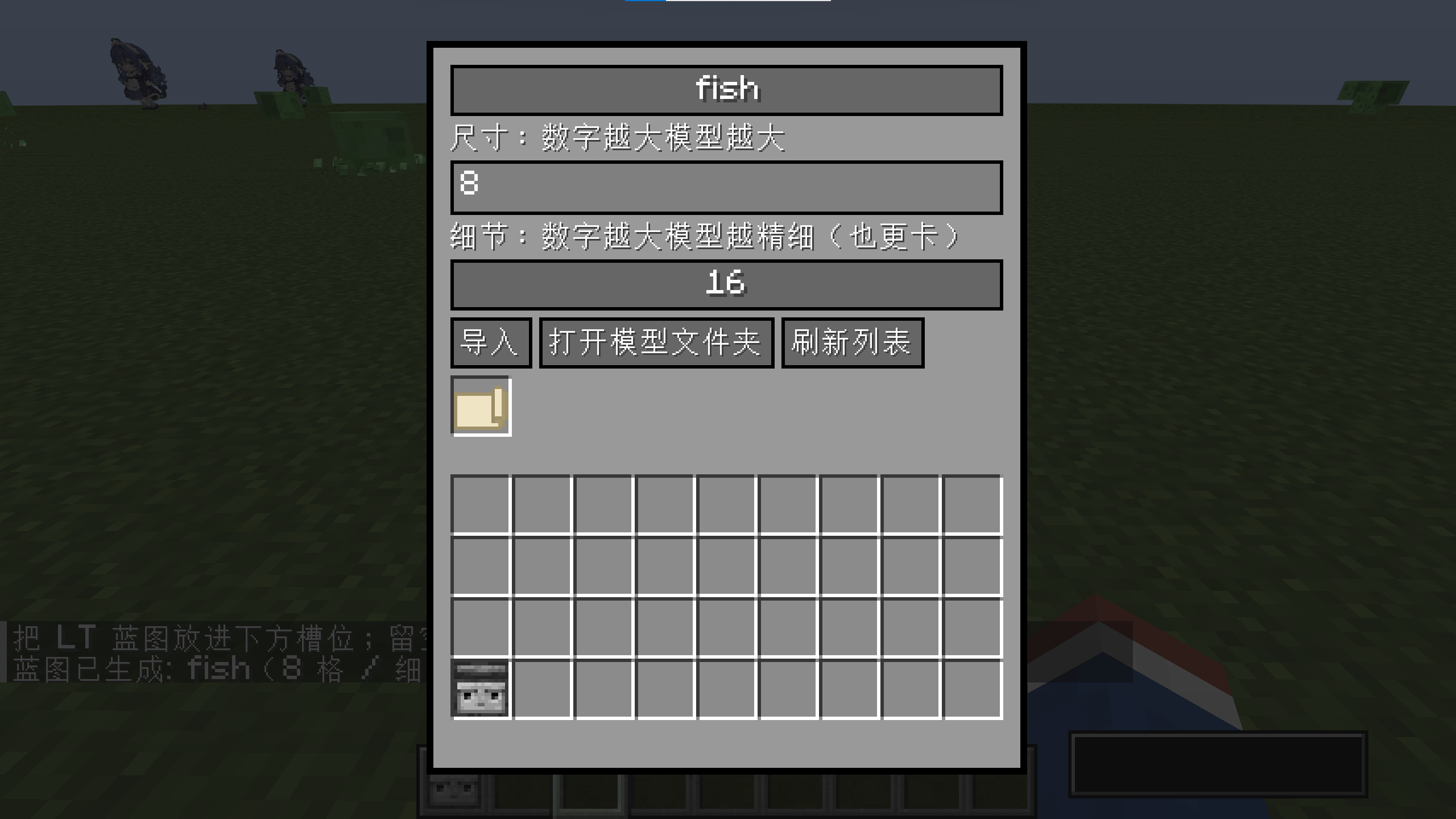
- In-game importer block with a full interface
- Model picker, size and detail controls, blueprint output slot
- Commands for quick importing
- Creative tab entry, no commands required
How to use
- Put your .obj, .mtl and texture files (png or jpg) into the
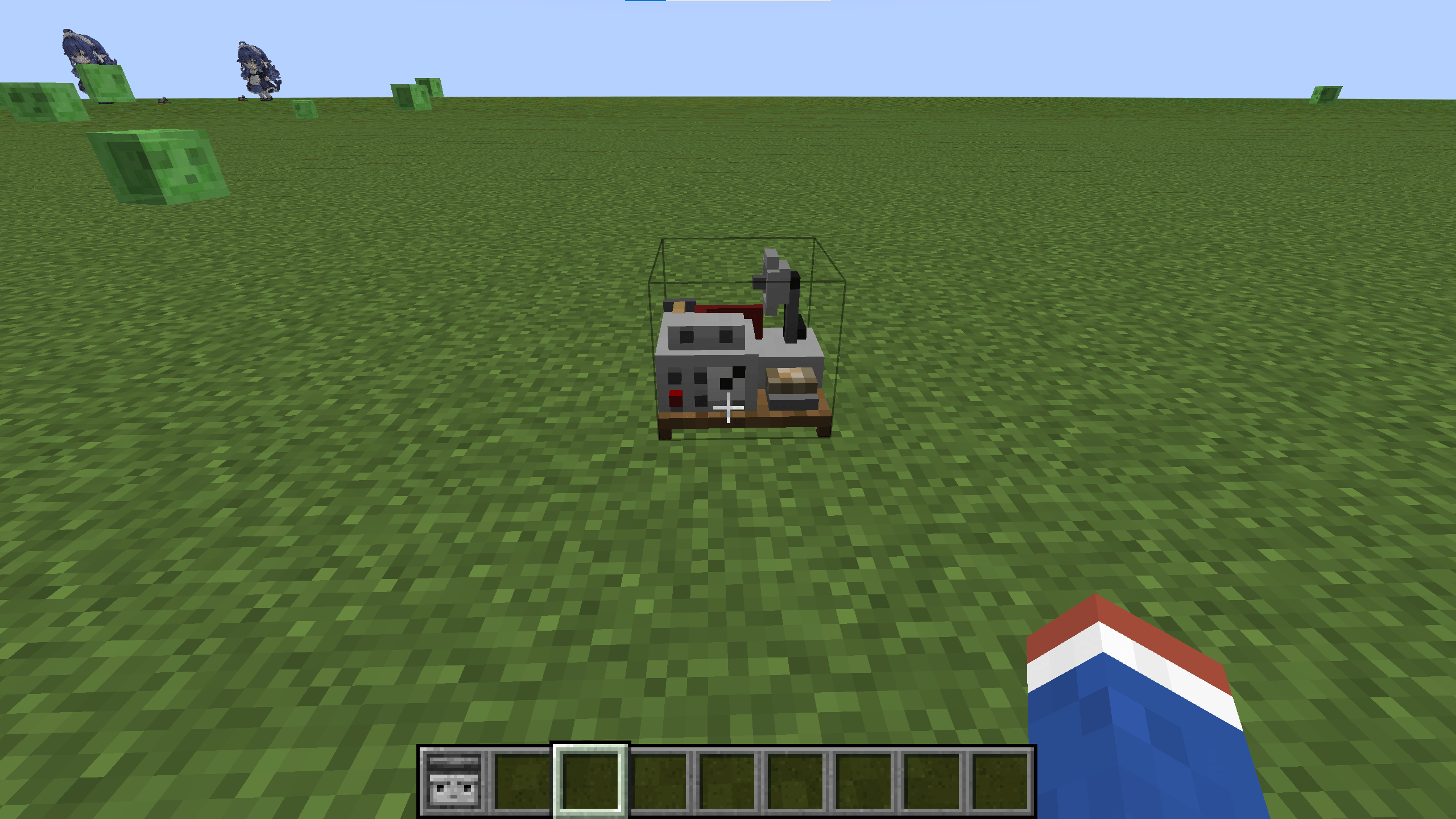
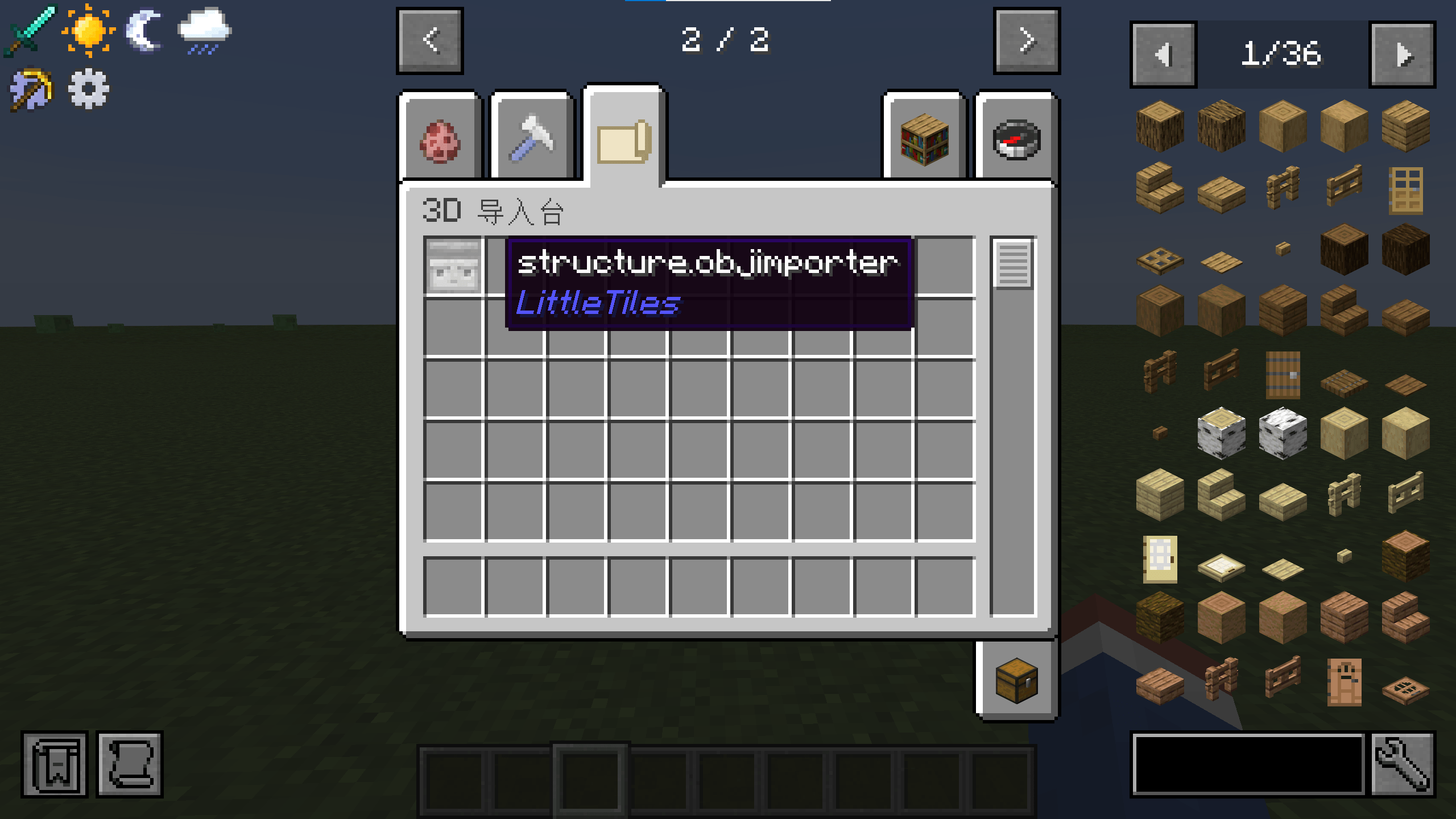
lt3dfolder inside your game directory. - Get the 3D Importer item from the creative tab, or run
/lt3d table. - Place it in the world and right-click to open the interface.
- Pick a model from the dropdown, set the size and detail, then click Import.
- A LittleTiles blueprint appears in the output slot. Place it like any other blueprint to build the structure.
Commands
/lt3d import <model> <size> <detail>- import directly at your position/lt3d table- get the importer item
Choosing size and detail
size × detail controls the resolution. Higher values produce far more tiles. Rough guide:
| size | detail | result |
|---|---|---|
| 4 | 32 | high detail, small model |
| 8 | 16 | recommended starting point |
| 12 | 8 | medium |
| 16 | 8 | large model |
| 24 | 4 | very large model, low detail |
Values producing more than ~300,000 tiles are clipped, and the structure may come out incomplete. If a model looks like it is missing chunks, lower the detail.
Notes
- In multiplayer, the importer interface reads models from each client's own game directory, so every player who wants to import needs the model files locally.
- Very large imports are heavy. On a dedicated server, import large structures in small steps or in single-player first. The original mod warned that importing large structures on a server could corrupt player data.
Requirements
- LittleTiles 1.6.0-pre235 or newer
- CreativeCore 2.13.0 or newer
Credits
- Original mod: LittleTiles 3D Importer & Exporter by Timardo (MIT License)
- OBJ parser: de.javagl:obj by Marco Hutter (MIT License)
- LittleTiles & CreativeCore: CreativeMD
License
MIT