


Loot Cases
- By
BOX


Custom cases - 24 models, and 144 different variants total!!
Description
Loot Cases is a dynamic loot case system for Minecraft 1.20.1 (Forge) that automatically scans all loaded mods to populate its item pools — no configuration needed.
Three case types:
- Weapons Case — swords, bows, crossbows, and guns from any loaded mod
- Tools Case — pickaxes, axes, shovels, hoes, and utility tools
- Armor Case — helmets, chestplates, leggings, and boots from any mod
Five rarity tiers:
- Normal, Rare, Epic, Legendary, and Mythic
- Each tier is color-coded and visually distinct
- Mythic drops trigger a special fireworks celebration
Compatible with most mods. Some items may not be detected if they use non-standard implementations. Additionally, some modded items may appear in unexpected rarity tiers — this is because Loot Cases reads the rarity assigned by the original mod author, so if a mod defines a powerful item as Common, it will appear as such.
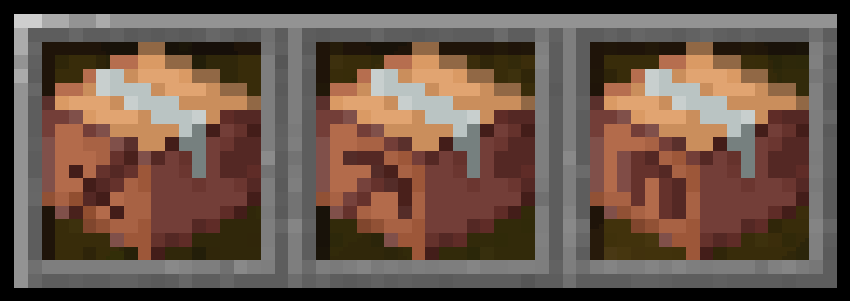
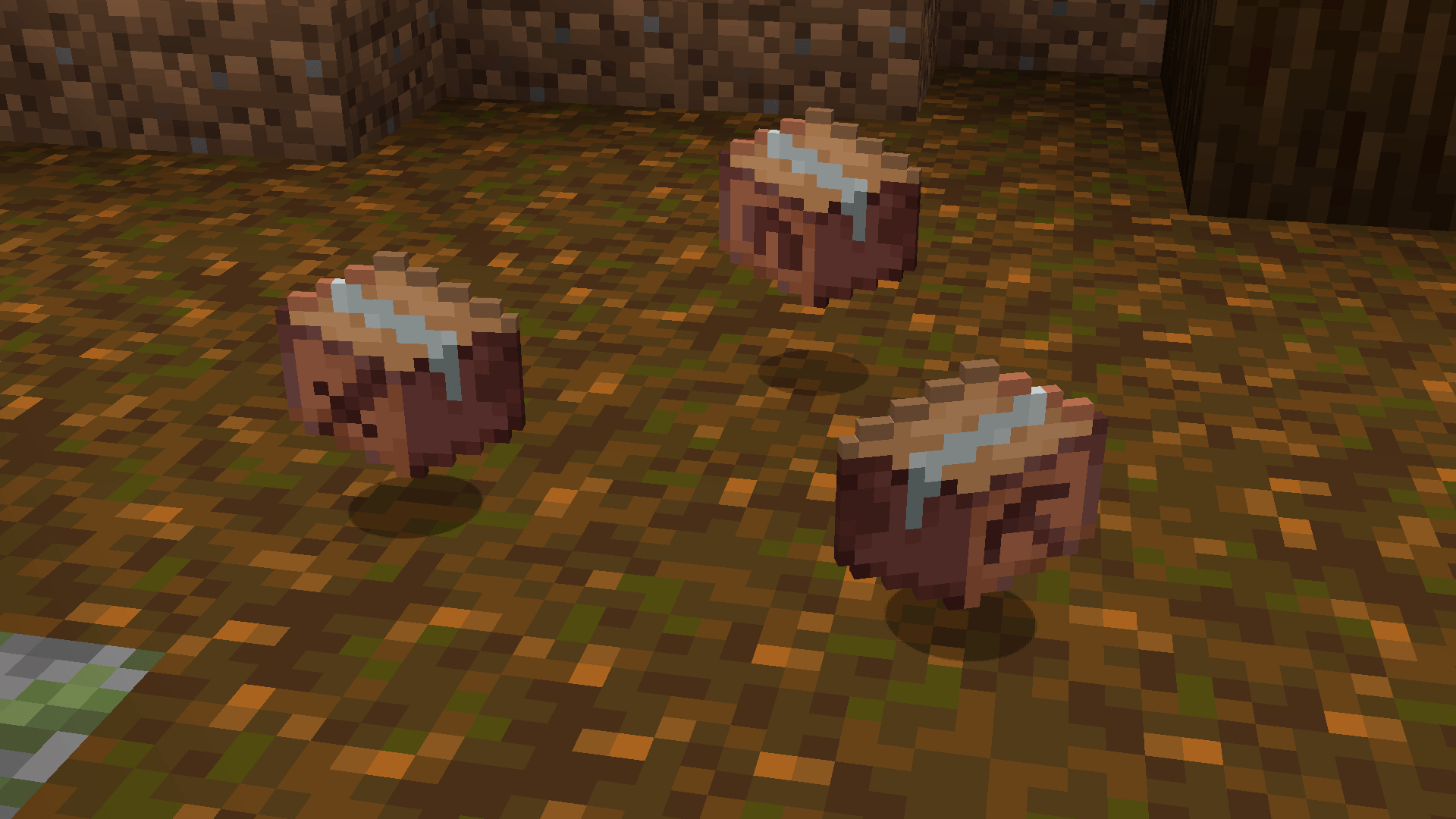
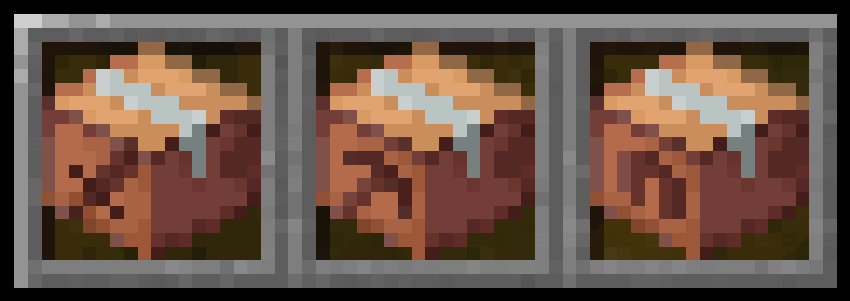
Loot Cases — hotbar view
Weapon, Tool and Armor cases as they appear in the hotbar.
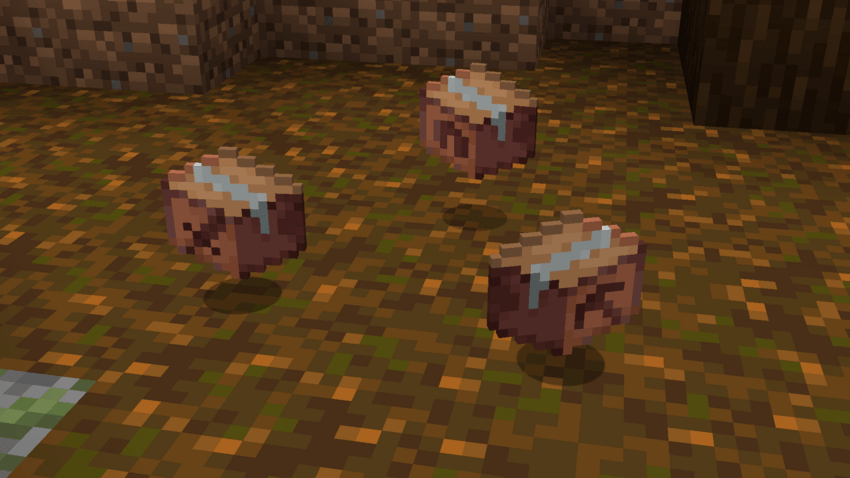
Loot Cases in-game
Weapon, Tool and Armor cases as they appear in the world.
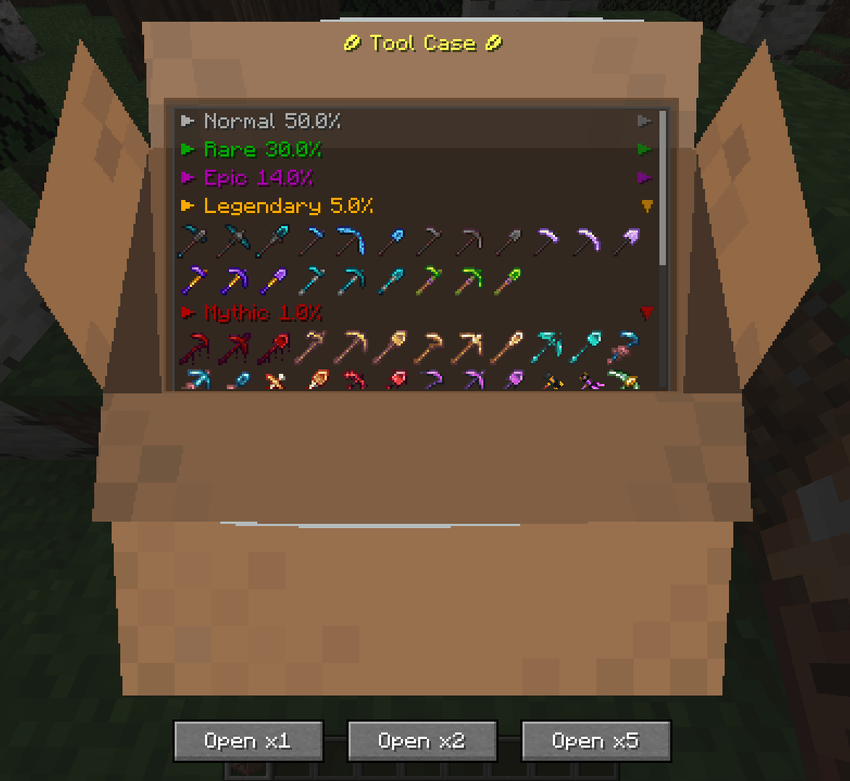
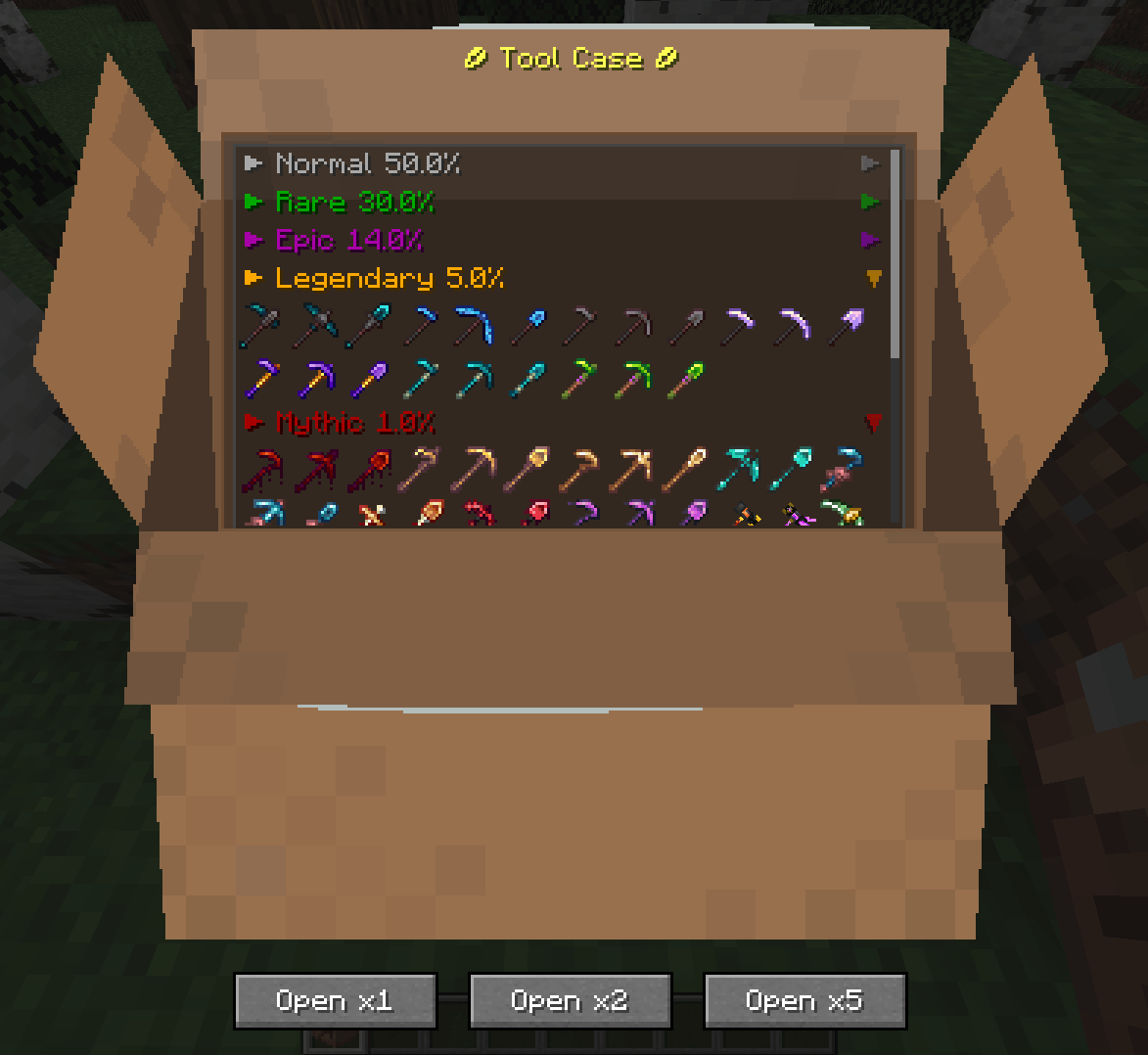
Tools Case — all rarity tiers
Each case shows all available items organized by rarity: Normal, Rare, Epic, Legendary and Mythic.

Broken Case — random item from the full registry
No GUI, no rarities. Right-click to receive a random item from nearly the entire item registry. Opening it deals a small amount of damage.

New: Custom Cases
Here are 9 of the 24 available models — each one comes in 6 color variants, for 144 total combinations. Simple and intuitive to browse and pick from.
Build your own loot cases entirely in-game with a simple menu — no JSON needed. Prefer editing files directly? Custom Cases also support manual JSON configuration for full control. Pick a name, icon, and rarity for your case, then choose exactly which items drop and how often. Manage everything (create, edit, delete) from a simple in-game menu.
LootCases - Custom Cases
All subcommands require op.
Commands
| Command | Function |
|---|---|
/case reload |
Re-reads all .json files from the cases folder |
/case list |
Lists the currently loaded case ids |
/case create |
Opens the GUI to create a new case |
/case menu |
Opens a panel to browse/get/edit/delete cases without typing ids |
/case edit <id> |
Opens the GUI pre-filled with that case's data |
/case delete <id> |
Warns before deleting |
/case delete <id> confirm |
Deletes the .json and unloads the case |
/case get <targets> <id> [amount] |
Gives the case to one or more players |
<id> has tab-complete with the currently loaded ids in get, edit, and delete.
Editing/deleting a .json file by hand on disk doesn't apply until you run /case reload.
Case file location
config/soyadicto/cases/<id>.jsonOne file per case. The file name doesn't matter — the mod looks up the internal "id" field.
JSON structure
{
  "id": "legendary_sword",
  "display_name": "Sword Case",
  "sprite": 7,
  "stack_size": 16,
  "quality": "rare",
  "rarity_weights": {
    "normal": 50,
    "rare": 30,
    "epic": 14,
    "legendary": 5,
    "mythic": 1
  },
  "pools": {
    "normal": [
      { "item": "minecraft:iron_sword", "count": 1 }
    ],
    "rare": [
      { "item": "minecraft:diamond_sword", "count": 1 }
    ],
    "epic": [],
    "legendary": [
      {
        "item": "minecraft:netherite_sword",
        "count": 1,
        "enchantments": { "minecraft:sharpness": 5, "minecraft:unbreaking": 3 }
      }
    ],
    "mythic": []
  }
}
| Field | Type | Required | Notes |
|---|---|---|---|
id |
string | Yes | Unique, used in every command |
display_name |
string | Yes | Visible name |
sprite |
int (1–144) | No (default 1) | The item's CustomModelData. Formula: (shape-1)*6 + color, shape 1–24, color 1–6 (same order as in the builder) |
stack_size |
int (1–64) | No (default 16) | This case's stack size |
quality |
common | uncommon | rare | epic |
No (default common) | Vanilla rarity of the case itself as an item, not the internal loot rarity |
rarity_weights |
object | No (defaults 50/30/14/5/1) | Relative weights, don't need to add up to 100 |
pools |
object | Yes (≥1 item in some rarity) | Possible items per rarity |
Fixed keys in pools and rarity_weights: normal, raro, epico, legendario, mitico.
Item entry inside a pool:
| Field | Type | Required |
|---|---|---|
item |
item id (minecraft:diamond_sword) |
Yes |
count |
int | No (default 1) |
enchantments |
object "id": level |
No |
Notes
- A missing item in a pool (mod not installed, wrong id) → ignored on load, logged to console, doesn't break the rest of the case.
- Two
.jsonfiles with the sameid→ only the first one is loaded, the rest are skipped with a warning. - Saving from the GUI with an
idthat already exists prompts for overwrite confirmation before writing the file. - Changing
sprite/stack_size/qualityand runningreloaddoesn't affect cases already given out, only new ones.
Modpack Usage:
Yes, you are completely free to include Loot Cases in any public or private modpack.
Loot Cases Team
